iPhone Flash Fires in Daylight? Fix It
Your flash fires in bright daylight, washing out photos. Flash on Auto should stay off in daylight, so a forced-on setting, an app override, or a stuck state is usually behind it. The dark-room opposite is Night Mode not turning on, where the camera makes the wrong automatic choice the other way.
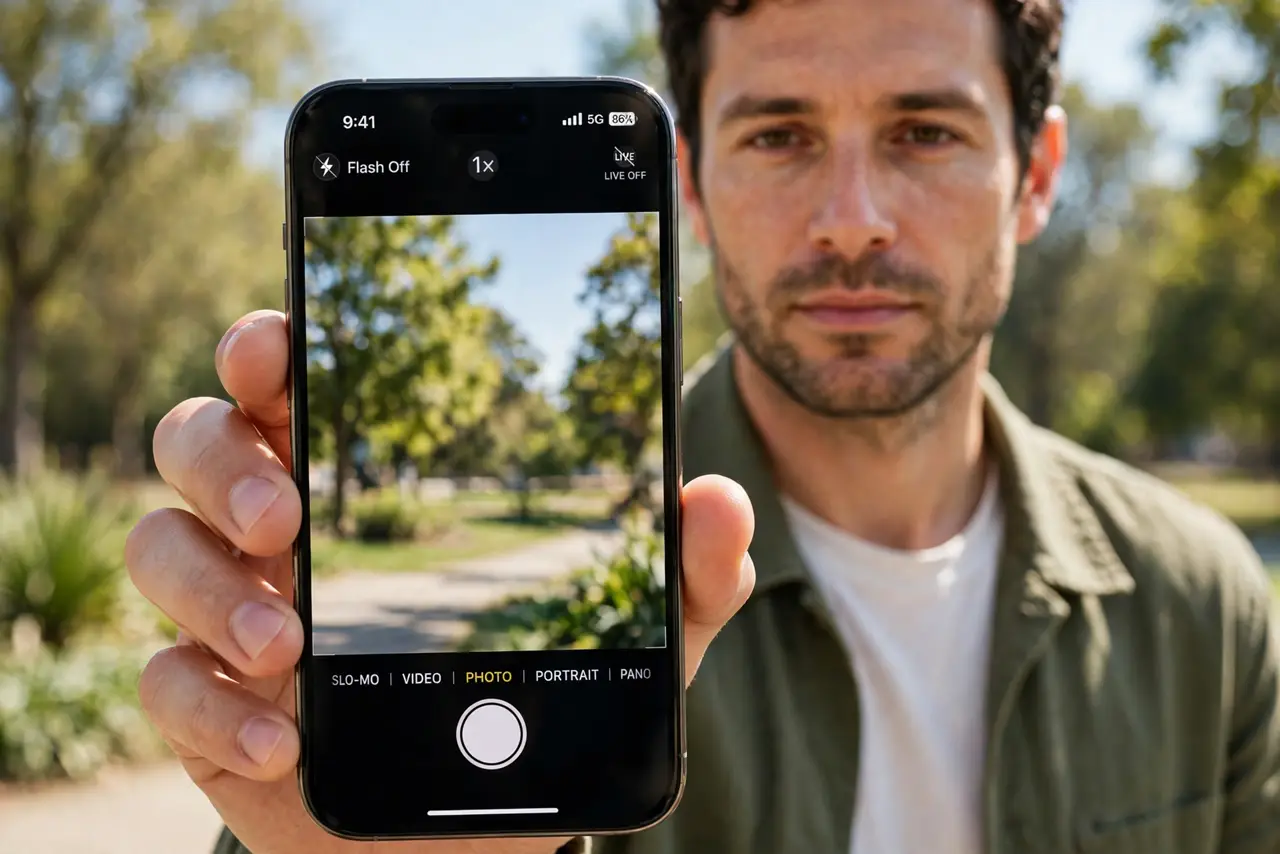
TL;DR / Quick Fix
Quick fix: set flash to off, check Auto mode, test in the Camera app itself, restart the phone, and check whether a third-party app forced flash on. If it still fails after these steps, note exactly when it happens, since that pattern reveals the cause.
Follow these steps
- Set flash to off. Open Camera, tap the flash icon, and choose Off. Off overrides every automatic decision, so daylight flash stops immediately.
- Check Auto mode behavior. If you prefer Auto, set flash to Auto and test in daylight. Auto should stay off in bright light, and if it fires anyway, the light sensor or setting is confused.
- Test in the Camera app itself. Take a daylight photo in the built-in Camera app, not a third-party app. Some apps force flash on regardless of the system setting.
- Restart the phone. Restart the iPhone and test flash again. A stuck flash state after an update or a long session sometimes needs a restart to clear.
- Check for a case covering the sensor. Remove a case or protector covering the camera or sensor area. A blocked sensor can make the phone think the scene is dark.
- Reset camera settings if it persists. If flash still fires in daylight after these steps, reset camera settings in Settings, then General, then Transfer or Reset, or check for a hardware fault.
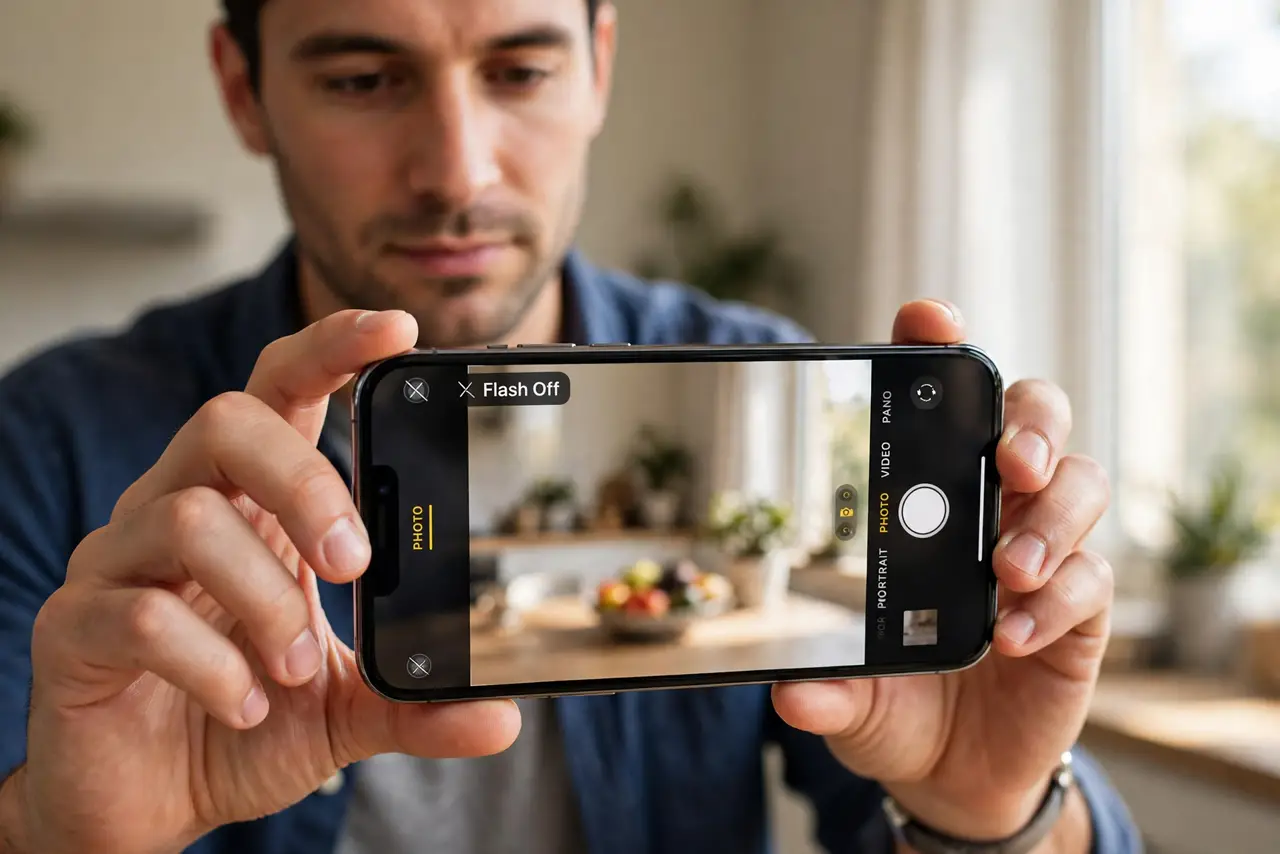
What NOT to do
- Do not leave flash on Auto and hope. If Auto misbehaves, set it to Off for daylight shooting and turn it on only when you need it.
- Do not use flash for every daylight photo. Daylight flash rarely helps and often washes out colors and faces.
- Do not ignore a flash that fires constantly. A flash stuck on can overheat and drain battery, so fix the setting promptly.
- Do not blame the flash for a washed-out photo without checking. Overexposure and flash look similar, so test with flash off first.
Frequently asked questions
Why does flash fire in daylight?
Because flash is set to On, an app forced it, or Auto misjudged the light. Set it to Off to stop it.
Should I use Auto flash?
Auto is fine when it works, but Off is more reliable if Auto keeps firing in daylight.
Can a case cause flash problems?
Yes. A case covering the sensor can make the phone think the scene is dark, triggering flash.