Schedule Focus Modes
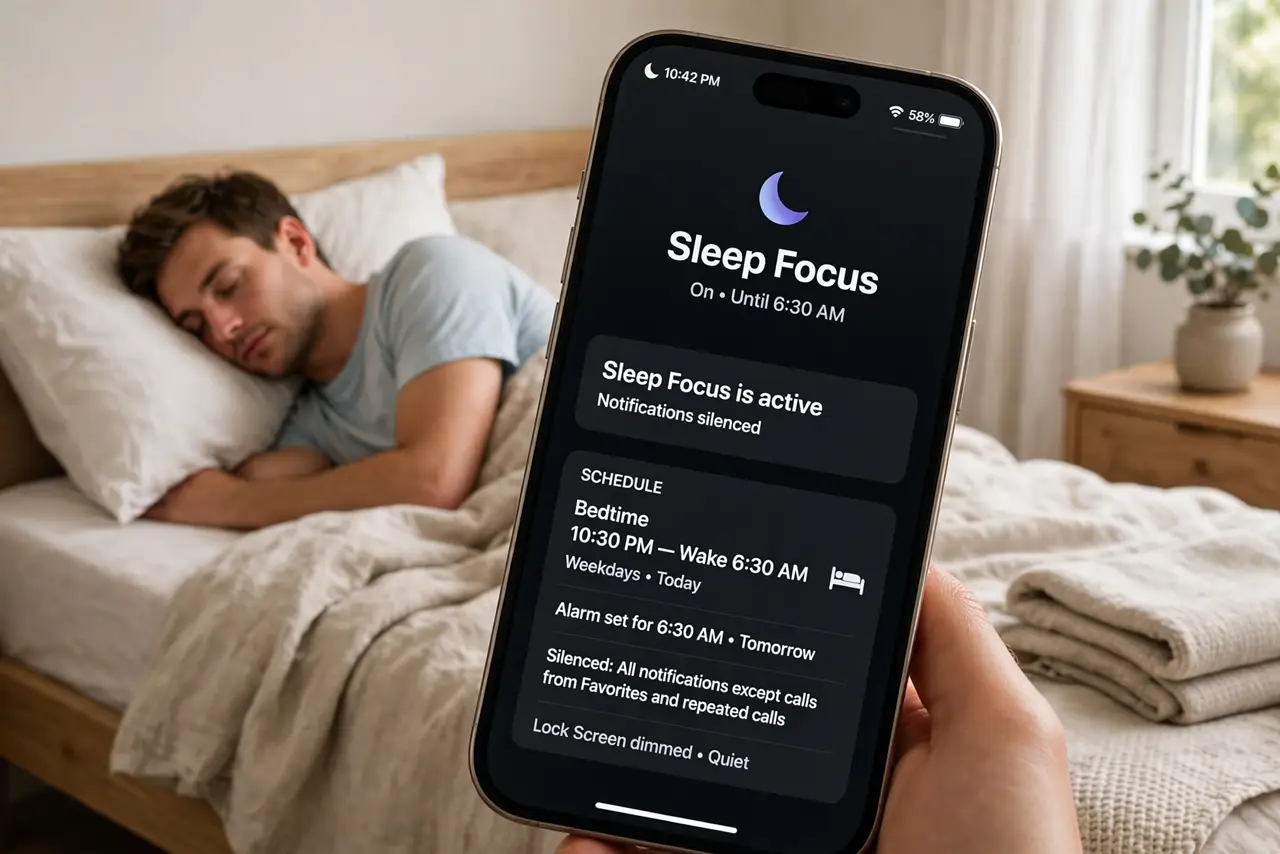
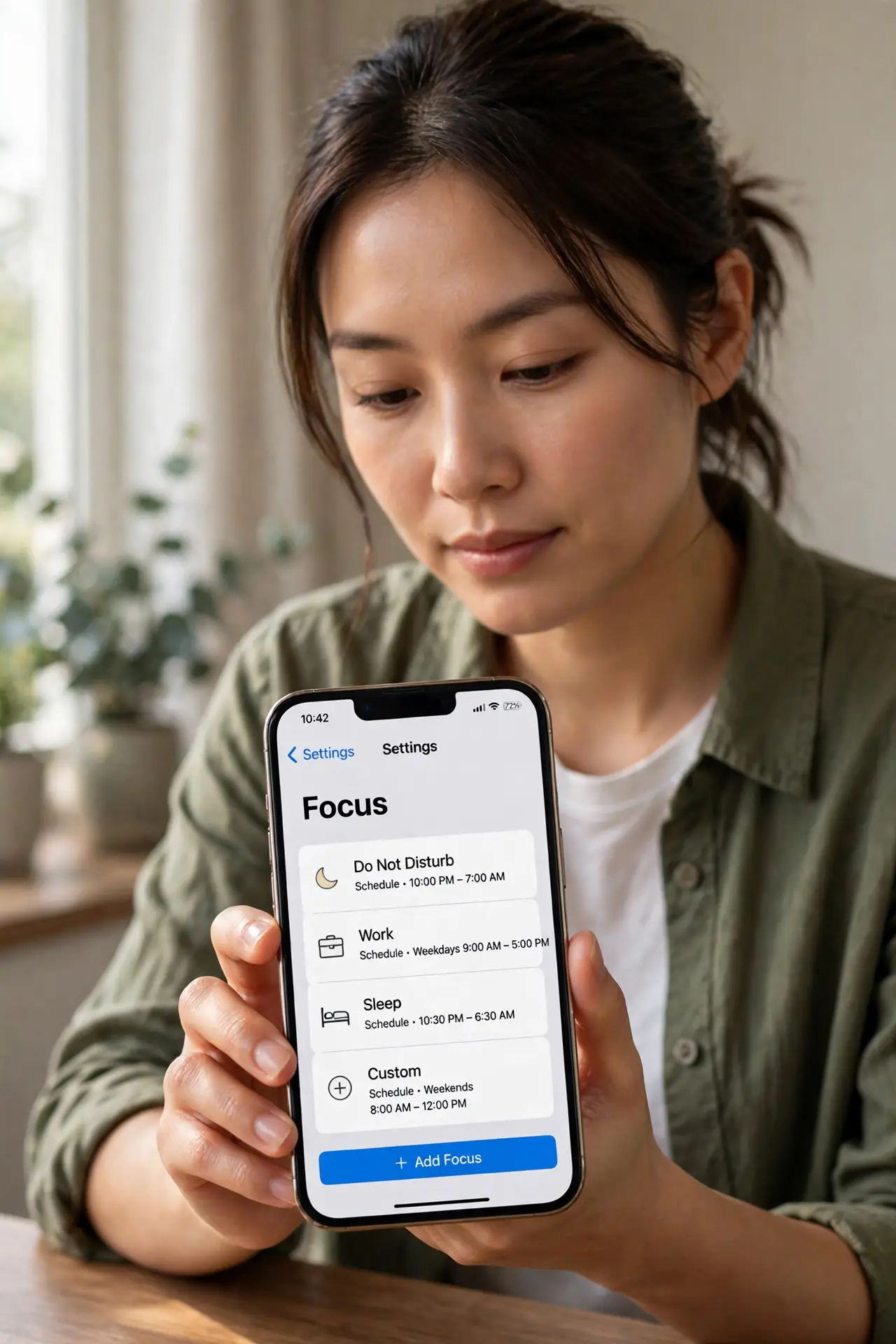
Manually toggling Do Not Disturb every night and off every morning is a routine begging for automation. Focus modes can run on schedules — Work on weekdays, Sleep at night, Driving when moving — firing and ending on their own. Set once, benefit daily. Pair with Sleep Focus and the automation examples.
TL;DR / Quick Fix
Quick fix: schedule your Focus modes instead of toggling them by hand — Work on weekdays, Sleep at night, all automatic. Set each mode's schedule once in Settings and your phone manages the rest. Automation you set and forget is automation that actually works.
Follow these steps
- Open Focus settings. Go to Settings, then Focus. Each mode — Do Not Disturb, Work, Sleep, and customs — has its own schedule options.
- Schedule Sleep first. Set Sleep Focus to start at bedtime and end at wake time. This single schedule improves more nights than any other automation.
- Schedule Work hours. Set a Work focus for weekday working hours. Notifications from non-work apps wait quietly until the workday ends.
- Add location triggers. Some modes can trigger by location — Work at the office, for example. Time plus place covers most routines.
- Choose who breaks through. For each scheduled mode, allow calls from favorites or repeated callers. Emergencies still reach you; everything else waits.
- Review after a week. Check that schedules fire when expected and do not overstay. Tweak the times to match your real routine, not the ideal one.
What NOT to do
- Do not schedule modes you will fight. A schedule that annoys you daily gets disabled — start with the obviously useful ones.
- Do not block everyone. Always allow favorites and repeated calls through; a missed emergency is not worth the quiet.
- Do not forget weekends differ. Copy weekday schedules thoughtfully — your Saturday is not your Tuesday.
- Do not stack conflicting modes. One active focus at a time keeps the behavior predictable.
Frequently asked questions
Can Focus turn on by location?
Yes — modes like Work can trigger when you arrive at a place. Combine with time schedules for the full routine.
What if my schedule changes?
Edit the times in Settings in seconds. Schedules are meant to be tweaked as life shifts.
Do scheduled modes sync to my Mac?
Yes, Focus modes sync across your Apple devices — your Mac quiets down with your phone.