Wind Down with Sleep Focus
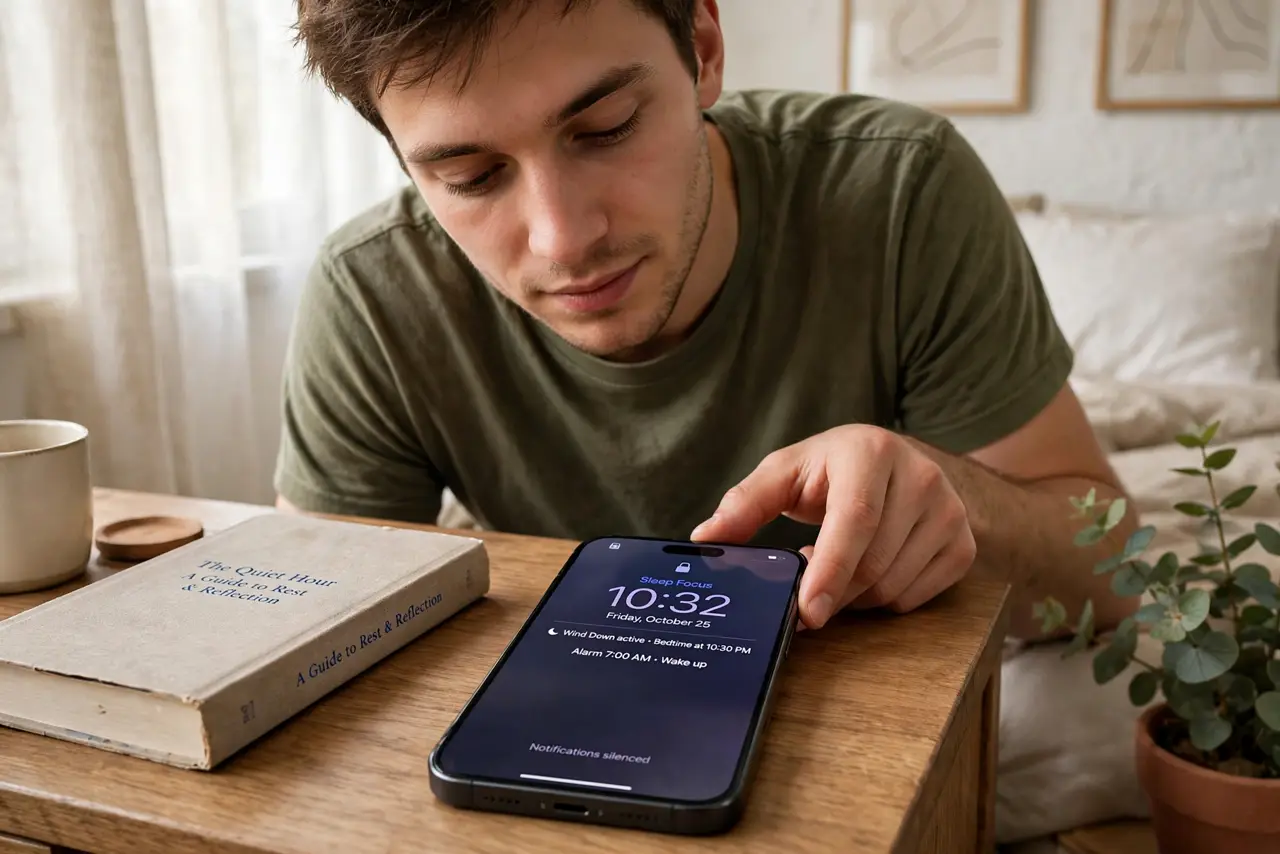
One more scroll becomes forty minutes, and suddenly it is 1 AM. Sleep Focus fights back: at bedtime it dims the lock screen, silences the noise, and greets you with a calm morning screen instead of a notification avalanche. Your nighttime self needs guardrails, not willpower. Pair with the sleep schedule and Focus schedules.
TL;DR / Quick Fix
Quick fix: schedule Sleep Focus to start at bedtime — it dims the lock screen, silences notifications, and removes the temptation to scroll. Pair it with a wind-down shortcut that opens a book instead of social apps. Your morning self will thank your nighttime self.
Follow these steps
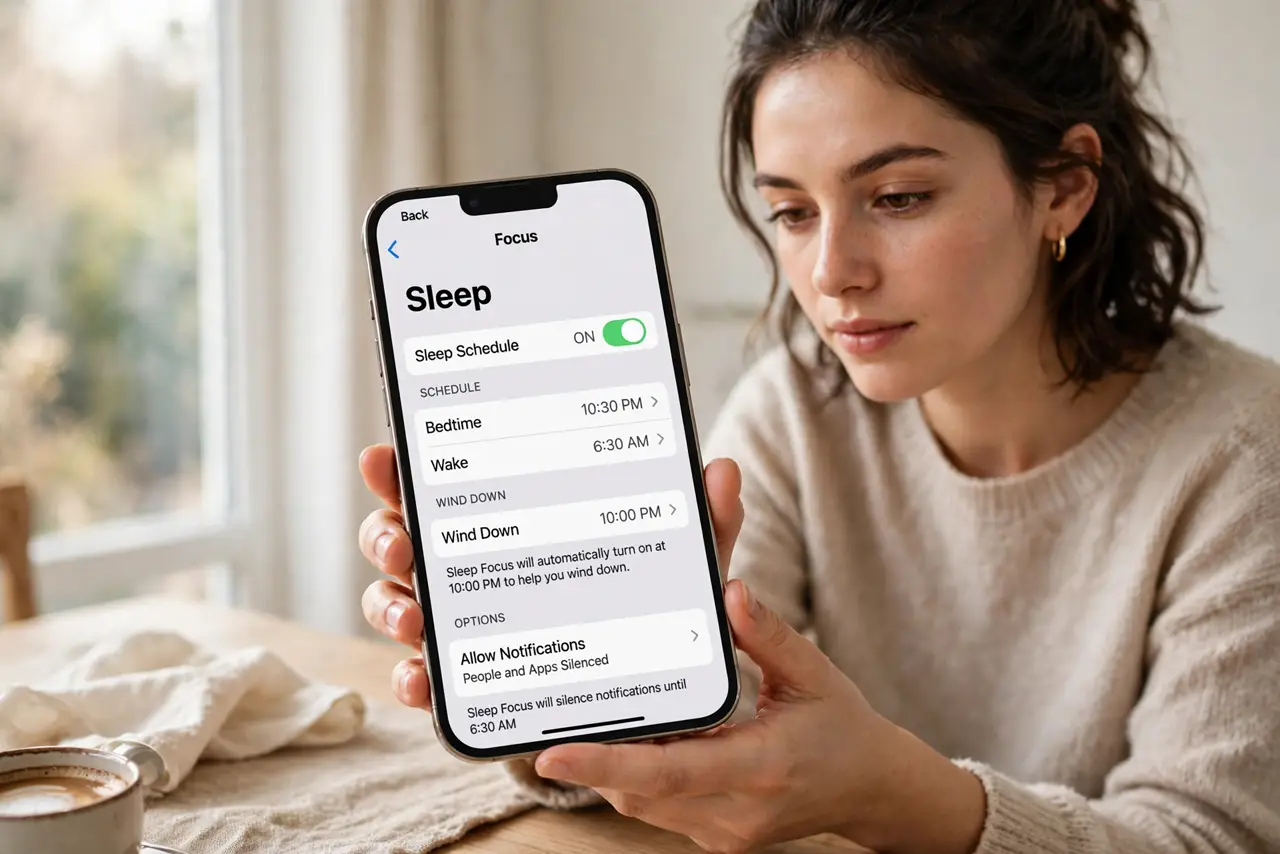
- Set your bedtime schedule. In Settings, Focus, Sleep, set the schedule to start at bedtime and end at wake time. The phone now winds down on its own.
- Simplify the lock screen. Sleep Focus can show a minimal lock screen. Fewer complications, fewer reasons to pick up the phone.
- Silence the right apps. Allow only true essentials through — alarms, family calls. Everything else waits until morning, where it belongs.
- Add a wind-down shortcut. Fifteen minutes before bed, have a shortcut dim the lights or open your reading app. Rituals beat willpower.
- Charge outside the bedroom. The nuclear option that works: phone charges in the hallway, alarm clock on the nightstand. Sleep Focus plus distance is unbeatable.
- Protect the morning too. Let the morning screen stay calm for the first minutes — no news, no feeds. How the day starts shapes how it goes.
What NOT to do
- Do not allow social apps through. One exception becomes the whole feed — Sleep Focus must be a fortress, not a suggestion.
- Do not set the schedule and ignore it. If you keep overriding it nightly, move the time earlier instead of fighting it.
- Do not scroll in bed just because the screen is dim. The dimming helps, but the habit change is yours to make.
- Do not forget weekends. Keep a version of the schedule for weekends too, or Friday night undoes the week.
Frequently asked questions
Will I miss emergency calls?
No — allow favorites and repeated callers through. True emergencies reach you; everything else waits.
Can it track my sleep too?
Yes, with an Apple Watch or the phone's own sleep tracking. The data is a bonus, not the point.
What if I work nights?
Set the schedule to your actual sleep hours. Sleep Focus follows your rhythm, not the sun's.