Focus Mode Tells People You're Silenced? Fix It
You turn on a Focus mode and your contacts see 'has notifications silenced' — announcing exactly what you wanted to keep quiet. Focus shares that status by default, but you can turn the sharing off per mode. This guide reclaims your privacy without giving up Do Not Disturb.
TL;DR / Quick Fix
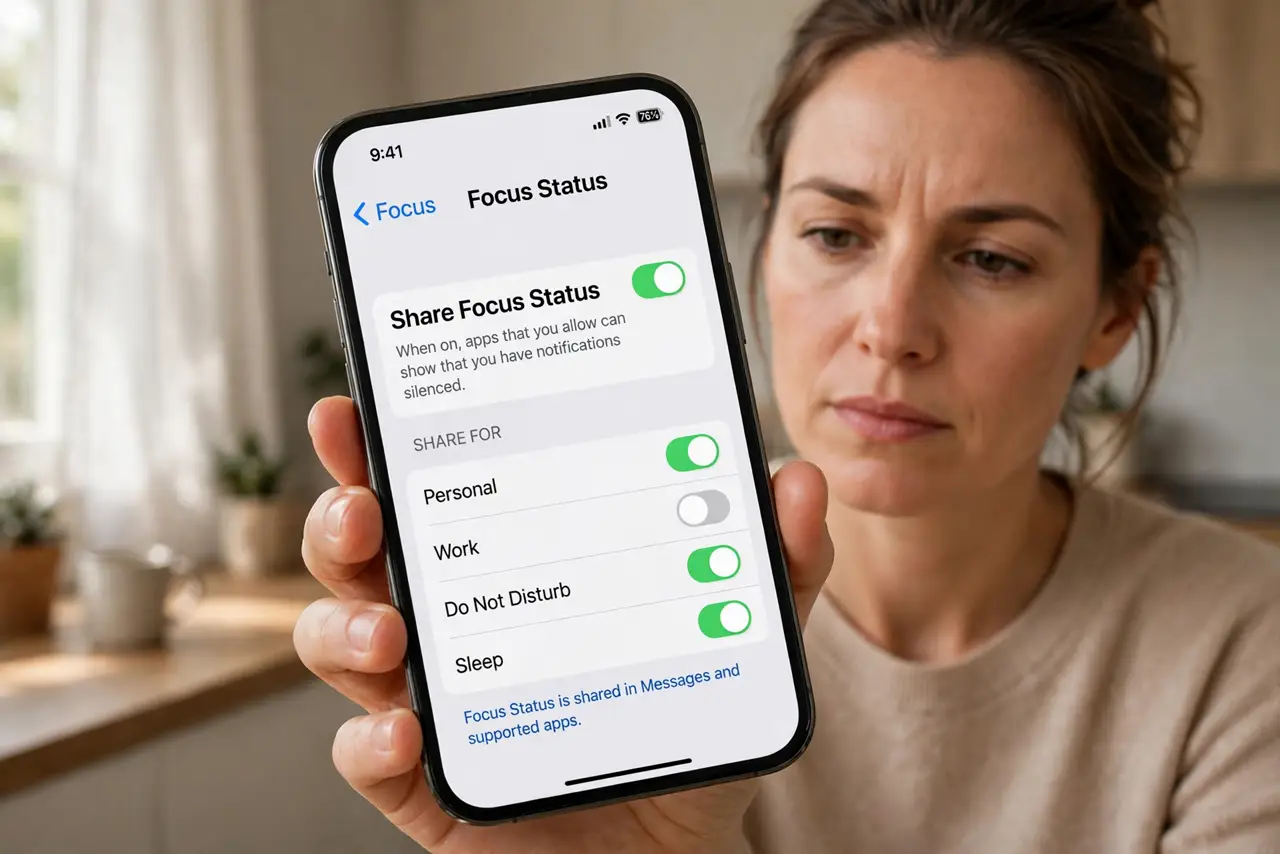
Quick fix: open the Focus mode's settings and turn off Share Focus Status — contacts stop seeing the silenced notice. You can disable it for one Focus while keeping it for others. People may still guess you're busy if you never reply; the toggle only removes the explicit notice.
Follow these steps
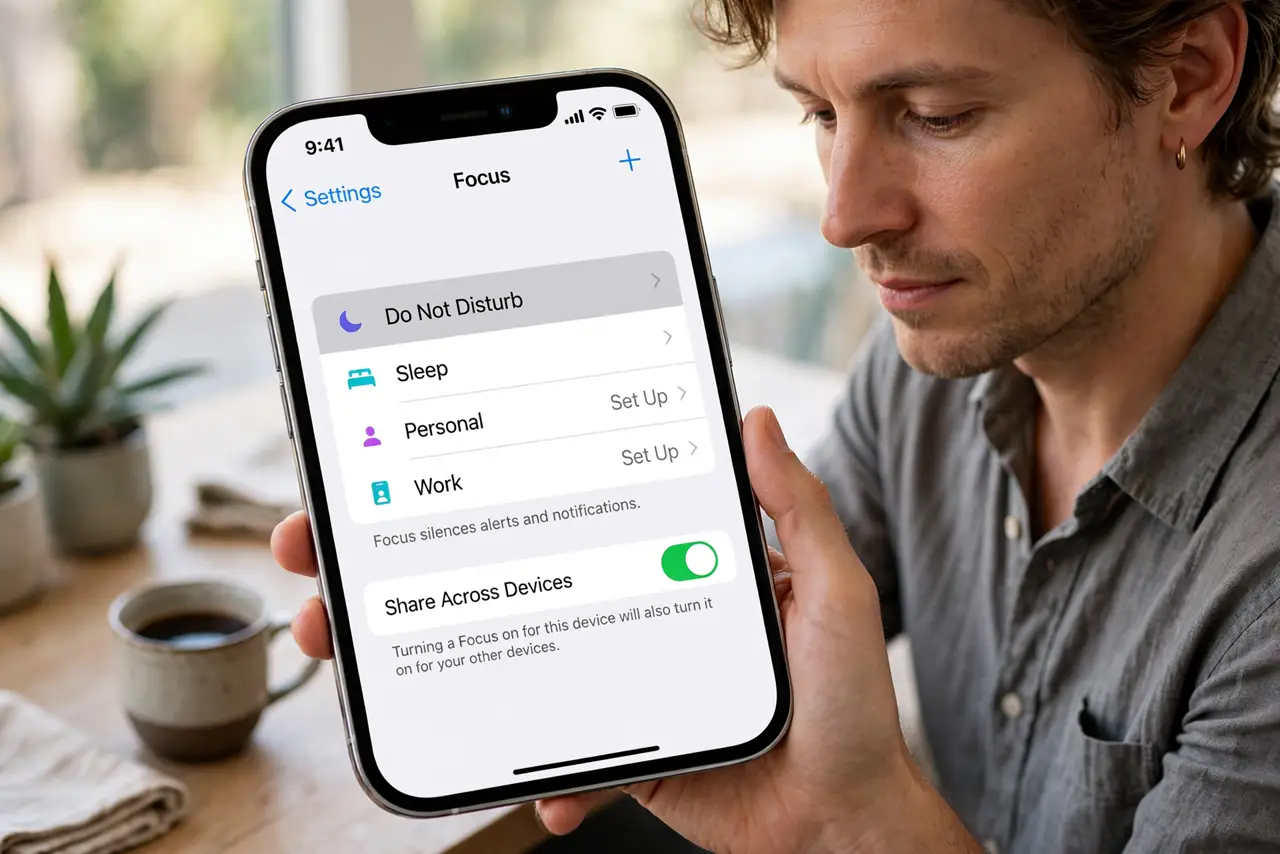
- Open the Focus mode's settings. Go to Settings, Focus, and tap the specific mode — Sleep, Work, or your custom one. Sharing is per mode, not global.
- Turn off Share Focus Status. Toggle off Focus Status. From now on, people messaging you will not see the 'notifications silenced' notice for this mode.
- Repeat for each mode. Check your other Focus modes separately. You might want sharing on for Work but off for Personal — the choice is yours per mode.
- Tell key people directly instead. If someone needs to reach you urgently, give them a direct heads-up. A personal message beats a system status anyway.
- Check allowed people and apps. While you are there, review who can break through the Focus. Sharing off plus a tight allowlist is the private-but-reachable setup.
- Test with a friend. Have a friend message you with the Focus on. Confirm they see no silenced notice — settings sometimes need a moment to apply.
What NOT to do
- Do not assume turning it off makes you invisible. Slow replies still signal unavailability — the toggle only removes the explicit banner.
- Do not leave sharing on for every mode out of habit. Review each mode once and set it deliberately.
- Do not confuse Focus status with read receipts. They are separate settings — hiding one does not hide the other.
- Do not expect the toggle to block calls. It only hides the status notice; the Focus's allowlist controls what gets through.
Frequently asked questions
What does 'has notifications silenced' mean?
The person has a Focus mode on and chose to share that status. Your message is delivered — they just are not being notified right now.
Can I hide it for one Focus but not others?
Yes. Share Focus Status is set per Focus mode, so Sleep can be private while Work stays visible.
If I turn it off, will people think I'm ignoring them?
Possibly — without the notice, silence looks like silence. For important contacts, a quick heads-up works better than any status.