Make Your Own Genmoji
The perfect emoji for your reaction does not exist — until you make it. Genmoji lets you describe any emoji you can imagine and generates it on your iPhone, ready to send like a normal emoji. It is part of Apple Intelligence, and it is as fun as it sounds.
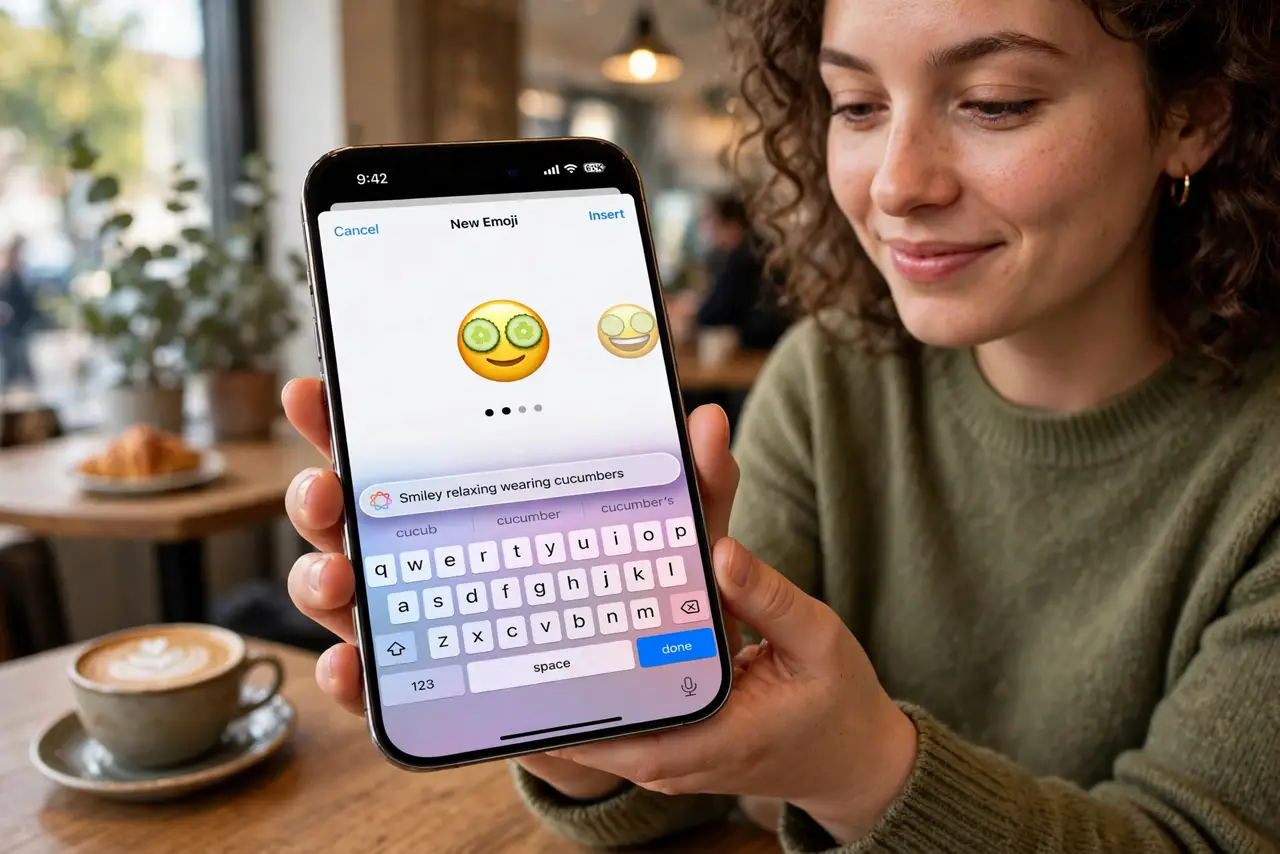
TL;DR / Quick Fix
Quick fix: open the emoji keyboard in Messages, tap the Genmoji button, and describe the emoji you want — a smiling cactus wearing sunglasses, for example. Your creation saves like a sticker and sends like an emoji. Requires Apple Intelligence on a supported iPhone.
Follow these steps
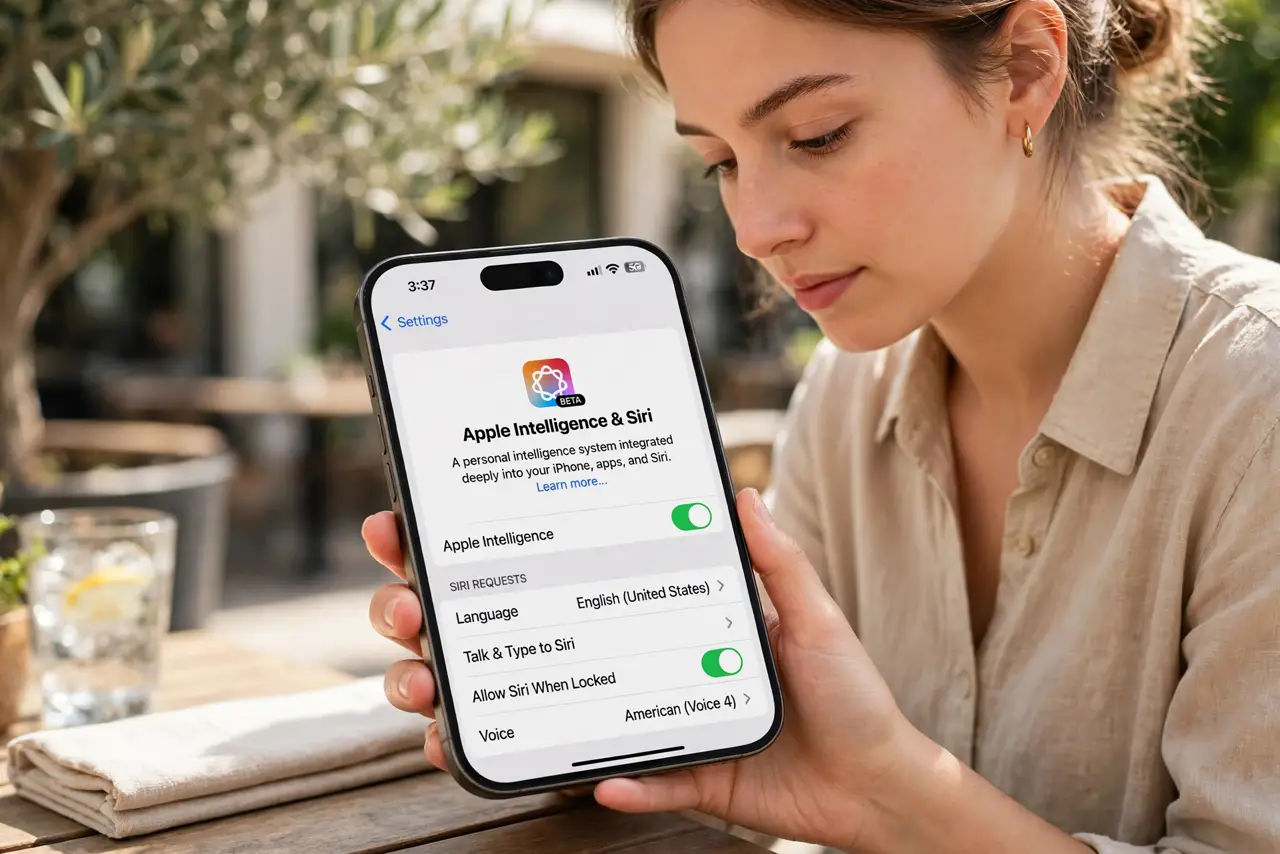
- Check you have Apple Intelligence. Genmoji needs a supported iPhone with Apple Intelligence enabled — see what Apple Intelligence is if the button is missing.
- Open the emoji keyboard. In Messages or any text field, switch to the emoji keyboard as usual.
- Tap the Genmoji button. Look for the glowing emoji icon or Create New Emoji option at the top of the keyboard.
- Describe your emoji. Type a plain description: what it is, doing what, in what style. Specific descriptions (sleepy cat astronaut) beat vague ones (cool cat).
- Swipe through the options. The phone generates several versions. Swipe to pick your favorite — small prompt tweaks produce very different results.
- Send it like any emoji. Your Genmoji inserts inline in text and saves to your recents. Friends on older phones see it as an image or sticker.
What NOT to do
- Do not expect photorealism. Genmoji are stylized by design — that is the charm, not a limitation.
- Do not describe real people. Stick to concepts and characters; generating likenesses of real individuals is off-limits.
- Do not send them as formal communication. A custom cactus has no place in a condolence message.
- Do not assume they work everywhere. Very old devices and some apps display them as static images.
Frequently asked questions
Is Genmoji free?
Yes — part of Apple Intelligence on supported iPhones, no subscription or credits.
Can I use Genmoji outside Messages?
Yes, anywhere the emoji keyboard works. They behave like stickers in most apps.
Why is the button missing?
Your iPhone likely does not support Apple Intelligence, or it is not enabled. Both are required.