Add Health Records
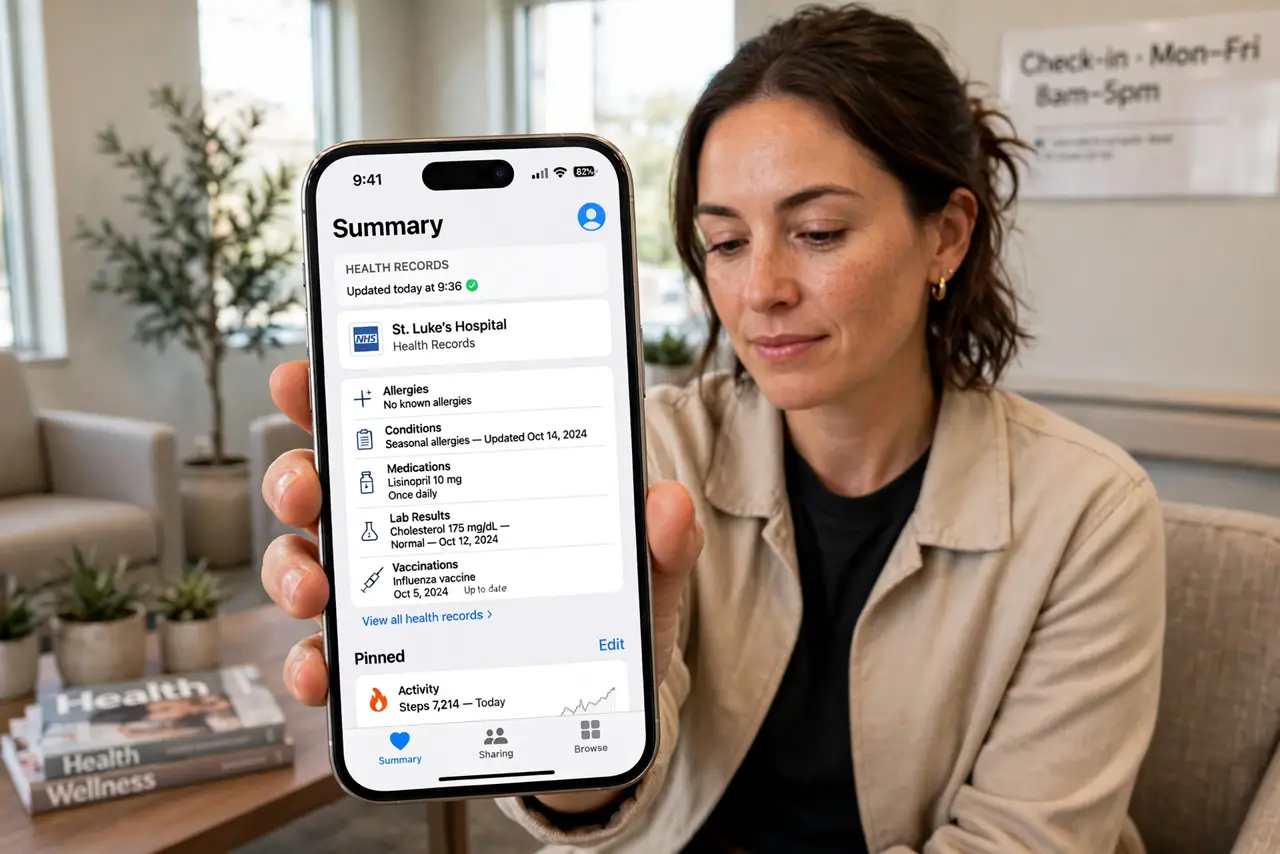
Your lab results, vaccinations, and prescriptions are scattered across patient portals you can never log into when it matters. The iPhone Health app can pull health records directly from participating hospitals and clinics into one private, searchable place — immunizations, labs, vitals, and medications together. This guide connects your providers, checks what synced, and keeps the records useful for appointments. For daily pill routines, add medication reminders in the same app.
TL;DR / Quick Fix
Quick fix: in the Health app, tap your profile picture, then Health Records, and search for your hospital or clinic to connect it. Records download automatically and stay private on your device. Review them before appointments so you can answer the "any changes" question accurately.
Follow these steps
- Open Health Records in the Health app. Tap your profile picture in the Health app, then Health Records. If your provider participates, you will find it by searching the name — most large hospital systems do.
- Connect with your patient portal login. Sign in with the same credentials you use for the provider's portal. The iPhone pulls records through a secure connection; the clinic never sees your phone.
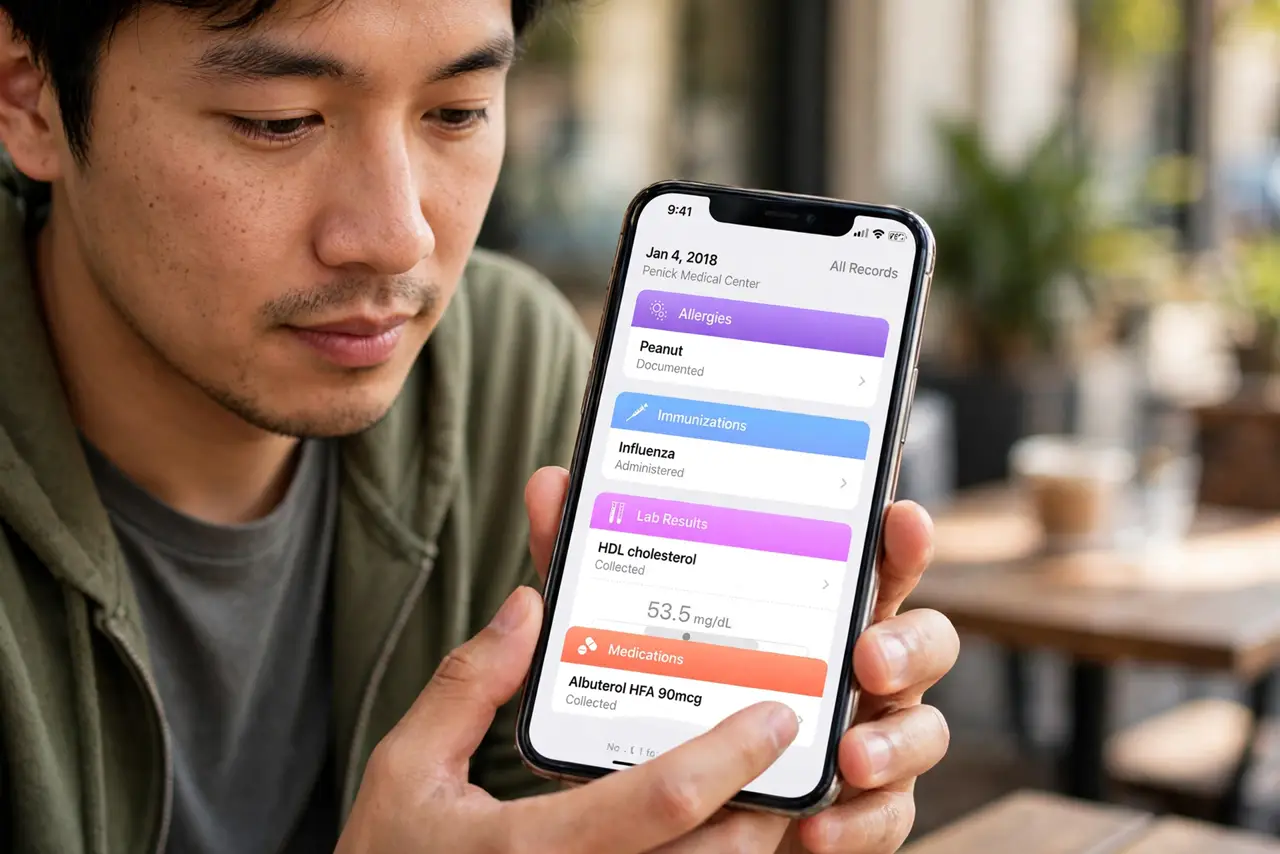
- Check what synced. Browse the categories — allergies, immunizations, lab results, medications, vitals. New results arrive automatically after visits, usually within a day or two.
- Verify the medication list. Compare the synced medications against what you actually take. Portal data can lag; the medication tracker you maintain yourself is the live truth.
- Use it at appointments. When the nurse asks about changes, open the record instead of guessing. Showing the actual lab trend beats 'I think it was fine' every time.
- Keep the phone locked. Health records are sensitive. Face ID plus a strong passcode is the protection — and think twice before sharing screenshots of results.
What NOT to do
- Do not assume every provider participates. Small clinics may not connect — their portal remains the source of truth there.
- Do not treat synced records as instant. Lab results can take a day or two to appear after the visit.
- Do not share your portal login with family 'helpers.' They can view records through proper proxy access instead.
- Do not panic at a flagged lab value alone. Reference ranges need context — discuss abnormal results with your clinician, not a search engine.
Frequently asked questions
Is my health data sent to Apple?
No. Health records are encrypted on your device and in your iCloud backup. Apple states it cannot read them.
Can I connect multiple providers?
Yes — add each hospital or clinic the same way. Records merge into one timeline, which is the real payoff.
What if my provider is not listed?
Ask them about FHIR-based patient access — the standard behind the feature. Until then, download records from their portal manually.