Use iPhone as a Hotel Key
The front desk line is twelve people deep and all you want is your room. Many hotel chains now issue digital room keys straight to Apple Wallet — check in on the app, and your phone becomes the key. Tap the door, walk in, skip the line entirely. Here is how it works and where it does not.
TL;DR / Quick Fix
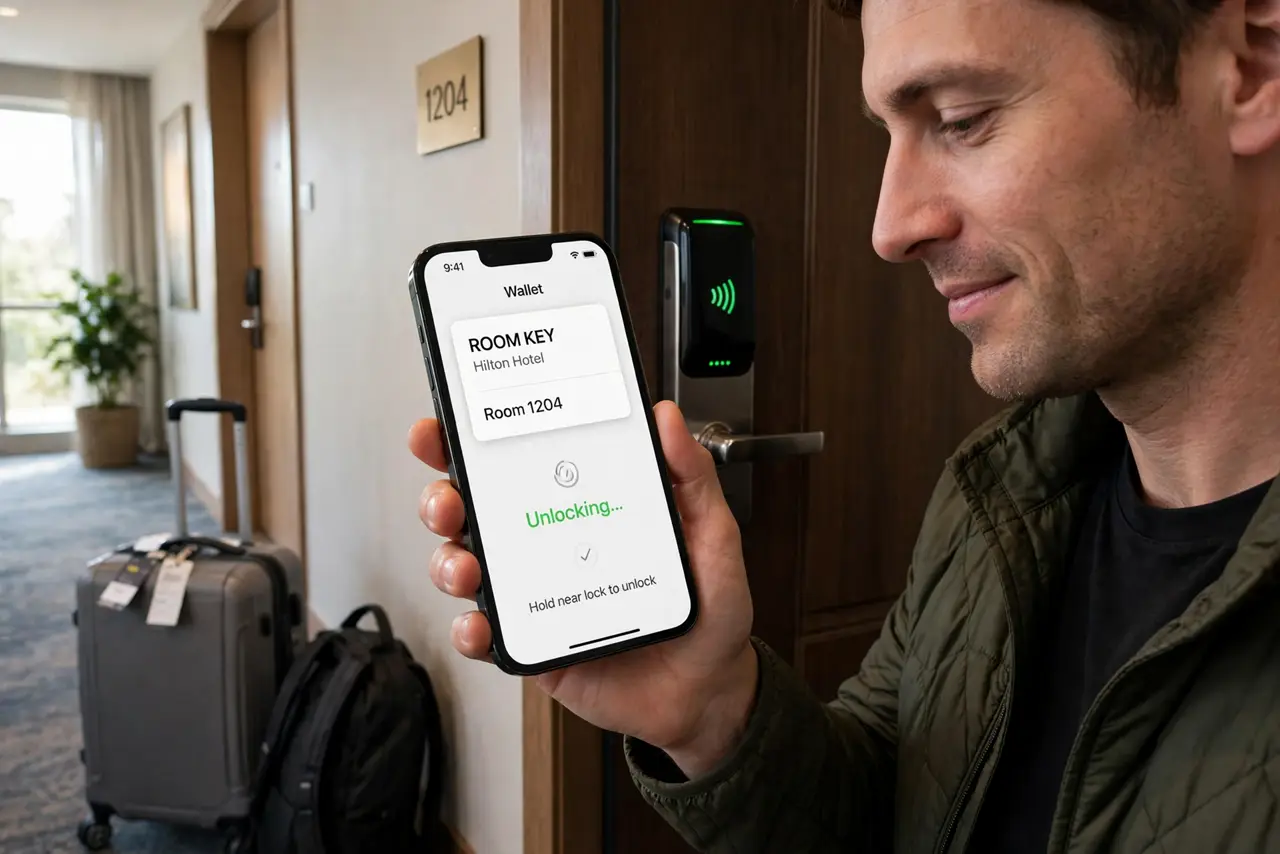
Quick fix: many hotel chains let you add your room key to Apple Wallet — check in and the key appears when your room is ready. Hold your iPhone near the door lock; nothing to open. Not every hotel supports it — confirm before skipping the front desk.
Follow these steps
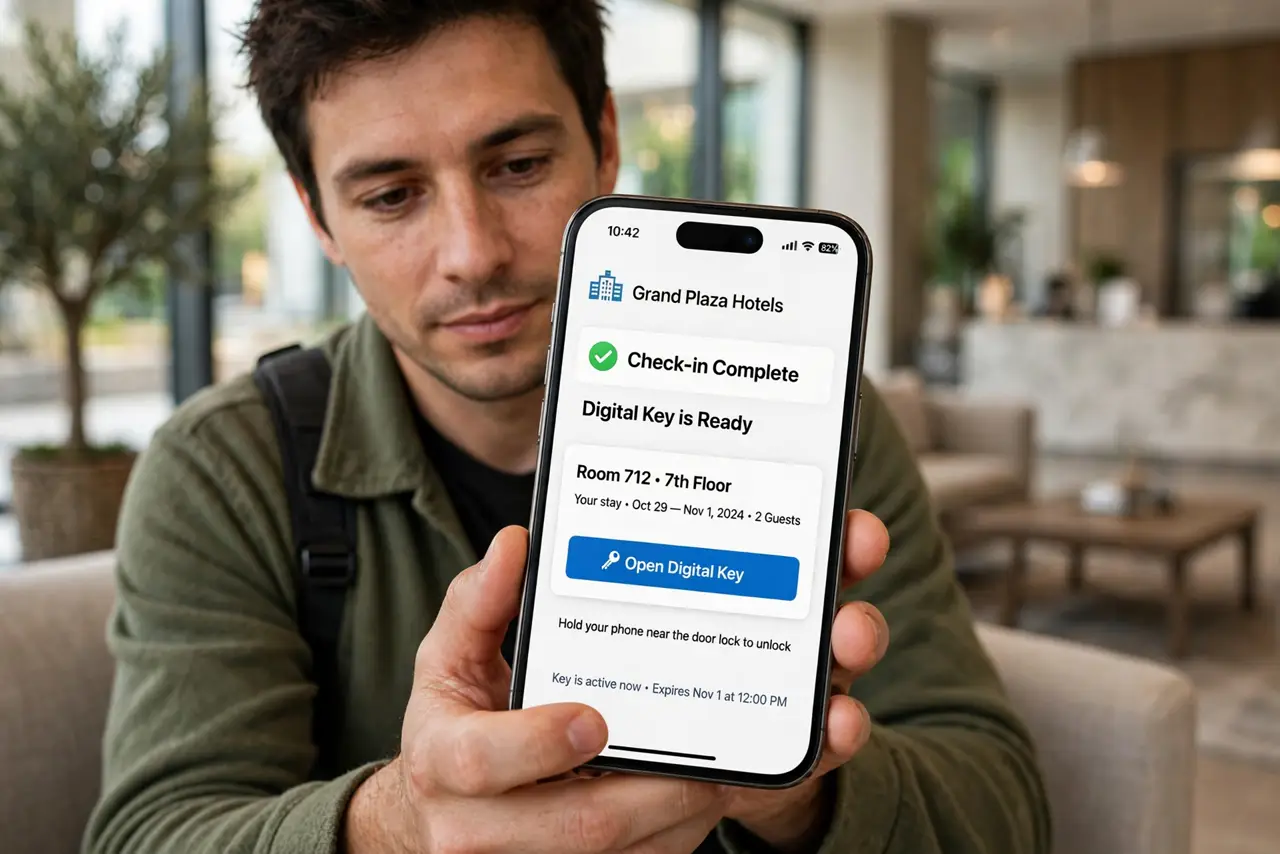
- Check in on the hotel's app. Digital keys come from the hotel chain's own app (major chains support this; independents rarely do). Complete mobile check-in — the key is issued when your room is assigned.
- Add the key to Apple Wallet. The app offers Add to Apple Wallet once the key is ready. Accept it — the key card appears in Wallet like a transit card, no separate app needed at the door.
- Unlock by holding near the reader. Hold the top of your iPhone near the door lock. It works like Express Transit — no unlock, no opening Wallet. The transit cards guide uses the same tap mechanic.
- Add it to your Apple Watch too. The key syncs to your paired Apple Watch automatically in most cases. A wrist tap at the door beats fishing the phone from a pocket with luggage in both hands.
- Know it works offline. The door tap is local NFC — no Wi-Fi or cellular needed at the door. You only need connectivity for the initial check-in and key delivery.
- Keep the physical card as backup. Batteries die and readers glitch. Grab the plastic card at the desk anyway — it is weightless insurance for the 2 AM lockout.
What NOT to do
- Do not skip the front desk without confirming support. Not every property in a chain has digital-key readers — arriving to a dumb lock with no card is a bad night.
- Do not delete the hotel app mid-stay. Some keys need the app for re-issue if the Wallet pass glitches — keep it until checkout.
- Do not share screenshots of your key. A screenshot of a working key is a copy of your room access — treat it like a physical key.
- Do not rely on it with a nearly dead phone. Unlike Express Transit's power reserve, hotel keys may not work on a dead battery — charge before the late return.
Frequently asked questions
Which hotels support Apple Wallet keys?
Major chains with modern lock systems — check the chain's app before booking if it matters to you. Independent hotels almost never support it.
Can my travel companion get the key too?
Usually yes — the hotel app can issue multiple keys per reservation. Each person adds their own to their own Wallet.
What happens at checkout?
The key deactivates automatically. It may linger in Wallet as an expired pass — remove it to keep Wallet tidy.