Transit Cards in Wallet?
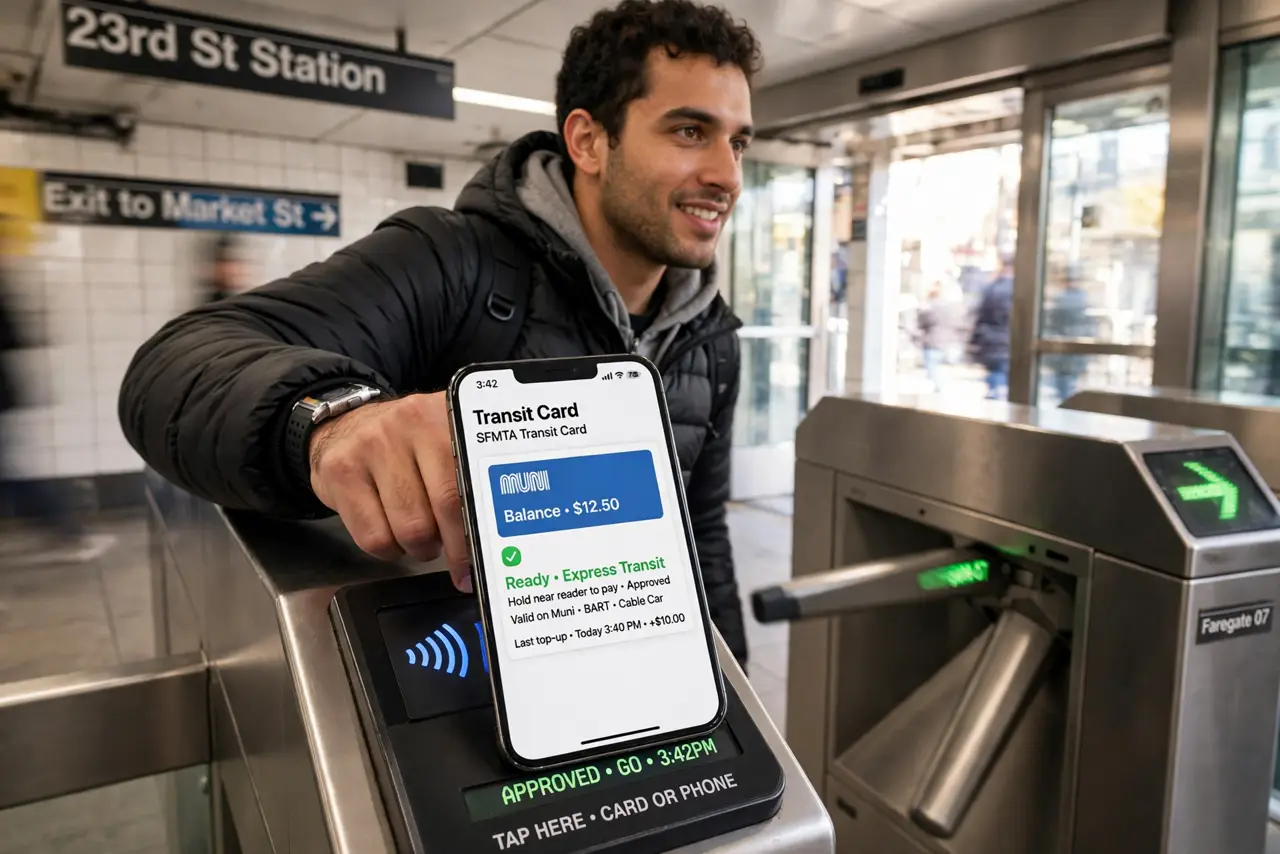
In supported cities, your iPhone replaces the transit card — tap through subway gates and bus readers with your phone or Apple Watch, no app-opening, no unlocking. Express Transit makes it as fast as a plastic card. Here is how to add your city's card and ride without fumbling at the gate.
TL;DR / Quick Fix
Quick fix: add your city's transit card in Wallet with the + button — many cities support it directly. Turn on Express Transit for that card so you can tap gates without unlocking your phone. Top up inside Wallet, and your balance syncs to your Apple Watch automatically.
Follow these steps
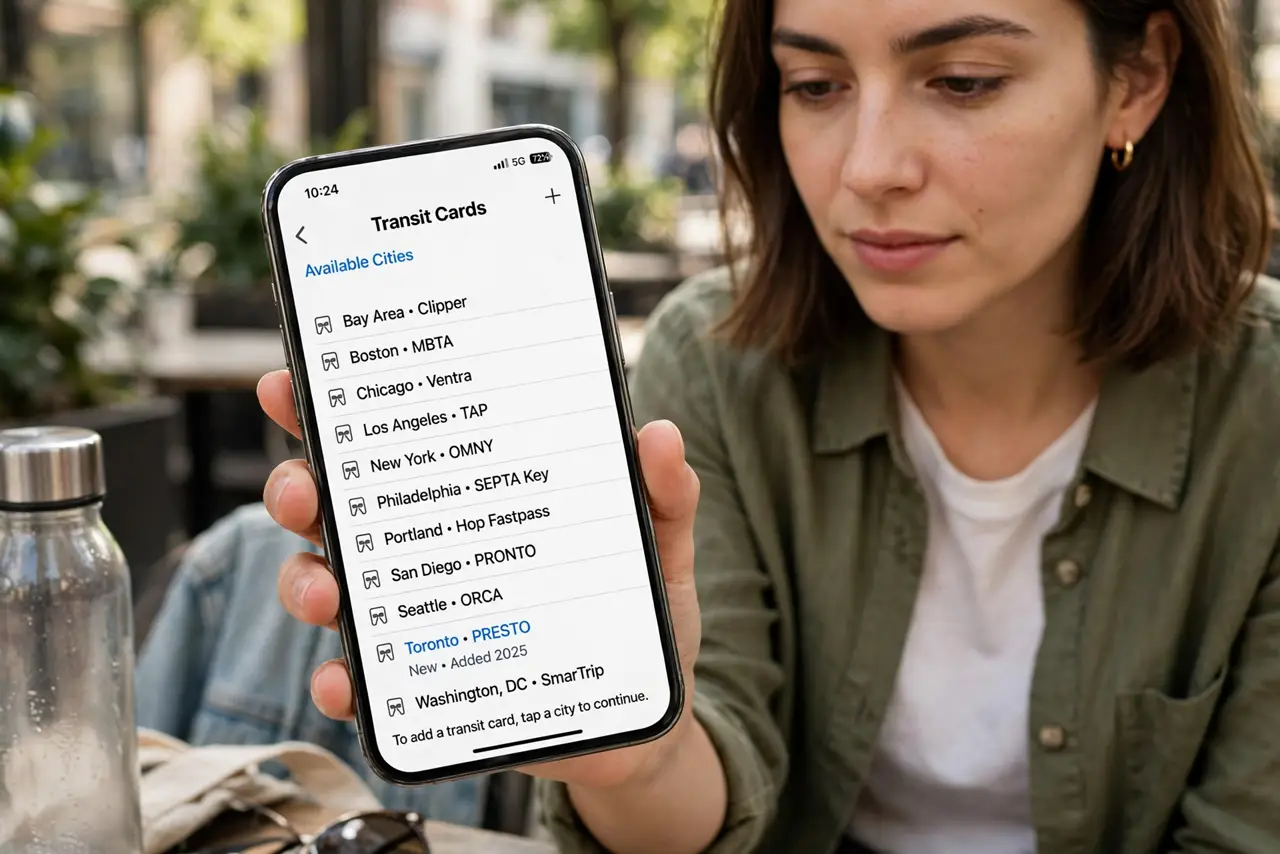
- Check your city is supported. Major systems — New York OMNY, London Oyster via contactless, Tokyo Suica, and many more — work with Wallet. Search Apple's transit support list for your city before anything else.
- Add the card to Wallet. Wallet > + > Transit Card > choose your city and card type. Fund it with Apple Pay — the card lives on your iPhone and Apple Watch simultaneously.
- Enable Express Transit. Settings > Wallet > Express Transit > select your card. This is the magic: tap the gate with a locked, even sleeping phone and it just works — no Face ID at the turnstile.
- Top up inside Wallet. Tap the card > Add Money whenever the balance runs low. Auto-reload options exist in some cities — set a threshold and never think about it again.
- Use it on your Apple Watch too. The card mirrors to your watch automatically — double-click the side button or just tap the reader with Express mode. Wrist-tapping through gates is peak commuting.
- Know the backup plan. A dead phone battery kills Express Transit — though iPhones reserve a tiny power reserve for transit for hours after 'dying'. Carry the physical card as backup on critical trips. See the Wallet basics for the full picture.
What NOT to do
- Do not enable Express Transit on the wrong card. Tapping the gate charges the Express card — set the right one.
- Do not let the balance hit zero mid-commute. Top up before rush hour, not at the gate with a queue behind you.
- Do not assume every city works. Transit support is per-system — verify yours before ditching the plastic card.
- Do not forget the power-reserve limit. The dead-battery transit trick lasts hours, not days — charge the phone.
Frequently asked questions
Does Express Transit work with a dead phone?
For a few hours, yes — iPhones keep a power reserve for transit cards after shutdown. It is a backup, not a plan.
Can I transfer my physical card's balance?
In many cities yes, during setup — the plastic card is then deactivated. Check your transit agency's transfer rules.
Is it safe if someone steals my phone?
Express Transit only works for transit fares — purchases still need Face ID. Suspend everything via Find My immediately anyway.