iCloud or Device Storage?
Your iPhone says storage is full, Apple offers iCloud storage for a monthly fee, and you are stuck between paying forever and deleting photos. The two storages do different jobs: device storage is fast and finite, iCloud is the overflow that keeps memories safe when the phone is lost or broken. Understanding the division ends the confusion — and the surprise bills. The photo storage guide attacks the immediate crisis.
TL;DR / Quick Fix
Quick fix: use iCloud storage for photos and backups so a lost or broken iPhone does not mean lost memories — but know the free 5GB runs out fast and Apple charges monthly beyond it. Device storage is finite; iCloud is the overflow valve.
Follow these steps
- Learn the two jobs. Device storage holds apps and system files for speed. iCloud holds photos, backups, and documents for safety and syncing — different tools, not competitors.
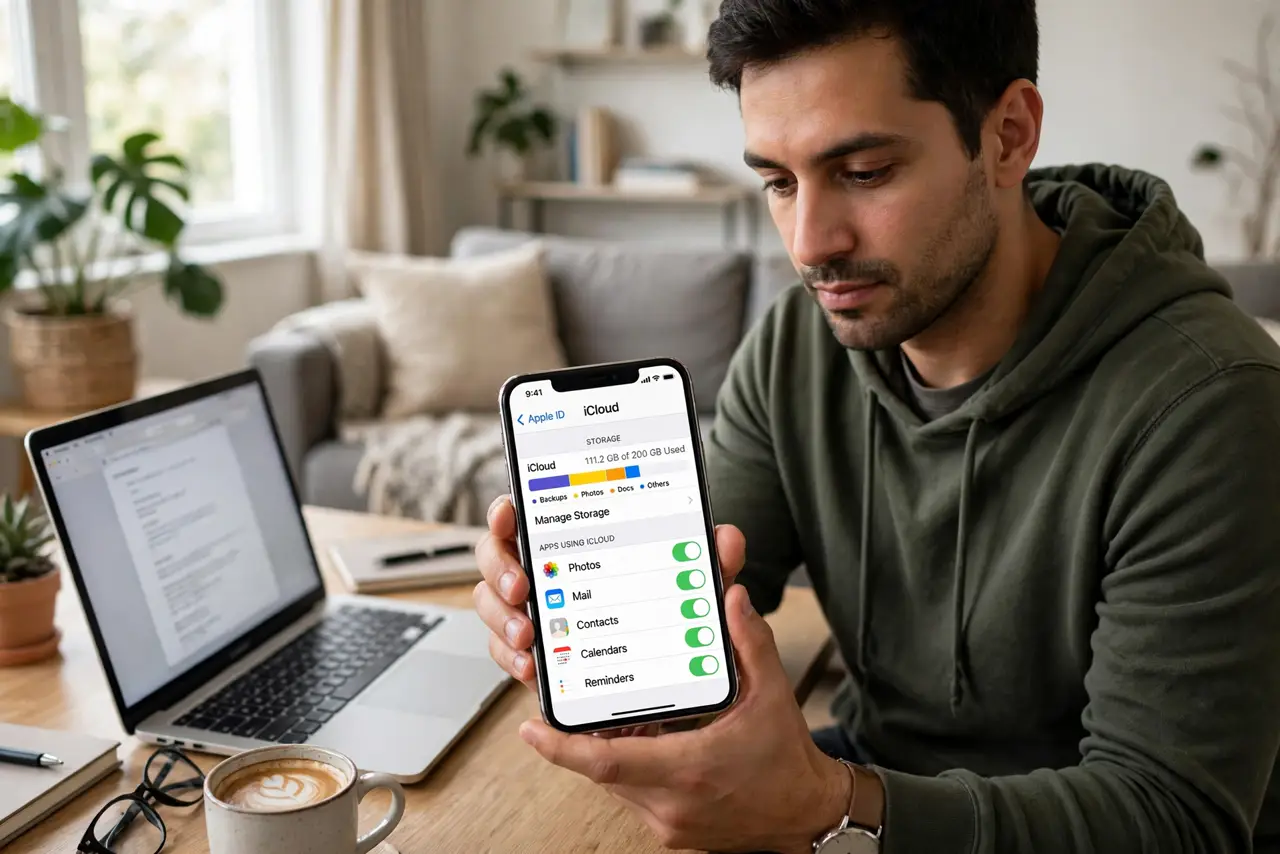
- Check your real numbers. Settings, then General, then iPhone Storage shows device usage; Settings, then your name, then iCloud shows cloud usage. Decide with numbers, not vibes.
- Turn on iCloud Photos with Optimize. Full-resolution originals live in iCloud while the phone keeps light versions. This is the single biggest relief for full phones — see the storage guide.
- Back up to iCloud regularly. An iCloud backup means a lost phone is an inconvenience, not a tragedy. Automatic nightly backups while charging cover you silently.
- Size the paid tier honestly. The free 5GB covers almost nobody with photos. Match the tier to your photo library plus backups — and review yearly, since libraries only grow.
- Know what iCloud does not do. iCloud is not infinite device storage — apps still need local room to run. And without internet, cloud files are unreachable.

What NOT to do
- Do not pay for iCloud and keep everything local too. That is paying for a safety net you refuse to use.
- Do not assume the free 5GB is enough. It fills with one backup — check before relying on it.
- Do not delete originals thinking iCloud 'has them' without verifying. Confirm the upload completed first.
- Do not ignore the monthly cost math. iCloud is a subscription — review whether the tier still fits yearly.
Frequently asked questions
Is iCloud storage the same as iPhone storage?
No. iPhone storage is the physical space in your phone; iCloud is Apple's cloud space. They work together but are billed and managed separately.
What happens if I stop paying for iCloud?
You keep your files but cannot add more; Apple gives a grace period before restricting uploads. Download anything critical first.
Can I use iCloud without an iPhone?
Yes — iCloud.com works from any browser, and Windows has an iCloud app. Your files are not trapped in Apple hardware.