The Journal App? The Basics
Apple's Journal app turns your iPhone into a private diary that suggests what to write about — pulling moments from your photos, workouts, music, and places. Entries stay on your device, lockable behind Face ID, and the suggestions make the blank page far less intimidating. Here is how to start and actually keep it up.
TL;DR / Quick Fix
Quick fix: open Journal, tap the plus button, and write — or pick a suggestion built from your photos, workouts, and locations. Add photos or voice to any entry. Turn on Lock Journal in Settings for Face ID protection, and set a daily reminder so the habit sticks.
Follow these steps
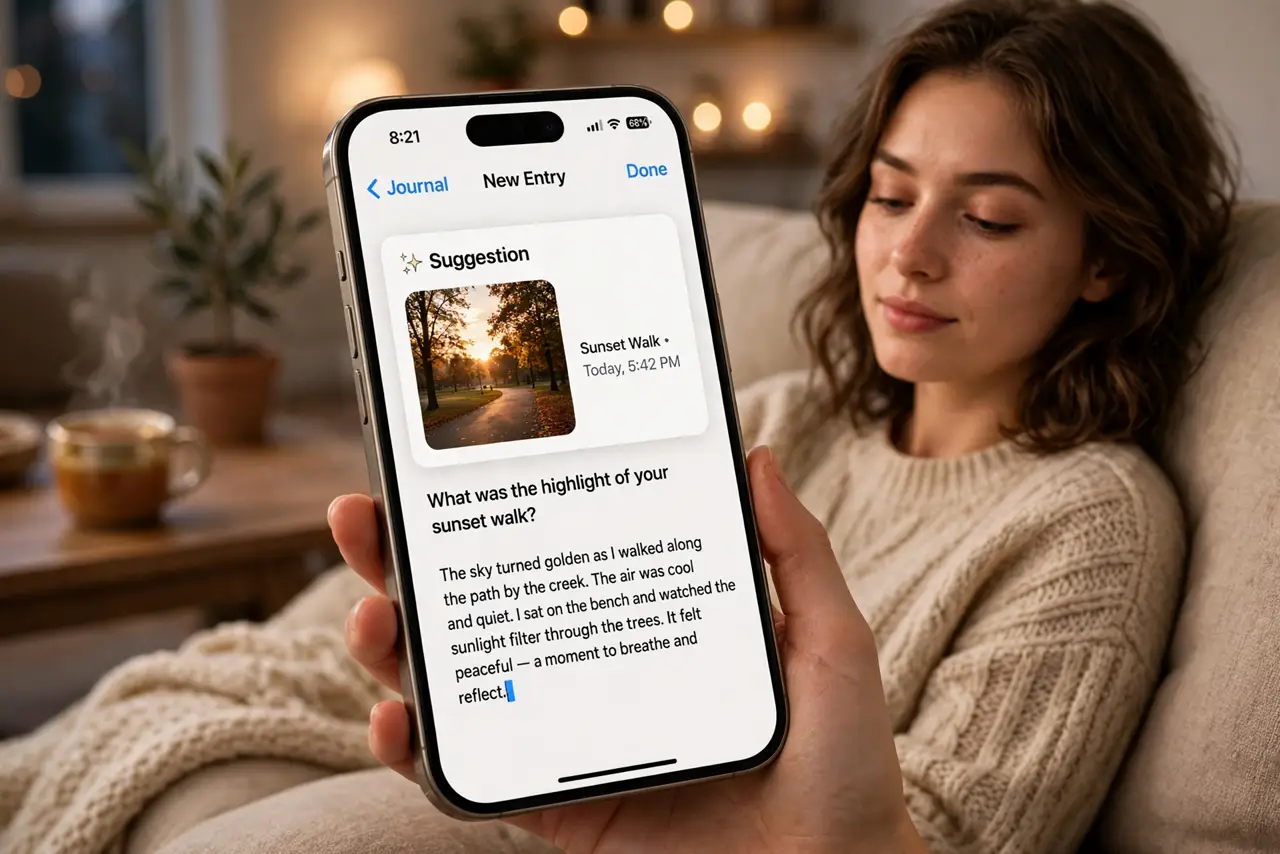
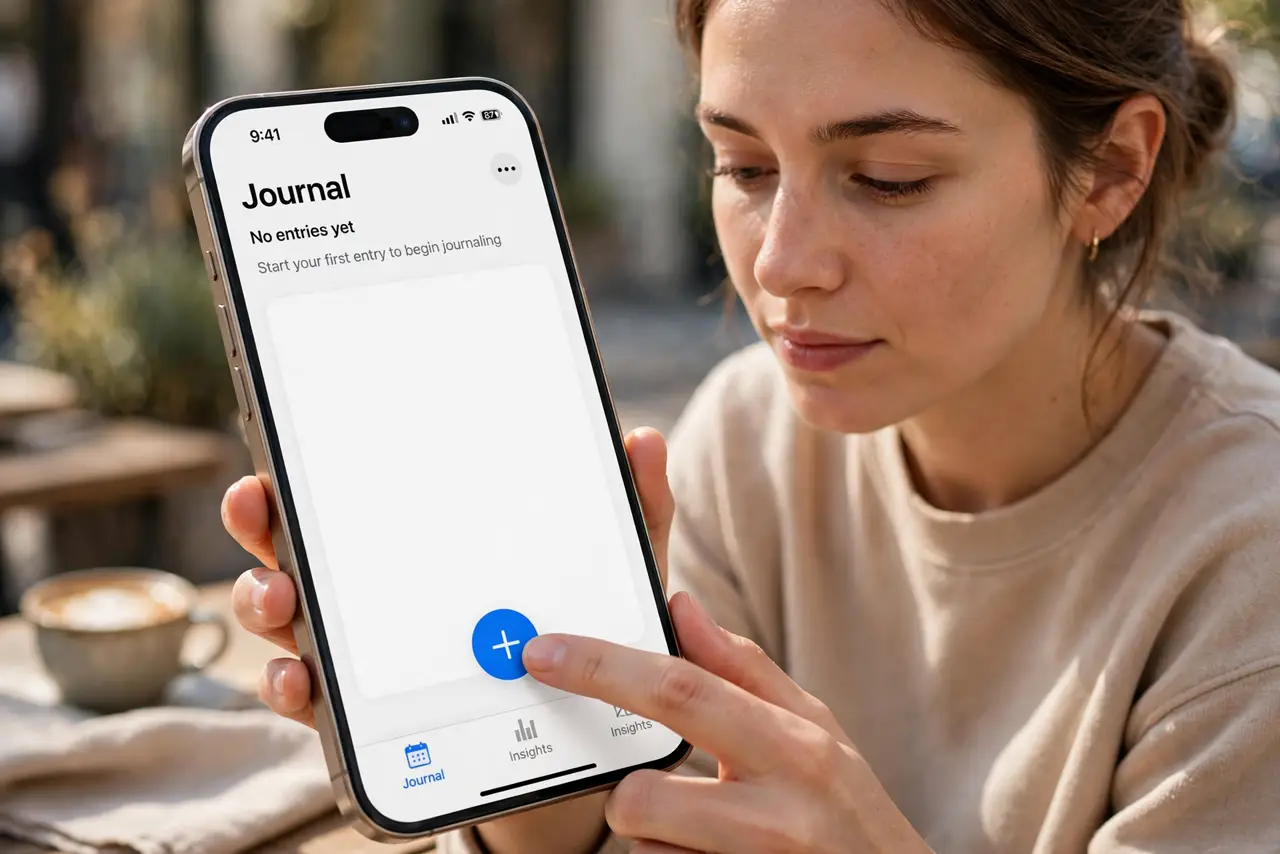
- Start your first entry. Open Journal and tap the plus button. A blank entry appears — write freely, or tap a suggestion card to start from a real moment.
- Use suggestions to beat the blank page. Journal proposes moments from recent photos, workouts, songs, and places. One tap turns a suggestion into a started entry with context attached.
- Add photos and voice recordings. Tap the photo or microphone icons inside an entry. A voice note captures the mood words cannot — future-you will thank present-you.
- Lock it behind Face ID. Open Settings > Journal > Lock Journal and enable it. Your entries then require Face ID — essential for a diary that lives on a shared-charger phone.
- Set a schedule reminder. Settings > Journal > Journaling Schedule lets you pick a daily time. A gentle nudge at 9 p.m. beats relying on willpower.
- Know where entries live. Entries stay in the app on your iPhone and back up with your normal iCloud backup. There is no export button — treat the backup as the archive.
What NOT to do
- Do not enable journaling suggestions and then fear them. They are generated on-device from your own data — nothing uploads for suggestions.
- Do not write entries you would not want found if the phone is unlocked. The lock only helps when the phone itself is locked.
- Do not delete the app to 'take a break'. Deleting Journal can remove entries — disable the schedule instead.
- Do not skip the backup check. A phone lost without a recent backup takes the journal with it.
Frequently asked questions
Is the Journal app private?
Yes — entries live on your device, suggestions are generated on-device, and Lock Journal adds Face ID protection. Apple does not read your diary.
Can I use Journal on my iPad or Mac?
Journal is iPhone-only for now. Entries do not sync to other devices — the iPhone is the whole archive.
What are journaling suggestions based on?
Your photos, workouts, music listening, locations, and contacts — processed on-device. Turn off categories you find creepy in Settings > Journal.