Lock Screen Hides Notification Content
Your lock screen shows that you have notifications but hides what they say — 'Notification' with no preview. That is the Show Previews setting doing its job a little too well. This guide brings back readable previews, balancing convenience with the privacy you actually want.
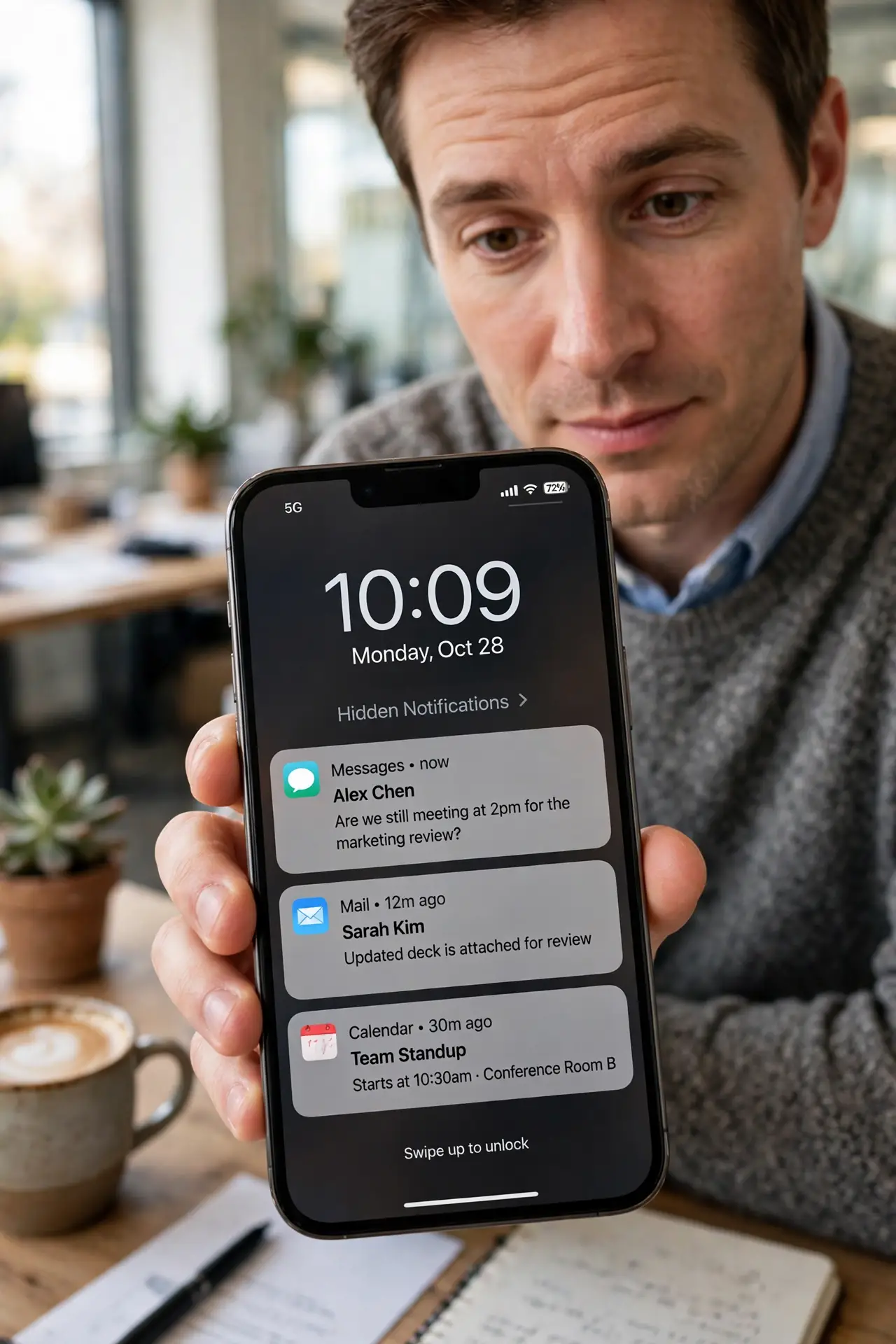
TL;DR / Quick Fix
Quick fix: go to Notifications settings and set Show Previews to Always. If you want previews only when unlocked, choose 'When Unlocked' instead. You can also set previews per app — keep banking apps hidden while letting messages show. The change applies instantly, so lock the phone and check.
Follow these steps
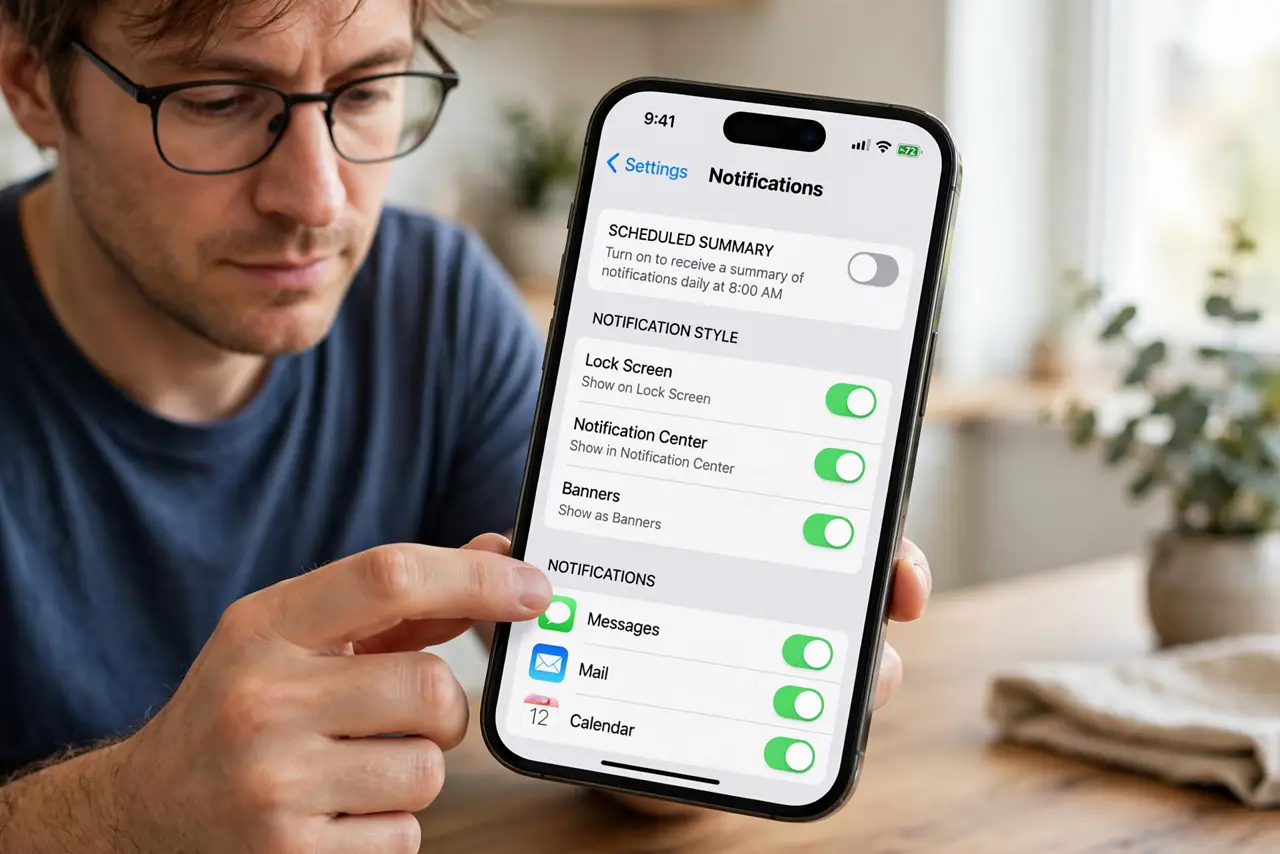
- Open Notifications settings. Go to Settings, Notifications. The Show Previews option at the top controls the global default.
- Set Show Previews to Always. Choose Always to see full notification content on the lock screen. The change takes effect immediately.
- Or choose When Unlocked. If you want privacy plus convenience, pick When Unlocked. Previews appear once Face ID recognizes you — hidden from everyone else.
- Tune sensitive apps individually. Open a specific app's notification settings to override the global choice. Keep banking and health apps hidden while messages show fully.
- Check the app's own settings too. Some apps have their own preview toggles inside the app. If one app still hides content, look there.
- Lock and verify. Lock the phone and send yourself a test notification. Confirm the preview shows exactly what you want — and nothing you do not.
What NOT to do
- Do not set everything to Always without thinking. Anyone glancing at your lock screen can read message previews.
- Do not forget When Unlocked exists. It is the best of both worlds for most people.
- Do not assume a hidden preview means the notification failed. The alert arrived — only the content is hidden.
- Do not overlook per-app overrides. One banking app set to Never can make you think the global setting is broken.
Frequently asked questions
Why does my lock screen hide notification content?
The Show Previews setting is set to When Unlocked or Never. Change it to Always in Notifications settings.
Can I hide previews for just one app?
Yes — each app's notification settings can override the global Show Previews choice.
Will 'When Unlocked' show previews to anyone holding my phone?
Only after Face ID or Touch ID authenticates you. Without unlocking, previews stay hidden.