Explore with Look Around
Before visiting a new neighborhood, meeting spot, or hotel, you can stand on its street virtually and look around — check the parking, the entrance, whether the area feels right. Apple’s Look Around (and Google’s Street View on Android) puts you there from your couch. Here is how to use it well.
TL;DR / Quick Fix
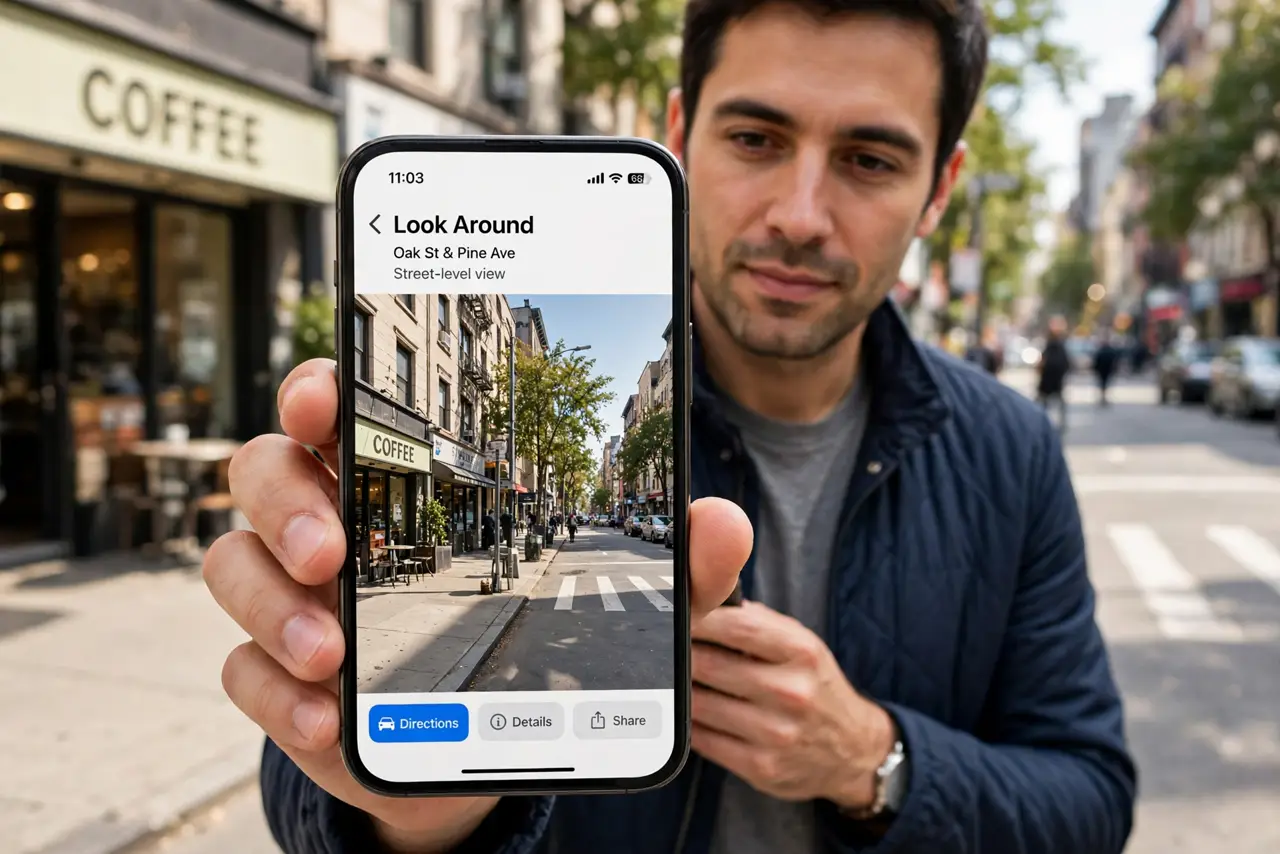
Quick fix: in Apple Maps tap the binoculars icon to enter Look Around — drag to move down the street, tap to jump ahead. It covers most cities and beats guessing from satellite view. On Android, Google Maps’ Street View does the same; both need internet to load imagery.
Follow these steps
- Enter Look Around. In Apple Maps, tap the binoculars icon that appears on supported streets. The view switches to smooth street-level imagery you can drag in any direction.
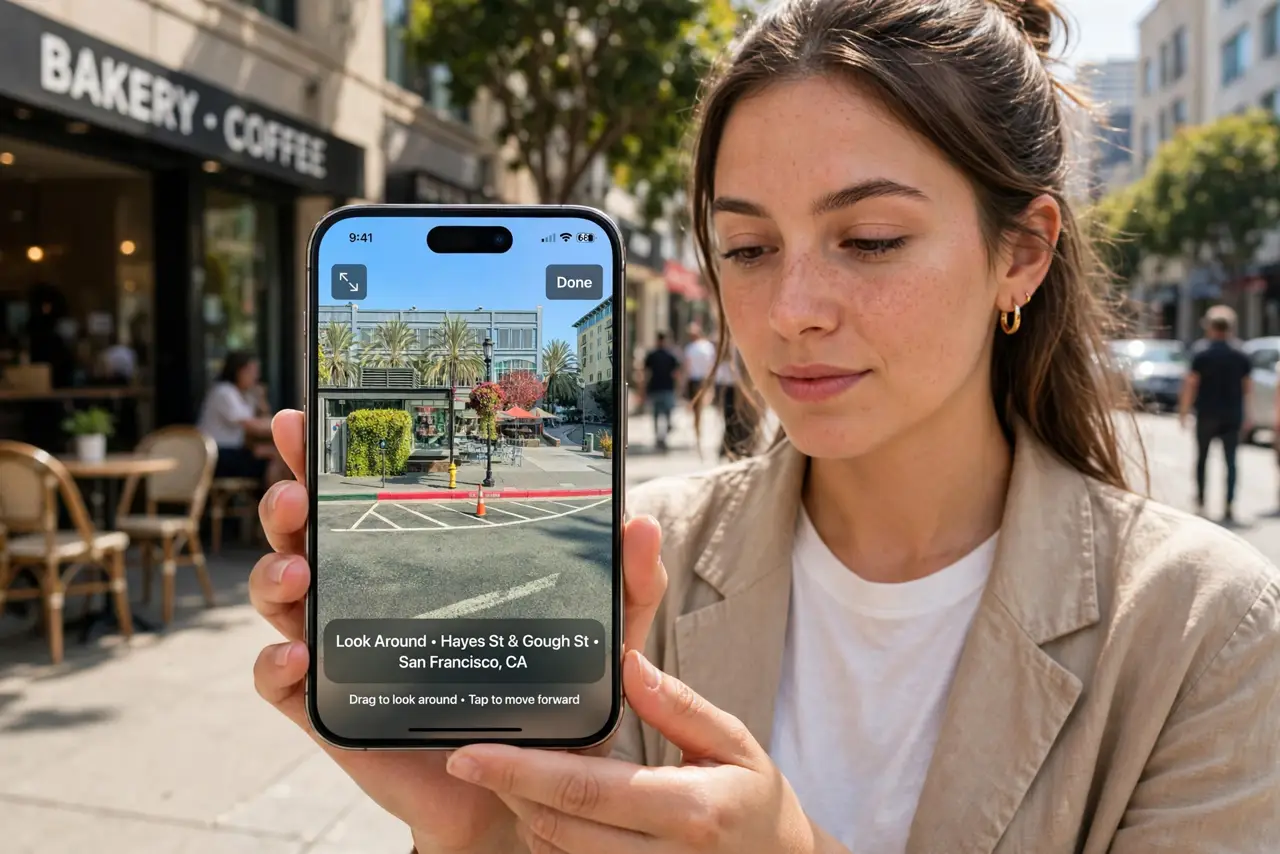
- Move along the street. Drag to look around; tap further down the road to glide there. It feels like walking — use it to virtually stroll from the station to the hotel before you commit.
- Scout practical details. Look for the entrance, parking signs, bus stops, and the general feel of the block. Street-level beats satellite for ‘where do I actually go in’ questions every time.
- Use it for meetups. Share a Look Around view when giving directions: ‘I’m by the blue door in this view.’ It ends the ‘I’m here, where are you’ dance before it starts.
- Save places you scout. Drop a pin or save the spot to a list while you are looking at it — future you, arriving flustered, will thank present you. Pair with offline maps for the trip itself.
- Know the Android equivalent. On Android, Google Maps’ Street View does the same job — drag the little person onto the map. Coverage is even broader; the gestures differ slightly.
What NOT to do
- Do not assume coverage everywhere. Rural areas and some countries have thin or no street-level imagery — check before relying on it.
- Do not use it as proof of current conditions. Imagery can be months or years old; the café in the photo may be a laundromat now.
- Do not forget it needs internet. Street imagery streams — it will not load on airplane mode, so scout before you fly.
- Do not screenshot people’s homes to share. Street imagery is public, but reposting someone’s house crosses a line — keep scouting private.
Frequently asked questions
Is Look Around available in my city?
Most large cities worldwide are covered, and coverage keeps expanding. If the binoculars icon does not appear, your area is not mapped yet.
Look Around vs Street View — which is better?
Look Around is smoother on iPhone; Street View has broader global coverage. Use whichever matches your phone — both answer the same questions.
Can I use it without an Apple ID?
Yes — Look Around works without signing in. Saved places and lists need an account, but exploring does not.