MagSafe? The Plain Basics
MagSafe is the ring of magnets inside recent iPhones that snaps chargers, wallets, and mounts into perfect alignment — no more fumbling for the charging sweet spot in the dark. It also carries data and power negotiation, so accessories can identify themselves. Useful, genuinely — but surrounded by overpriced accessories and a few real gotchas.
TL;DR / Quick Fix
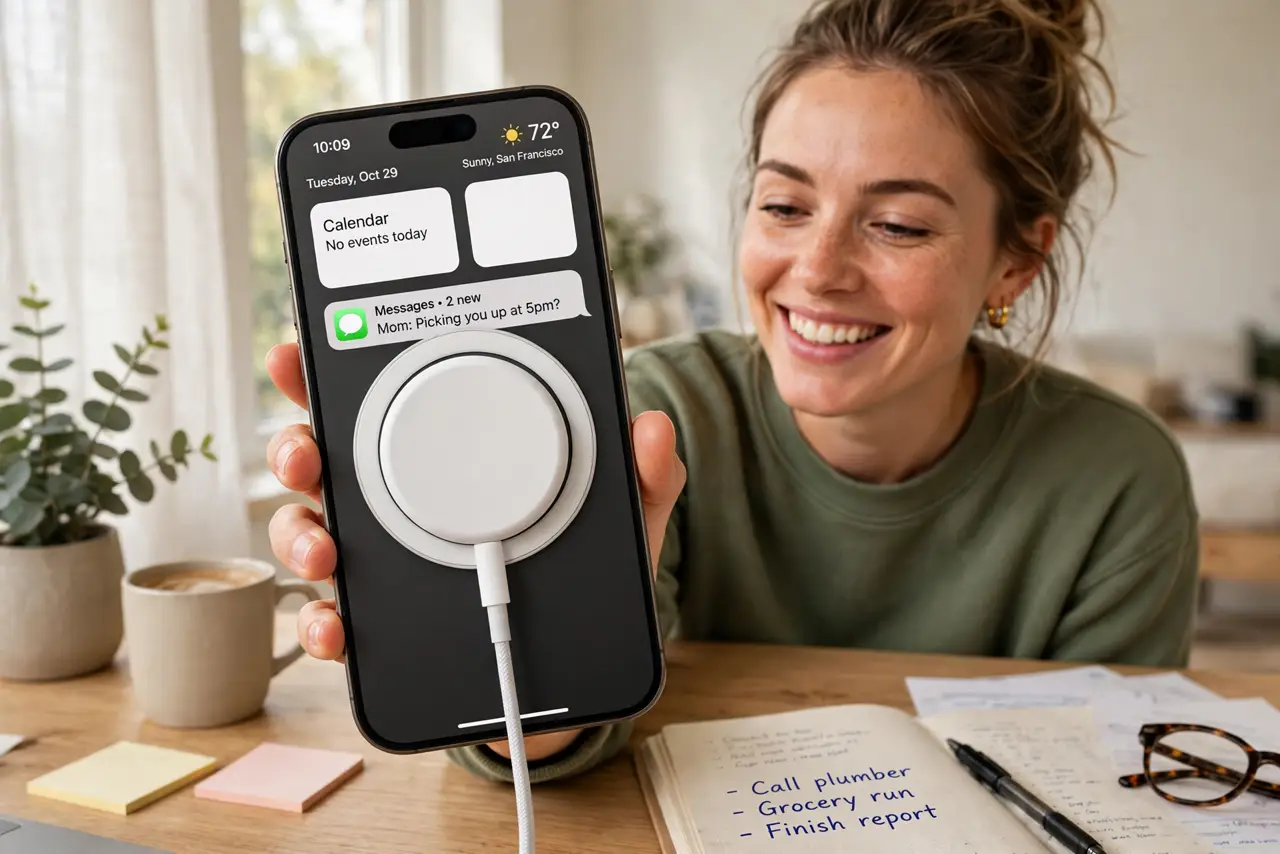
Quick fix: MagSafe is Apple's magnetic attachment and wireless charging system built into recent iPhones. Snap the charger on — alignment is automatic. It charges slower than a cable, so use it for convenience, not speed. Thick cases need to be MagSafe-compatible or the magnets barely hold.
Follow these steps
- Understand what the magnets do. An array of magnets rings the charging coil, snapping accessories into exact alignment. Perfect alignment means efficient charging — the fiddly positioning of old wireless chargers is gone.
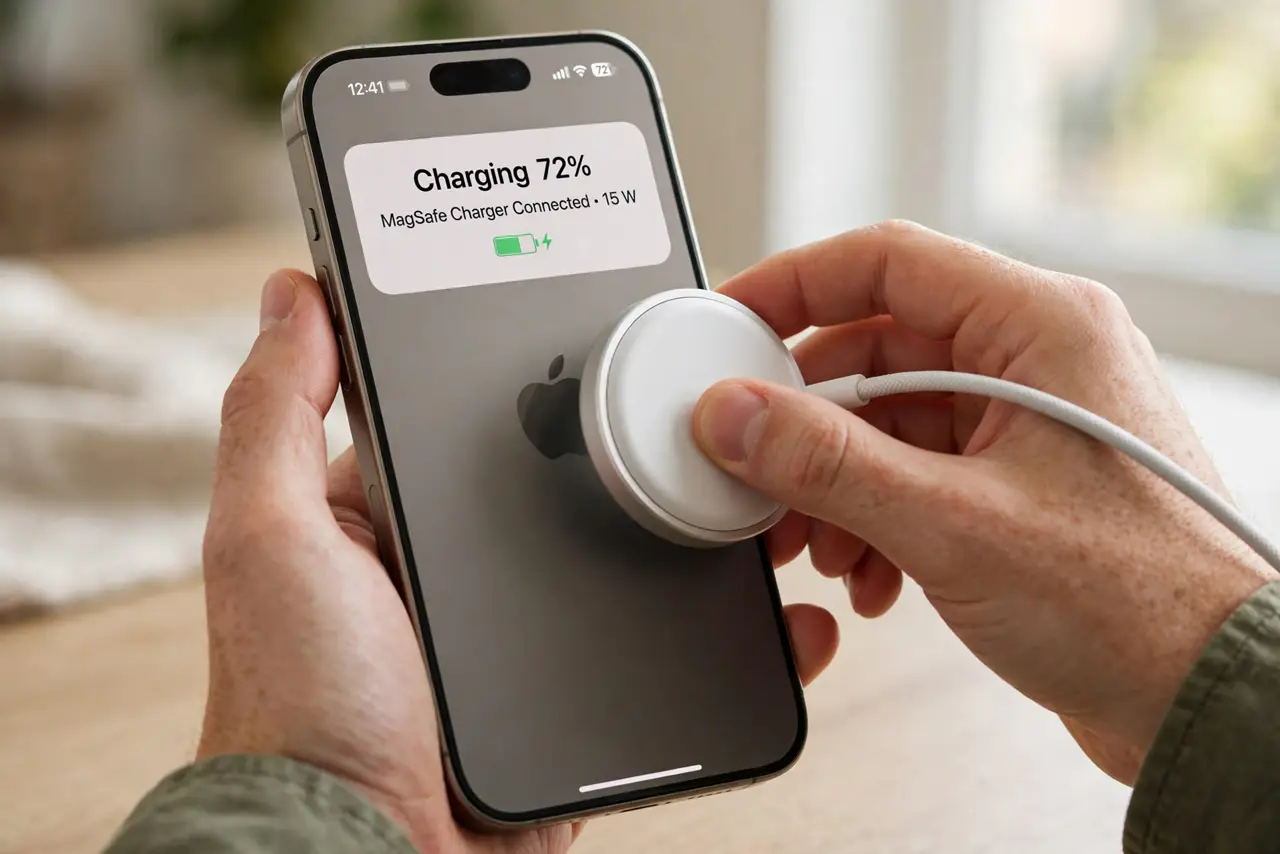
- Snap, do not slide. Bring the charger straight to the phone's back and let the magnets grab it. Sliding it around weakens the hold and misaligns the coil — straight-on attachment every time.
- Expect slower charging than cable. MagSafe tops out well below wired speeds. Overnight and desk charging are its home; 'I need 50% in twenty minutes' is a cable job.
- Check case compatibility. A MagSafe case has its own magnet ring that passes the connection through. A thick non-MagSafe case puts too much distance between the magnets — weak hold, slow charging, extra heat.
- Mind the heat. Wireless charging runs warmer than wired. If the phone gets hot, it throttles charging to protect the battery — normal behavior, not a defect. Remove the case if heat worries you.
- Explore beyond charging. Wallets, car mounts, tripods, battery packs — the magnet ring is an accessory platform. The best MagSafe buys are the mounts, where the snap alignment genuinely solves a daily annoyance.
What NOT to do
- Do not buy the cheapest no-name MagSafe charger. Weak magnets and poor coils mean slow charging and overheating — the magnet strength is the whole product.
- Do not expect cable speeds. MagSafe is a convenience technology; anyone promising 'fast' MagSafe is selling the sizzle.
- Do not use a thick metal-containing case. Metal plates (some magnetic car-mount plates) sit between the coils and can overheat — use proper MagSafe cases.
- Do not leave it charging hot in the sun. Heat plus wireless charging accelerates battery aging — shade and airflow matter.
Frequently asked questions
Will MagSafe damage my credit cards?
The wallet accessory is shielded, but do not sandwich loose cards between the phone and charger — direct magnet contact can demagnetize stripes. The official wallet is designed for it; a loose card is not.
Can Android phones use MagSafe accessories?
With a MagSafe-compatible case (many now include the magnet ring), yes — the magnets and Qi charging are standard enough. Alignment will not be as perfect as a native iPhone.
Why is my MagSafe charging so slow?
Heat throttling, a thick case, or a weak adapter are the usual trio. Check the adapter wattage first — MagSafe needs a sufficiently powerful brick to hit its modest top speed.