iPhone Mail Attachment Will Not Download? Fix It
An attachment spins, shows an error, or never opens, while the message itself loads fine. The file may be large, the connection may be weak, or storage may be full, and each cause has a different fix.
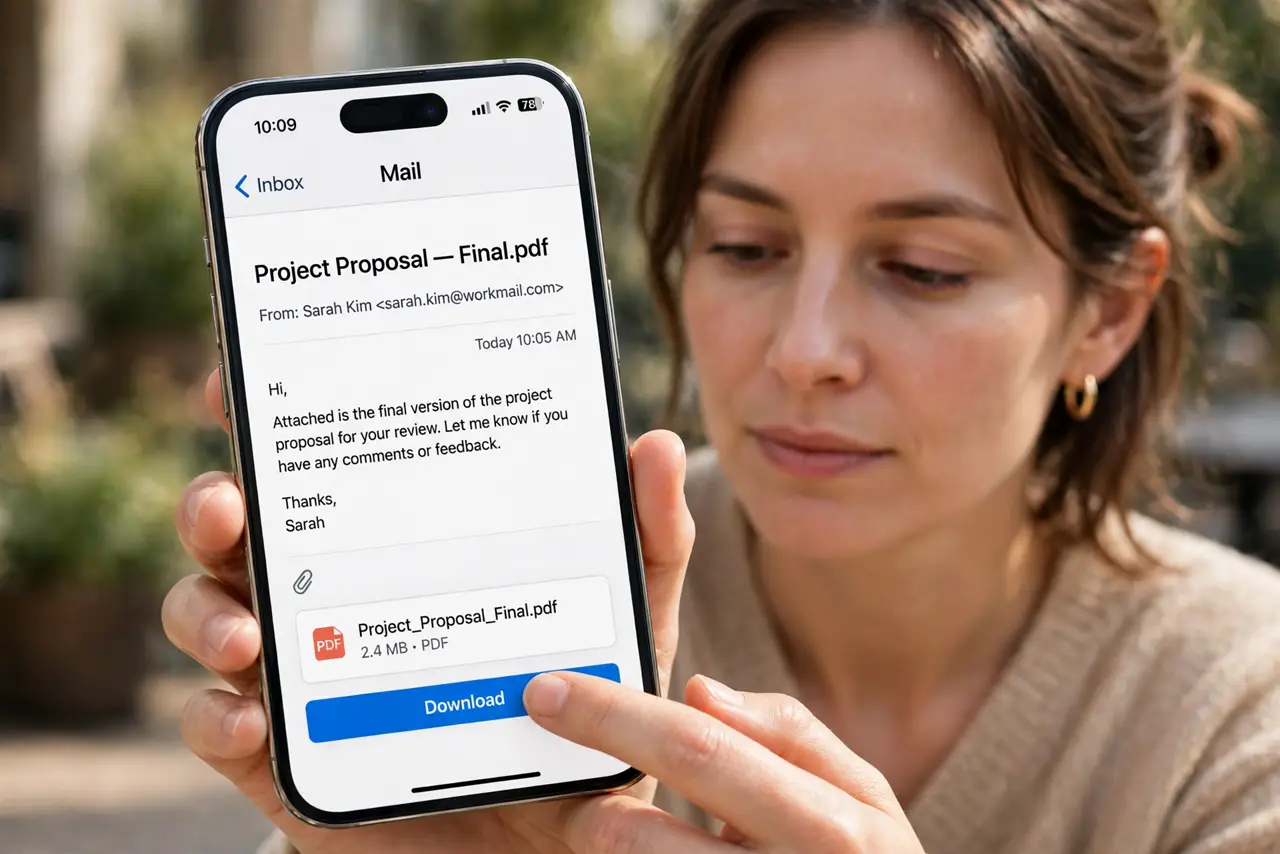
TL;DR / Quick Fix
Quick fix: connect to a stable Wi-Fi network, free up a little storage if the phone is full, and tap the attachment again. If it still fails, open the same message on the web and download the file there. Test once more after a restart.
Follow these steps
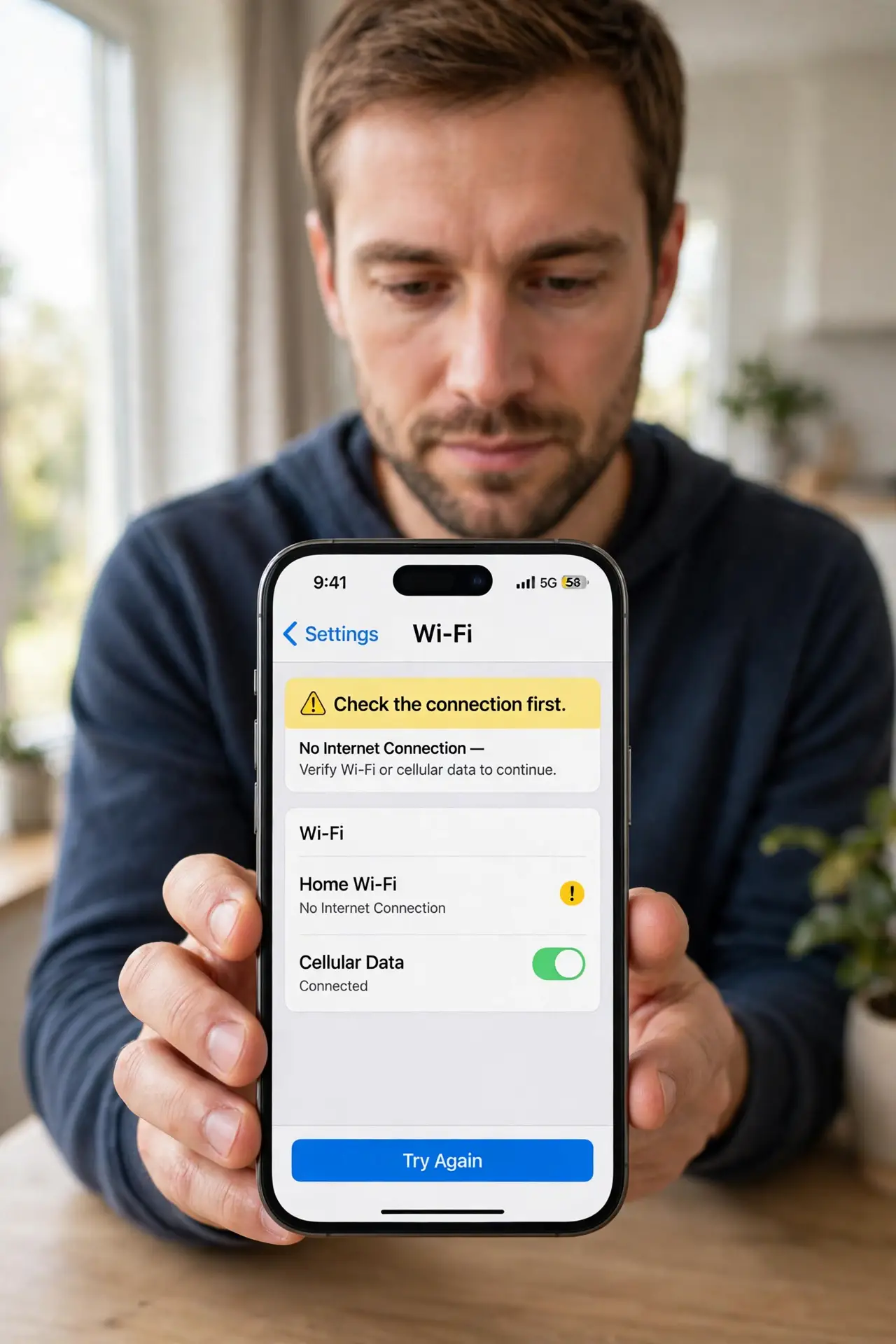
- Check the connection first. Switch to stable Wi-Fi if you are on a weak signal, and open a web page to confirm the connection works. Large attachments fail first on a weak connection.
- Tap the attachment again. Tap the attachment icon once and wait, without tapping repeatedly. Repeated taps can queue several downloads and make the failure look worse.
- Check free storage. Open Settings, then General, then iPhone Storage, and confirm there is room for the file. A full phone cannot save an attachment, even a small one.
- Save it to Files instead. Tap the share button on the attachment and choose Save to Files. Saving directly sometimes works when opening the attachment in place does not.
- Try the same message on the web. Open the mailbox in a browser, find the same message, and download the attachment there. If it works on the web, the file itself is fine and the phone app is the problem.
- Restart Mail and try once more. Close Mail fully, restart the iPhone if needed, and try the download once more on Wi-Fi. If it still fails, check with the sender whether the file itself is damaged.
What NOT to do
- Do not keep tapping the attachment dozens of times. That queues repeated downloads and can fill storage with partial files.
- Do not open attachments from unknown senders just to test the download. Only test with a file from someone you trust.
- Do not delete photos to make room without a backup. Free up space by removing files you no longer need, and keep a backup first.
- Do not assume the attachment is gone because Mail cannot open it. Check the web mailbox, where the same file is often fully available.
Frequently asked questions
Why does the message load but the attachment does not?
The message text is small, while the attachment is a separate larger download. A weak connection or full storage blocks the larger file first.
Can I save an attachment without opening it?
Yes. Use the share button and choose Save to Files, which downloads the file without opening it in Mail.
What if the attachment fails on the web too?
Then the file itself may be damaged or incomplete. Ask the sender to send it again.