A Mail Swipe Deletes Instead of Archiving
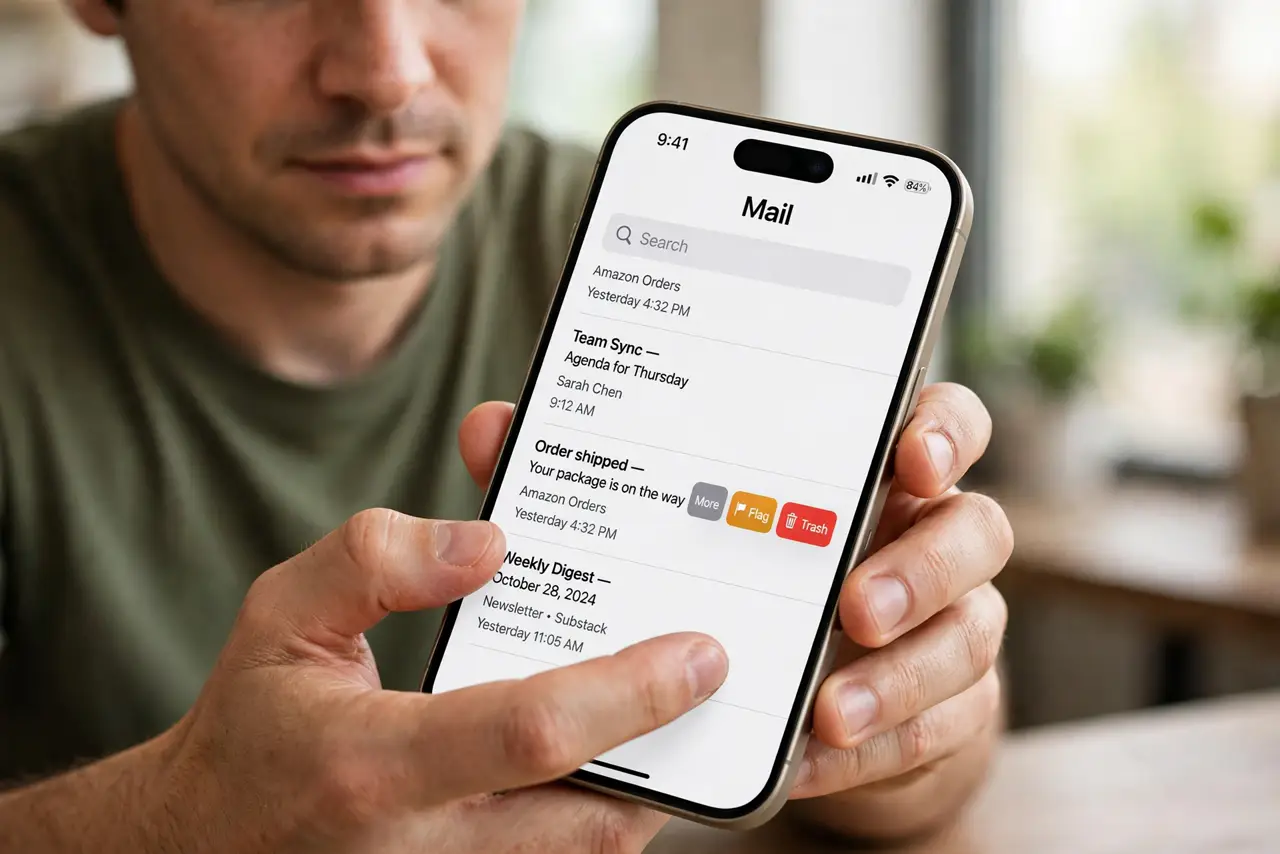
You swipe to archive an email and it vanishes into Trash instead. The swipe direction's action is set to Delete — and Mail lets you reassign every swipe to what you actually want.
TL;DR / Quick Fix
Quick fix: open Settings, then Apps, then Mail, then Swipe Options, and change the swipe actions — set the long swipe to Archive instead of Delete. Check the trash for wrongly deleted emails and move them back. Your swipes now do what you expect.
Follow these steps
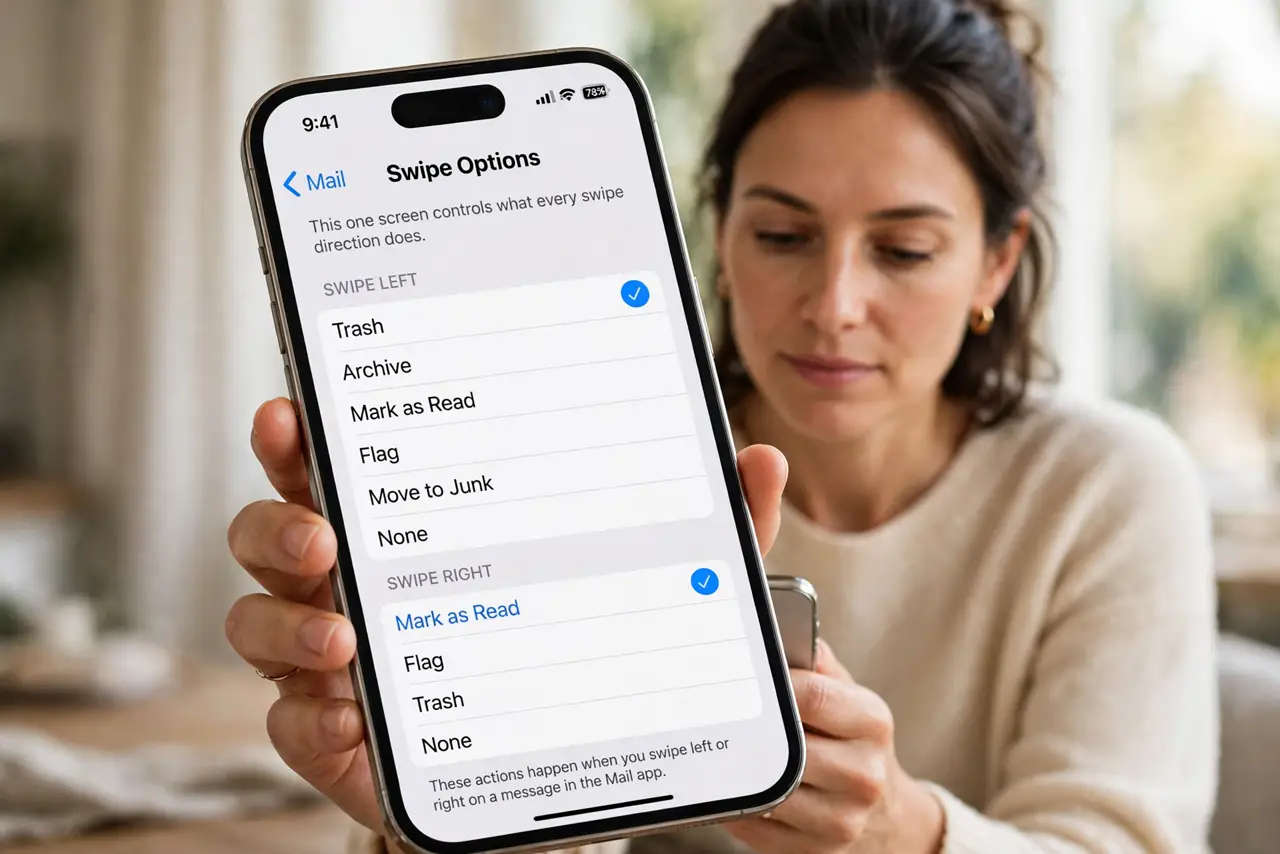
- Open the swipe settings. Go to Settings, then Apps, then Mail, then Swipe Options. This one screen controls what every swipe direction does.
- Reassign the swipes. Set Swipe Left and Swipe Right to your preferred actions — Archive for the gesture you use most. The change applies instantly to every mailbox.
- Check what your account allows. Gmail accounts archive by default while others delete. If Archive is missing as an option, your account type limits it — check the account's mailbox behaviors.
- Rescue wrongly deleted emails. Open the Trash mailbox, find the emails you swiped away, and move them back to the inbox or archive. Do it before Trash auto-empties.
- Use the full-swipe carefully. A long fast swipe triggers the default action without confirmation. Slow down on important emails, or set the default to the safer Archive.
- Test on a junk email. Swipe a newsletter first and confirm it archives. One safe test beats discovering the setting is still wrong on an important message.
What NOT to do
- Do not keep swiping fast while the setting is wrong. Every fast swipe deletes another email — fix the setting before continuing your inbox triage.
- Do not assume deleted emails are gone forever. Trash keeps them until it empties, so rescue first and panic never.
- Do not turn off swipe actions entirely. Reassigning them to Archive keeps the speed of swiping without the danger of deleting.
- Do not blame the Mail update. Swipe defaults vary by account type, and the setting has always been yours to change.
Frequently asked questions
Why does swipe delete on one account and archive on another?
Account types define the default: Gmail archives, most others delete. Swipe Options lets you override per your preference. If old emails vanish on their own rather than by swipe, see mail shows old emails only.
Can I get a confirmation before deleting?
Not for swipes — but setting the swipe to Archive instead of Delete gives you the safety net without a popup.
Where do archived emails go?
To the Archive mailbox (or All Mail for Gmail). They leave the inbox but stay searchable forever.