Set Up Your Medical ID
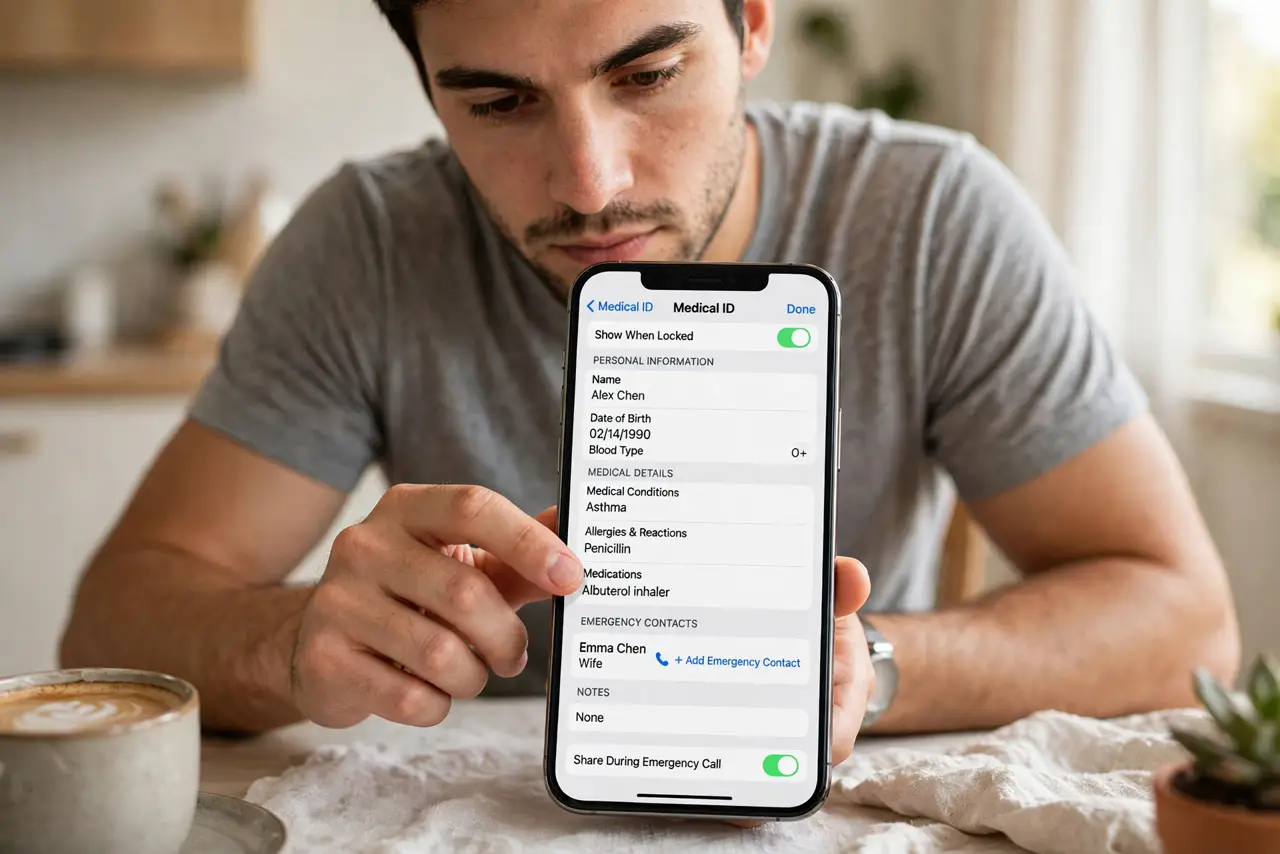
In an emergency you might not be able to speak for yourself — your iPhone can. Medical ID puts your conditions, allergies, medications, blood type, and emergency contacts on the lock screen, reachable without your passcode. Paramedics are trained to look for it. Ten minutes of setup, potentially life-saving.
TL;DR / Quick Fix
Quick fix: open the Health app, tap your profile picture, choose Medical ID, and fill in conditions, allergies, medications, and emergency contacts. Turn on Show When Locked so first responders can reach it from your lock screen without your passcode. Review it once a year.
Follow these steps
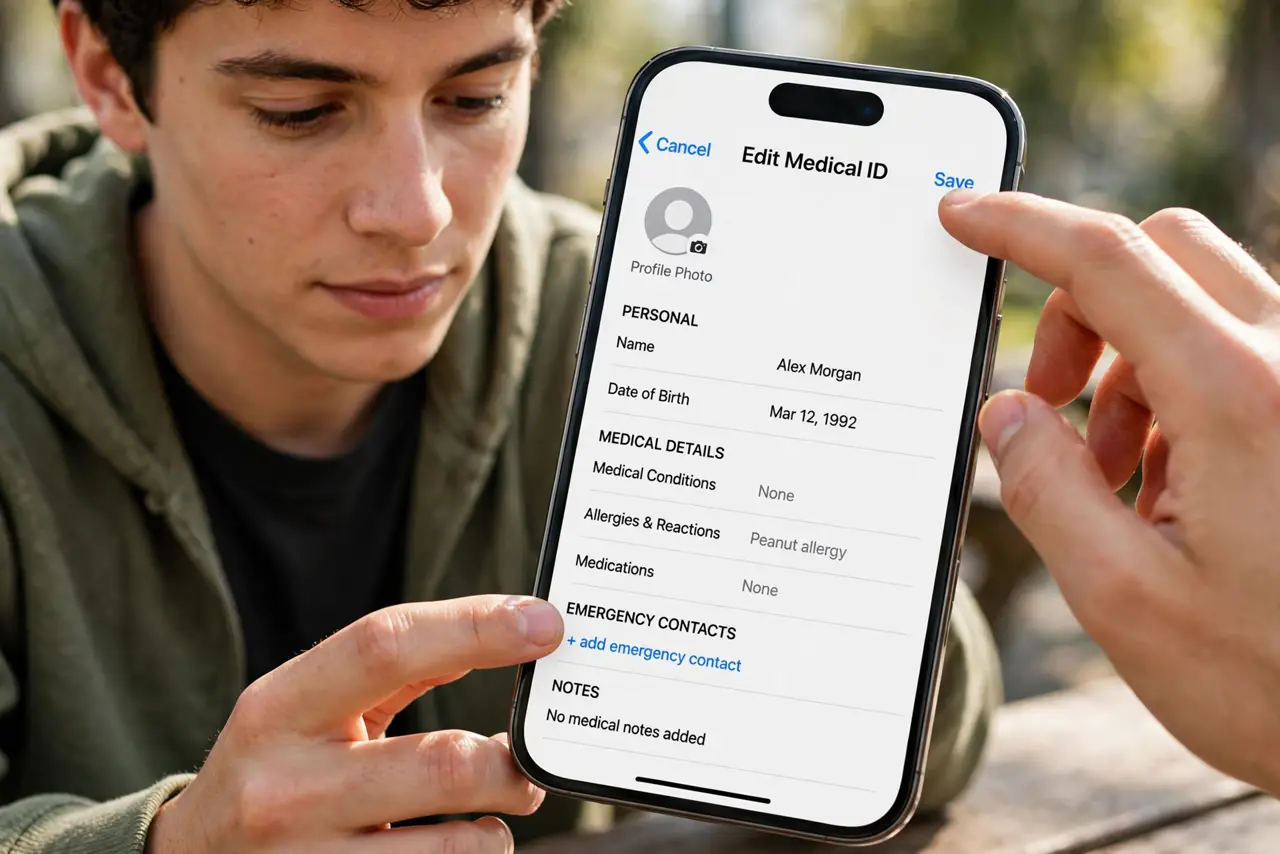
- Open Medical ID in the Health app. Tap your profile picture in Health, then Medical ID, then Edit. Every field is optional — fill what matters.
- List conditions and allergies first. These guide emergency treatment fastest. Be specific — 'penicillin allergy' beats 'allergies' alone.
- Add medications and blood type. Current meds prevent dangerous interactions; blood type speeds transfusions. Keep the list current.
- Add emergency contacts. Pick people who answer unknown situations calmly. See the contacts guide for the full setup.
- Enable Show When Locked. This is the crucial switch — without it, Medical ID hides behind your passcode exactly when it is needed most.
- Review it yearly. Medications change, contacts change. A New Year's Day review keeps it trustworthy — stale medical info is worse than none.
What NOT to do
- Do not leave Show When Locked off. A Medical ID nobody can reach in an emergency is decoration.
- Do not include your full life story. Conditions, allergies, meds, contacts — the paramedic needs the highlights, not the novel.
- Do not set it once and forget it for five years. Outdated medication lists actively mislead emergency care.
- Do not worry about lock-screen privacy here. Medical ID shows only what you entered — no messages, no photos, no browsing.
Frequently asked questions
Who can see my Medical ID?
Anyone holding your phone can open it from the lock screen via Emergency > Medical ID — that is the point. It shows only the fields you filled.
Does it share data automatically in a 911 call?
On supported carriers, emergency calls can share Medical ID data with dispatchers automatically. The lock-screen access works everywhere.
Can I access someone else's Medical ID?
Yes — from their lock screen, tap Emergency, then Medical ID. That is how first responders use it.