Messages Search Finds Only Very Old Texts
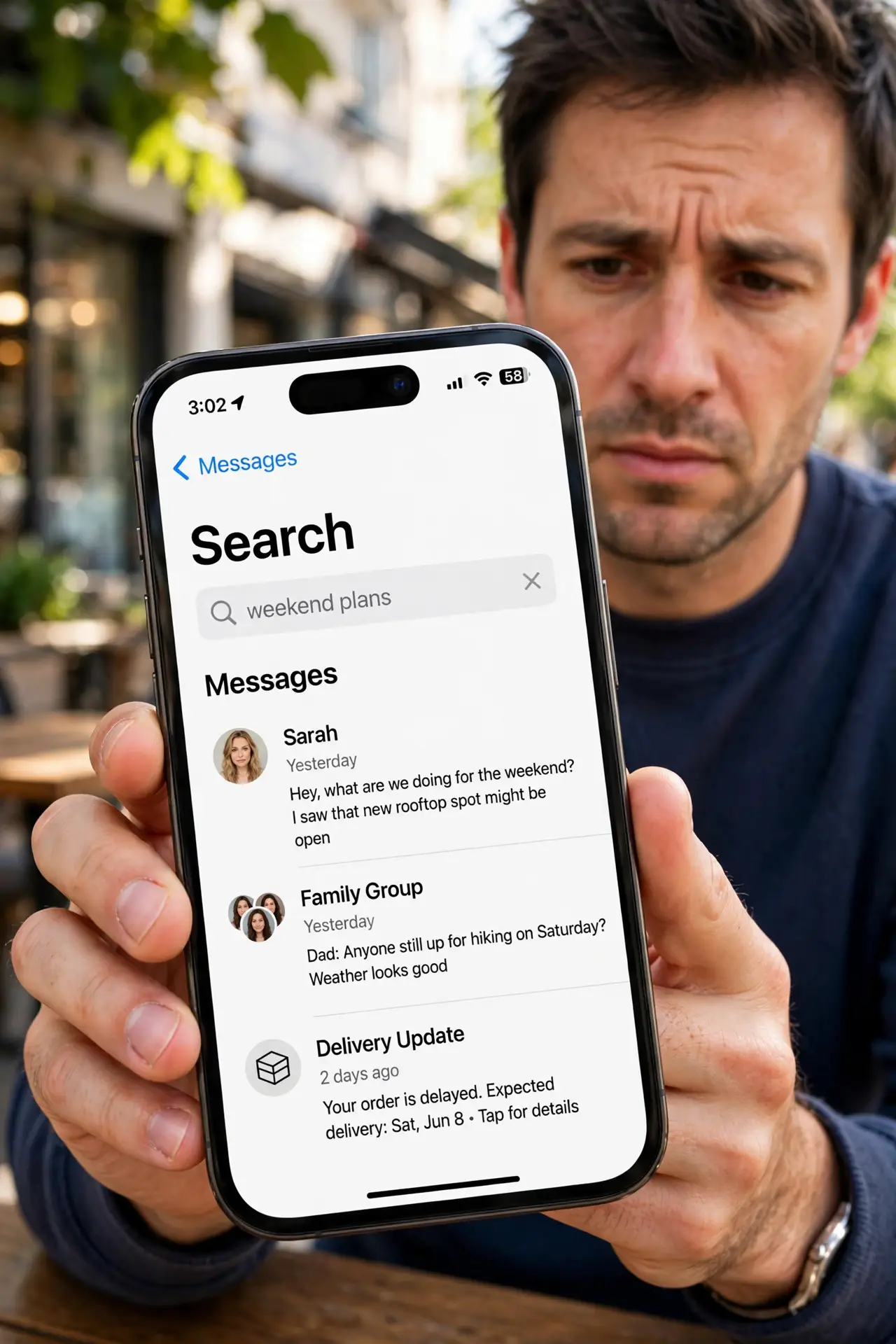
You search Messages for a text from last week and get results from last year instead. Recent messages are still there — the search index is just stale, and rebuilding it brings the new texts back.
TL;DR / Quick Fix
Quick fix: force-quit the Messages app and reopen it, then search again — a fresh launch often fixes the index. If old results persist, restart the iPhone and check that Messages in iCloud is on. Give the phone an hour on Wi-Fi to rebuild the search index.
Follow these steps
- Force-quit and reopen Messages. Swipe up, flick Messages away, and reopen it. A fresh launch reloads the search index, and recent texts often appear in results immediately.
- Restart the iPhone. If the fresh launch did not help, restart once. Restarting clears the stuck index process that keeps serving you last year's results.
- Check Messages in iCloud is on. Open Settings, tap your name, then iCloud, and confirm Messages is enabled. Search works best when the full message history lives in iCloud, not just on the phone. If texts arrive as green bubbles only, those are SMS and sync differently.
- Check your iCloud storage. A full iCloud plan can stall message syncing, which starves the search index of new texts. Free space or upgrade, then let the sync catch up.
- Search with a different word. Try a distinctive word from the message instead of a common one. If the new word finds recent texts, the old search term was the problem, not the index.
- Wait an hour on Wi-Fi. Index rebuilding takes time on a big message history. Leave the iPhone on Wi-Fi and plugged in for an hour, then search again before trying anything drastic.
What NOT to do
- Do not delete message threads to fix search. The texts are not lost — only the index is stale — and deleting destroys the very messages you want to find.
- Do not turn Messages in iCloud off and on as a first step. That forces a full re-download of every message, which is slower than letting the index rebuild.
- Do not assume the messages are gone because search misses them. Scroll the conversation itself; the text is usually sitting right there.
- Do not install a third-party SMS search app for this. It cannot see iMessages properly and only adds another thing to troubleshoot.
Frequently asked questions
Why does search only show old messages?
The search index stopped updating. New messages arrive fine, but search keeps reading the last index it built.
Will restarting delete my messages?
No. Restarting only reloads the system; your messages and their attachments stay exactly where they are.
How long does an index rebuild take?
Usually under an hour on Wi-Fi. Very large histories with years of messages can take a few hours.