iPhone Messages Show Green Bubbles Only? Fix It
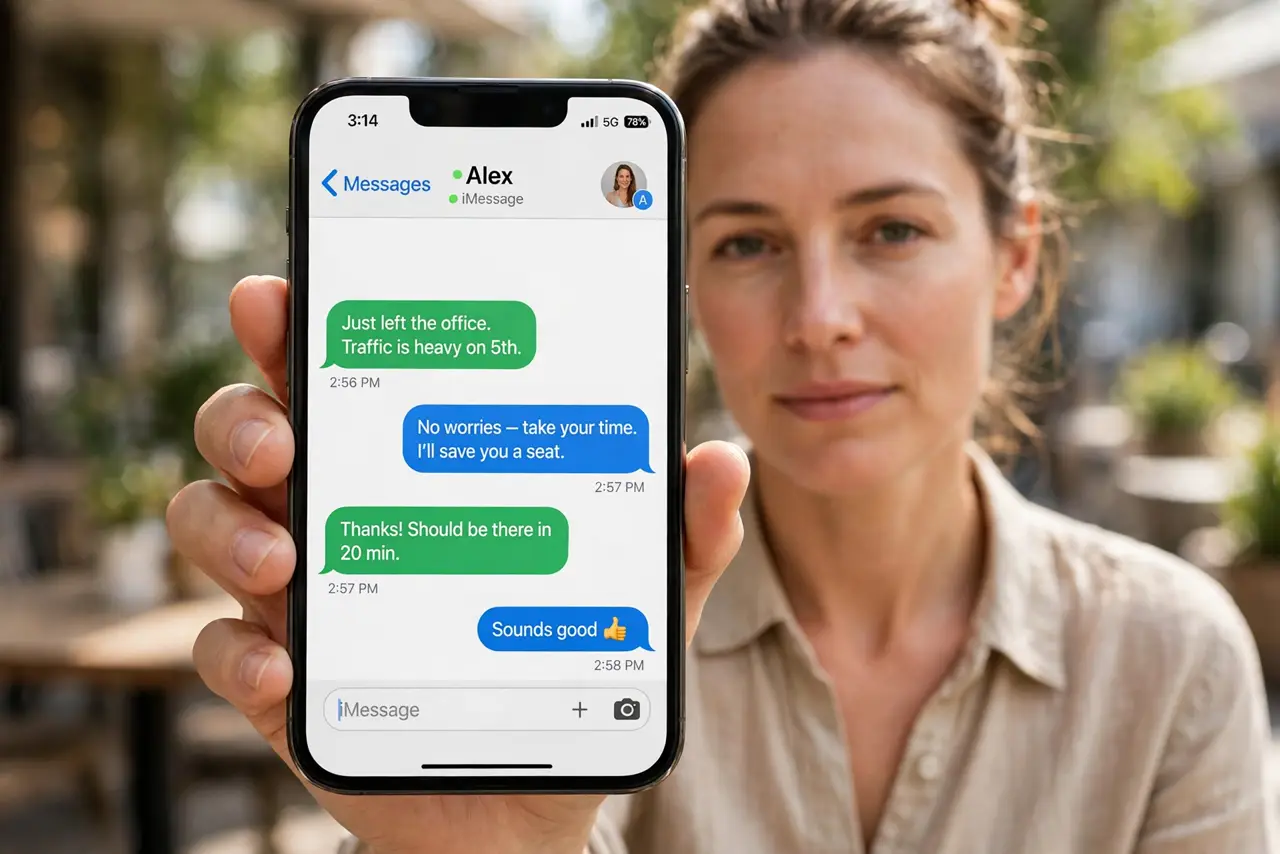
Every message sends as a green SMS bubble instead of a blue iMessage bubble. Green bubbles mean the message went as a text, not through iMessage, and that usually means iMessage is off, you are signed out, or the other person is not on an Apple device. A related messaging quirk is when a group message splits apart, which often has the same iMessage cause.
TL;DR / Quick Fix
Quick fix: turn iMessage on, confirm you are signed in with your Apple ID, connect to Wi-Fi or mobile data, check the recipient uses an Apple device, and restart Messages. If it still fails, note when it happens, since that pattern reveals the real cause.
Follow these steps
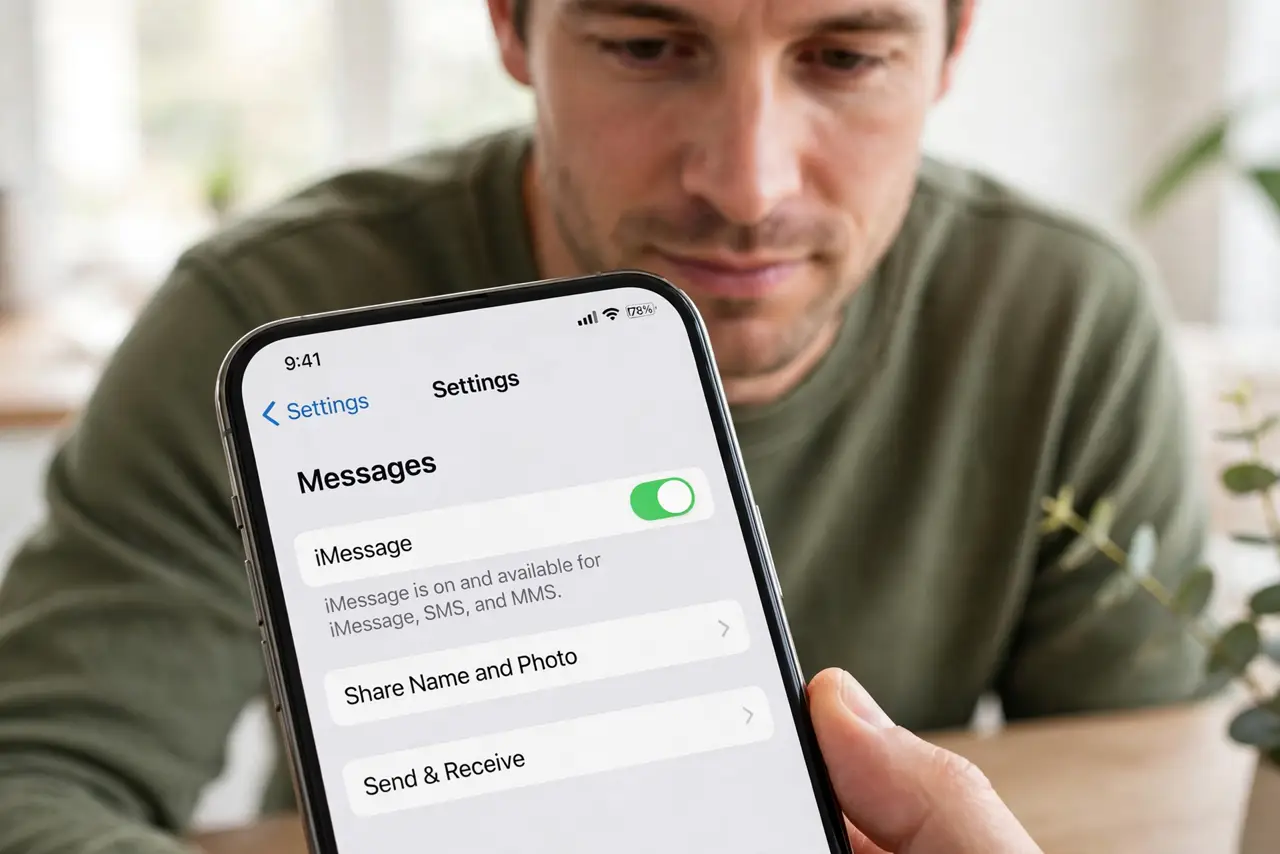
- Turn iMessage on. Open Settings, then Messages, and make sure iMessage is on. If it was off, every message sends as green SMS, even to other iPhone users.
- Confirm you are signed in. In the same screen, tap Send and Receive and confirm your Apple ID and phone number are listed and checked. A missing sign-in stops iMessage from working.
- Connect to Wi-Fi or mobile data. iMessage needs internet, while SMS does not. Connect to Wi-Fi or turn on mobile data, then try sending again.
- Check the recipient's device. If the other person uses Android or another non-Apple phone, messages will always be green. That is normal, not a fault on your phone.
- Turn iMessage off and on again. In Settings, then Messages, turn iMessage off, wait 30 seconds, and turn it on again. Wait for activation, which can take a few minutes.
- Restart the phone and test. Restart the iPhone and send a test message to a known iPhone user. A restart clears a stuck activation state.
What NOT to do
- Do not turn off SMS to force blue bubbles. That would stop messages to Android users entirely, instead of fixing iMessage.
- Do not keep resending failed messages rapidly. Each resend can duplicate the text, so wait for activation first.
- Do not assume green bubbles mean you are blocked. Green bubbles usually mean iMessage is off or the recipient is not on Apple hardware.
- Do not sign out of your Apple ID as a first step. Check the iMessage toggle and Send and Receive list first.
Frequently asked questions
Why are all my messages green suddenly?
Because iMessage turned off, signed out, or lost activation. Check the toggle and your Apple ID sign-in.
Are green messages less safe?
Yes, SMS is not end-to-end encrypted like iMessage, so avoid sending sensitive details by green bubble when possible.
Can I message an Android user in blue?
No. Blue bubbles are iMessage only, so messages to Android phones are always green SMS.