Move to an eSIM?
An eSIM is a SIM card that lives as software inside your phone — no tiny plastic chip to lose, and you can hold several plans at once. Carriers are pushing everyone toward it, and new iPhones in some regions have no physical SIM slot at all. Moving your number over is usually quick, but doing it wrong can strand you without service. Here is the safe path.
TL;DR / Quick Fix
Quick fix: an eSIM replaces the physical SIM with a digital profile from your carrier. Start the transfer from your carrier's app or by scanning their QR code, keep your old SIM until the new one works, and stay on Wi-Fi during setup.
Follow these steps
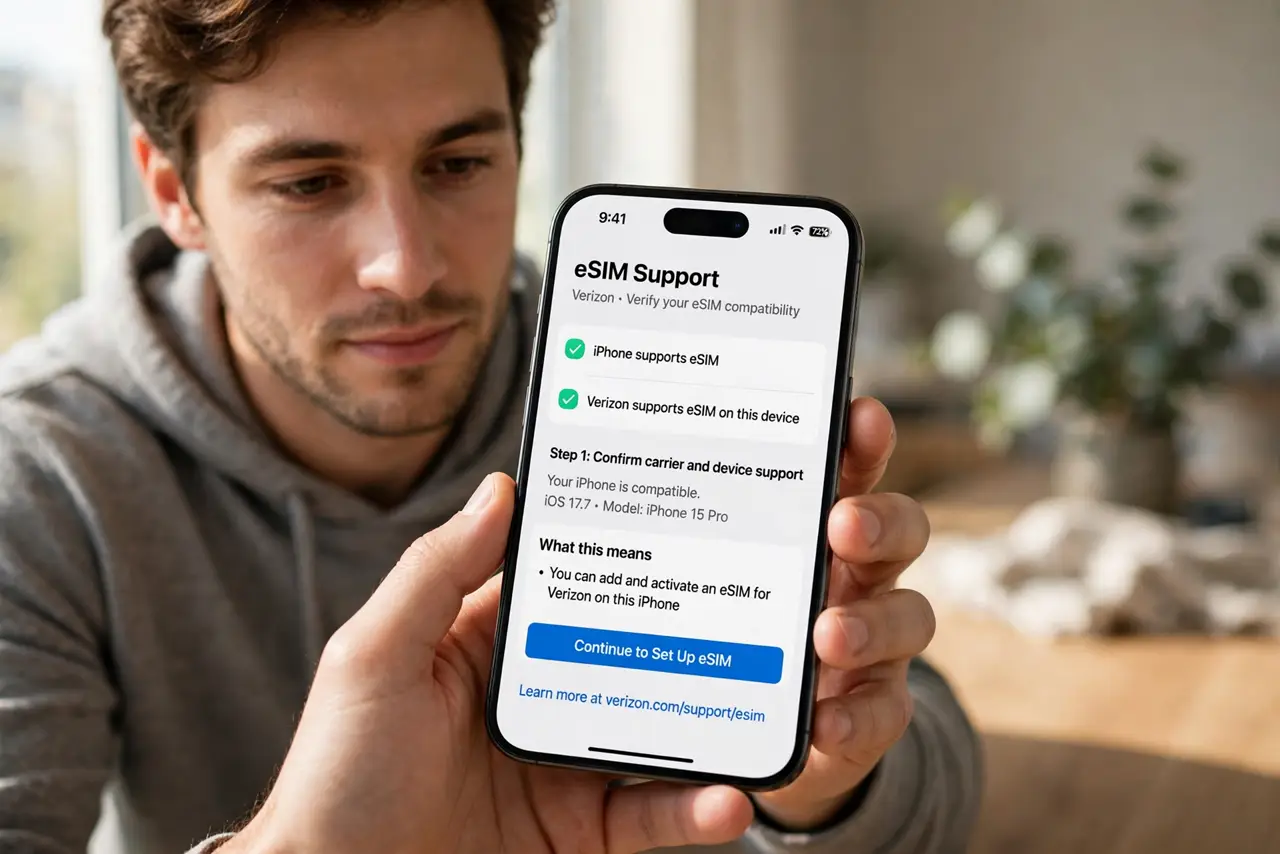
- Confirm your phone and carrier support it. Nearly all recent iPhones and many Android phones support eSIM, but carrier support varies — especially prepaid and smaller carriers. Check the carrier's eSIM page before you start anything.
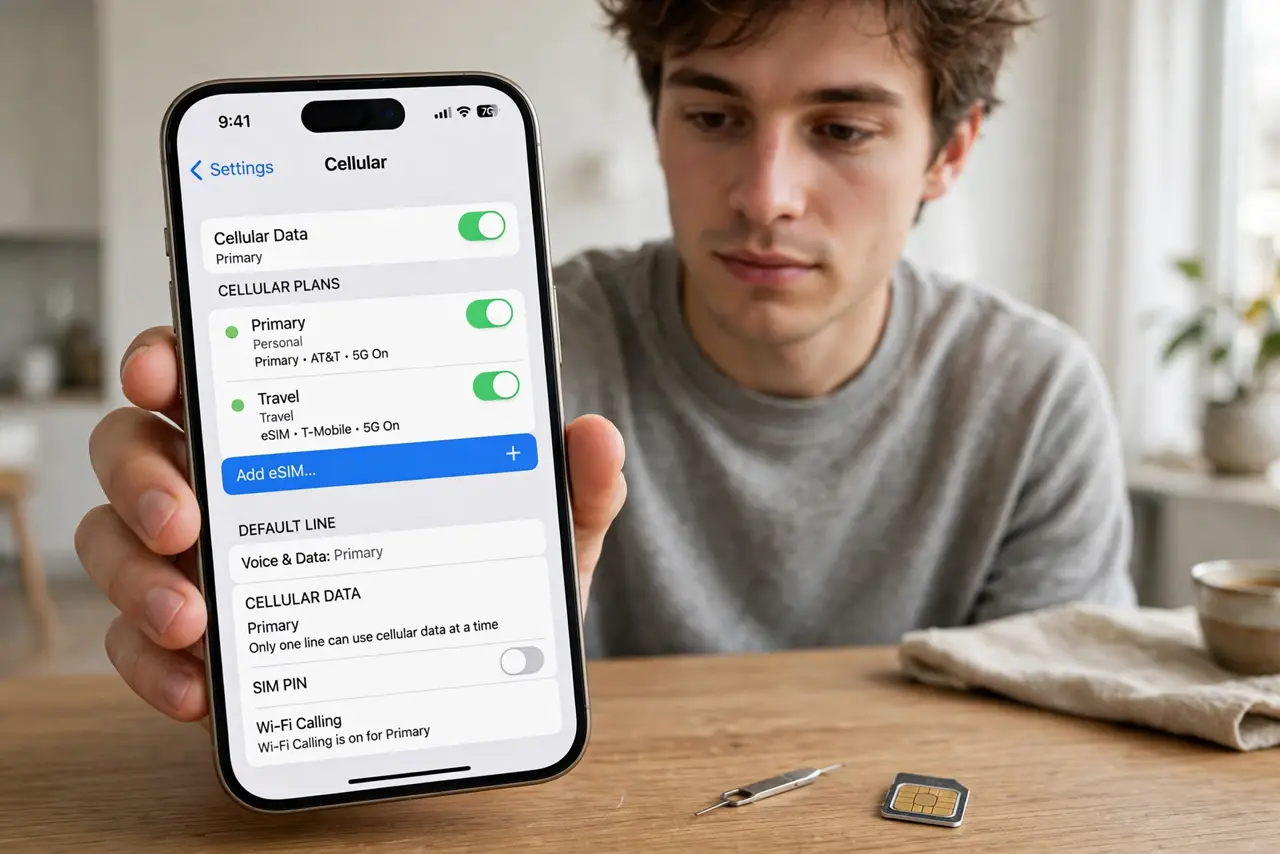
- Start from the carrier's official path. Use the carrier's app or the QR code they issue — not a random website. The phone's Settings, Cellular, Add eSIM walks you through scanning it.
- Stay on Wi-Fi during activation. The phone downloads your eSIM profile over the internet. Do this at home on solid Wi-Fi, not on airport Wi-Fi with a boarding call in ten minutes.
- Keep the old SIM until the new one works. Do not discard or deactivate the physical SIM until you have made a test call and received a text on the eSIM. The old SIM is your rollback plan.
- Label your lines if you keep both. Dual-SIM setups need clear labels — 'Personal' and 'Travel,' not 'Line 1' and 'Line 2.' Label them in Settings, Cellular, or every call becomes a guessing game.
- Test everything before traveling. Calls in, calls out, texts, and mobile data — verify all four. An eSIM that 'activated' but cannot receive texts will ruin a trip built on two-factor codes.
What NOT to do
- Do not start the transfer right before a flight. Activation hiccups happen — give yourself a calm day at home, not a departure lounge.
- Do not delete the eSIM profile to 'fix' a problem. Deleting it can strand the number with the carrier; call support instead of experimenting.
- Do not assume every carrier makes it easy. Some require a store visit or a phone call — read their process fully before wiping the old SIM.
- Do not scan QR codes from unofficial sources. eSIM QR codes are account credentials — only use ones issued directly by your carrier.
Frequently asked questions
Will I lose my number moving to eSIM?
No — the number transfers to the digital profile. It is a format change, not a new account, as long as you follow the carrier's transfer flow.
Can I go back to a physical SIM?
Usually yes — carriers can issue a physical SIM again. But some newer phones lack the slot entirely, so check your hardware first.
Does eSIM work for international travel?
Beautifully — you can add a local travel eSIM alongside your home line and switch data between them. It is one of the strongest reasons to move.