Share Contacts With NameDrop
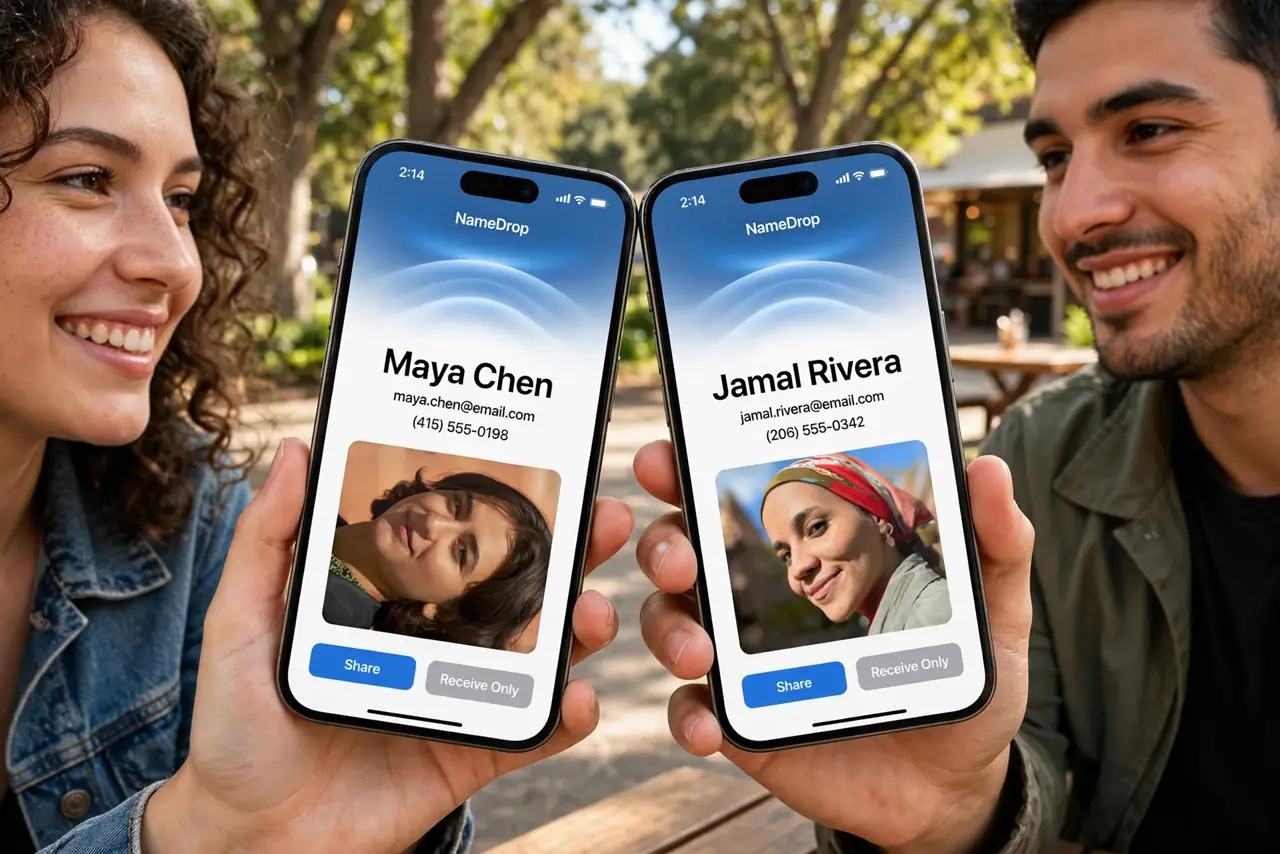
Meeting someone new and fumbling to dictate your number is so last decade. NameDrop lets two iPhones swap contact cards by simply touching tops — your Contact Poster pops up, you choose what to share, done in seconds. Here is how to trigger it cleanly and how to turn it off if you never want it.
TL;DR / Quick Fix
Quick fix: hold the tops of both iPhones close together — Wi-Fi and Bluetooth on, both unlocked — and tap Share when the card appears. Choose to share your contact or receive only. Move the phones apart to cancel. To disable it, turn off Bringing Devices Together in AirDrop settings.
Follow these steps
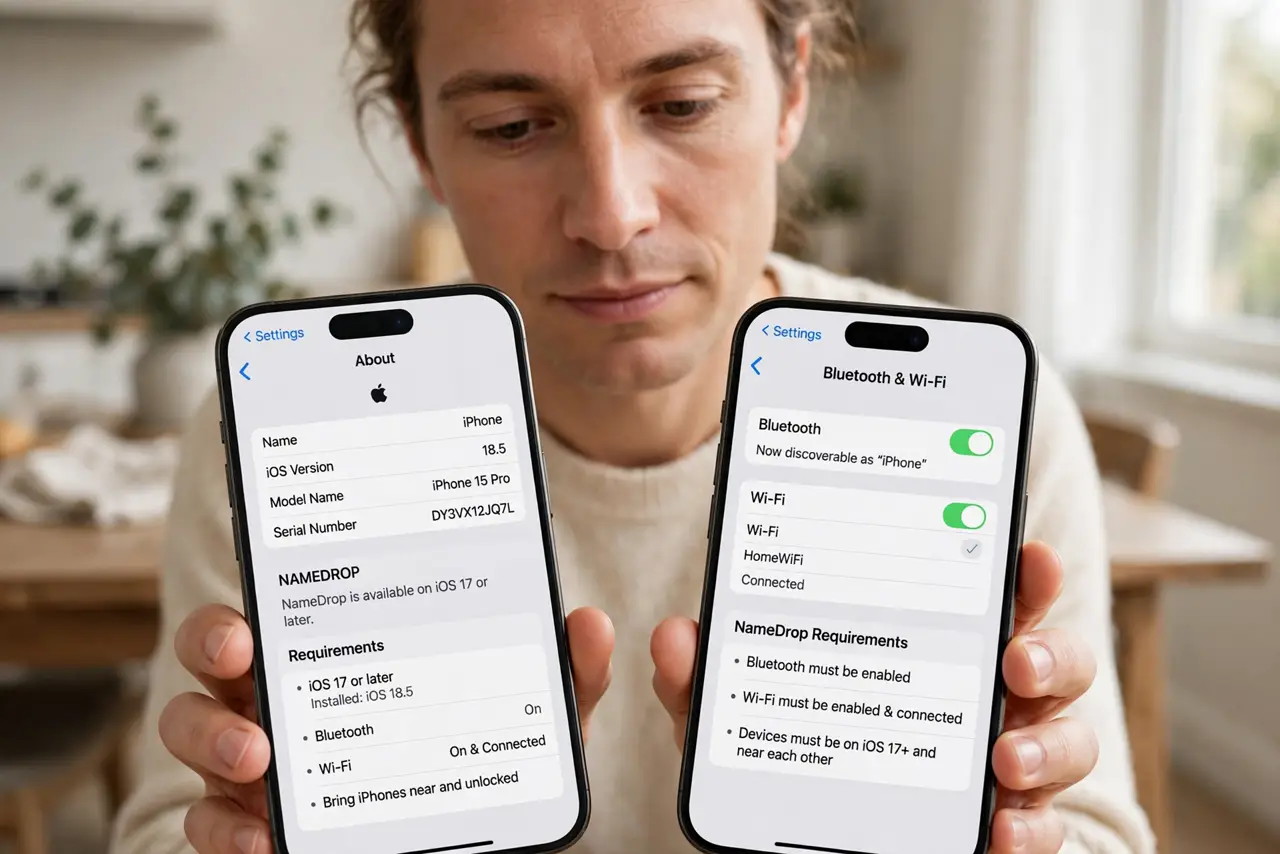
- Check the requirements. Both iPhones need iOS 17 or later, Wi-Fi and Bluetooth on, and both unlocked. Apple Watch works as the other side too.
- Touch the tops together. Bring the top edges of the phones close — nearly touching. The NameDrop animation blooms on both screens within a couple of seconds.
- Choose Share or Receive Only. Tap Share to swap both ways, or Receive Only to take their card without giving yours. Your Contact Poster is the preview they see.
- Cancel by separating. Just move the phones apart — nothing sends until you confirm, so a misfire shares nothing.
- Polish your Contact Poster first. The card they see is your poster: photo, name, and the fields you allow. Set it up in Contacts > My Card before you need it.
- Turn it off if you never use it. Settings > General > AirDrop > Bringing Devices Together — switch it off and the tops-touching gesture does nothing.
What NOT to do
- Do not panic about accidental sharing. Nothing transmits until you tap a choice — proximity alone shares zero data.
- Do not try it with a locked phone. Both devices must be unlocked or the gesture silently does nothing.
- Do not expect it to work through thick cases. Very thick or metal cases can block the short-range handshake — test once.
- Do not share your full card with strangers. Receive Only exists for exactly that situation — use it.
Frequently asked questions
Does NameDrop share my whole contact card?
Only what your Contact Poster includes and what you confirm. You choose per exchange — full card or just the basics.
Why isn't NameDrop triggering?
Both phones unlocked, Wi-Fi and Bluetooth on, iOS 17+, and the Bringing Devices Together switch on. Miss one and it stays quiet.
Can someone steal my contact by brushing past me?
No — the phones must be nearly touching, both unlocked, and you must tap to confirm. A passerby cannot trigger it.