Trigger with NFC Tags
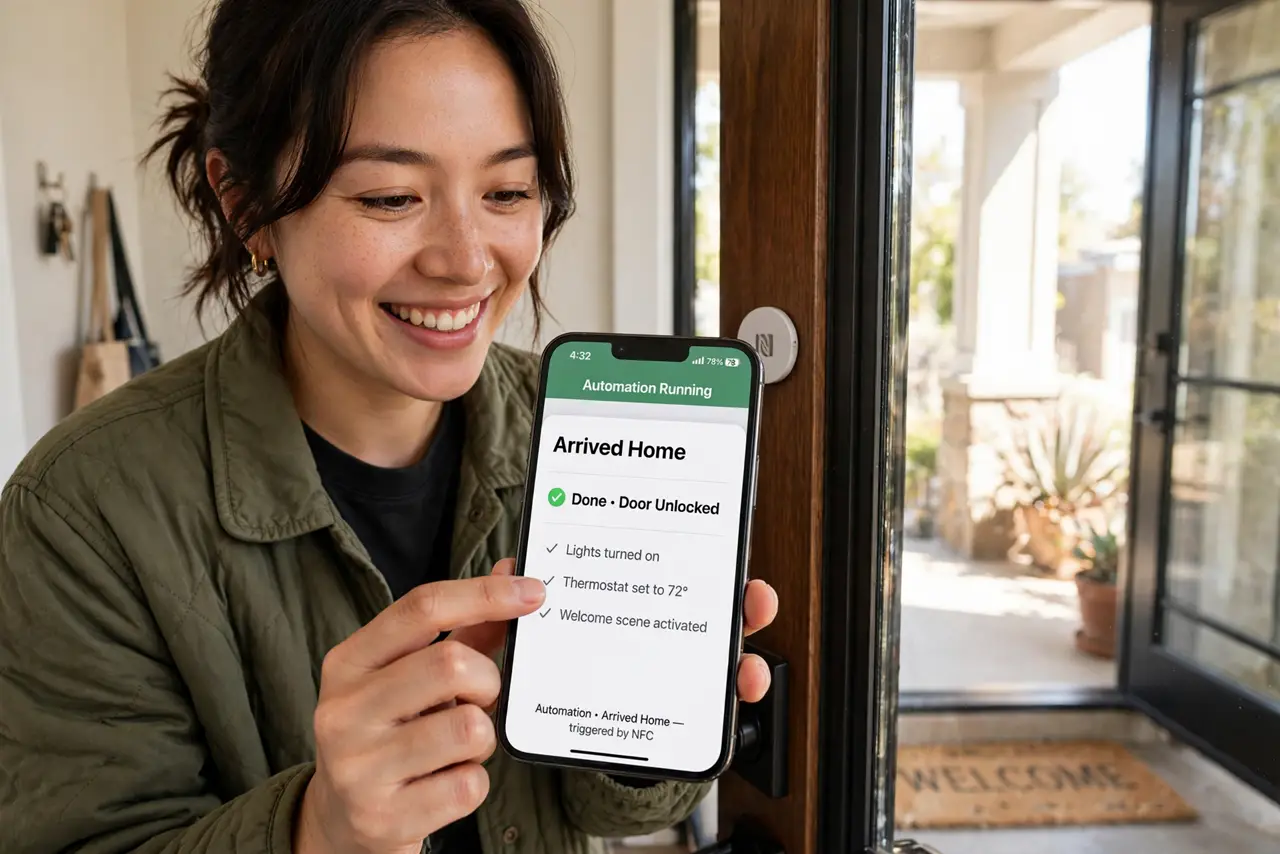
Tap your phone on the nightstand and bedtime mode starts. Tap the tag by the door and your leaving routine runs. NFC tags — stickers costing pocket change — turn physical places into automation triggers, no apps to open, no buttons to find. Program them once in the Shortcuts app and the house starts obeying taps. Start with the Shortcuts basics and the automation examples.
TL;DR / Quick Fix
Quick fix: cheap NFC tags turn physical spots into automation triggers — tap the tag by the door to start your leaving routine, or the nightstand tag for bedtime mode. Program them in the Shortcuts app's Automation tab. A few dollars of stickers, endless laziness unlocked.
Follow these steps
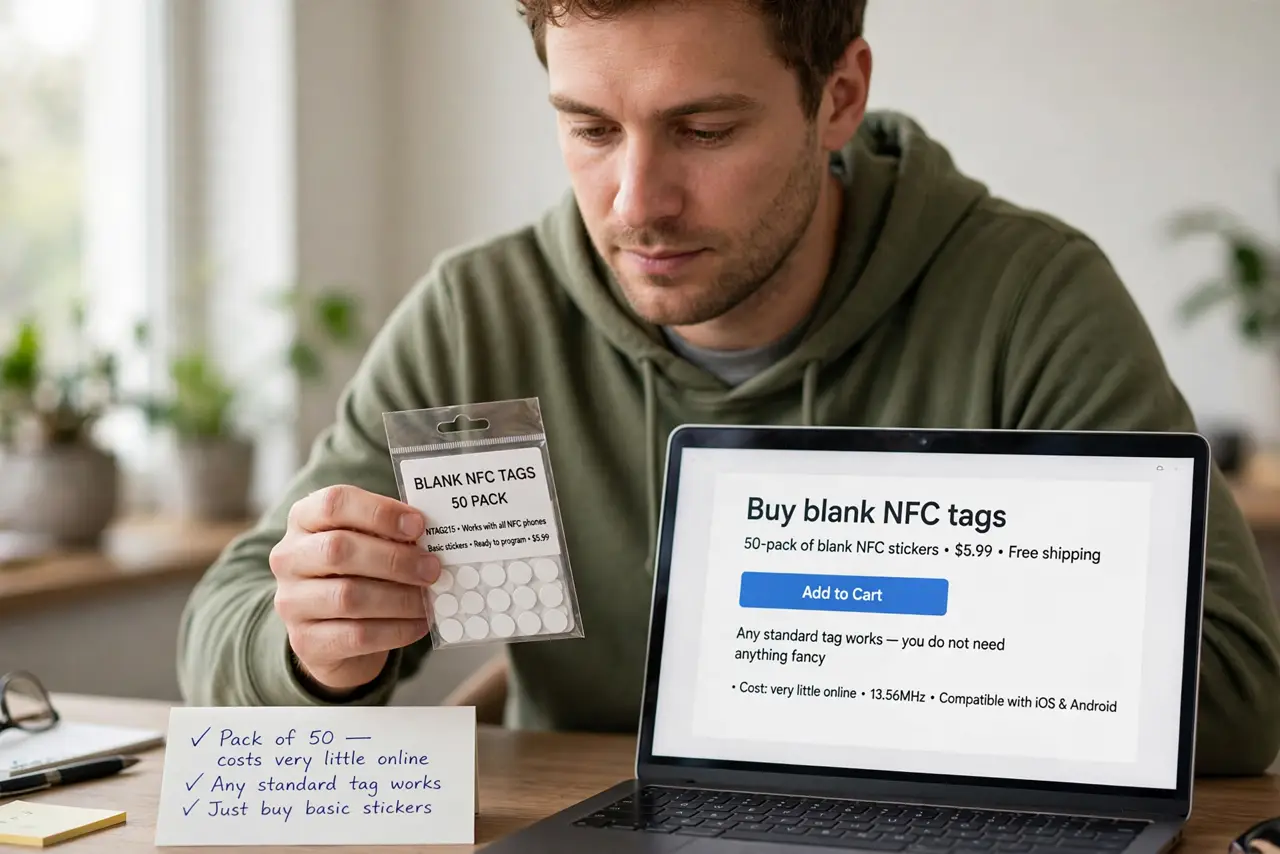
- Buy blank NFC tags. A pack of basic NFC stickers costs very little online. Any standard tag works — you do not need anything fancy.
- Open the Automation tab. In the Shortcuts app, go to Automation and create a personal automation with NFC as the trigger.
- Scan and name the tag. Hold your iPhone near the tag to scan it, then name it by location — front door, nightstand, desk. Names keep multi-tag homes sane.
- Assign the actions. Add what the tap should do: enable a Focus mode, start a playlist, text your partner, turn off the lights. Chain a few for real magic.
- Stick the tag in place. Put it where the habit lives — door for leaving, nightstand for sleep, desk for work mode. Placement is the interface.
- Test the tap. Tap the phone to the tag and watch it run. Adjust the phone's position if it misses — the NFC spot is near the top of the iPhone.
What NOT to do
- Do not put tags where strangers tap them. A tag by the front door is fine inside; outside it invites mischief.
- Do not write sensitive actions to tags. Anyone with a phone can read a tag's basic data — keep the actions harmless.
- Do not buy the most expensive tags. Basic stickers work identically for automation triggers.
- Do not forget tags need the phone awake. A locked or dead phone will not trigger — this is taps, not magic.
Frequently asked questions
Do NFC tags work with Android?
Yes — Android has long supported NFC triggers through its own automation apps and routines.
How close does the phone need to be?
Very close — a centimeter or two. NFC is tap-range by design, which is also its security.
Can one tag do multiple things?
One tap runs one automation, but that automation can chain many actions. Complexity lives in the shortcut, not the tag.