Lock Notes with Face ID
Passwords, health details, gift ideas — some notes should not open with a casual tap. iPhone lets you lock individual notes behind Face ID, so a borrowed phone does not become an open diary. This guide locks the notes that matter and sets a backup for when Face ID cannot help.
TL;DR / Quick Fix
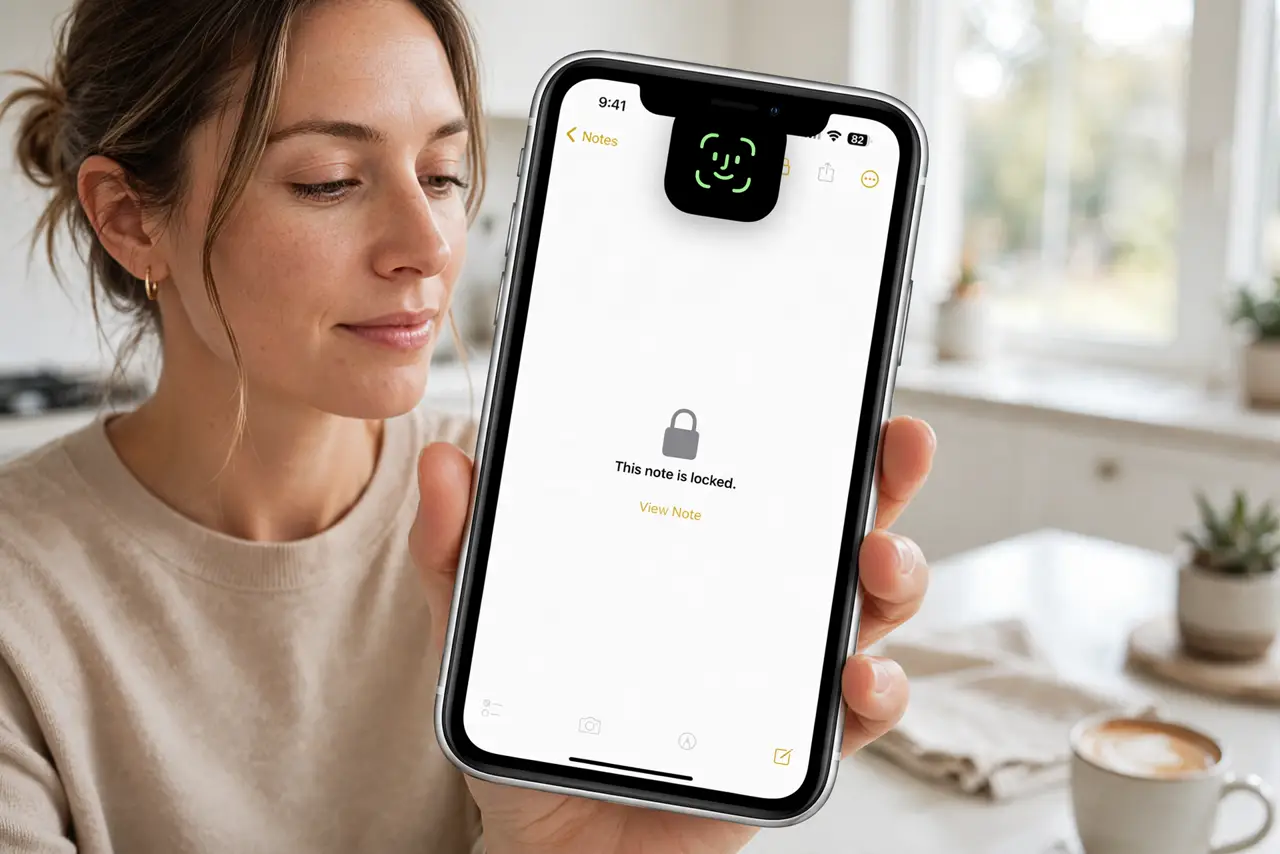
Quick fix: lock sensitive notes with Face ID — open the note, tap the share or lock option, and choose Lock Note. Locked notes need Face ID to open and stay hidden in previews. Use a separate note password as backup in case Face ID is unavailable.
Follow these steps
- Open the note you want to protect. Locking is per-note, not per-folder. Open the specific note first — you decide what deserves the lock.
- Tap the share button, then Lock Note. The share sheet has the Lock Note option. Alternatively, long-press the note in the list and choose Lock Note.
- Authenticate with Face ID. Confirm with Face ID (or your device passcode). The note now shows a lock icon and needs authentication to open.
- Set a separate note password as backup. In Settings, Notes, Password, set a dedicated password. If Face ID fails — sunglasses, mask, injury — the password still opens your notes.
- Know what stays visible. Locked notes hide their content and attachments, but the title and first line may peek in some views. Keep titles discreet too.
- Lock before handing over the phone. Make it habit: sensitive notes locked by default, not in a panic. Pair this with a tidy App Library so prying eyes find less to tap.
What NOT to do
- Do not lock every note. Locking everything trains you to authenticate constantly — then you stop noticing, which defeats the point.
- Do not forget the backup password. Losing both Face ID access and the note password can lock you out permanently.
- Do not assume locked notes are encrypted in backups the same way. They are protected, but your overall backup security still matters.
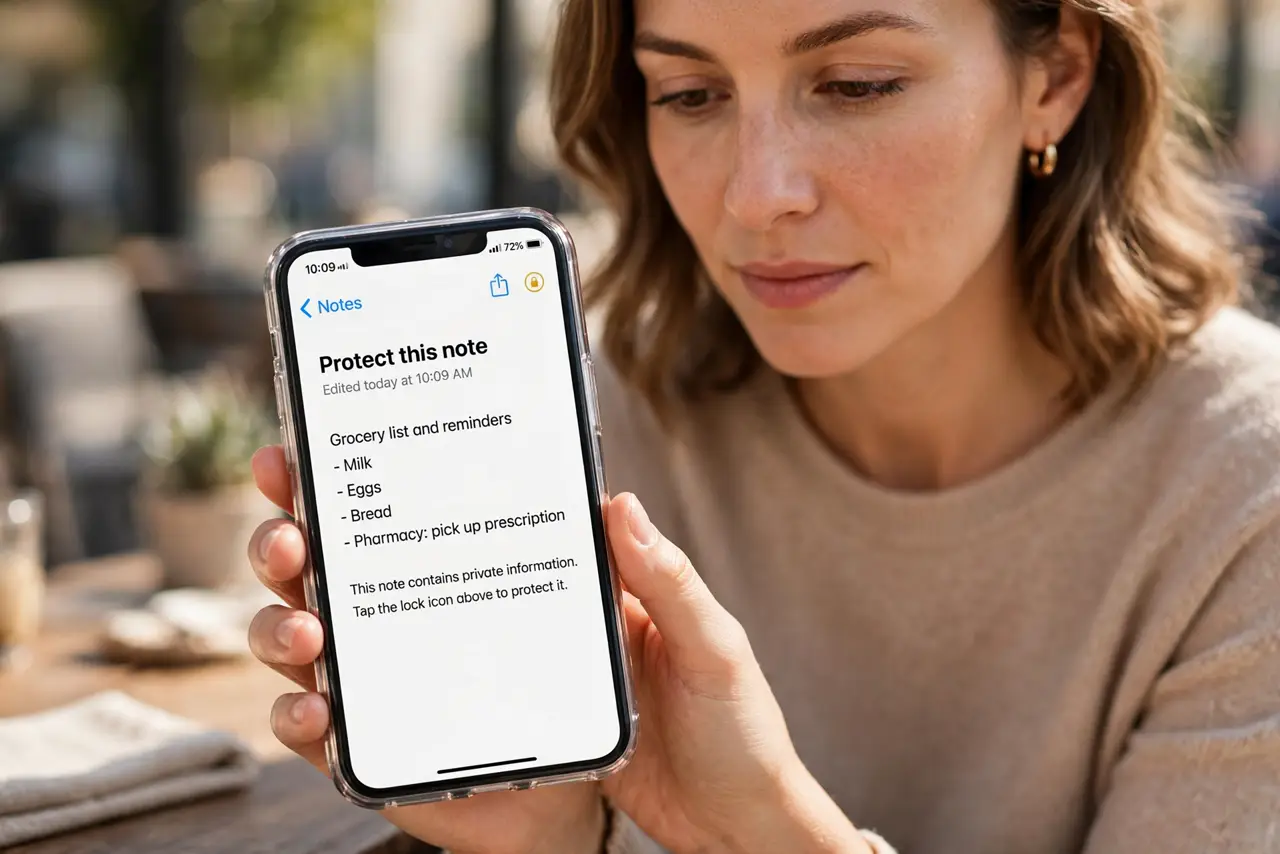
- Do not leave the note open and hand over the phone. An unlocked note on screen is an unlocked note — close it first.
Frequently asked questions
Can I lock notes on a shared iPad?
Yes — per-note locking works the same. But a shared device is inherently riskier; keep truly sensitive notes on your personal phone.
What happens if I forget the note password?
Apple cannot recover it for you. Without Face ID or the password, the note's content is unrecoverable — store the password safely.
Do locked notes sync to iCloud?
Yes, locked. They stay locked on all your devices and need authentication on each.