Shrink the Keyboard for One Hand
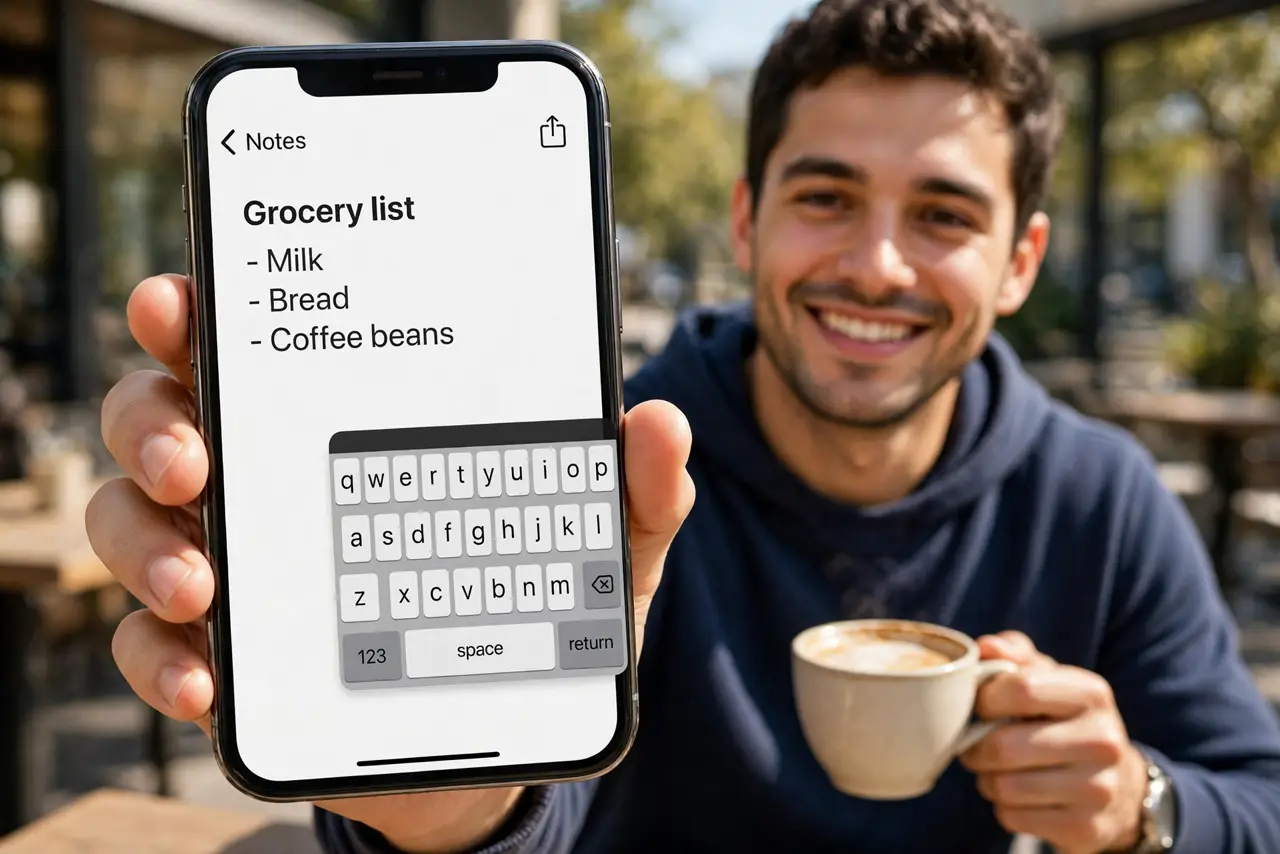
Typing one-handed on a big iPhone means thumb gymnastics and a phone that wobbles over your pinky. The one-handed keyboard squeezes all the keys to the left or right edge, right under your thumb. Two seconds to enable, and typing while holding coffee becomes civilized again.
TL;DR / Quick Fix
Quick fix: long-press the globe or emoji key on the iPhone keyboard and choose the left or right keyboard icon to shrink it to one side. Tap the arrow to return to full width. Android users can resize Gboard similarly under its one-handed mode.
Follow these steps
- Open any typing field. Open Messages, Notes, or any app with the keyboard so the iPhone keyboard is visible.
- Long-press the globe or emoji key. Press and hold the globe/emoji key at the bottom-left of the keyboard until a small popup appears.
- Pick the left or right keyboard icon. Tap the keyboard icon pushed to the left or right edge — match the hand holding the phone. The keys squeeze to that side instantly.
- Type normally with your thumb. All keys, including backspace and return, sit within thumb reach. Autocorrect and predictions work exactly as before.
- Tap the arrow to go full-width. The chevron arrow on the empty side restores the full keyboard whenever both hands are free.
- Try it on Android too. Gboard's one-handed mode does the same squeeze; see how Android's one-handed mode compares if you switch phones.
What NOT to do
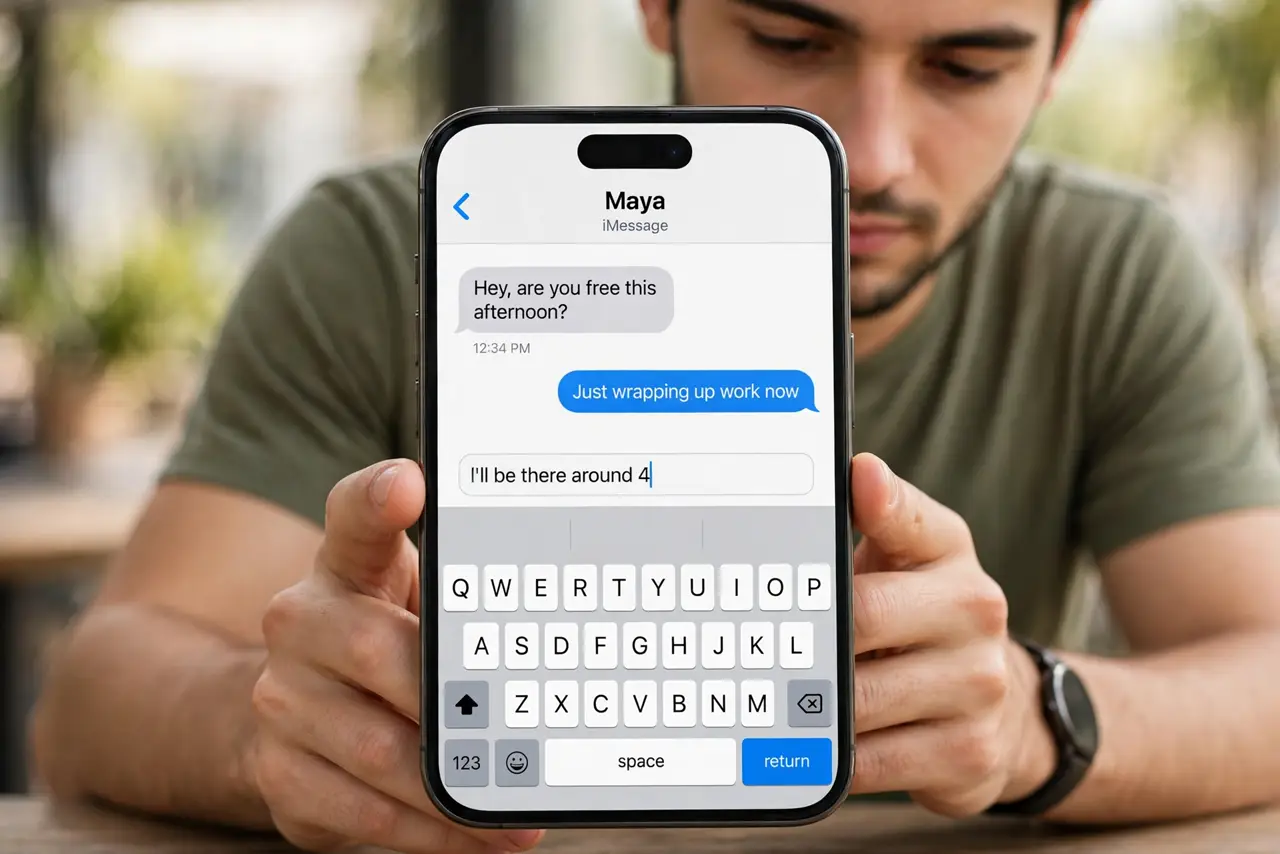
- Do not shrink it to the wrong hand. Left icon for the left thumb; mismatching makes typing worse, not better.
- Do not forget the arrow restores it. People live with the small keyboard for weeks not knowing one tap fixes it.
- Do not expect landscape to shrink the same way. Landscape already narrows the keys; the one-handed layout matters most in portrait.
- Do not blame typos on the shrink. Give it a day — thumb accuracy improves fast once the keys stop moving.
Frequently asked questions
Will the keyboard stay shrunken?
Yes, until you tap the arrow to restore it. The choice persists across apps and restarts.
Does it work with third-party keyboards?
Most do — Gboard and SwiftKey offer their own one-handed layouts. Check the keyboard's own settings if the globe trick does nothing.
Why do keys feel cramped after shrinking?
They are closer together by design. If typos spike, try the opposite side or give your thumb a day to adjust.