Use Optimized Charging
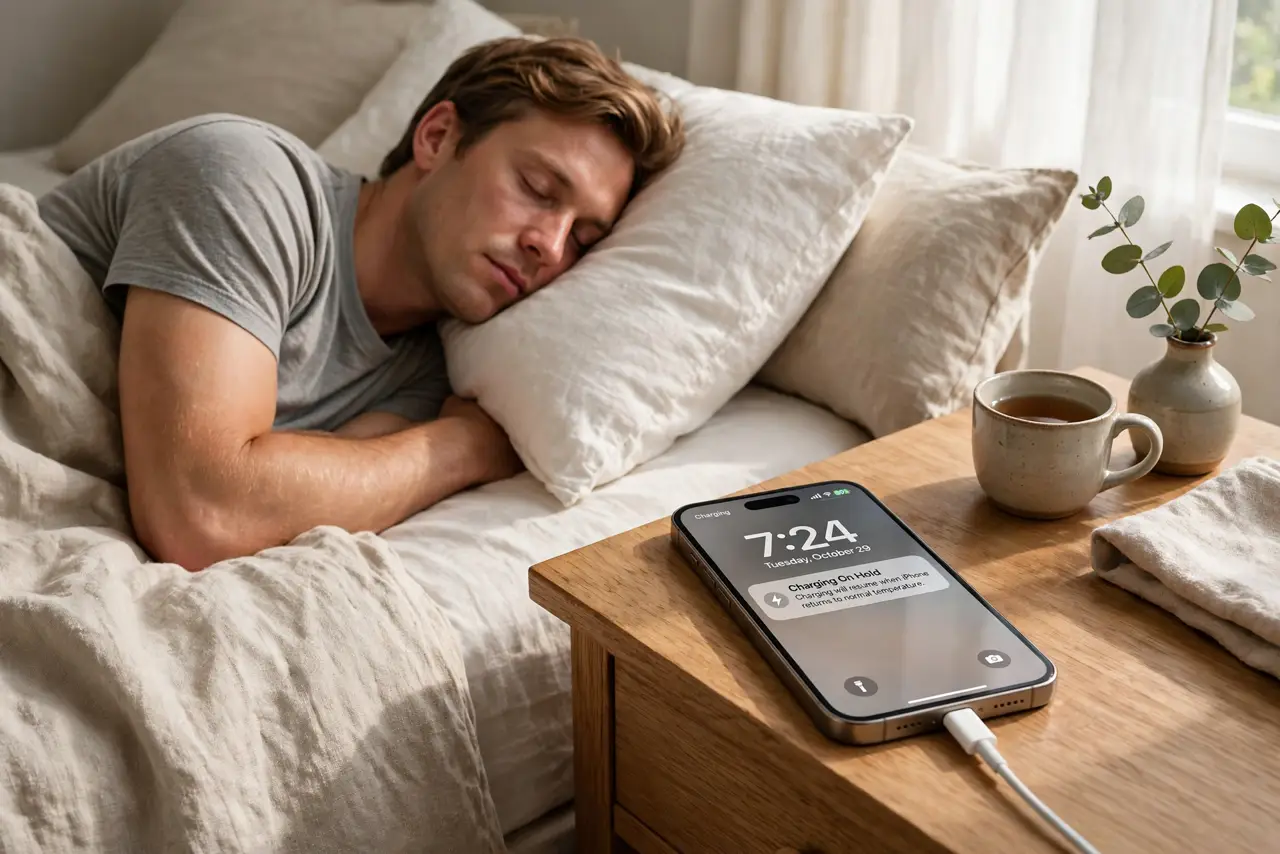
Your phone hits 100% by 2 a.m. and sits there, fully charged and warm, until your 7 a.m. alarm — five hours of battery stress every single night. Optimized charging ends that: the phone charges to 80%, waits, then finishes just before you wake. Same full battery at breakfast, far less wear overnight.
TL;DR / Quick Fix
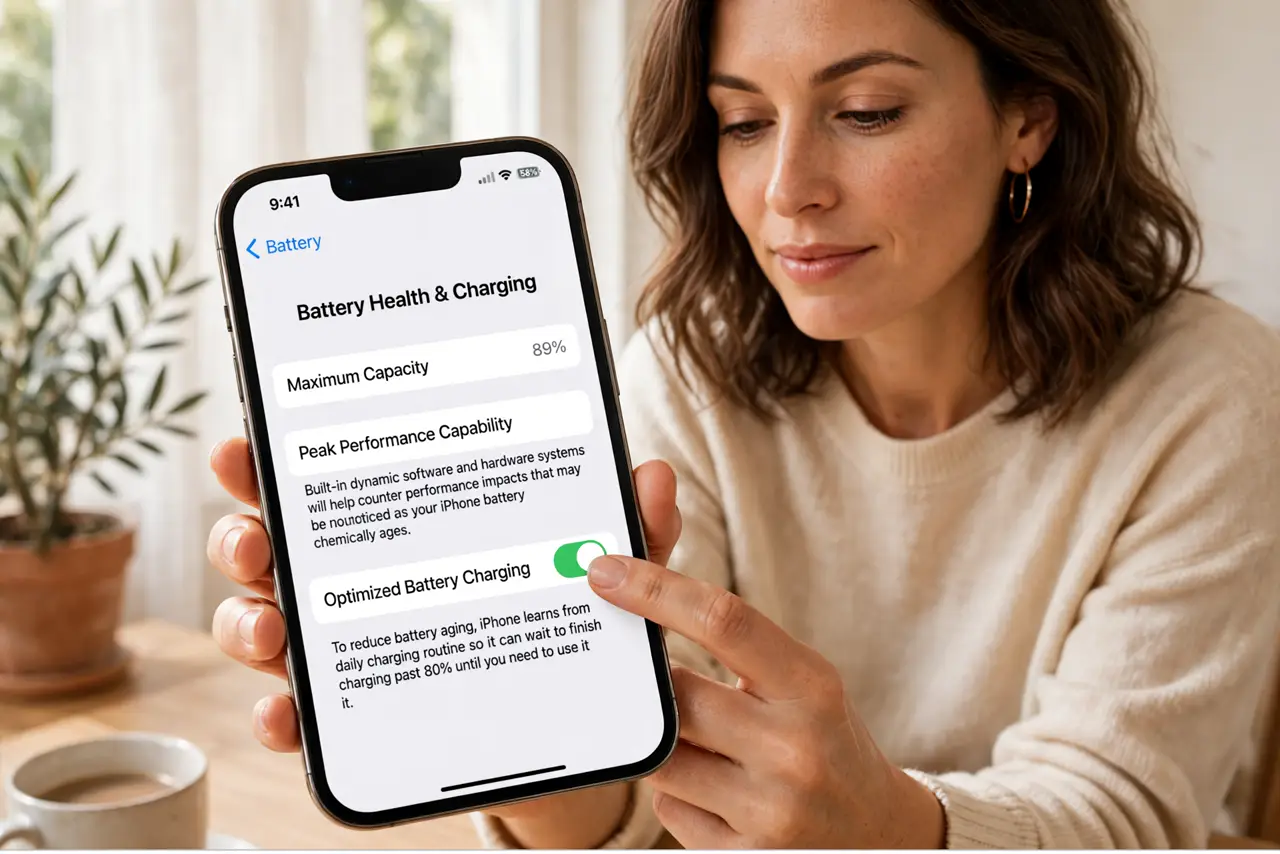
Quick fix: on iPhone go to Settings, Battery, Battery Health and Charging, and enable Optimized charging. On Android enable Adaptive charging under Battery settings. Keep a consistent wake time for a week so the phone learns the routine. The 80% overnight hold is the feature working, not a bug.
Follow these steps
- Enable it on iPhone. Settings, Battery, Battery Health and Charging — turn on Optimized charging. The phone needs no other input from you.
- Enable it on Android. Settings, Battery — look for Adaptive charging or similar. The adaptive version learns your alarm the same way.
- Keep a steady schedule. The learning needs about a week of consistent wake times. Erratic schedules delay the routine — regularity teaches fastest.
- Recognize the 80% hold. Seeing 80% at 4 a.m. means it is working. The top-up completes before your alarm — do not panic-charge manually.
- Stay cool overnight. Heat plus charging is the real aging accelerator. Nightstand in open air, case off if it runs warm — cool charging doubles the benefit.
- Combine with the cap if strict. For maximum gentleness, pair with the 80 percent cap — capped plus optimized is the kindest routine a battery can get.
What NOT to do
- Do not turn it off after three days. The learning period is about a week — judging early is just impatience.
- Do not charge under pillows or blankets. Trapped heat undoes every benefit the software provides.
- Do not expect it with chaotic alarms. Shift work with random wake times confuses the learning — the hard cap suits those better.
- Do not manually top up at 3 a.m. Let the routine finish the job; interference resets the learning.
Frequently asked questions
How long until it learns my schedule?
About a week of consistent wake times. After that the top-up lands reliably before the alarm.
Is optimized better than the 80% cap?
Different strengths: optimized gives you 100% by morning; the cap never exceeds 80%. Many people run both.
Does it work with wireless charging?
Yes — the routine applies regardless of how the power arrives. Keep the phone cool, as wireless runs warmer.