Other Storage Balloons After an Update
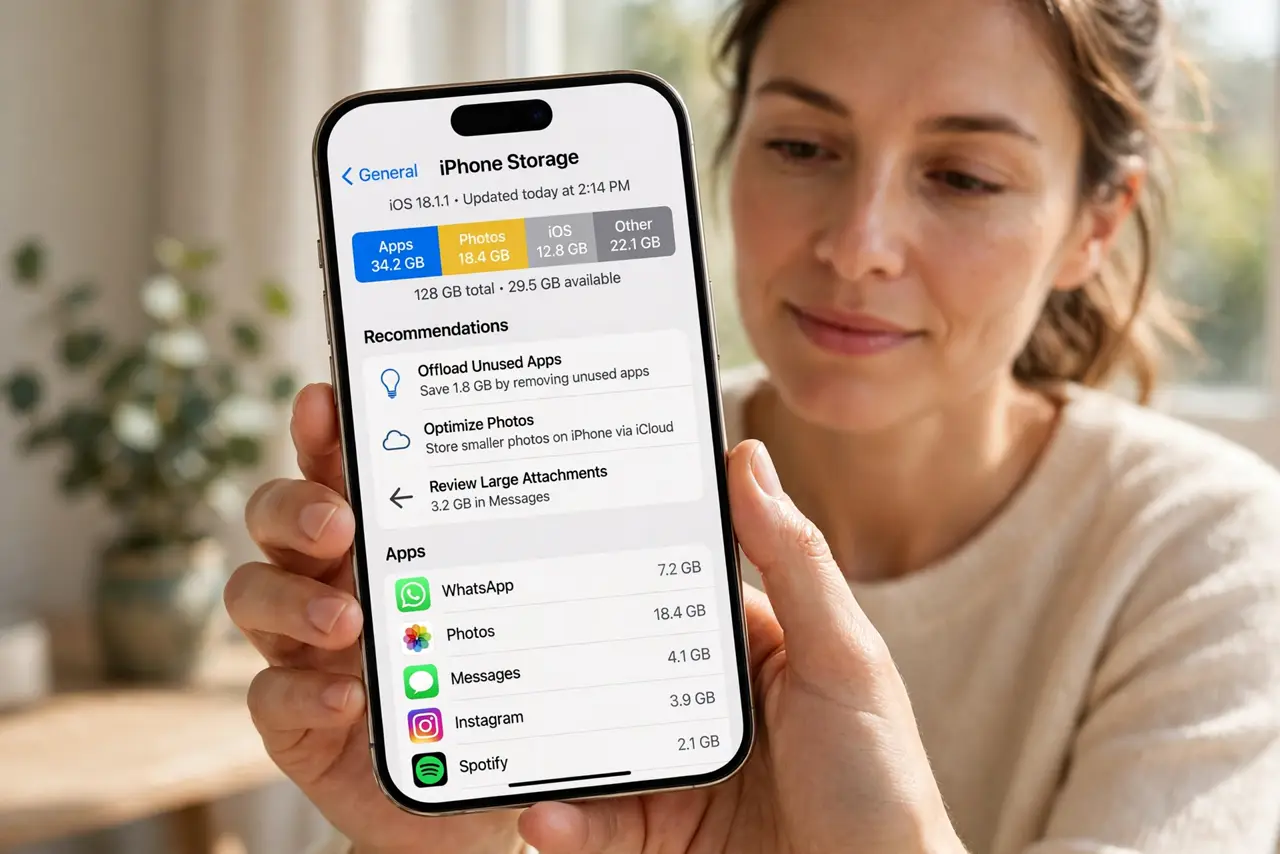
Right after an iOS update, the Other category swells and your free space shrinks. The update leaves installer leftovers and rebuilds caches — most of it is temporary, but some of it needs a nudge to clear.
TL;DR / Quick Fix
Quick fix: wait a day after the update — iOS cleans up installer files on its own. If Other stays large, restart the iPhone, update all apps, and sync once with a computer. A backup and restore clears whatever stubborn leftovers remain.
Follow these steps
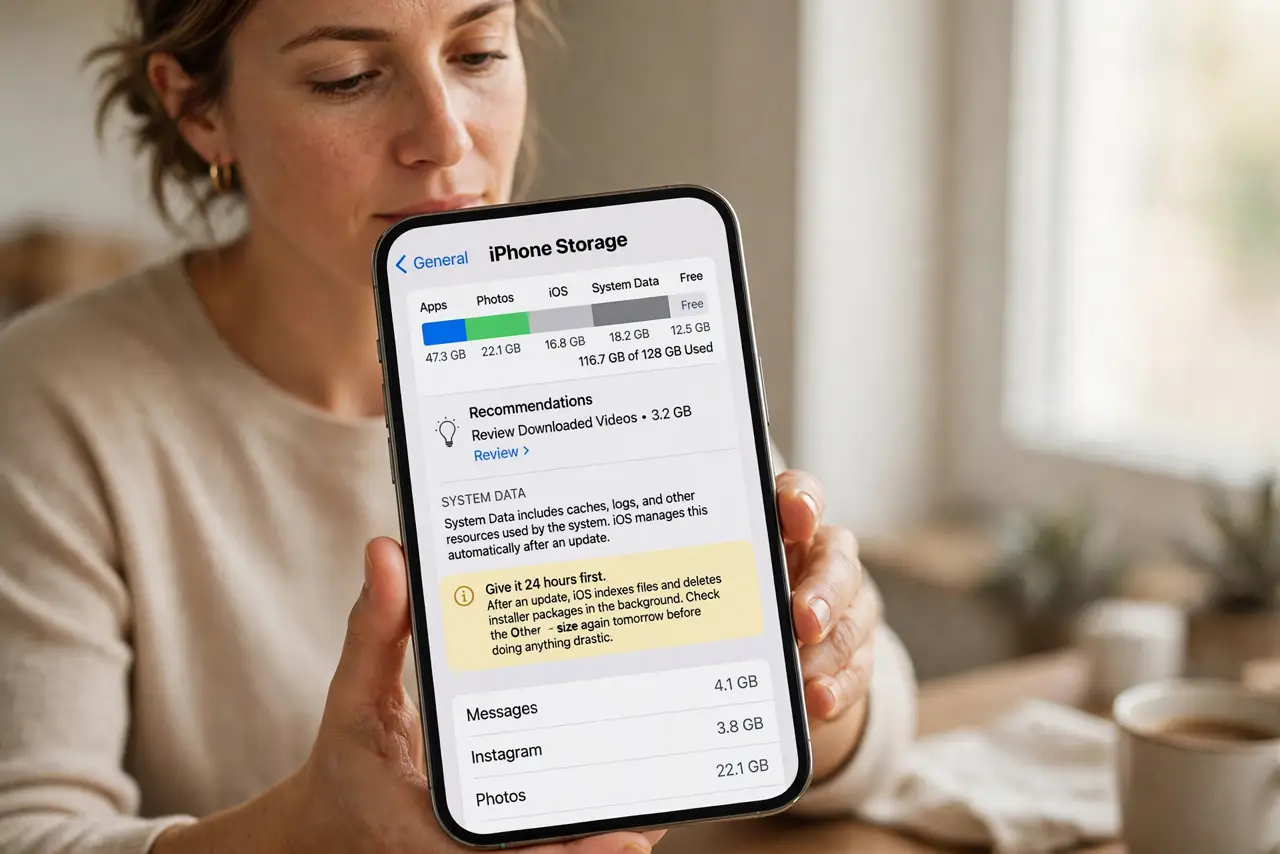
- Give it 24 hours first. After an update, iOS indexes files and deletes installer packages in the background. Check the Other size again tomorrow before doing anything drastic.
- Restart to finish the cleanup. Restart the iPhone once. A restart lets interrupted cleanup tasks finish, and the Other number often drops right after.
- Update every app. Open the App Store and update all pending apps. Old app versions keep compatibility caches that the new iOS would rather rebuild fresh.
- Sync with a computer once. Connect the iPhone to a Mac or PC and run a sync. Syncing clears orphaned cache files that the over-the-air update left behind.
- Clear message and browser caches. Delete large message threads with lots of media, and clear Safari website data. Updates sometimes re-label these caches as Other, so trimming them trims Other too.
- Back up and restore as the last resort. If Other still refuses to shrink, back up the iPhone and restore it. A restore is the reliable reset for update leftovers that nothing else clears.
What NOT to do
- Do not panic the hour the update finishes. Other is supposed to spike during an install — the spike only matters if it is still there days later.
- Do not delete your photos to reclaim update space. The gigabytes belong to installer leftovers, not to your camera roll.
- Do not install the update again hoping it cleans up. Reinstalling the same update adds more leftovers instead of removing the old ones.
- Do not use a PC cleaner on the iPhone's backup folder to fix this. The mess is on the phone, and touching backup files only risks the backup.
Frequently asked questions
What is Other storage after an update?
Installer packages, system caches, and temporary files the update created. iOS deletes most of them automatically within a day or two.
Why did my free space drop right after updating?
The update needs working room and leaves temporary files. Free space usually recovers on its own as cleanup finishes.
Does restoring really clear it?
Yes. A restore rebuilds the iPhone's storage from your backup, leaving the update leftovers behind.