Clone Your Voice
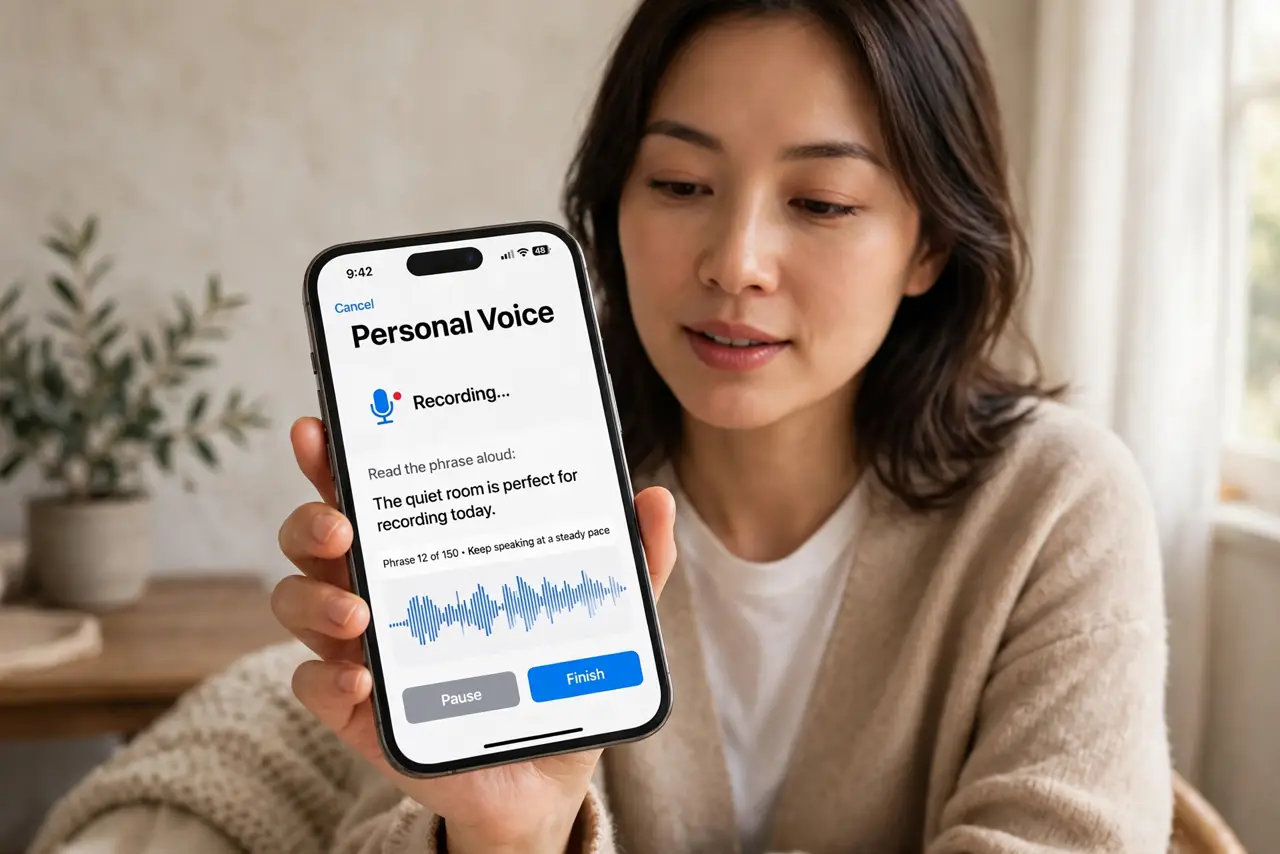
For people at risk of losing their speech — ALS, throat surgery, degenerative conditions — banking your voice while you still have it is a gift to your future self. iPhone's Personal Voice creates a copy of your voice from 15 minutes of reading. This guide sets it up with care.
TL;DR / Quick Fix
Quick fix: Personal Voice creates a copy of your voice for people at risk of losing speech — set it up in Accessibility, Speech, reading the training phrases in a quiet room. It takes about 15 minutes. Pair it with Live Speech to type and have your own voice speak.
Follow these steps
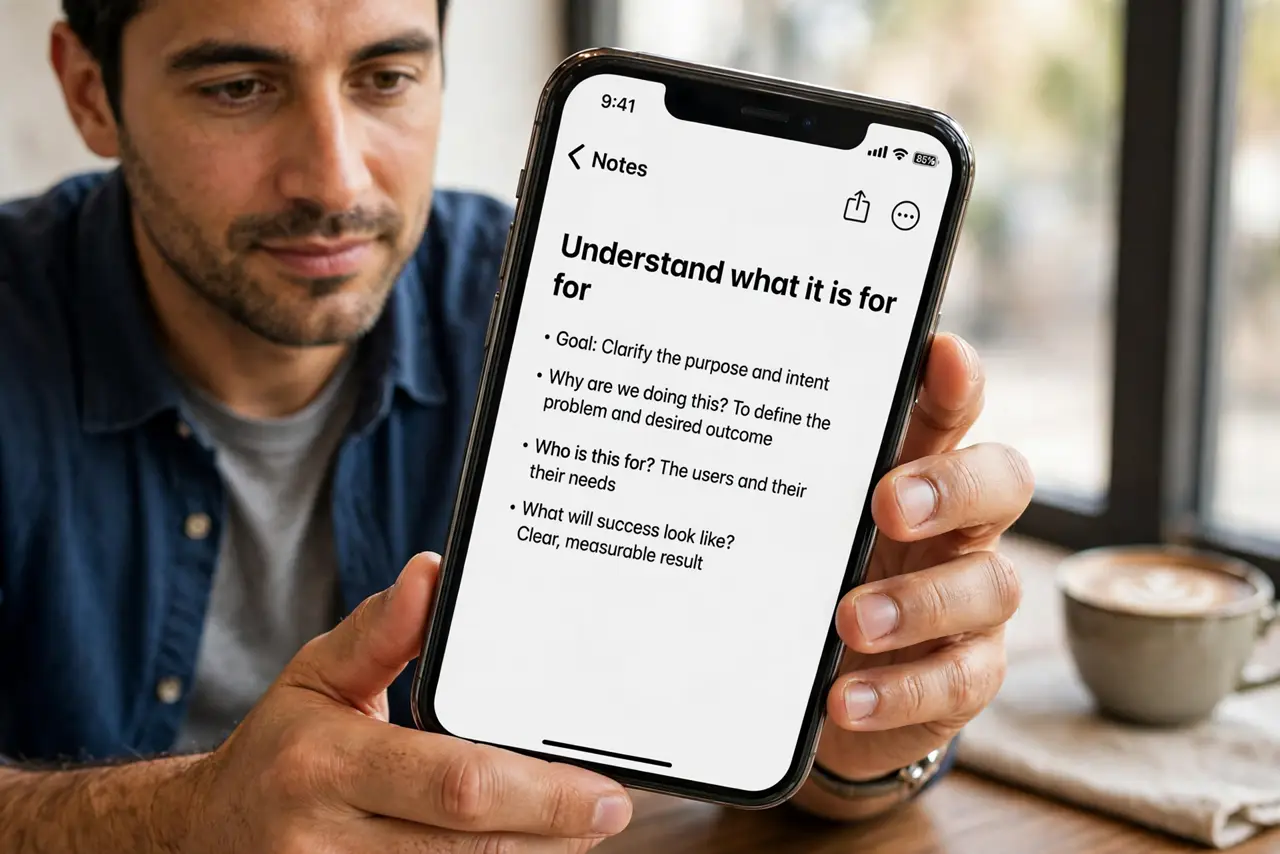
- Understand what it is for. Personal Voice is an accessibility feature for people who may lose the ability to speak. It is not a novelty voice changer — set it up for the right reasons, ideally before you need it.
- Go to Accessibility, Speech. On iPhone, open Settings, Accessibility, then Speech. Personal Voice lives here alongside Live Speech, its companion feature.
- Read the training phrases. The iPhone guides you through reading aloud a set of phrases — about 15 minutes in a quiet room. Clear, natural reading gives the best result.
- Let it process overnight. Voice creation happens on-device and takes a while — plug in and let it work overnight. Your recordings never leave the phone.
- Pair it with Live Speech. Enable Live Speech and choose your Personal Voice as its voice. Now typing speaks in YOUR voice — in calls and in person.
- Keep it updated. Re-record if your voice changes significantly. A fresh sample keeps the synthesis matching the real you.
What NOT to do
- Do not set it up in a noisy room. Background noise degrades the voice model — quiet space matters.
- Do not rush the phrases. Mumbled training makes a mumbled voice; speak clearly and naturally.
- Do not use someone else's voice without consent. Creating a voice model of another person raises serious consent issues.
- Do not skip the backup. Your voice model is precious — keep device backups current so it survives a lost phone.
Frequently asked questions
How long does setup take?
About 15 minutes of reading, plus overnight on-device processing. Plan it as an evening task.
Does Apple keep my voice recordings?
No — Personal Voice is processed entirely on-device. Apple does not receive your voice data.
Can I use it in phone calls?
Yes, via Live Speech — type during the call and your Personal Voice speaks to the other person.