iPhone Portrait Mode Blurs the Wrong Part? Fix It
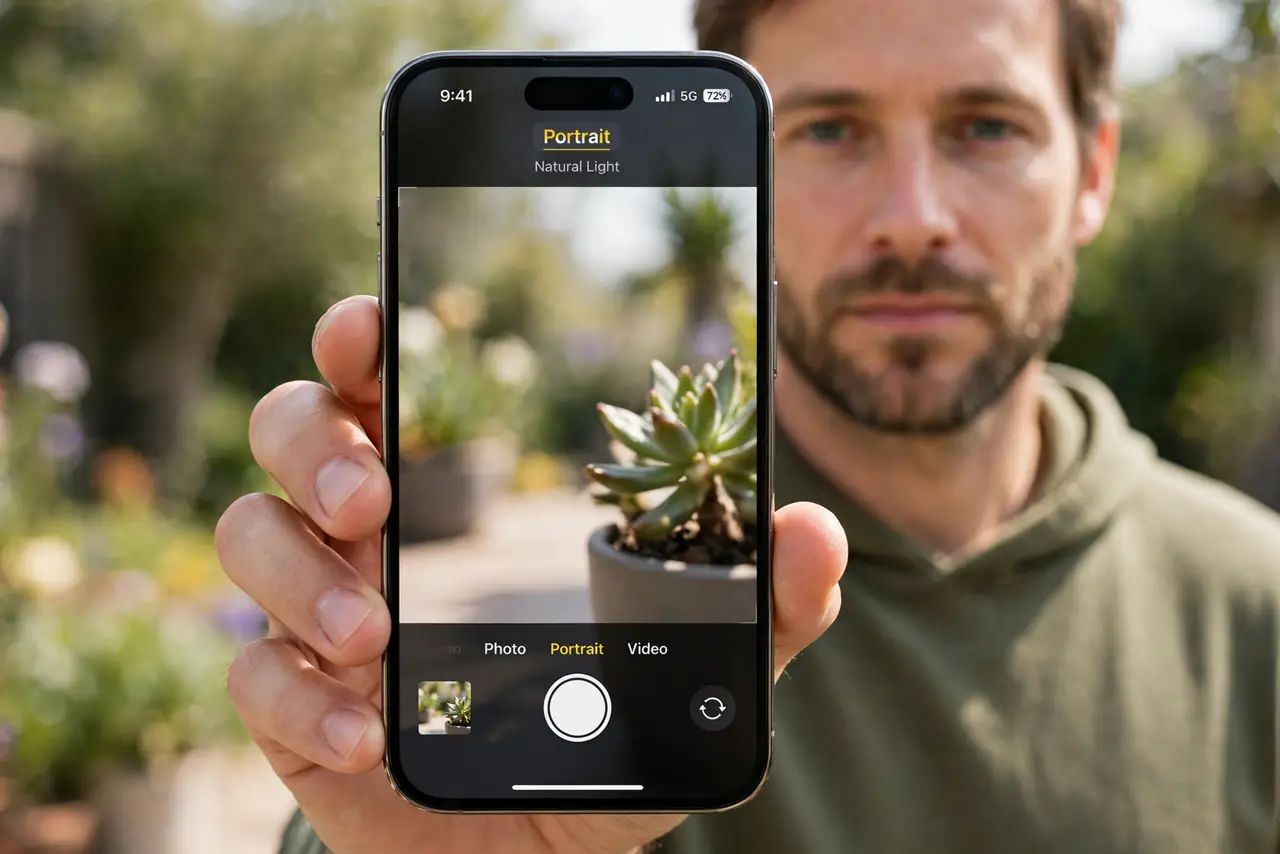
Portrait Mode blurs the background, but it blurred your subject's face instead, or cut off an ear. Portrait blur is software guessing depth, and it guesses wrong in low light, at the wrong distance, or with messy edges. The focus twin is a camera focusing on the background, which is the same depth confusion in normal mode.
TL;DR / Quick Fix
Quick fix: stand 2 to 8 feet from the subject, use good light, keep edges clean, tap the subject to focus, adjust depth after shooting, and retake if the blur is wrong. If it still fails, note exactly when it happens, then try again slowly.
Follow these steps
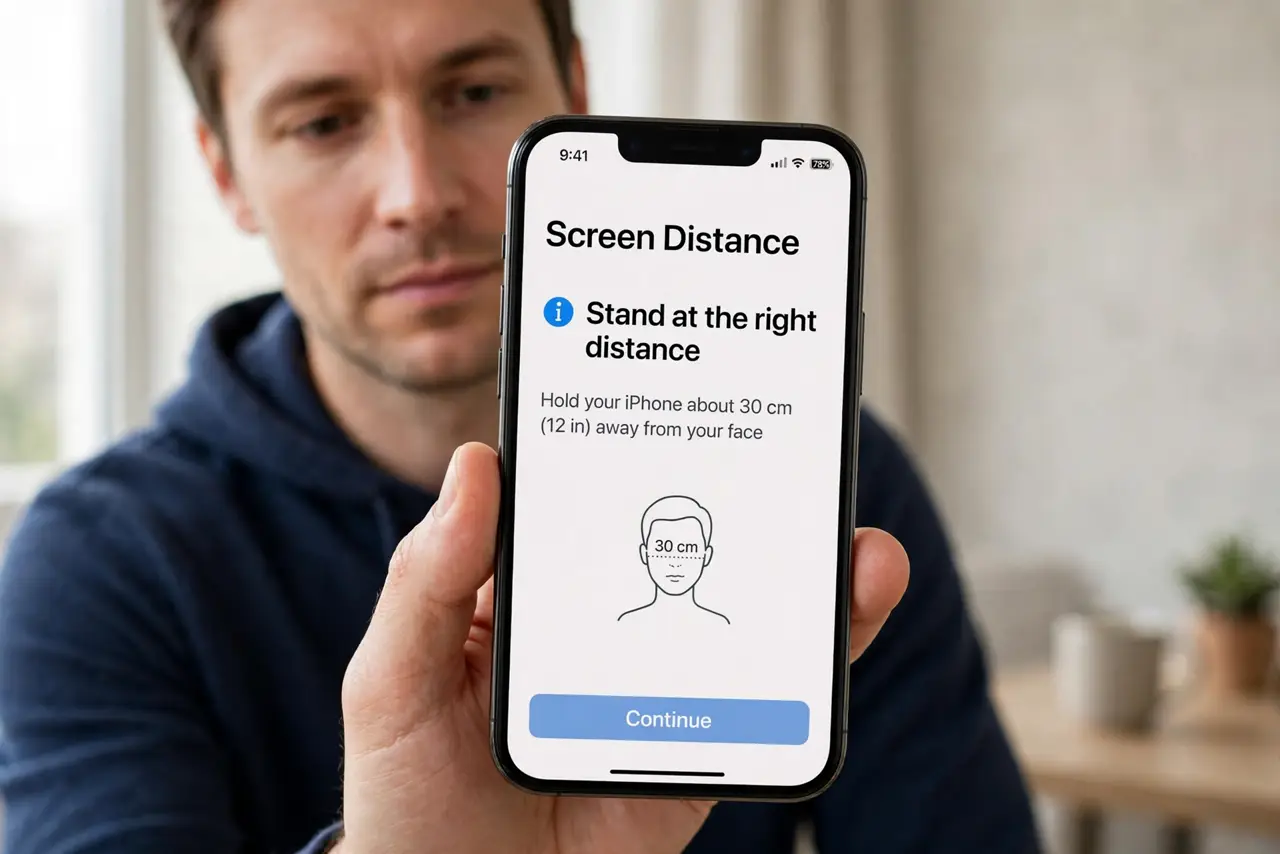
- Stand at the right distance. Stand about 2 to 8 feet from your subject. Too close or too far breaks depth detection, and the blur lands on the wrong part.
- Use good, even light. Shoot in bright, even light. Low light makes depth guessing unreliable, and the blur wanders onto faces, hair, or hands.
- Keep subject edges clean. Avoid busy backgrounds, fences, and hair blowing across the face. Clean edges help the phone tell subject from background.
- Tap the subject to focus. Tap the subject on screen before shooting. Tapping tells the phone what matters, so depth is calculated around the right thing.
- Adjust depth after shooting. Open the photo in Photos, tap Edit, then the depth control, and adjust the blur strength. You can also turn the portrait effect off entirely if it ruined the shot.
- Retake if the blur is badly wrong. If the face itself is blurred, retake the shot with better light and distance. Editing cannot restore a blurred face to sharpness.
What NOT to do
- Do not use Portrait Mode in very low light. Depth guessing fails there, so use normal mode and accept a sharper background.
- Do not expect perfect edges around hair or glasses. Software blur struggles with fine edges, and some fringing is normal.
- Do not delete the original before checking depth control. The Edit depth slider can save a shot that looks wrong at first.
- Do not use Portrait Mode for groups at different distances. It focuses depth on one plane, so people behind or ahead will blur.
Frequently asked questions
Why did Portrait Mode blur the face?
Because distance, light, or a messy edge confused depth detection. Retake with better light and distance.
Can I fix a wrong blur after shooting?
Partly. You can adjust blur strength or turn the effect off, but you cannot sharpen a blurred face.
Why do ears or hair blur oddly?
Because fine edges confuse depth software. Clean backgrounds and good light reduce the effect.