iPhone QR Code Will Not Scan? Fix It
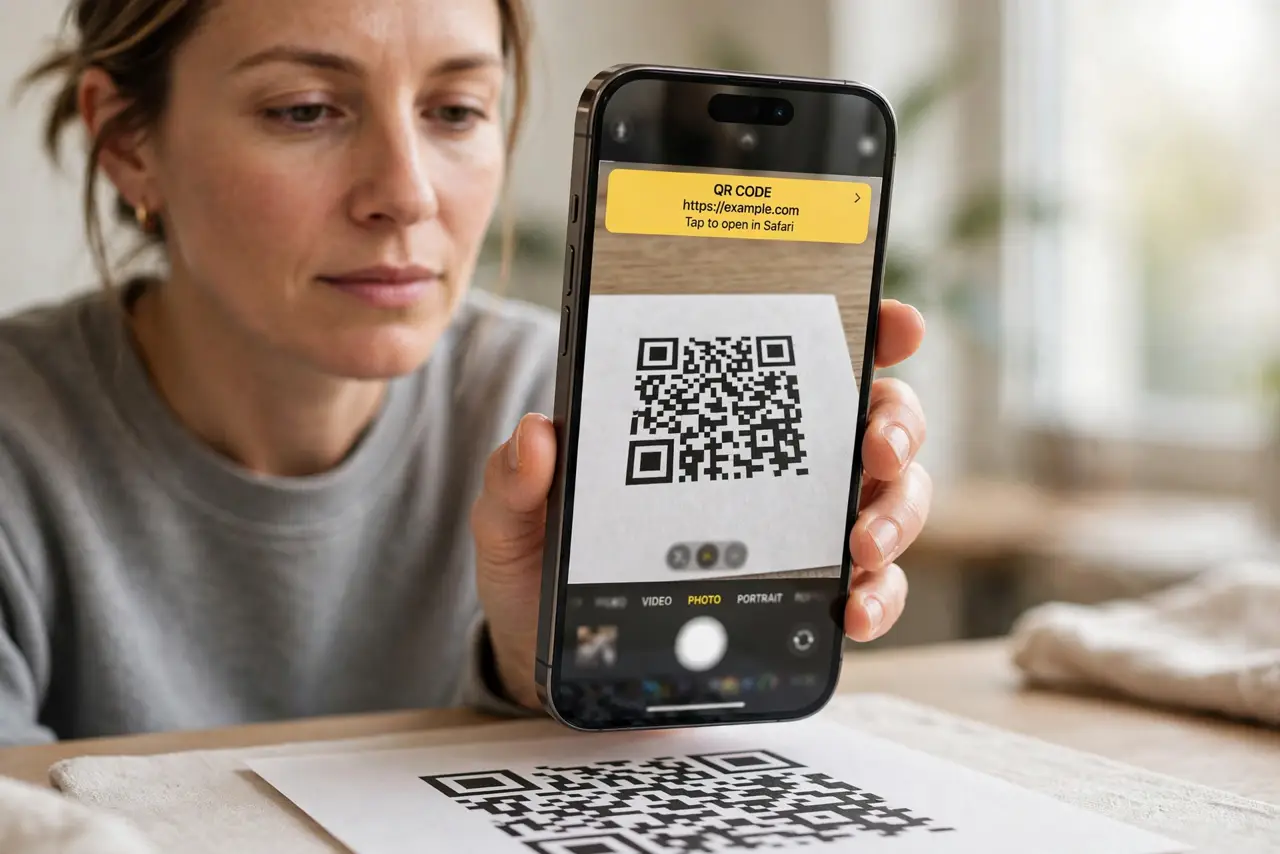
You point the camera at a QR code and nothing happens. QR scanning needs the code in frame, in focus, and well lit, plus the scanning setting on. The focus cousin is a camera focusing on the background, which is often why the code never sharpens.
TL;DR / Quick Fix
Quick fix: hold the phone 6 to 12 inches away, keep the code flat and lit, tap to focus, confirm Scan QR Codes is on, clean the lens, and try a screenshot of the code. Test the fix right away, then recheck it tomorrow morning.
Follow these steps
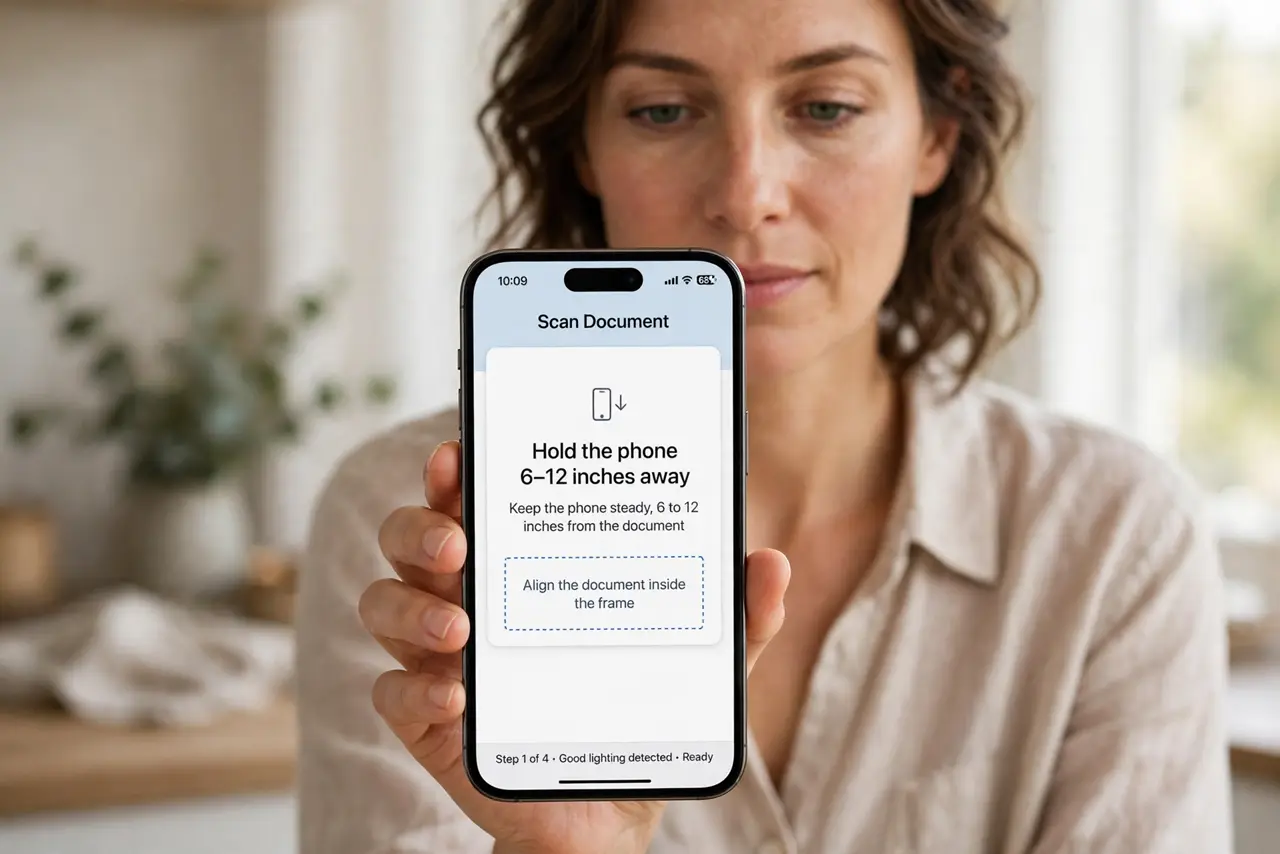
- Hold the phone 6 to 12 inches away. Hold the iPhone about 6 to 12 inches from the code, with the whole code in frame. Too close crops it, and too far makes it too small to read.
- Keep the code flat and well lit. Flatten a curved or glossy code if you can, and light it evenly. Glare, curves, and shadows are the most common scanning blockers.
- Tap the code to focus. Tap the QR code on screen to focus on it. If the camera focuses on the background instead, the code stays too soft to scan.
- Confirm Scan QR Codes is on. Open Settings, then Camera, and make sure Scan QR Codes is on. Without it, the Camera app ignores QR codes entirely.
- Clean the lens. Wipe the camera lens with a soft, dry cloth. A smudge that barely shows in photos can be enough to defeat a QR scan.
- Try a screenshot or a photo of the code. Take a photo of the code, then press and hold it in Photos to open the link. This bypasses a live-scan problem and often works at once.
What NOT to do
- Do not keep moving the phone closer and closer. Too close crops the code, so back up until the whole code is in frame.
- Do not scan a QR code from a stranger without checking the link. Preview the destination before opening it, since codes can lead anywhere.
- Do not install a QR scanner app as a first step. The built-in Camera app scans codes, so check its setting first.
- Do not scan a damaged or tiny code repeatedly. A torn, tiny, or low-contrast code may simply be unscannable, so ask for a fresh one.
Frequently asked questions
Why does my camera ignore QR codes?
Usually Scan QR Codes is off, the code is out of frame or focus, or glare hides it.
Can I scan a QR code from a photo?
Yes. Press and hold the code in a photo in Photos to open its link.
How far should I hold the phone?
About 6 to 12 inches, with the whole code in frame and well lit.