Old Safari Tabs Appear From Another iPhone
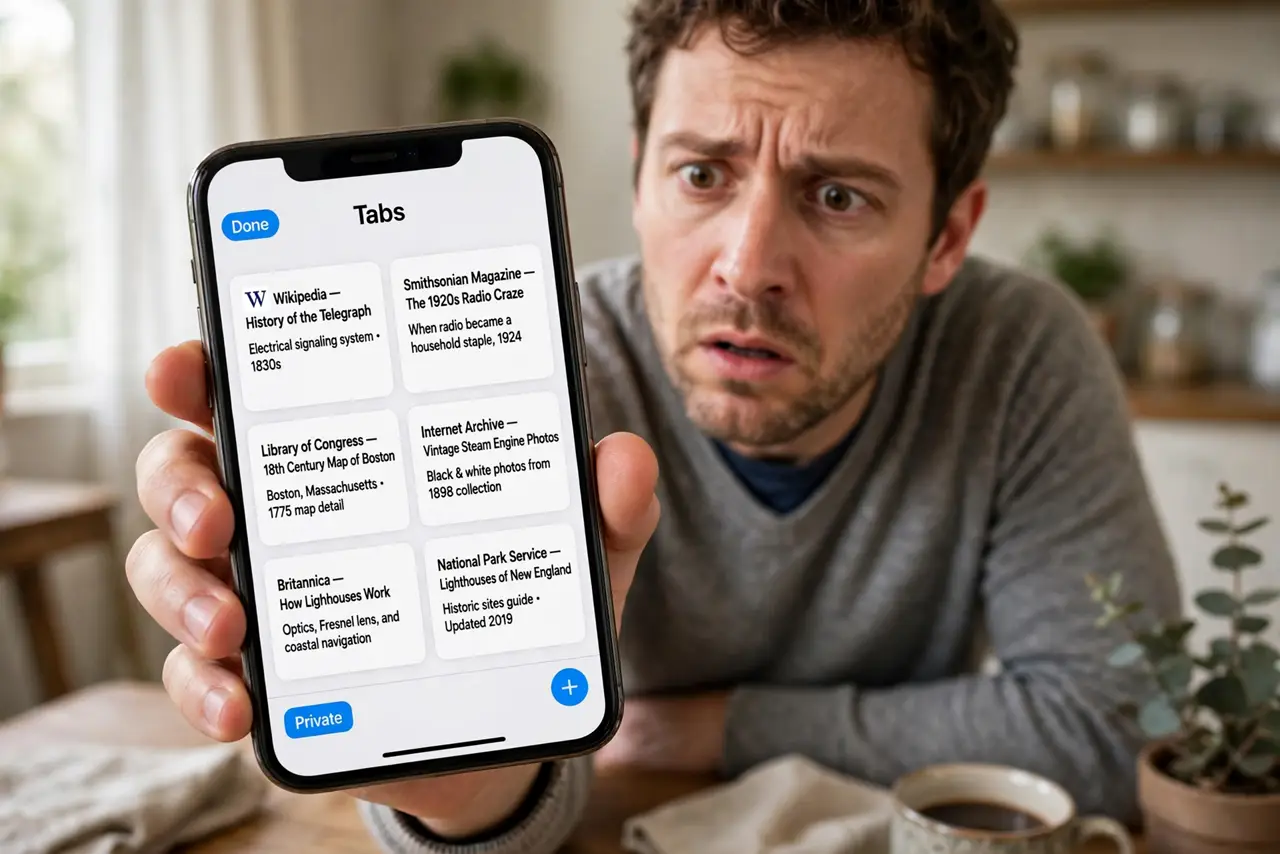
Tabs from an old iPhone you no longer own keep appearing in Safari — a ghost of a device you sold or traded in. Safari syncs tabs across your iCloud devices, and a forgotten device keeps contributing. This guide exorcises the old tabs by managing tab sync properly.
TL;DR / Quick Fix
Quick fix: open Safari's start page, tap the tab overview, and look for tabs grouped under your old device's name — close them there. Then remove the old device from your Apple ID's device list. If tabs keep returning, turn Safari iCloud sync off and on to reset it.
Follow these steps
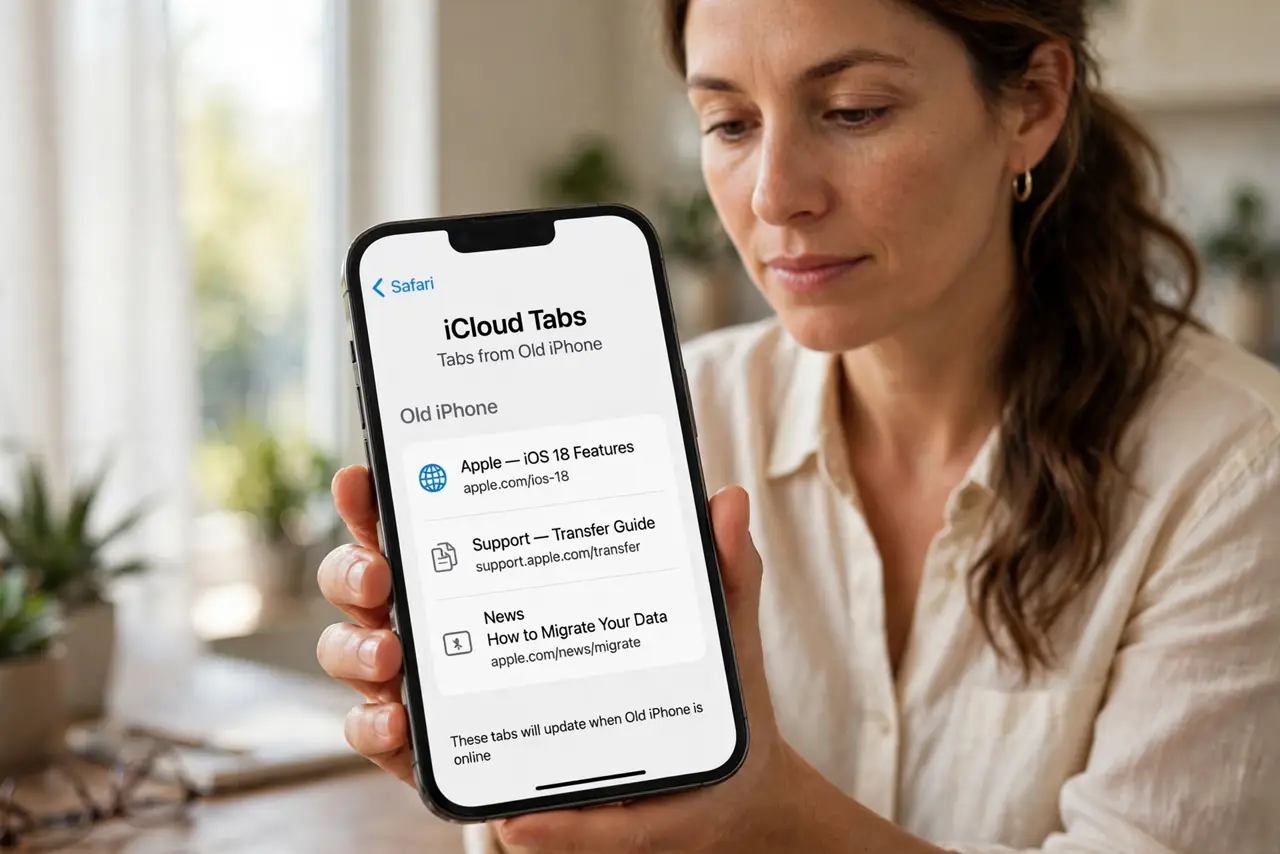
- Find the old device's tabs. In Safari, open the tab overview and scroll to the section labeled with your old device's name. Those are the ghost tabs.
- Close them from the current phone. You can close another device's synced tabs remotely from this view. Close them all — they are not needed anymore.
- Remove the old device from your Apple ID. In Apple ID settings, open the device list and remove the old iPhone. A removed device stops syncing anything.
- Toggle Safari iCloud sync. Turn Safari sync off in iCloud settings, wait a minute, then turn it back on. This clears stale sync data.
- Check for a second Apple ID sign-in. If someone else's tabs appear, the old phone may still be signed into your Apple ID. Removing the device (step 3) handles this too.
- Verify on a second device. Check Safari on your Mac or iPad. When the ghost tabs are gone everywhere, the cleanup is complete.
What NOT to do
- Do not just close the tabs and skip removing the device. As long as the old phone is on your account, its tabs can come back.
- Do not turn off iCloud Safari sync permanently in annoyance. You lose tab sync on devices you actually use.
- Do not assume the old owner sees your tabs. If you sold the phone properly wiped, this is just your own account echoing.
- Do not forget to remove the device after a trade-in. Do it the day you hand the phone over, not months later.
Frequently asked questions
Why do tabs from my old iPhone keep appearing?
Safari syncs open tabs across your iCloud devices. The old phone is still on your Apple ID, so its tabs keep syncing in.
Can I close another device's tabs remotely?
Yes — Safari's tab overview lets you see and close tabs open on your other signed-in devices.
Will removing the device delete my current tabs?
No. It only stops that device from syncing. Your current phone's tabs are unaffected.