Safari Tab Groups Sync Hours Late
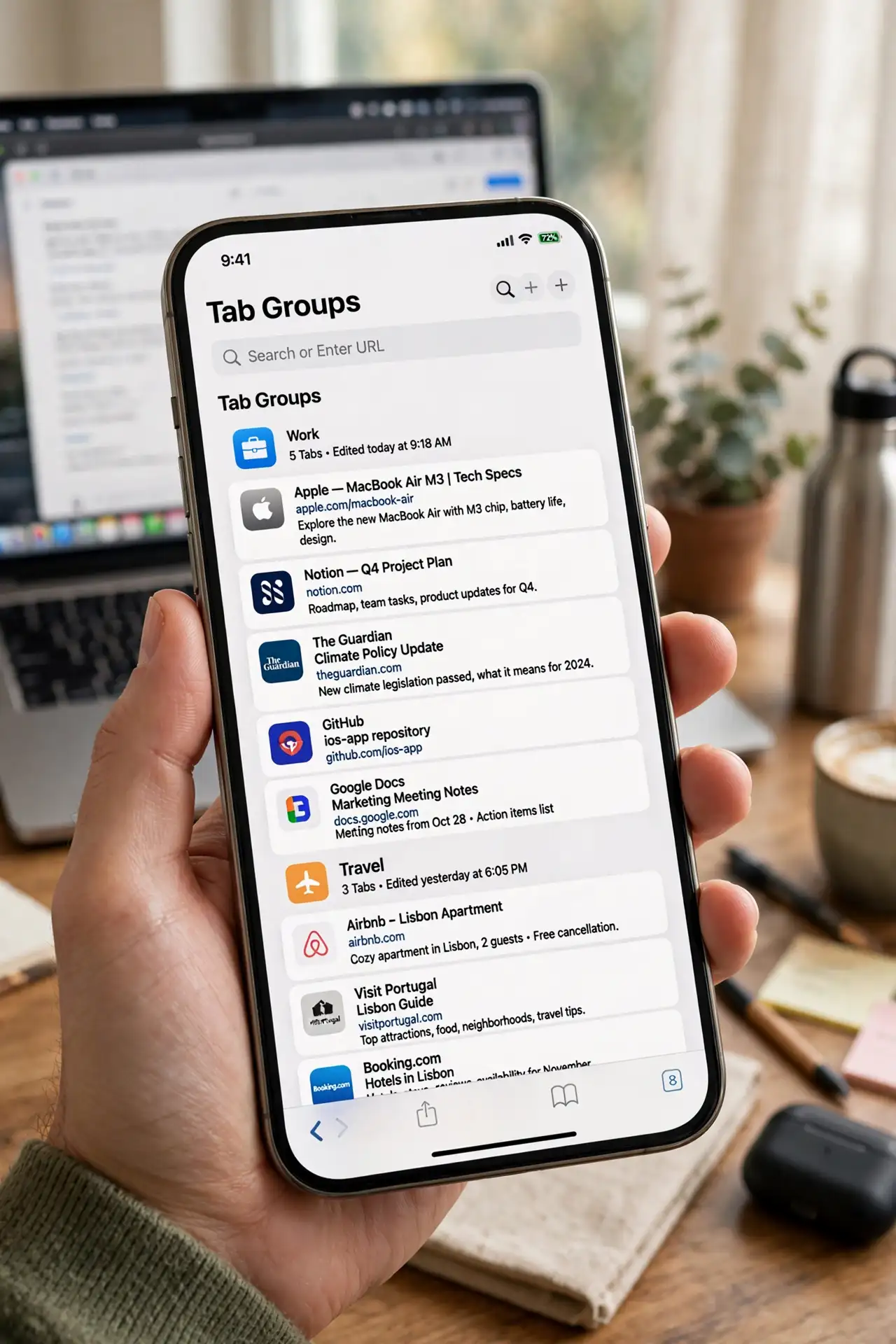
You open a tab group on your iPhone and the tabs from your Mac show up hours later — or never. Tab groups sync through iCloud, and anything that slows iCloud slows your tabs.
TL;DR / Quick Fix
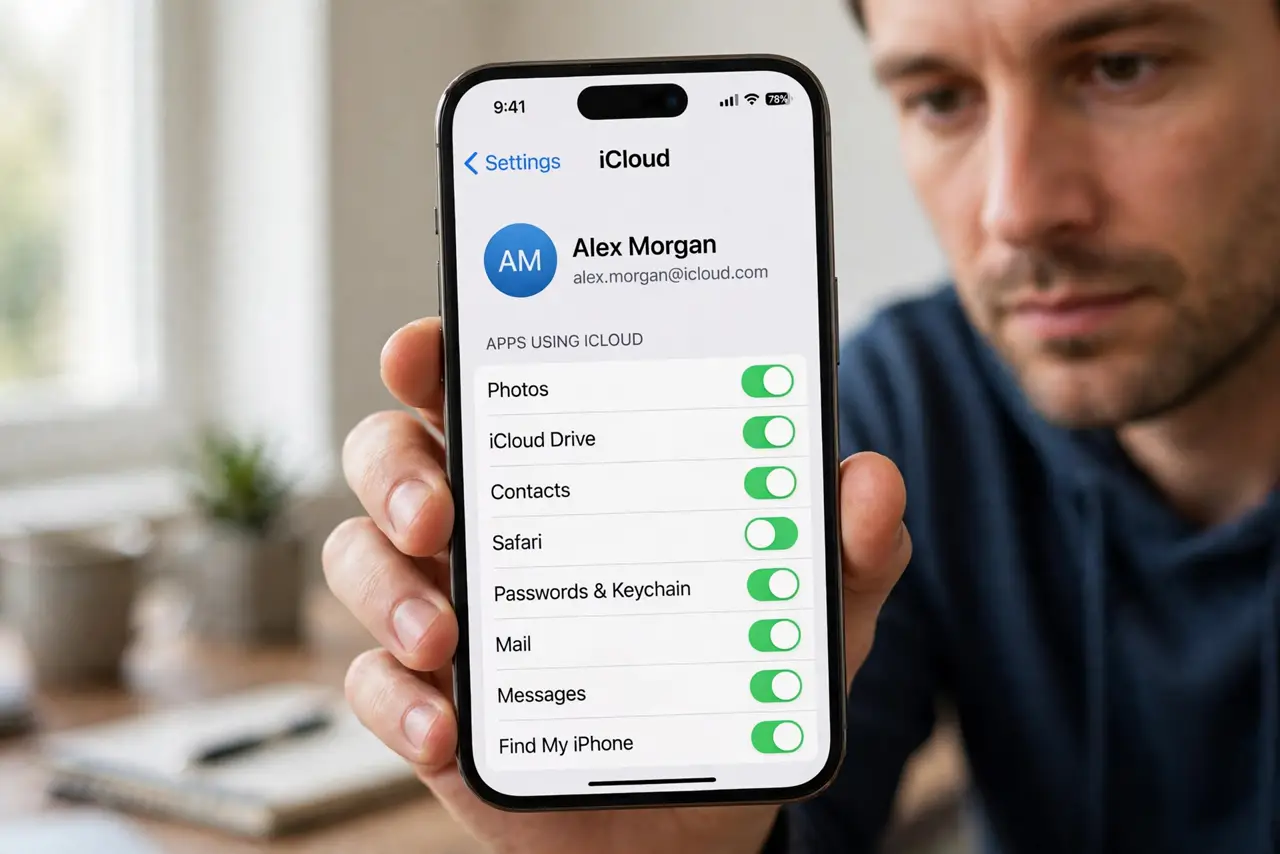
Quick fix: on the iPhone, open Settings, tap your name, then iCloud, and confirm Safari sync is on. Connect to Wi-Fi and wait — syncing can lag after an update. If tabs still do not appear, toggle Safari sync off and on to restart it.
Follow these steps
- Confirm Safari sync is on everywhere. On the iPhone, check Settings, your name, iCloud, then Safari. On the Mac, check System Settings, Apple ID, iCloud — Safari must be on in both places.
- Use the same Apple ID on both devices. Tab groups sync only between devices signed in to the same Apple ID. A work ID on one device and a personal ID on the other keeps the groups separate.
- Connect both devices to the internet. Sync needs a connection on both ends. A Mac asleep with its lid closed cannot upload new tabs, so wake it and let it connect.
- Wait after major updates. Right after an iOS or macOS update, iCloud re-indexes and sync slows for hours. Give it a day before assuming the sync is broken.
- Toggle Safari sync off and on. On the iPhone, switch Safari sync off, wait a minute, and switch it back on. This restarts the sync engine without deleting your tabs.
- Check iCloud storage is not full. A full iCloud plan stalls all syncing. Free space or upgrade, then let the tab groups catch up on their own.
What NOT to do
- Do not delete tab groups to force a sync. Deleting removes them everywhere, while the delay is almost always a sync backlog, not a broken group.
- Do not sign out of iCloud on both devices at once. Signing out can merge or duplicate data, and a simple toggle fixes the sync faster.
- Do not expect instant sync with the Mac asleep. A sleeping Mac cannot send new tabs, so wake it before judging the delay.
- Do not create duplicate groups on each device. Duplicates multiply the sync work and make the delay worse, not better.
Frequently asked questions
How long should tab group sync take?
Usually seconds to minutes on good Wi-Fi. After updates or with a full iCloud plan, it can take hours.
Do tab groups need Wi-Fi?
They sync fastest on Wi-Fi, but cellular works too. The key is that both devices have a working connection.
Will toggling sync delete my tabs?
No. Toggling only restarts the sync process; your tab groups stay on the device while it reconnects. If tabs vanish rather than delay, see private tabs disappeared.