iPhone Screen Too Dim Outdoors? Brighten It
In sunlight your iPhone screen looks washed out and dim, even at full brightness. Sunlight is brutal on screens, but several settings quietly cap brightness too. The same outdoor problem affects other phones, and our guide to phone screen brightness outdoors covers the general case, while this one is iPhone-specific.
TL;DR / Quick Fix
Quick fix: drag brightness to maximum, turn off True Tone and Night Shift, check Reduce White Point in Accessibility, let the phone cool down if it is hot, and remove a dark screen protector. Test the fix right away, then recheck it again tomorrow morning.
Follow these steps
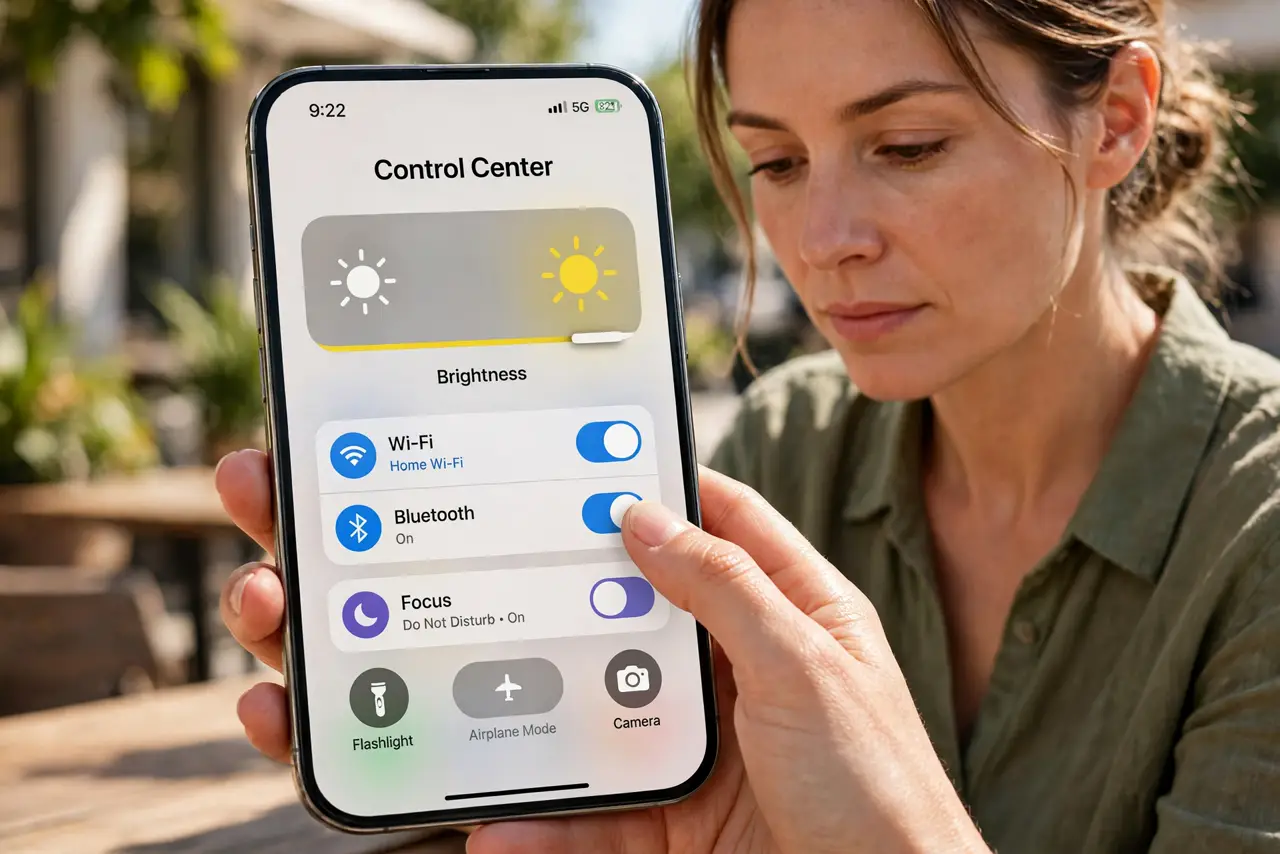
- Drag brightness to maximum manually. Open Control Center and drag the brightness slider all the way up. Auto-brightness may be holding it below maximum, and a manual drag overrides it for now.
- Turn off True Tone and Night Shift. Open Settings, then Display and Brightness, and turn off True Tone and Night Shift. Both warm or dim the screen, which looks darker in sunlight even at high brightness.
- Check Reduce White Point. Open Settings, then Accessibility, then Display and Text Size, and make sure Reduce White Point is off. This setting dims bright colors and can make the screen look dim outdoors.
- Let the phone cool down. If the phone is hot from sunlight, it dims itself to protect the display. Move into shade for a few minutes and brightness should recover on its own.
- Remove a dark or matte screen protector. A tinted or heavy matte protector cuts brightness a lot in sunlight. Peel it off temporarily to test, and replace it with a clear one if the screen brightens.
- Restart if brightness stays stuck low. Restart the phone and check brightness again. A stuck brightness state after heat or an update sometimes needs a restart to clear.
What NOT to do
- Do not turn auto-brightness off permanently as a fix. Manual maximum drains battery fast, so use it outdoors and let auto-brightness work indoors.
- Do not judge brightness through sunglasses. Polarized sunglasses can make an iPhone screen look dark or uneven, especially in landscape.
- Do not install a brightness booster app. iOS already allows maximum brightness, and extra apps cannot raise it further.
- Do not leave the phone in direct sun to test brightness. Heat will dim it further and can damage the battery.
Frequently asked questions
Why is my screen dimmer when the phone is hot?
Because the phone dims the display to protect itself from heat. Cooling down restores brightness.
Does True Tone really make it dimmer?
It can look dimmer outdoors because it warms the colors. Turning it off gives the brightest, coolest look in sunlight.
Should I keep brightness at maximum all day?
No. It drains battery fast. Use maximum outdoors, then let auto-brightness take over indoors.