Get Left-Behind Alerts
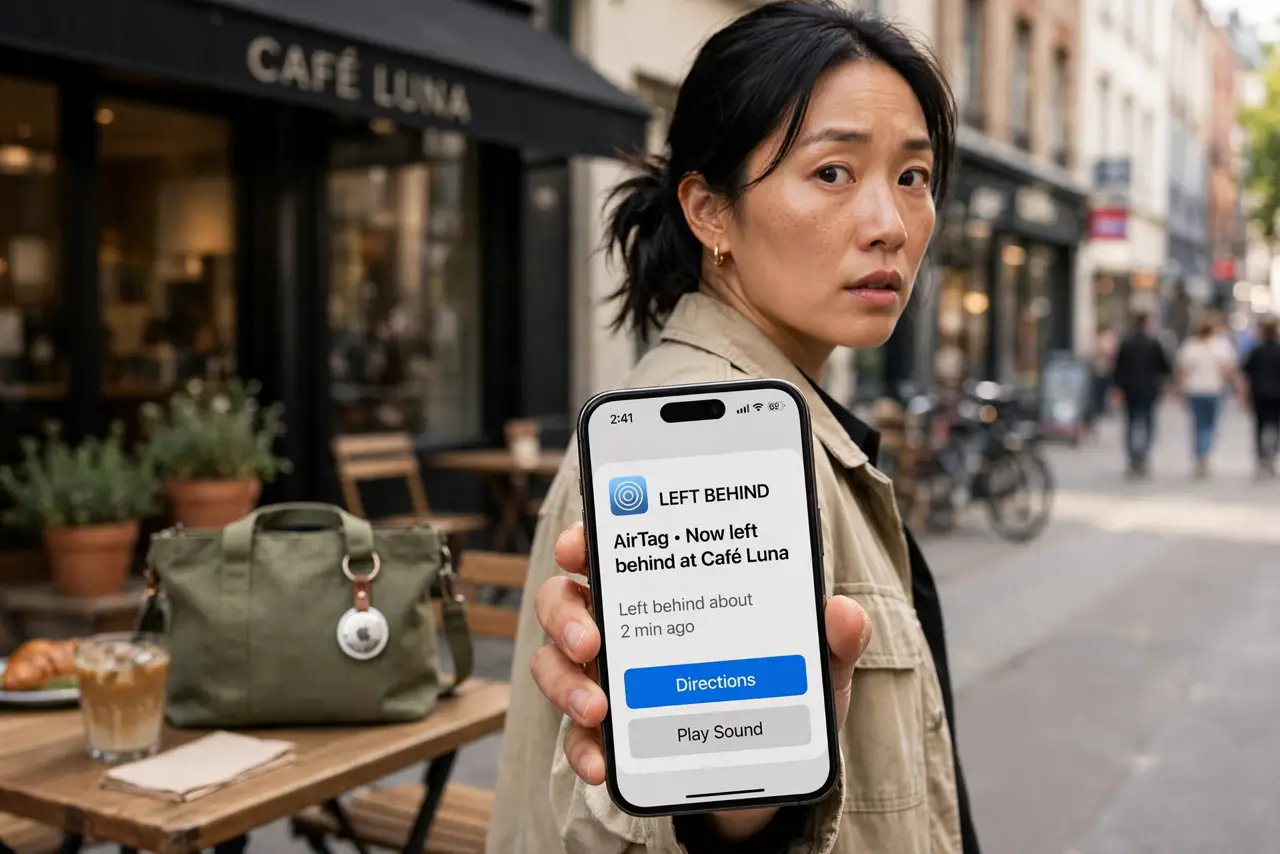
You have left your laptop bag at the cafe again — and realized it three blocks later. Separation alerts warn you the moment you walk away from a tagged item: your iPhone buzzes when the AirTag, keys, or bag gets left behind. It is the cheapest insurance against the I left it somewhere panic.
TL;DR / Quick Fix
Quick fix: in Find My, select your AirTag or supported item, turn on Notify When Left Behind, and add home as a trusted place. Your iPhone alerts you the moment you separate — except at home. Pair it with Lost Mode for when the alert comes too late.
Follow these steps
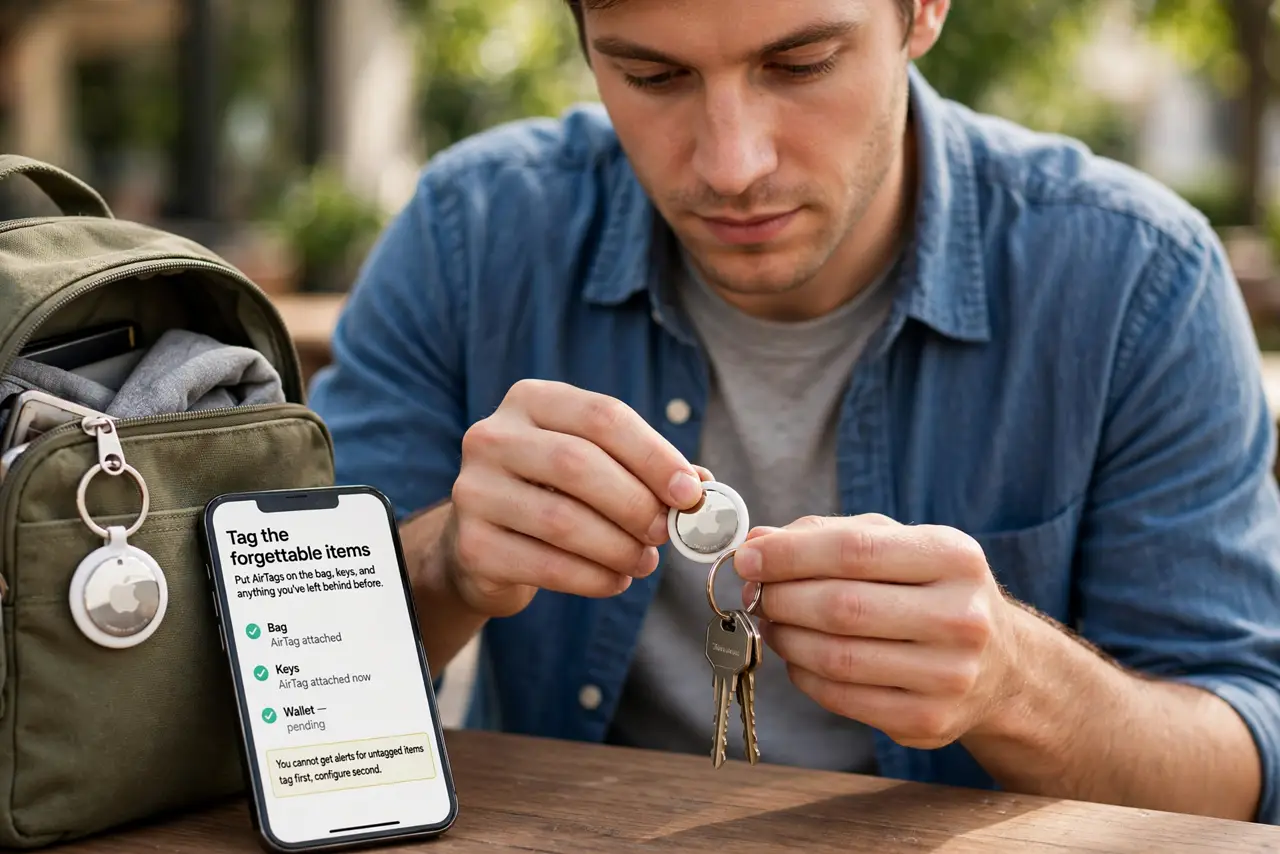
- Tag the forgettable items. Put AirTags on the bag, keys, and anything you have left behind before. You cannot get alerts for untagged items — tag first, configure second.
- Turn on Notify When Left Behind. In Find My, tap Items, select the tag, and enable Notify When Left Behind. The iPhone now watches the Bluetooth leash between you and the item.
- Add home as an exception. Nobody needs an alert for leaving the laptop at home on purpose. Add trusted locations so the alerts only fire where they matter.
- Choose what notifies. Alerts arrive as notifications with a map snippet. Keep them on — a silenced alert is just a setting, not protection.
- Share tags with family. A shared bag needs shared alerts. The AirTag sharing feature lets family members get the same left-behind warnings.
- Know the Bluetooth limits. Alerts trigger on Bluetooth range — tens of meters, not kilometers. Walk far enough and the leash snaps; that snap is the alert.
What NOT to do
- Do not enable alerts without trusted places. Your phone will nag you about every item every time you leave home.
- Do not rely on alerts in crowded places. Bluetooth is noisy at concerts and stadiums — check manually too.
- Do not tag and forget the battery. A dead AirTag sends no alerts — the app warns you, so heed it.
- Do not use alerts to track people. They are for your things; tracking a person this way is stalking — see the stalking check if you are concerned.
Frequently asked questions
Why am I not getting left-behind alerts?
Usually a missing trusted-place exception inverted, disabled notifications, or Bluetooth off. Check all three.
Do separation alerts work on Android?
For AirTags, no — it is an Apple ecosystem feature. Android has similar features for its own trackers.
Will it alert for my Apple Watch?
Separation alerts cover AirTags and supported third-party items; the Watch has its own ping-my-iPhone style features.