Share Your ETA from Maps
Running late and fumbling with texts while driving is dangerous and rude. Apple Maps can share your live ETA automatically — your contact sees your arrival time updating in real time, and you never touch the phone. It takes three taps to start.
TL;DR / Quick Fix
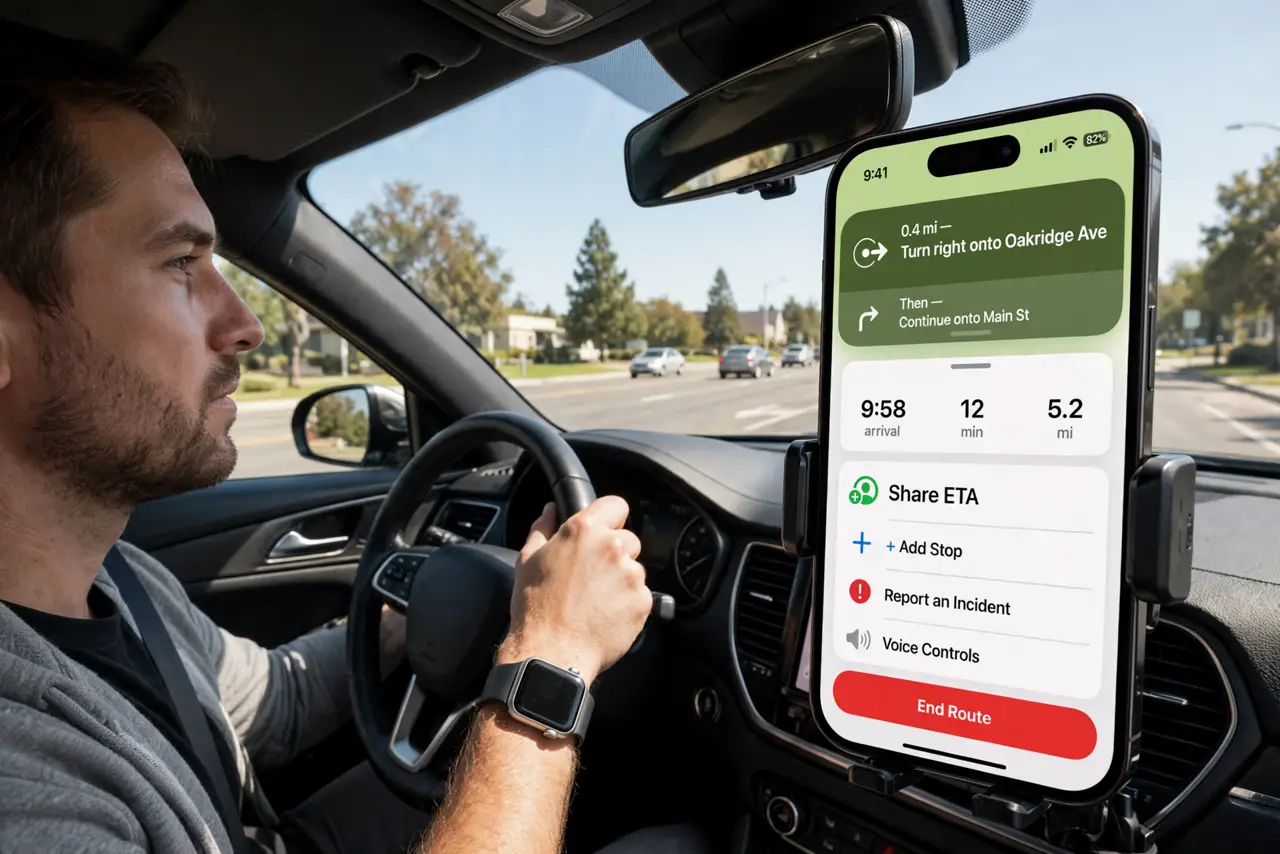
Quick fix: start navigation in Apple Maps, tap the route card at the bottom, tap Share ETA, and pick a contact. They get your live arrival time and a notification when you arrive. It works with Driving Focus so you can also auto-reply that you are on the way.
Follow these steps
- Start navigation first. Enter your destination in Apple Maps and tap Go. Share ETA only appears during active turn-by-turn navigation — it needs a live route to share.
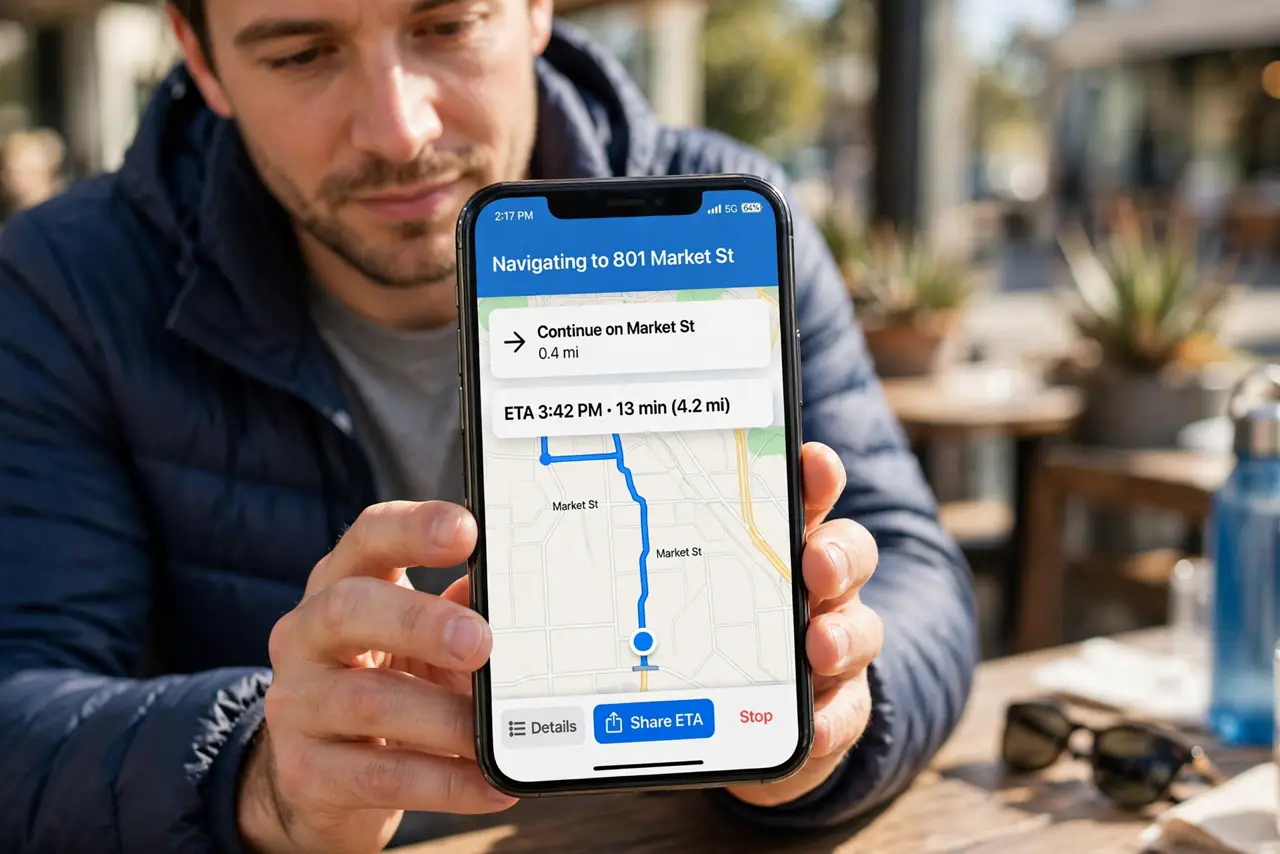
- Tap the route card, then Share ETA. Tap the bottom card showing arrival time, then Share ETA. Your recent contacts appear — pick one and they get a live tracking link instantly.
- Share from Messages instead. If you are already texting someone, tap their name at the top of the conversation and choose Share ETA. Same live tracking, started from the chat.
- Know what the other person sees. They see your ETA, live progress on a map, and get notified when you arrive. Sharing stops automatically at arrival — nothing to remember to turn off.
- Use it with Driving Focus. Pair ETA sharing with Driving Focus auto-reply: your contact sees you are driving AND exactly when you will arrive. Zero phone handling required.
- Stop sharing anytime. Tap the route card again and stop sharing if plans change. The contact simply stops receiving updates — no awkward 'never mind' text needed.
What NOT to do
- Do not text your ETA manually while driving. Share ETA exists precisely so your hands stay on the wheel — use it.
- Do not share ETA with strangers. The link shows your live location — only share with people you trust, and it expires at arrival.
- Do not panic if the ETA jumps. Traffic reroutes change the estimate — that is the feature working, not breaking.
- Do not forget it needs cell signal. In dead zones the ETA freezes until signal returns — warn the other person if you are heading rural.
Frequently asked questions
Does the other person need an iPhone?
They get the richest view on iPhone, but the shared link opens in a browser too — Android users see your live ETA just fine.
Can I share ETA for a multi-stop trip?
Yes — start the full route with all stops, and sharing covers the whole trip. See multi-stop planning to build the route first.
Does Share ETA drain the battery?
Slightly, since GPS stays active — but navigation already uses GPS, so sharing adds almost nothing on top.