Share Trip Progress
'Where are you?' 'Almost there.' 'How almost?' — the pickup coordination dance, performed entirely over text. Sharing your live trip progress ends it: the other person watches your dot move along the route with a live arrival time. One share replaces twenty messages, and nobody waits on the curb wondering.
TL;DR / Quick Fix
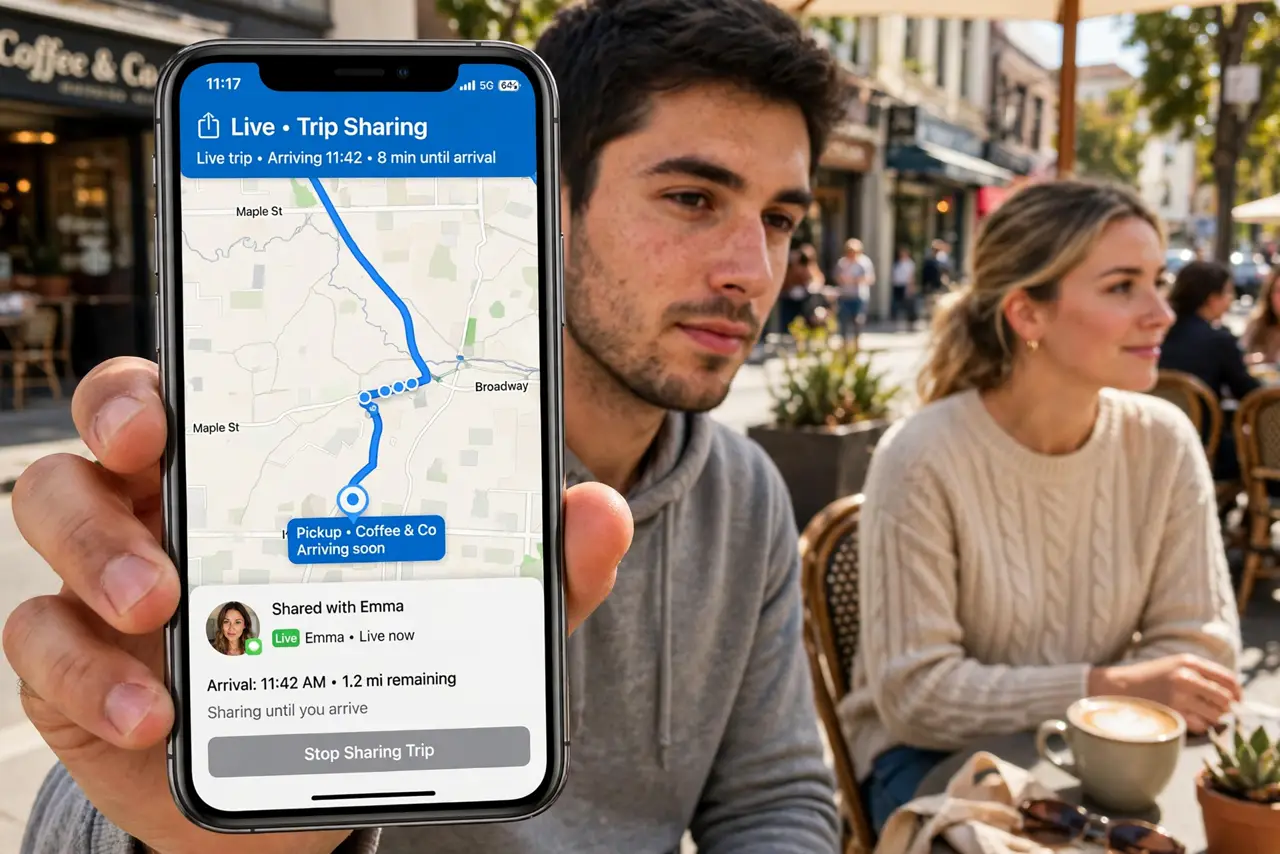
Quick fix: in your maps app, start navigation, then choose Share Trip Progress and pick the contact. They see your live location and arrival time until you arrive. It stops automatically at the destination — no need to remember to turn it off.
Follow these steps
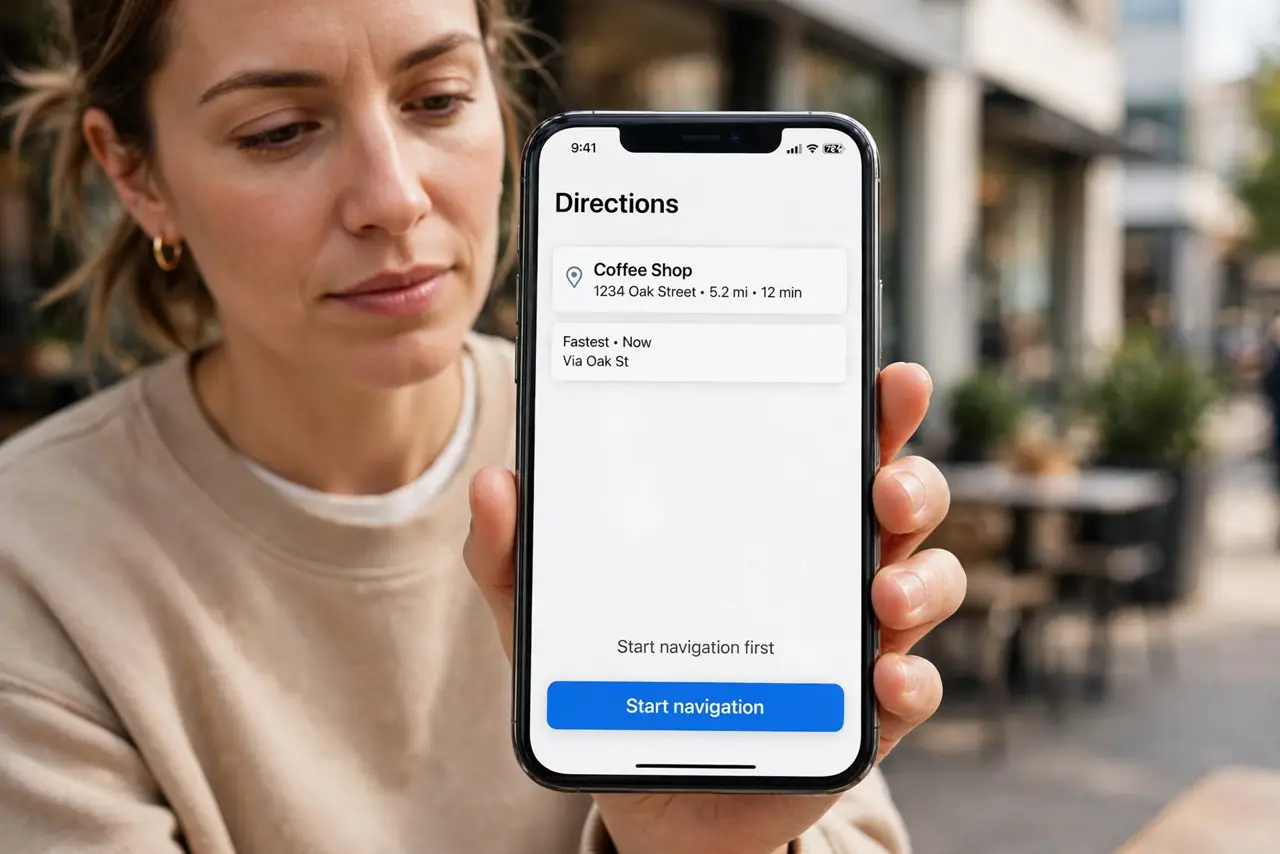
- Start navigation first. Enter the destination in Apple Maps or Google Maps and start turn-by-turn navigation. Trip sharing attaches to the active route — no route, nothing to share.
- Choose Share Trip Progress. In Apple Maps, tap the route card and choose Share Trip Progress; in Google Maps, tap the arrival time bar for the share option. Pick the waiting contact from the list.
- Confirm what they see. They get your live dot on the route plus the arrival time, updating as traffic changes. They do not get your whole location history — just this trip, ending at arrival.
- Coordinate the pickup point. Text the exact meeting spot — 'north entrance, by the taxis' — alongside the share. Live location plus a precise pin is the combination that actually works curbside.
- Let it end itself. Sharing stops automatically when you arrive. There is nothing to turn off and no lingering broadcast — the privacy design handles the ending for you.
- Stop it manually if plans change. If the trip cancels, stop navigation or end sharing from the same menu. A stale share showing you parked somewhere is just confusing.
What NOT to do
- Do not share your trip with strangers. Trip progress goes to the specific waiting person — not a group chat, not social media.
- Do not navigate without the share when someone waits. The whole point is replacing 'where are you' texts — share before you drive.
- Do not forget it is live. The dot is real-time; if you detour for coffee, they watch. Either own the detour or pause sharing.
- Do not leave sharing on after arrival. It ends automatically, but verify — a forgotten share is a needless live broadcast.
Frequently asked questions
Does the other person need the same app?
They get a link that opens in a browser if they lack the app. Same-app is smoothest, but the link covers everyone.
Will it drain my battery?
Navigation already uses GPS; sharing adds only tiny data uploads. The battery cost is the navigation itself, not the sharing.
Can I share with more than one person?
Yes — share with several contacts at once. Everyone waiting sees the same live trip.