Silence Junk Calls Automatically
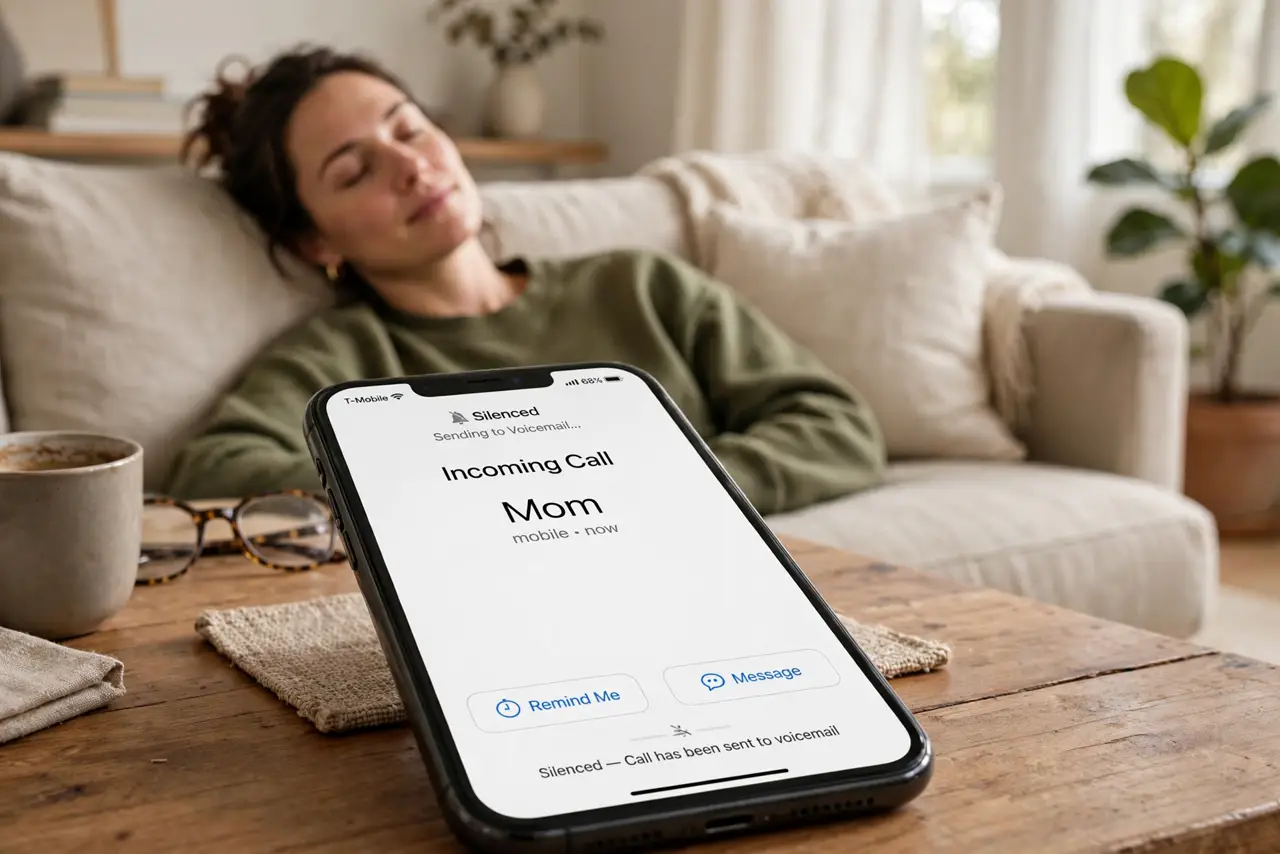
Robocalls at dinner, 'extended warranty' at 8 a.m. — the iPhone can send unknown callers straight to voicemail without your phone ever ringing. Silence Junk Callers is one toggle, and it changes daily life. Here is how to enable it, what still gets through, and the one habit that keeps it safe.
TL;DR / Quick Fix
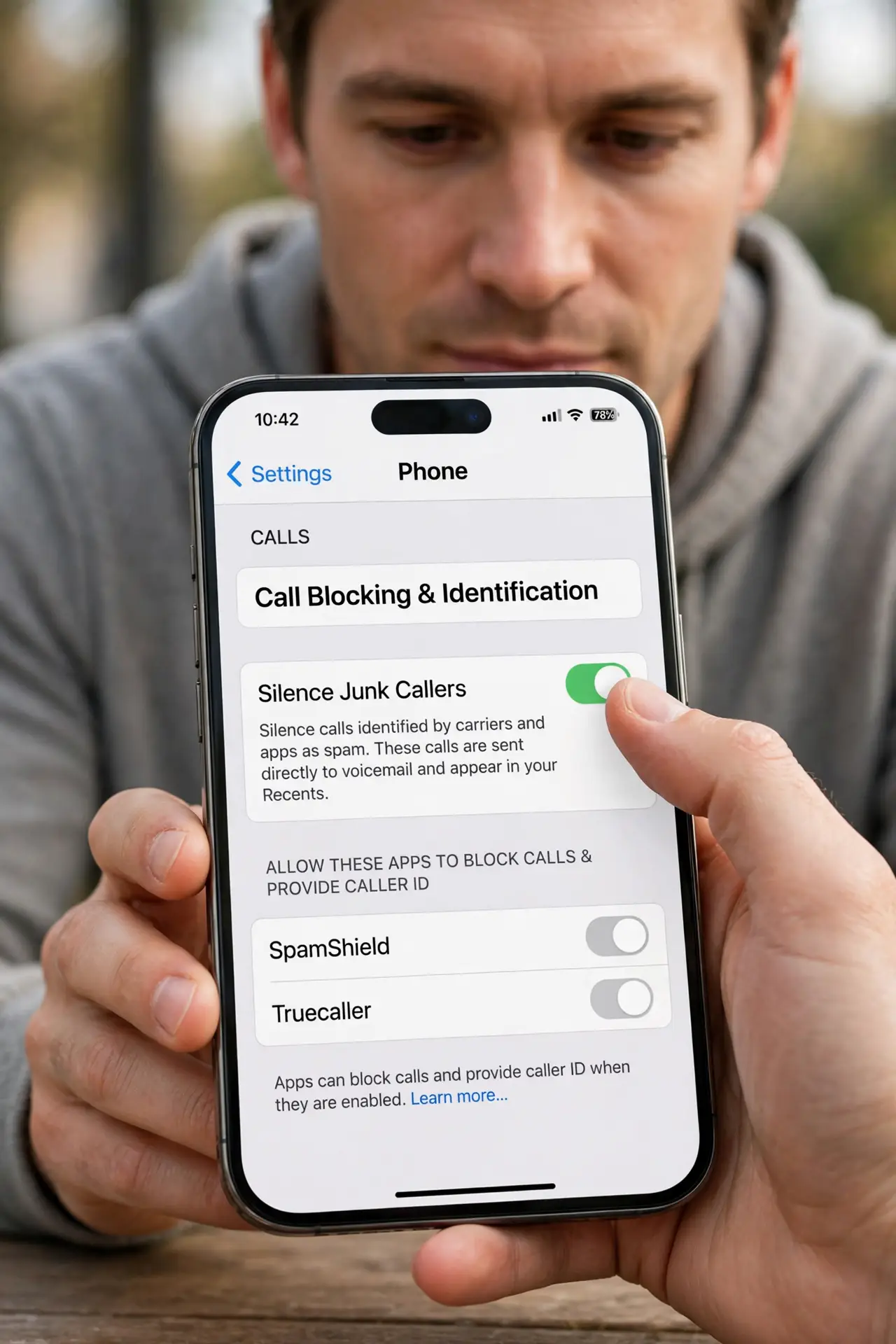
Quick fix: open Settings > Phone > Call Blocking & Identification and turn on Silence Junk Callers — unknown numbers go straight to voicemail without ringing. Add a spam-filter app like Hiya for extra screening. Check voicemail regularly at first; a real caller occasionally lands there too.
Follow these steps
- Turn on Silence Junk Callers. Open Settings > Phone > Call Blocking & Identification and enable Silence Junk Callers. Unknown numbers skip the ring entirely.
- Understand what still rings. Contacts, recent outgoing calls, and Siri Suggestions ring normally. Only true unknowns go silent — the filter is conservative.
- Check voicemail during week one. A new doctor's office or delivery driver lands in voicemail at first. Review it daily until you trust the pattern.
- Add your carrier's spam filter. Most carriers offer free spam labeling — AT&T ActiveArmor, T-Mobile Scam Shield, Verizon Call Filter. A second layer catches more.
- Block repeat offenders manually. In Recents, tap the info button on a spam number and Block this Caller. Manual blocks stack with the automatic silence.
- Report the worst ones. Forward spam texts to 7726 (SPAM) and report robocalls to the FTC. Reports feed the databases your filters use.
What NOT to do
- Do not expect zero spam calls. Filters reduce the flood — determined robocallers rotate numbers faster than lists update.
- Do not ignore voicemail forever. The occasional real caller lands there; a weekly listen keeps you reachable.
- Do not pay for a spam app before trying the free toggle. Silence Junk Callers plus the carrier filter covers most people.
- Do not confuse silenced with blocked. Silenced callers reach voicemail; blocked callers get nothing — see blocked voicemail for where those messages hide.
Frequently asked questions
Will I miss important calls?
Rarely — contacts and recent calls ring through. New legitimate callers leave voicemail, which is why the week-one checking habit matters.
What's the difference between silencing and blocking?
Silencing sends unknowns to voicemail quietly; blocking refuses the call outright. Use silencing broadly, blocking for specific harassers.
Do spam-filter apps read my calls?
They check numbers against databases, not listen to conversations. Still, review any app's privacy policy before installing.