Fix Sleep with iPhone
You fall asleep scrolling, wake up groggy, and the cycle repeats. The iPhone's Sleep focus and sleep schedule do not just silence notifications — they dim the lock screen, enforce a wind-down period, and track how much you actually sleep. Set up once, it runs itself every night. This guide configures the schedule, the wind-down, and the morning alarm that respects it. For building the daytime routines around it, add Journal reminders too.
TL;DR / Quick Fix
Quick fix: in the Health app, set a sleep schedule with a consistent bedtime and wake time, and turn on the Wind Down period to dim the phone beforehand. Enable Sleep Focus so notifications wait until morning. Consistency matters more than duration — same times daily, weekends included.
Follow these steps
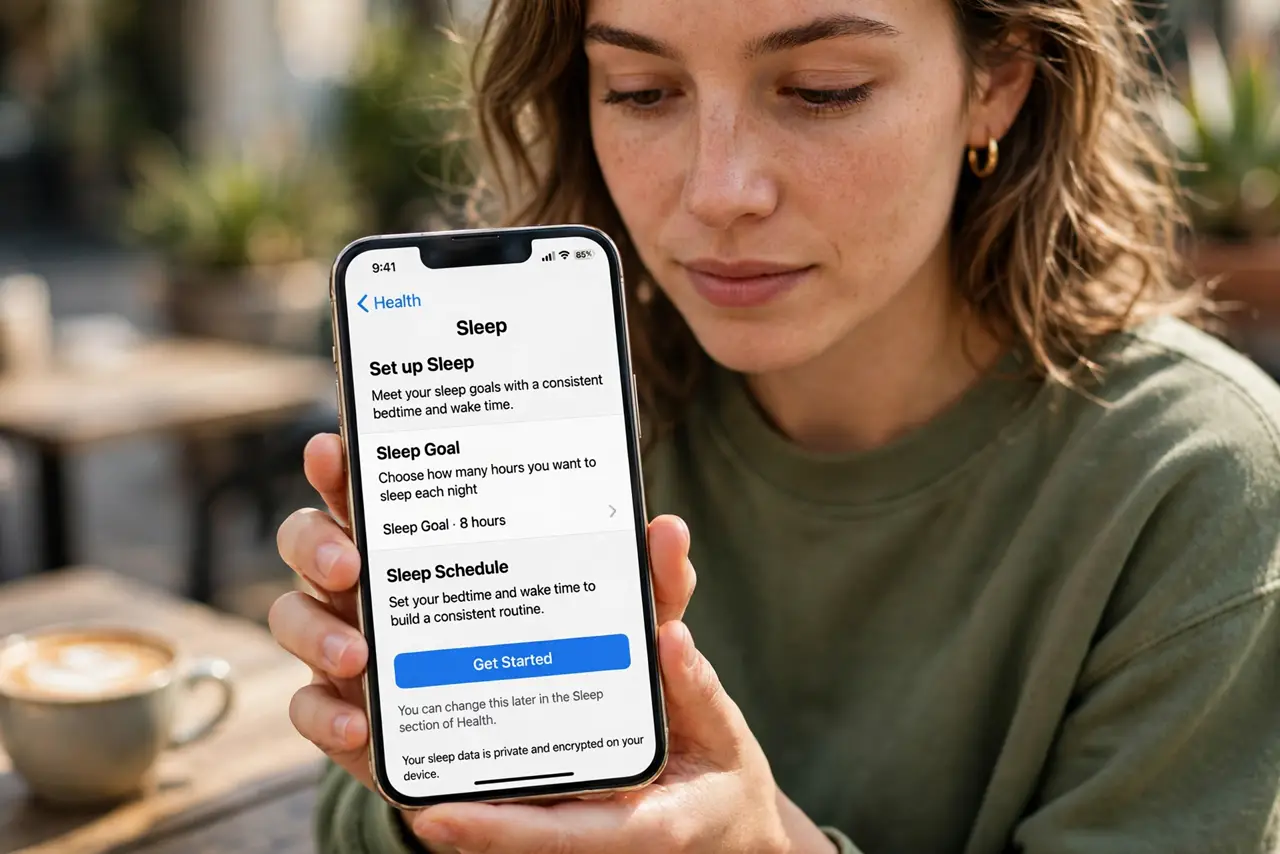
- Open the sleep setup in Health. Open the Health app, tap Browse, then Sleep, then Get Started or Edit under Your Schedule. This is the master control for bedtime features.
- Set a realistic bedtime and wake time. Pick times you can actually keep — a 10:30 p.m. target you hit beats a 9:30 one you ignore. Set separate weekend times only if they differ by less than an hour.
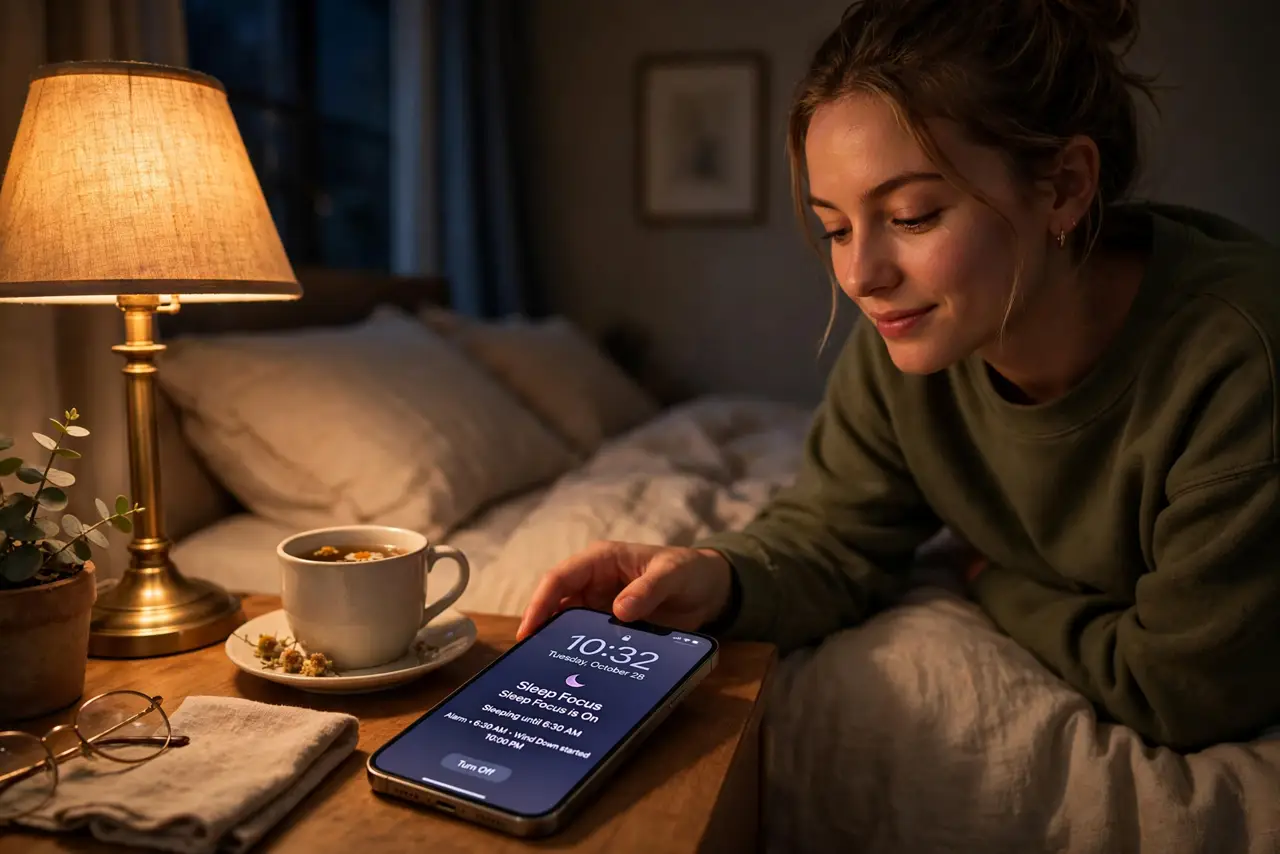
- Turn on Wind Down. Enable Wind Down and give it 30-45 minutes. The phone dims, shows a simplified lock screen, and opens your chosen shortcuts — a signal to your brain that scrolling time is over.
- Enable Sleep Focus. Sleep Focus silences calls, texts, and app notifications during the schedule, with exceptions only for chosen contacts. Allow repeated calls through in case of real emergencies.
- Choose a gentle alarm. Set the wake alarm inside the sleep schedule rather than the Clock app alone. The sleep alarm can start quiet and build, and it logs against your schedule.
- Review the sleep data weekly. Check the Sleep section for time-in-bed trends. If the numbers never match the schedule, move the schedule — the data is feedback, not a grade.
What NOT to do
- Do not set a bedtime two hours earlier overnight. Shift gradually — 15 minutes earlier every few days — or you will just lie awake annoyed.
- Do not exempt every app from Sleep Focus. Each exception is a 2 a.m. temptation; keep the list to true emergency contacts.
- Do not treat the sleep tracking as medical data. It estimates from stillness and phone use — useful trends, not a diagnosis.
- Do not charge the phone under the pillow with the schedule running. Overheating plus a silenced phone is a bad combination — nightstand, face down.
Frequently asked questions
Will the alarm still ring in Sleep Focus?
Yes. Alarms always sound, even with every focus mode on. Sleep Focus silences notifications, never alarms.
Does Wind Down block all apps?
No — it simplifies the lock screen and suggests wind-down shortcuts, but apps still open. It is a nudge, not a lock.
Why does my sleep data look wrong?
The phone guesses from movement and usage. Wear an Apple Watch for dramatically better accuracy.