Sleep Tracking? Basics
Your iPhone claims to track your sleep, but the data looks empty, wrong, or stops halfway through the night. Sleep tracking on iPhone works through the Sleep Focus schedule plus motion sensing — no watch required — but it only records when the schedule is set and the phone stays put. This guide gets it recording reliably.
TL;DR / Quick Fix
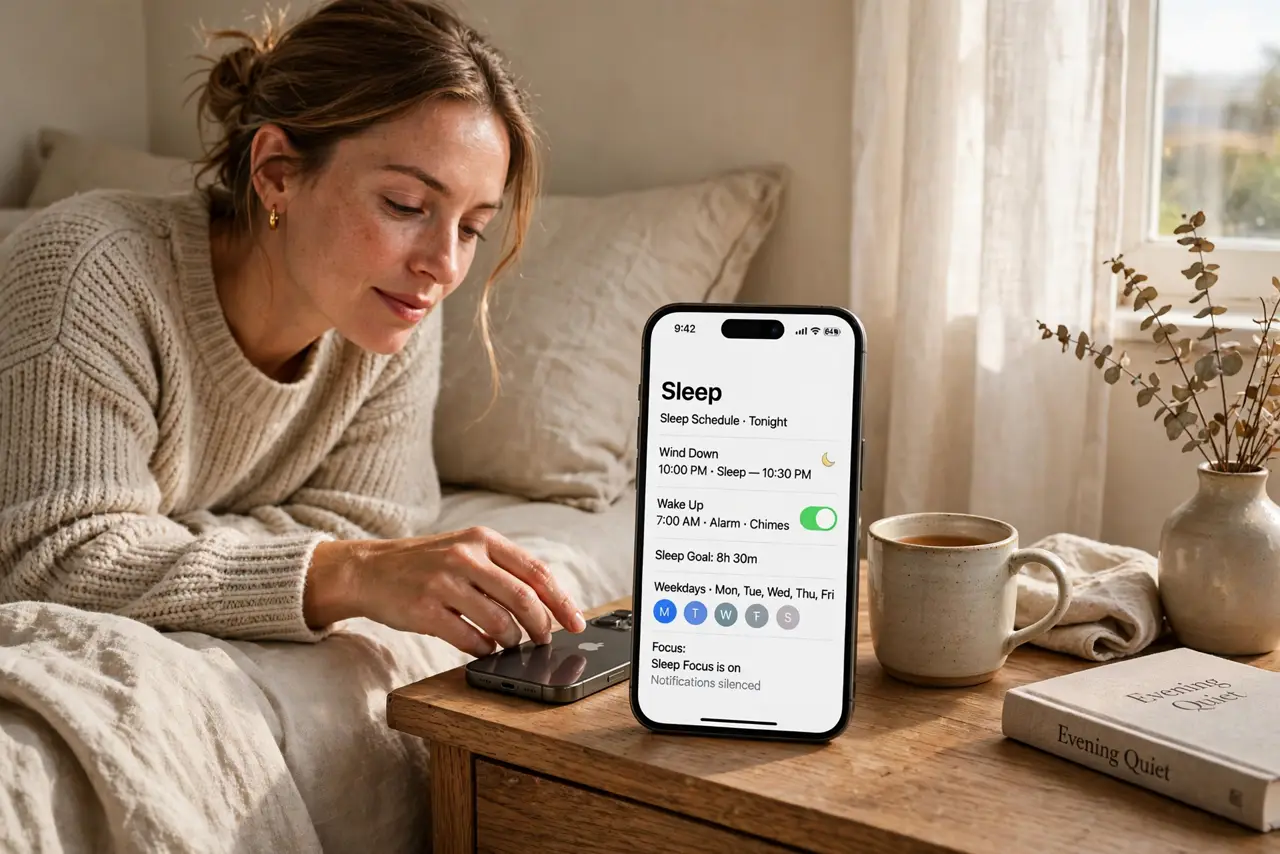
Quick fix: open the Health app, tap Browse, then Sleep, and set a sleep schedule with bedtime and wake time. Turn on Sleep Focus for those hours. Keep the phone on the nightstand while you sleep. Data appears in the Health app each morning after a night or two.
Follow these steps
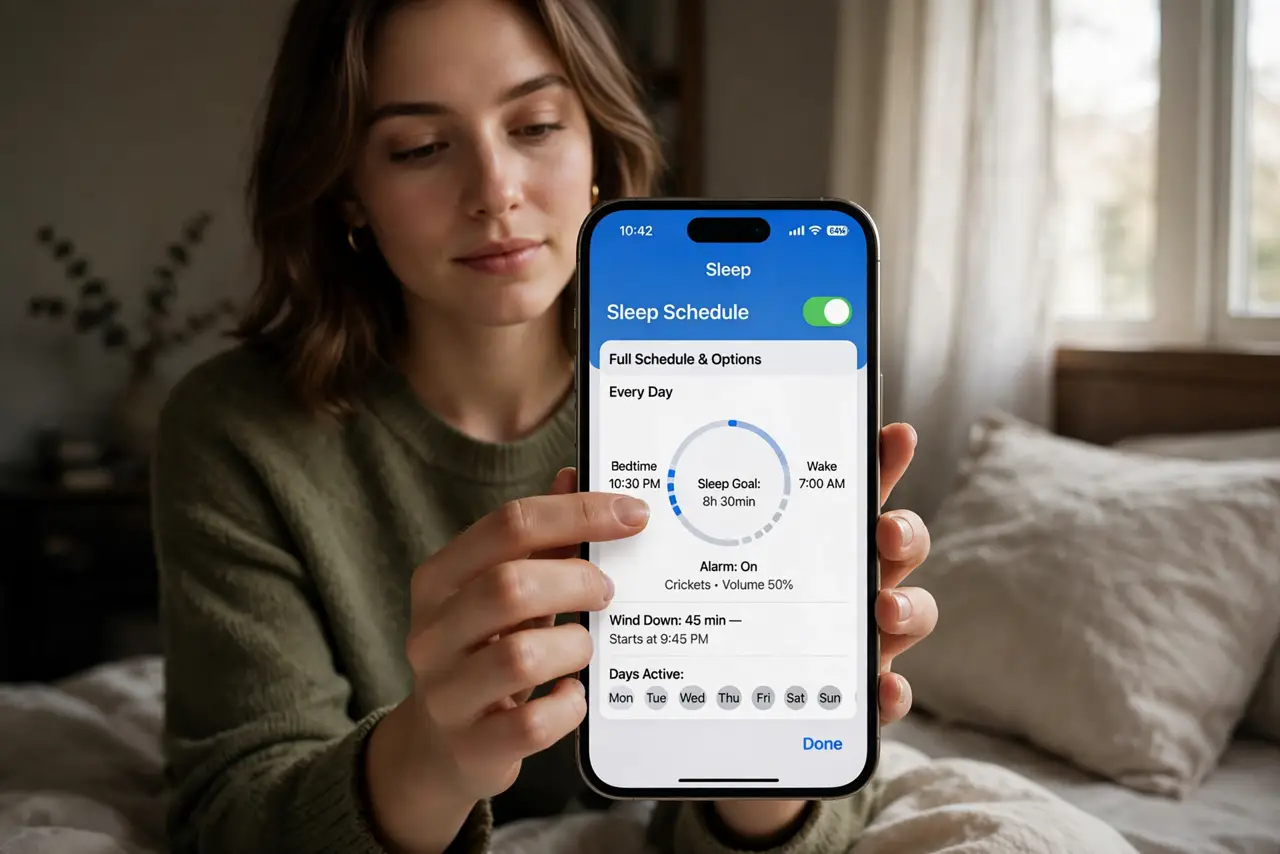
- Set a sleep schedule in Health. Open Health, tap Browse, then Sleep, and tap Get Started or Edit under Your Schedule. Set a consistent bedtime and wake time — the tracker needs the schedule to know when to watch.
- Turn on Sleep Focus. In the Sleep settings, enable the Sleep Focus for your scheduled hours. This dims the lock screen and silences notifications, and it tells the phone that sleep hours are being tracked.
- Keep the phone nearby at night. Place the iPhone on the nightstand or on the bed. It uses motion and device usage to estimate sleep — a phone left in another room records nothing.
- Check results in the morning. Open Health, then Sleep, to see time in bed versus time asleep. Give it two or three nights before judging — the first night's data is often partial.
- Pair it with Do Not Disturb habits. Sleep Focus already silences most interruptions, but a stray sleep-time ping from an allowed app can still wake you — review which apps can break through.
- Wear a watch for better data. An Apple Watch adds heart rate and sleep stages. Without one, the iPhone estimates sleep from stillness and screen-off time — useful trends, not medical precision.
What NOT to do
- Do not expect medical-grade accuracy. Phone sleep tracking shows trends, not diagnoses — see a doctor for real sleep problems.
- Do not charge the phone across the room. Out of motion range means no data; keep it on the nightstand.
- Do not set a wildly irregular schedule. The tracker works best with consistent times — shift workers should still set their actual sleep window.
- Do not delete the Health app to reset sleep data. You would lose all health history; just adjust the schedule instead.
Frequently asked questions
Why is my sleep data missing some nights?
Usually the phone was not nearby, Sleep Focus was off, or the schedule did not cover those hours. Check all three.
Does sleep tracking drain the battery?
Barely — the sensors sip power. Charge overnight as usual and you will wake to full battery and fresh data.
Can Android phones track sleep?
Yes — Google's Clock app has a bedtime mode, and the Fitbit or Google Fit apps track sleep similarly with a schedule set.