Get Alerts for Sounds
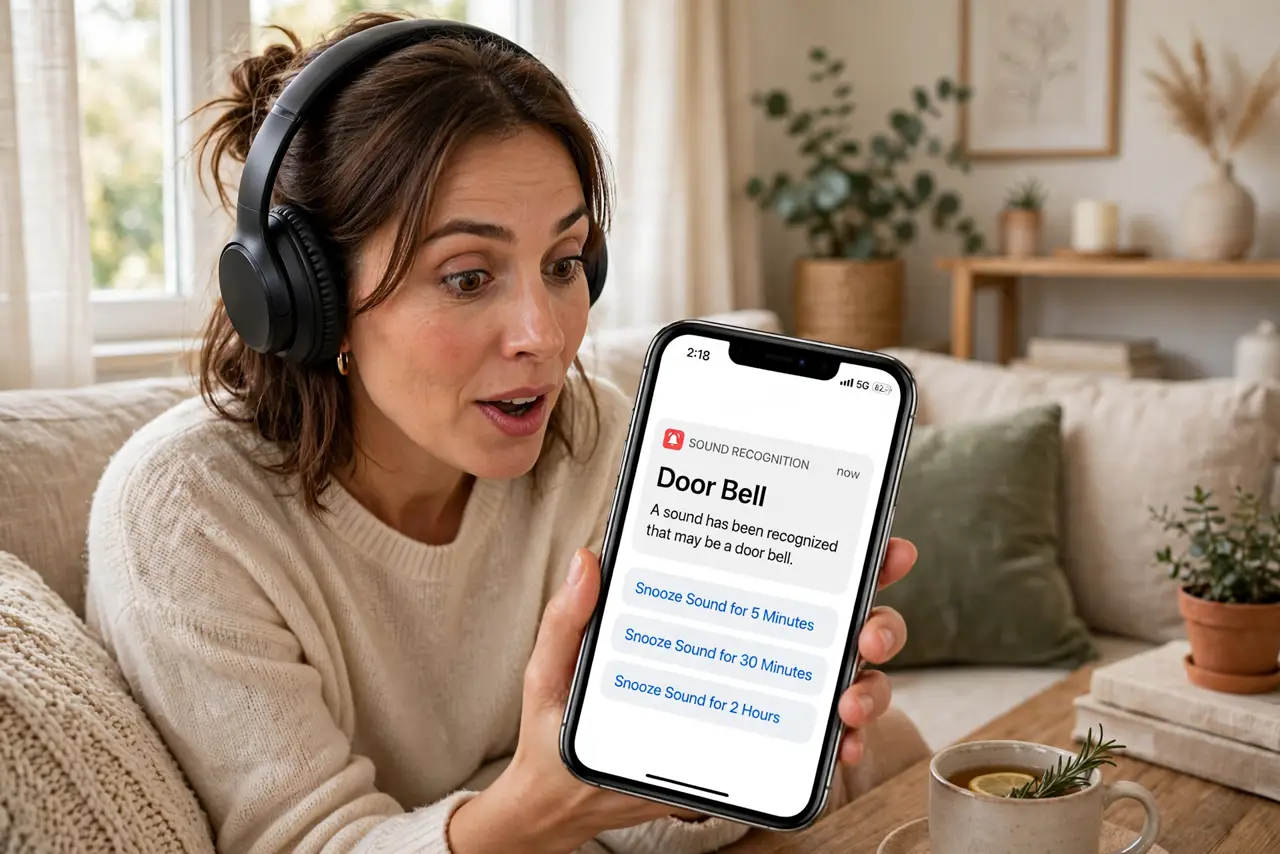
You miss the doorbell with headphones on, sleep through the smoke alarm's test, never hear the baby cry from the next room. Your iPhone can listen for important sounds — doorbell, alarm, baby crying, siren — and flash an alert on screen. It is an accessibility feature that anyone can use, and it genuinely helps.
TL;DR / Quick Fix
Quick fix: on iPhone, go to Settings, then Accessibility, then Sound Recognition, turn it on, and choose which sounds to detect — doorbell, fire alarm, baby crying. Keep the phone nearby with the screen visible. It supplements your ears; it does not replace a real alarm system.
Follow these steps
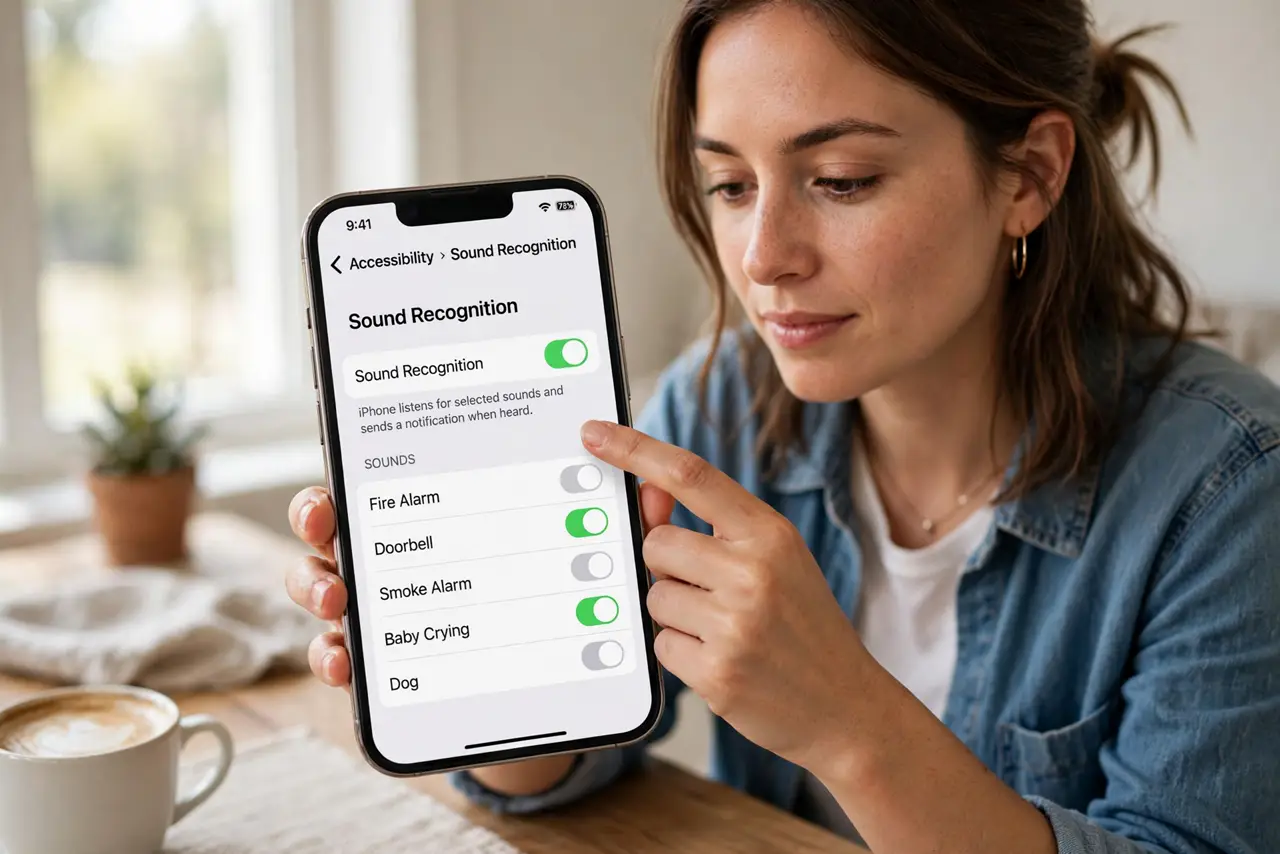
- Open Sound Recognition. Go to Settings, then Accessibility, then Sound Recognition. This is Apple's sound-listening feature — off by default, powerful when enabled.
- Turn it on. Toggle Sound Recognition on. The phone asks to download the sound models — a one-time download, then it listens entirely on-device for privacy.
- Choose your sounds. Under Sounds, enable what matters to you: doorbell, siren, fire or smoke alarm, baby crying, dog barking. Pick the handful relevant to your life — not everything.
- Keep the phone positioned. The phone must hear the sound — nearby, microphone unblocked, not buried in a bag. On the table beside you is ideal; in a pocket it hears muffled nothing.
- Test with real sounds. Ring your own doorbell, play an alarm test. Confirm the alert appears — tuning expectations now beats discovering gaps during a real event.
- Know its limits. It is an aid, not a safety system — it can miss sounds and it needs the phone present and charged. Smoke alarms still need their own maintenance and your attention.
What NOT to do
- Do not rely on it as a safety system. It supplements hearing; smoke alarms and real precautions remain mandatory — this is backup, not primary.
- Do not enable every sound. Alert fatigue is real — a phone buzzing for every dog bark trains you to ignore the fire alarm too.
- Do not bury the phone. In a bag or under pillows it hears nothing — placement is the feature working or not.
- Do not expect Android parity. Android's Sound Notifications exist but vary by maker — check your specific phone's accessibility settings.
Frequently asked questions
Does it drain the battery?
Modestly — the microphone and on-device processing sip power. Most users notice little difference across a day.
Is my audio sent to Apple?
No — recognition runs on-device after the model download. Your sounds never leave the phone.
Can it detect custom sounds?
Yes — you can train it on a custom appliance beep or doorbell chime. Record the sound once and it learns it.