A Stronger iPhone Passcode?
Your iPhone unlocks with four digits — and anyone who glimpses them over your shoulder owns your phone. iPhone lets you replace the 4-digit code with a 6-digit numeric code or a full alphanumeric password, massively harder to shoulder-surf or guess. It takes one minute to change and Face ID means you rarely type it. Here is the upgrade.
TL;DR / Quick Fix
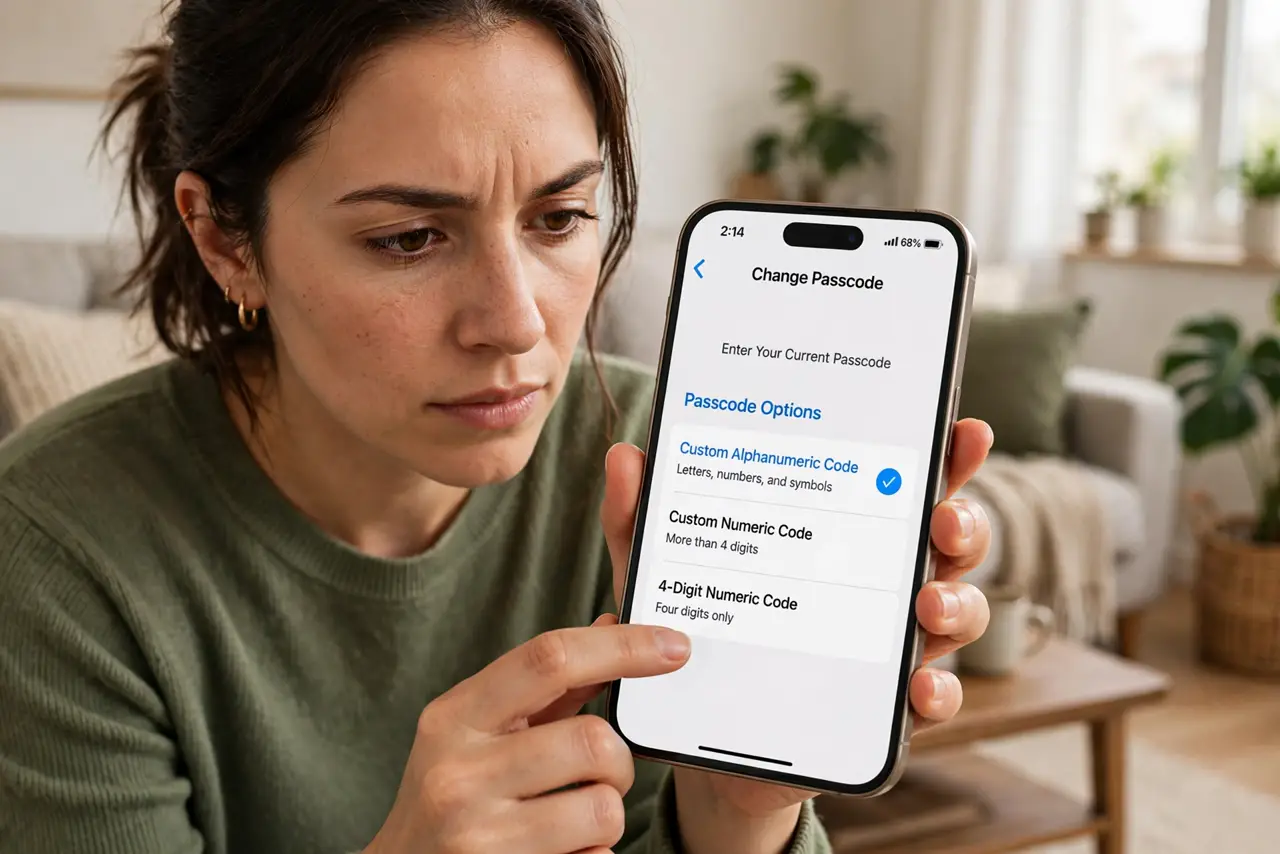
Quick fix: go to Settings → Face ID & Passcode → Change Passcode, then tap Passcode Options and choose Custom Alphanumeric Code. A short memorable phrase beats six digits against shoulder-surfers. Face ID handles daily unlocking, so the longer code costs you almost nothing.
Follow these steps
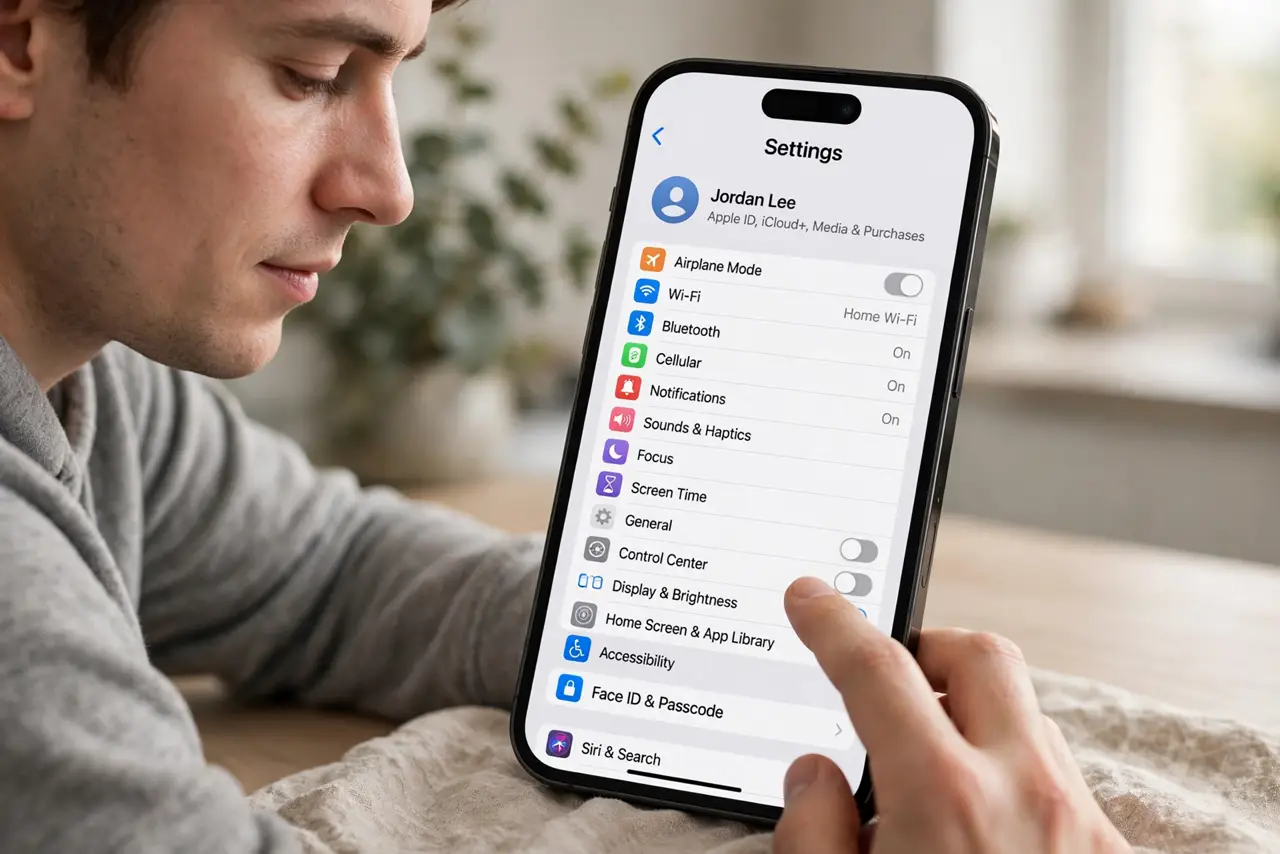
- Open the passcode settings. Settings → Face ID & Passcode → enter your current passcode → Change Passcode. Enter the old code once more when asked. You're one screen from the upgrade.
- Reveal the hidden options. On the 'Enter your new passcode' screen, tap 'Passcode Options' above the keypad. Most people never notice this link — it hides the 4-digit, 6-digit, custom numeric, and alphanumeric choices.
- Pick alphanumeric for max strength. Custom Alphanumeric Code lets you use letters, numbers, and symbols — a short phrase is both memorable and brutally hard to guess or glimpse. This is the meaningful upgrade; 6-digit numeric is only a mild improvement.
- Choose something memorable but unguessable. A short phrase with a number or symbol works — avoid birthdays, addresses, and repeating patterns. Since Face ID unlocks the phone 99% of the time, you only type this occasionally; make it count.
- Understand when you'll type it. After restarts, after 48 hours without unlock, and for some security changes, iPhone demands the passcode — Face ID won't substitute. If your passcode is rejected once after restart, that's a known quirk, not a forgotten code.
- Pair with Stolen Device Protection. A strong passcode plus Stolen Device Protection is the complete defense against the shoulder-surf-and-steal attack. Either alone leaves a gap; together they close it.
What NOT to do
- Do not use 123456, your birth year, or your address. The most common codes are the first ones thieves try.
- Do not write the new code in your Notes app. A passcode stored on the phone it protects is no protection.
- Do not pick something so complex you forget it. Ten failed attempts can erase the phone — memorable beats maximal.
- Do not skip this because Face ID 'handles it.' The passcode is the master key — everything falls back to it.
Frequently asked questions
Will a longer passcode annoy me daily?
No — Face ID handles nearly all unlocks. You type the passcode after restarts and occasionally for security changes; the inconvenience is tiny.
Is 6-digit enough?
Better than 4-digit, but still glanceable. Alphanumeric is the real upgrade against shoulder-surfing — a phrase can't be memorized in one look.
What if I forget the new passcode?
You'll need to restore the iPhone via a computer, which erases it — then restore from backup. This is why 'memorable' matters more than 'complex.'