Send Cash with a Tap
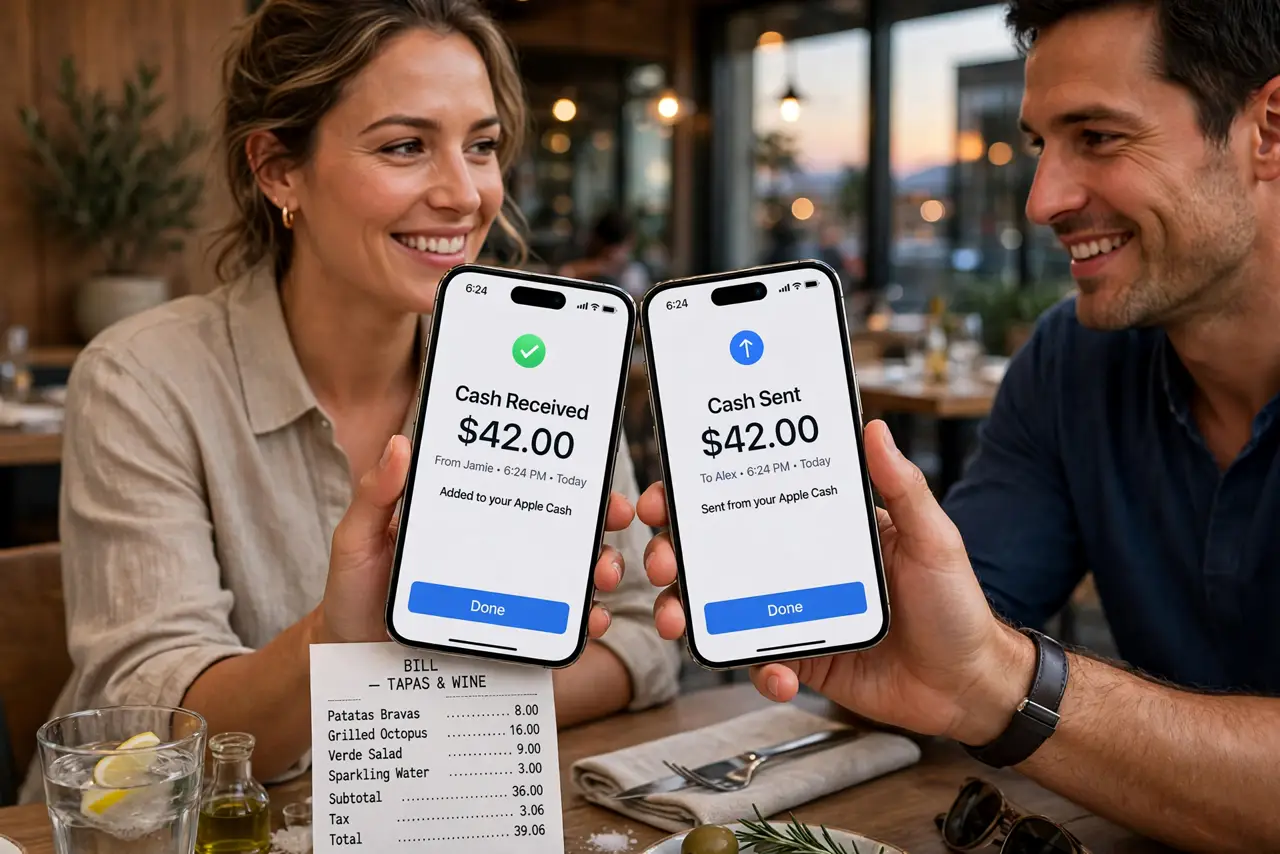
Dinner ends and the bill-splitting dance begins — apps to open, usernames to find, amounts to type. Tap to Cash skips all of it: hold two iPhones together, confirm, and the money moves. Here is how to set it up so the next split takes five seconds.
TL;DR / Quick Fix
Quick fix: open Wallet, tap Apple Cash, and use Tap to Cash by holding your iPhone near a friend's — confirm with Face ID and the money moves instantly. Both of you need Apple Cash set up. It is the fastest way to split a bill on the spot.
Follow these steps
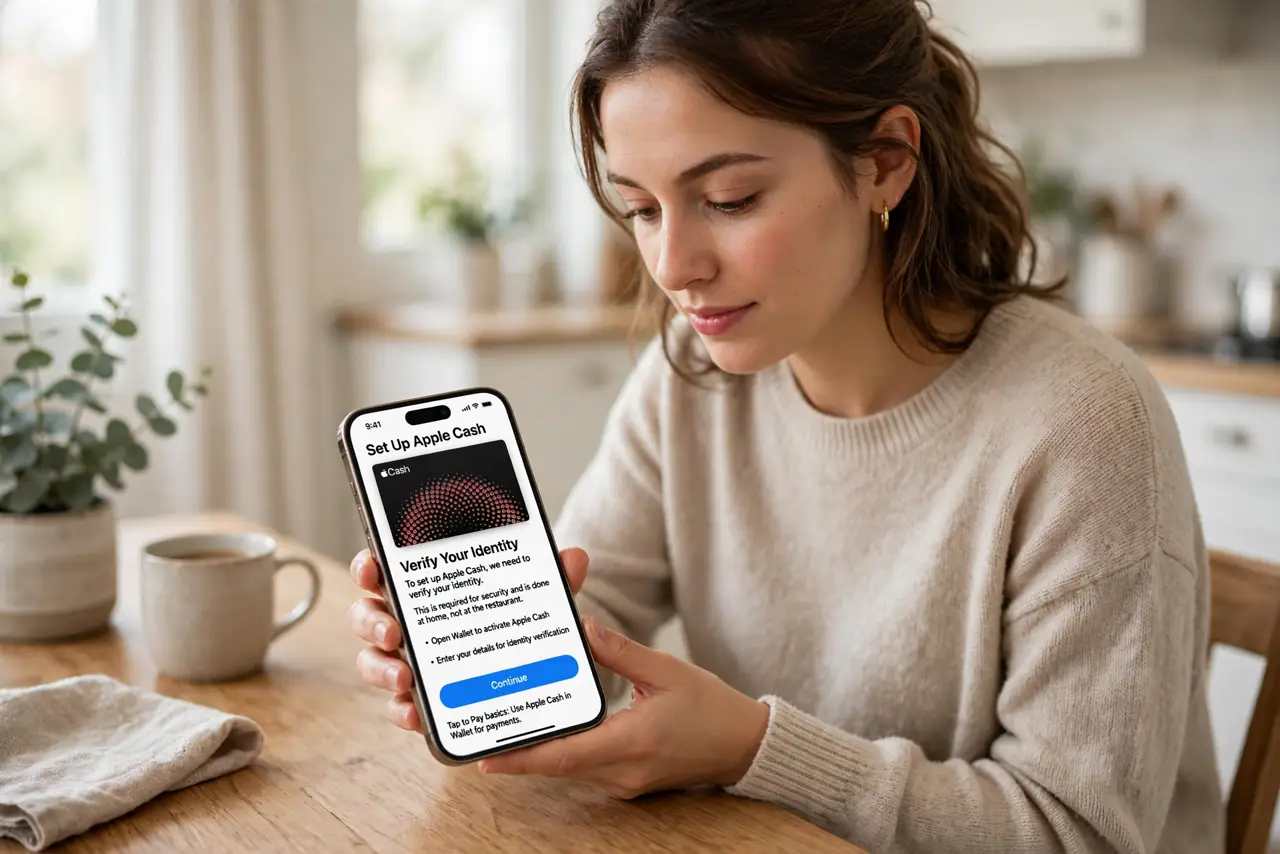
- Set up Apple Cash first. Open Wallet and activate Apple Cash if you have not — it needs identity verification, so do this at home, not at the restaurant. See the tap to pay basics for the Wallet payment foundations.
- Open Tap to Cash. In Wallet, tap Apple Cash and choose the tap option. Your iPhone becomes ready to send — hold it near your friend's iPhone.
- Enter the amount. Type what you owe before or as you tap. Double-check the number — instant transfers are instant.
- Confirm with Face ID. Authenticate to send. The money moves immediately — no pending, no waiting, no username lookup. Learn about receiving taps so you can take money too.
- Confirm they got it. A quick glance at their screen confirms receipt. If it fails, check that both phones have Apple Cash active and are close enough.
- Know the limits. Tap to Cash has per-transaction and weekly limits like any cash service. For big splits, send in parts or use a bank transfer.
What NOT to do
- Do not tap without confirming the amount. Instant means instant — a typo sends real money with no undo button.
- Do not use it with strangers casually. Tap to Cash is for people you trust — scammers love irreversible payments.
- Do not forget both sides need Apple Cash. If your friend never set it up, the tap does nothing — have a backup plan.
- Do not ignore the verification step. Apple Cash needs identity verification before first use — set it up before you need it.
Frequently asked questions
Is Tap to Cash free?
Person-to-person transfers from Apple Cash balance or debit are typically free; credit-funded transfers may carry a fee. Check current terms.
Does it work with Android phones?
No — Tap to Cash is iPhone to iPhone. For mixed groups, use a regular payment app.
What if the tap fails?
Check distance, Apple Cash status on both phones, and try again. Persistent failures usually mean one side's setup is incomplete.