Organize Wallet Passes
Your Apple Wallet is a graveyard of expired boarding passes, dead coupons, and event tickets from last year — and the live pass you need hides among them. Wallet does not always clean up after itself, but organizing takes minutes. Here is how to clear the dead passes and keep the useful ones current.
TL;DR / Quick Fix
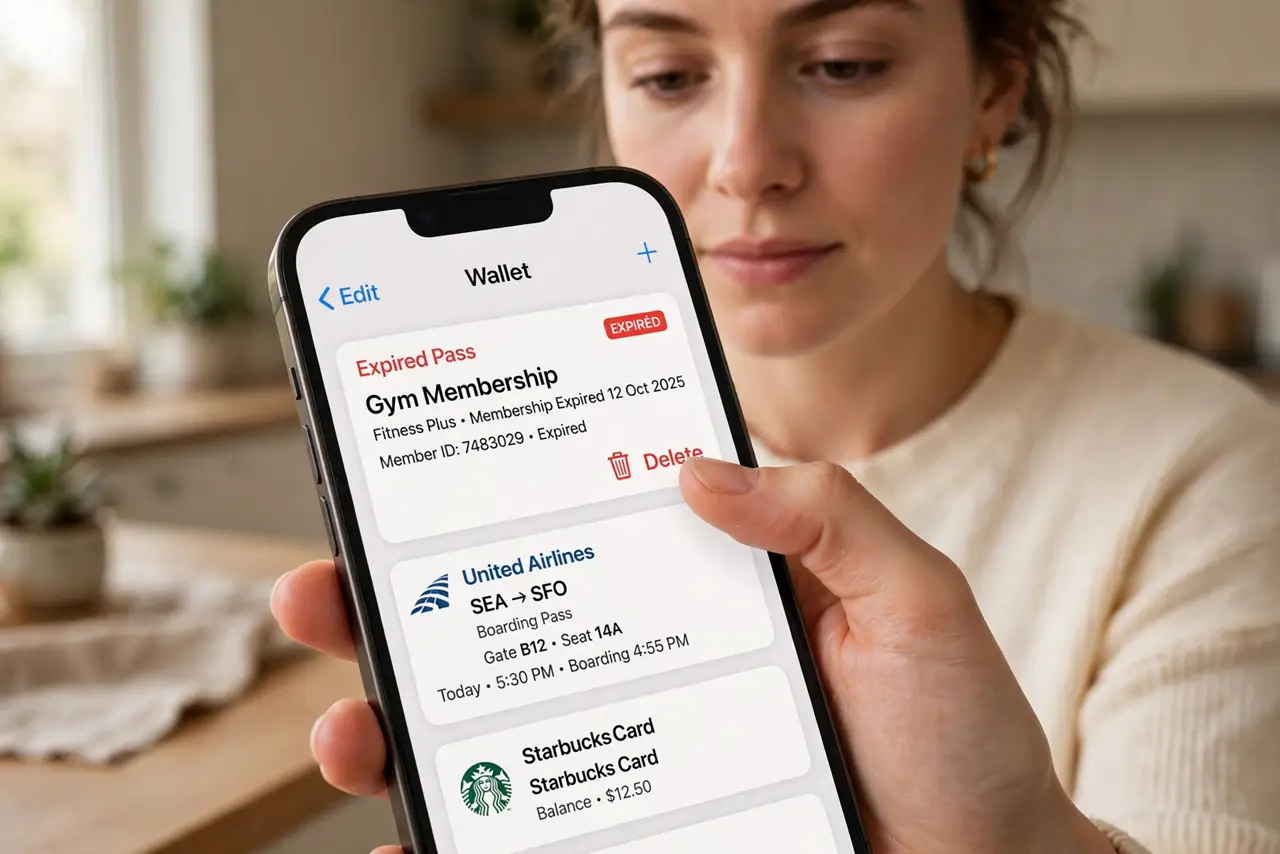
Quick fix: open Wallet, tap a pass, and remove expired ones with the delete option — they pile up silently. Turn on automatic updates for passes you keep so times and gates stay current. A tidy Wallet means the right pass surfaces instead of five dead ones.
Follow these steps
- Open Wallet and survey the pile. Double-click the side button or open the Wallet app. Scroll through — expired passes usually show their old dates plainly. Learn the Wallet basics if you are new to passes entirely.
- Delete the expired ones. Tap a pass, tap the three dots, and choose Remove Pass. Expired boarding passes and one-time coupons are safe to delete — they are single-use by nature.
- Keep the recurring ones. Loyalty cards, transit cards, and membership passes stay. These are the passes Wallet is actually for — the rest is clutter.
- Turn on automatic updates. For passes you keep, enable automatic updates so gate changes and times refresh themselves. A pass that updates itself never needs manual babysitting.
- Fix the disappearing pass. If a live pass vanishes, it may be an expired or revoked pass glitching — see the disappeared pass fixes before assuming the worst.
- Organize by use. Drag to reorder so daily passes sit on top. The pass you use at the coffee shop should not hide behind last year's concert ticket.
What NOT to do
- Do not delete a pass you might need at the gate. Check the date twice — deleting today's boarding pass is a special kind of panic.
- Do not screenshot passes as your organization system. Screenshots do not update; live passes do — keep the live one.
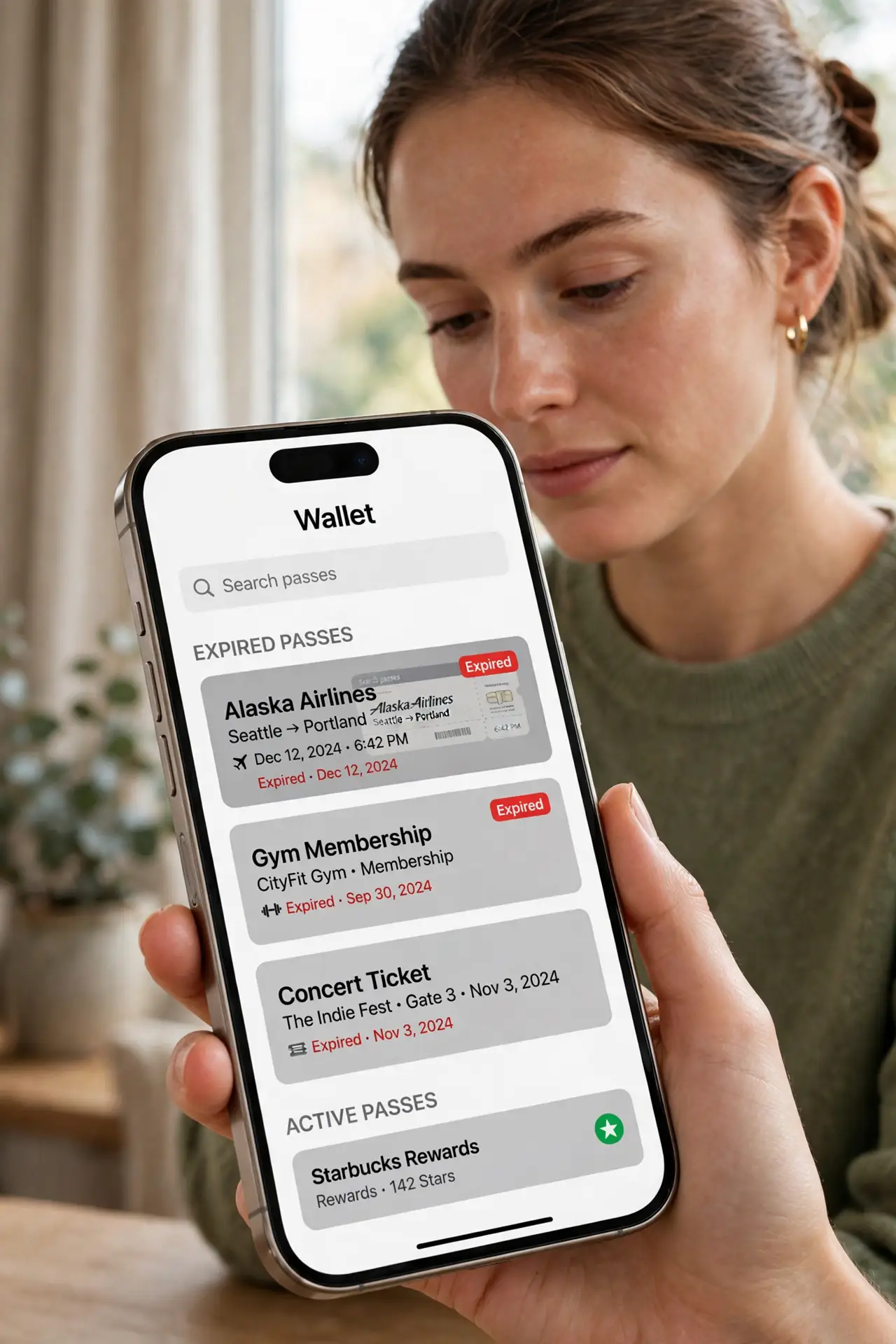
- Do not ignore the expired pile forever. A Wallet full of dead passes slows you down every time you open it — prune quarterly.
- Do not share passes casually. Some passes are transferable, many are tied to you — check before forwarding one to a friend.
Frequently asked questions
Why do expired passes stay in Wallet?
Wallet keeps them until you remove them — it errs on the side of not deleting something you might need. Pruning is manual.
Can I recover a deleted pass?
Usually yes — re-add it from the original email or app. Boarding passes come back from the airline app; coupons may not.
Do passes expire automatically?
They show as expired but stay visible until removed. The expired label is informational, not a cleanup.