Accept Tap to Pay on iPhone
Your iPhone can be the card reader — no dongle, no extra hardware. Tap to Pay lets small sellers accept contactless payments straight on the phone through apps like Stripe or Square. If you sell at markets, gigs, or house calls, this turns the phone in your pocket into a checkout counter.
TL;DR / Quick Fix
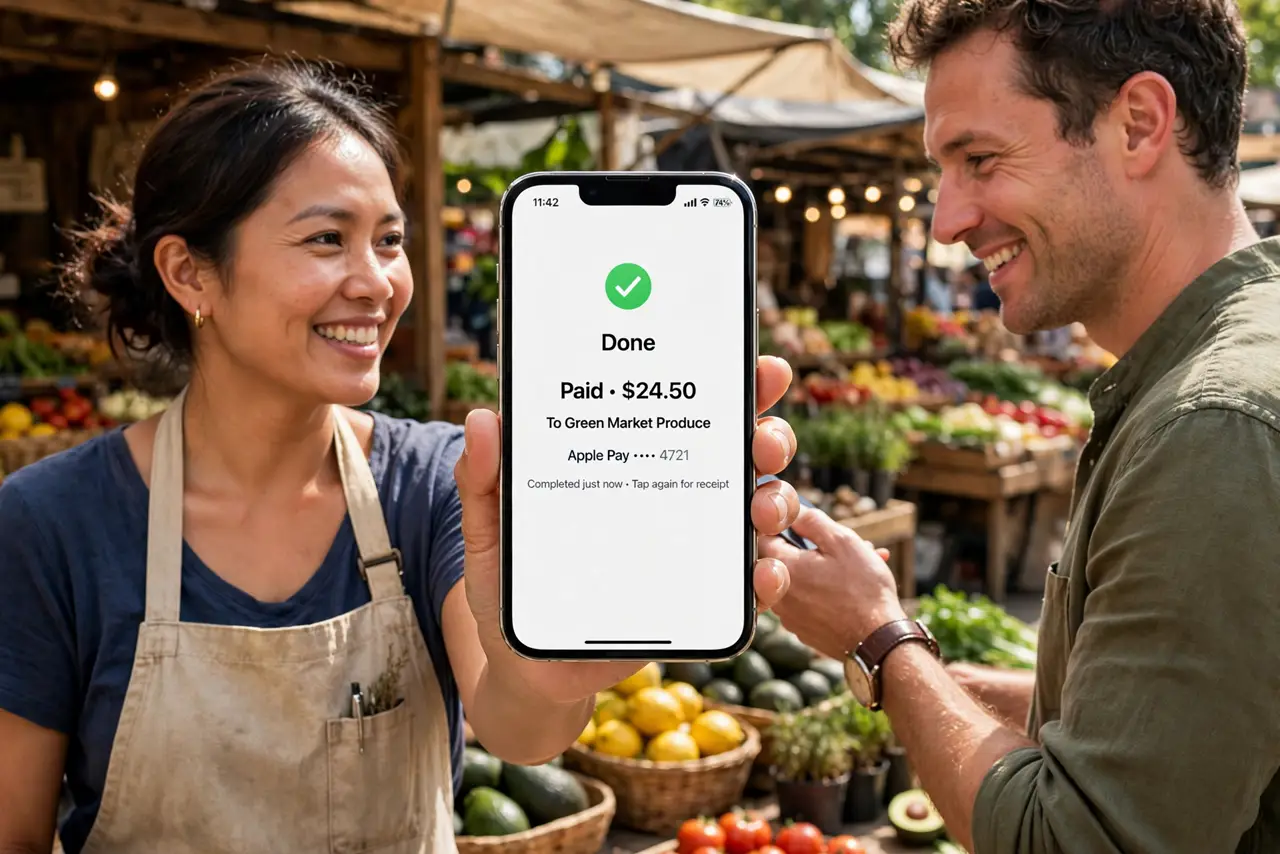
Quick fix: on iPhone XS or later, open a supported payment app like Stripe or Square, enable Tap to Pay, and hold the customer's card or phone near yours to accept contactless payments. No extra hardware needed. You'll need a merchant account with the payment provider first.
Follow these steps
- Check your iPhone model. Tap to Pay needs an iPhone XS or later with a recent iOS. Older phones lack the reader hardware.
- Choose a payment provider. Stripe, Square, and others support Tap to Pay — compare their per-transaction fees for your sales volume before committing.
- Set up your merchant account. Complete the provider's business verification — tax ID, bank account, identity. Approval takes hours to days.
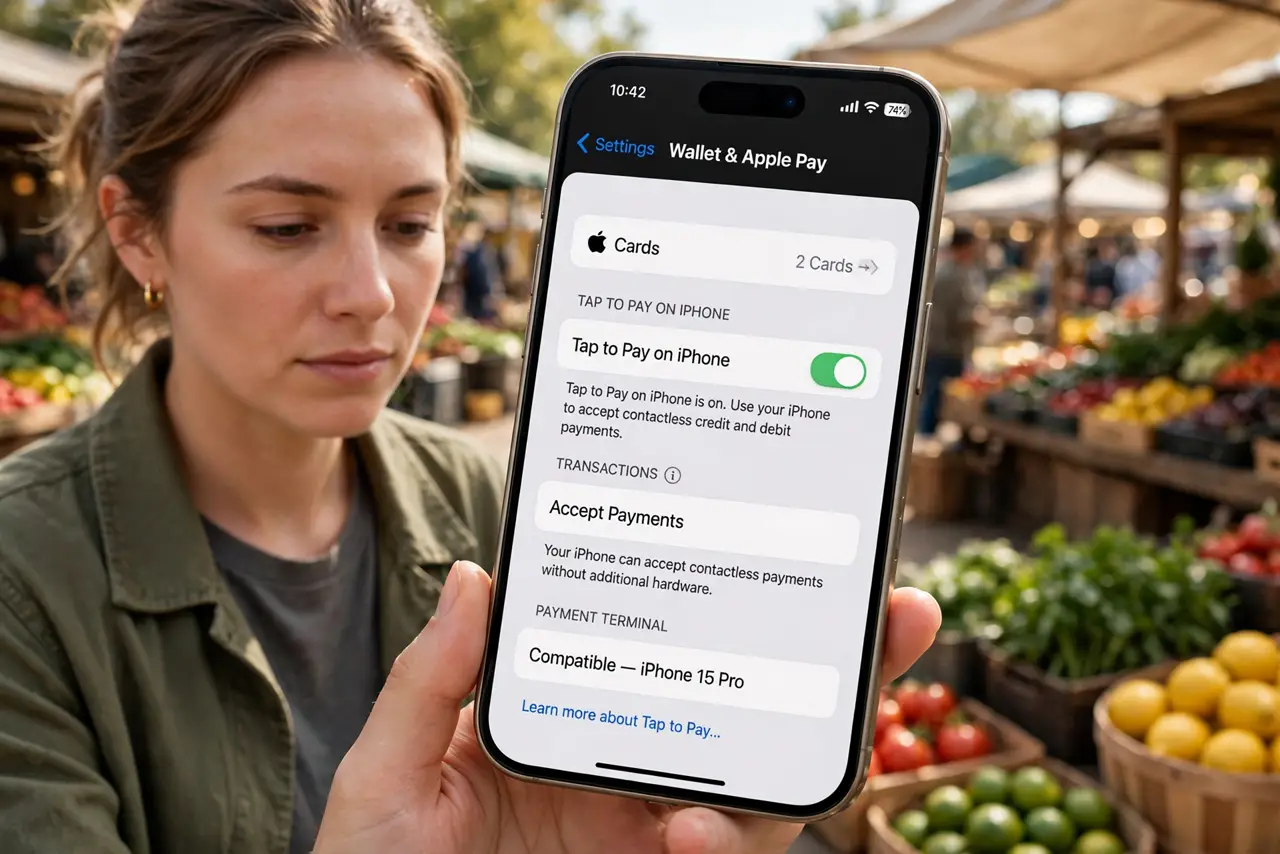
- Enable Tap to Pay in the app. In the provider's app, find the Tap to Pay toggle and complete Apple's setup. A quick test transaction verifies it.
- Take the payment. Enter the amount, present the phone, and have the customer tap their card or phone near yours. Confirmation appears instantly.
- Know the limits. Contactless caps vary by country and card — large sales may need a second tap or a different method. Check your provider's ceiling.
What NOT to do
- Do not skip the fee math. Per-transaction percentages eat small-ticket margins — compare providers for your price points.
- Do not accept payments before verification completes. Test mode looks real; only a live approved account moves money.
- Do not forget receipts. Email or text receipts from the app — customers expect them, and they protect you in disputes.
- Do not rely on it with a cracked NFC area. Damage near the top of the phone can kill tap reading — test after any drop.
Frequently asked questions
Do I need extra hardware?
No — that is the point. The iPhone itself is the reader on XS and later. A receipt printer is the only common add-on.
What fees will I pay?
Typically a small percentage plus a fixed amount per tap, varying by provider and country. Compare at least two providers.
Can customers pay with their phones?
Yes — Apple Pay, Google Pay, and contactless cards all tap the same way.