React with Tapback
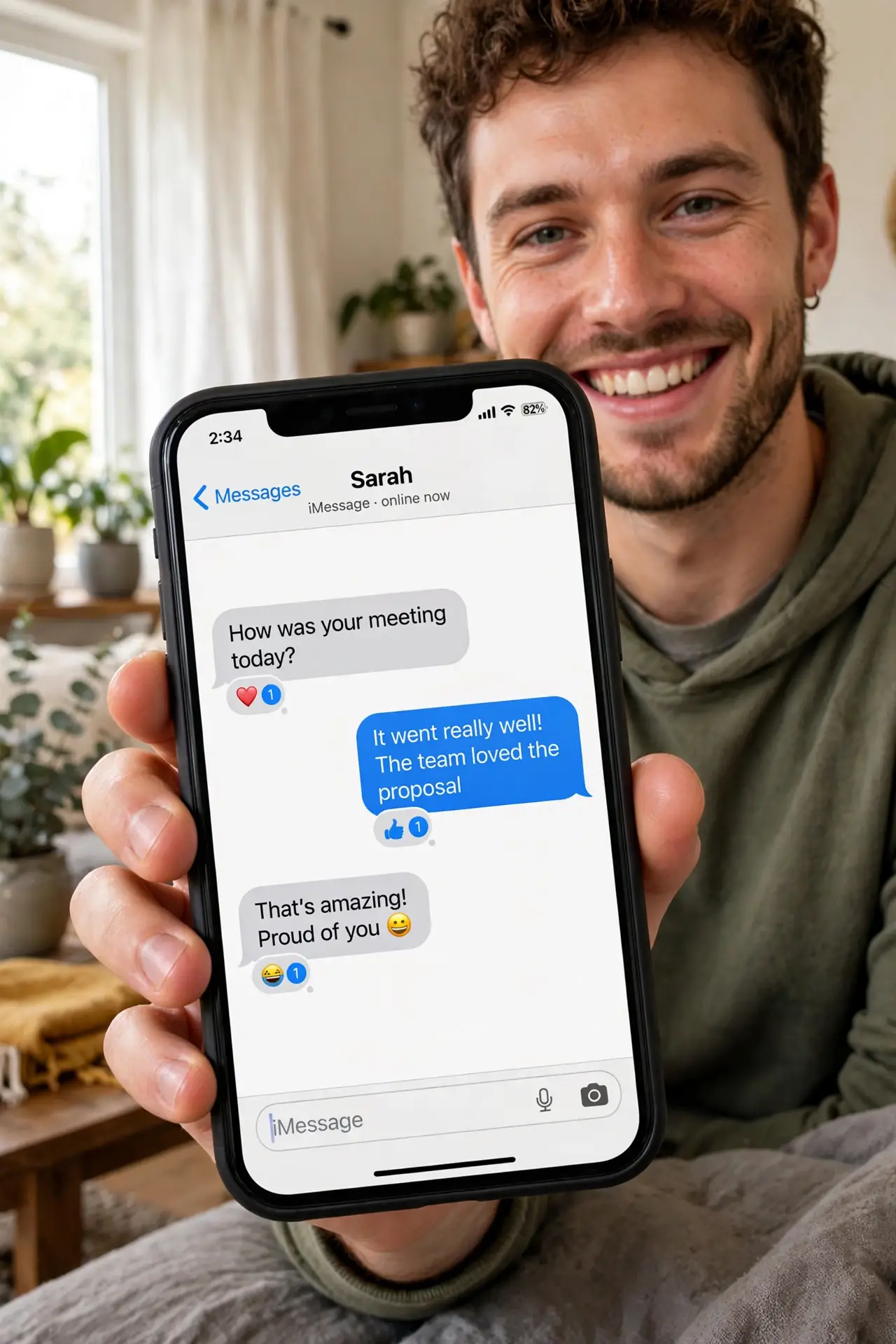
Someone texts 'dinner at seven?' and typing 'ok' feels cold — but a full reply is overkill. Tapback is the iPhone's middle ground: a heart, thumbs up, laugh, or exclamation slapped onto their message in one tap. It is the fastest way to acknowledge anything. This guide sends every reaction and knows the etiquette. For bigger expressions, send message effects.
TL;DR / Quick Fix
Quick fix: in Messages, press and hold any message bubble to see reactions — heart, thumbs up, thumbs down, laugh, exclamation, question mark. Tap one to attach it instantly. Use them for quick acknowledgments; save typed replies for anything needing real words.
Follow these steps
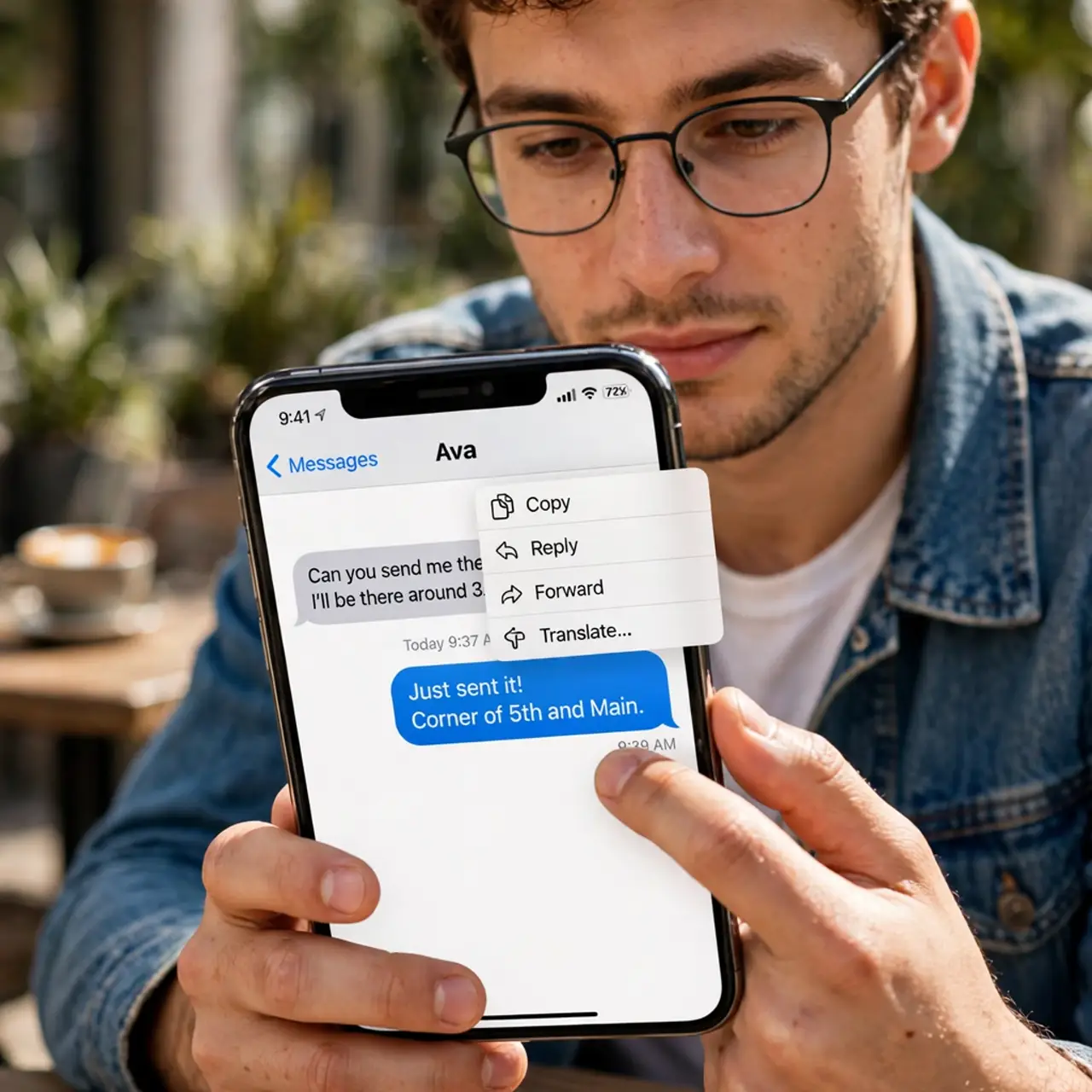
- Long-press the message. In a Messages conversation, press and hold the bubble you want to react to. The reaction picker pops up above it.
- Pick your reaction. Choose heart, thumbs up, thumbs down, laugh, exclamation, or question mark. The reaction attaches to the message instantly — no send button needed.
- Change or remove it. Tap the reaction to change it, or tap it again to remove. Reactions are editable, so a mis-tap is a two-second fix.
- Learn the etiquette. Thumbs up means 'got it'; heart means warmth; exclamation means 'whoa.' Match the reaction to the message — a thumbs up on bad news reads as indifference.
- Use them in groups. Tapbacks shine in group chats, where 'ok' from eight people is noise. One thumbs-up each keeps the chat clean and readable.
- Know the Android side. Android users see your Tapback as a text like 'Liked a message' — clunky but understandable. The reactions still communicate.
What NOT to do
- Do not Tapback serious news carelessly. A laugh reaction on a crisis text is a relationship incident — read before reacting.
- Do not react to every single message. Ten reactions in a row is its own kind of noise — react where it adds signal.
- Do not assume the meaning is universal. A thumbs up is rude in some cultures — know your audience for international chats.
- Do not forget Tapbacks need iMessage for full display. SMS friends get the text fallback, which still works.
Frequently asked questions
Can I see who reacted in a group?
Yes — tap the reaction to see who sent what. Group Tapbacks are fully attributed.
Why can I not Tapback some messages?
Very old messages or SMS-only threads may not support it. Current iMessage threads always do.
Do Tapbacks notify the sender?
Yes, the sender gets a small notification. That is the point — your acknowledgment arrives without a new message.