iPhone Text Size Too Small in One App? Fix It
Text is fine everywhere except one app, where it is tiny. That app likely has its own size setting, or a per-app text size override is shrinking it. The system-wide version is making phone text bigger, but a single-app problem needs a single-app fix.
TL;DR / Quick Fix
Quick fix: check the app's own text settings, use Control Center per-app text size, raise system text size, check Display Zoom, and restart the app. If it still fails after these steps, note exactly when it happens, since that pattern usually reveals the real cause.
Follow these steps
- Check the app's own text settings. Open the app and look in its settings for font or text size. Many apps, especially readers and chats, have their own size control that ignores the system setting.
- Use per-app text size from Control Center. Add Text Size to Control Center, open the app, then adjust Text Size while inside it. This sets a size for that app alone, without changing the whole phone.
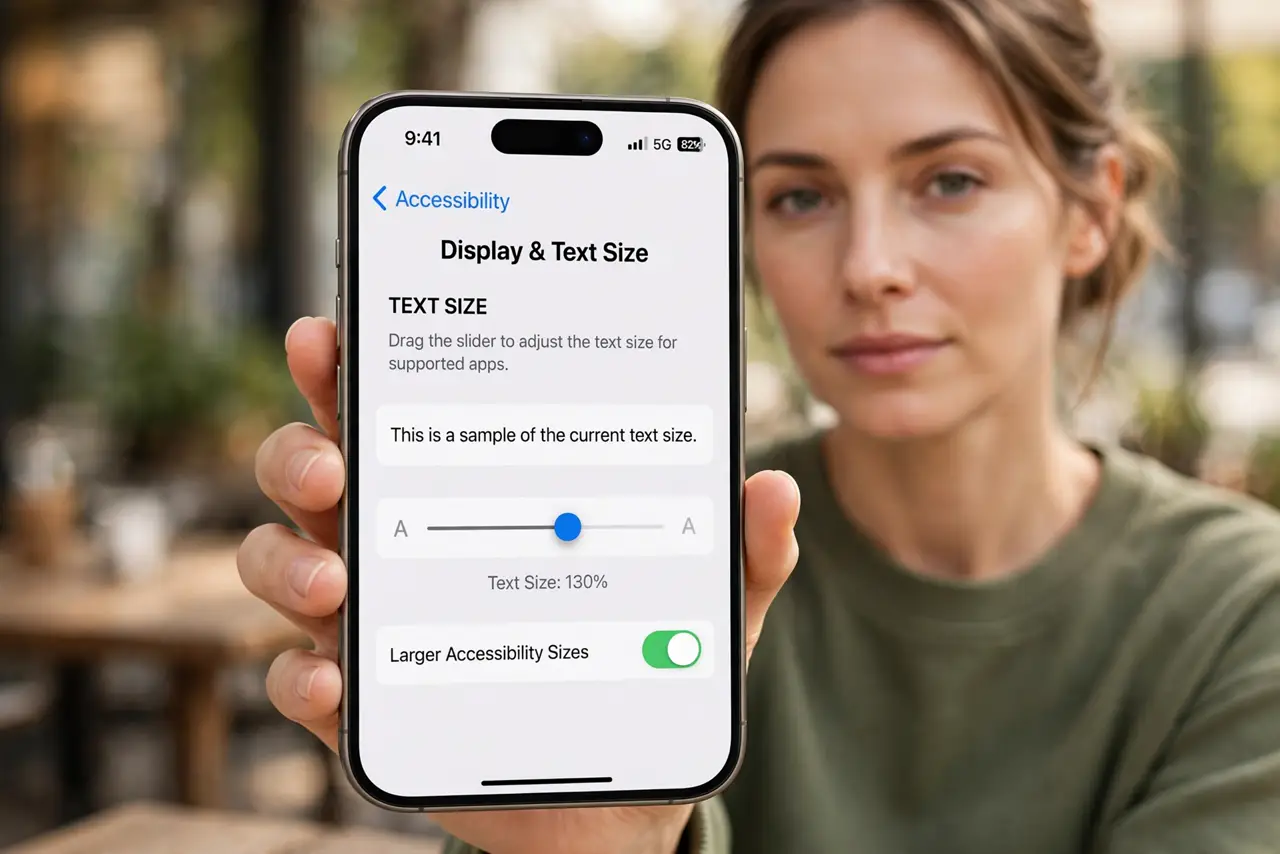
- Raise system text size. Open Settings, then Display and Brightness, then Text Size, and drag the slider right. Apps without their own setting follow this size.
- Check Display Zoom. Open Settings, then Display and Brightness, then Display Zoom, and check it is not set to a zoomed-out view. Zoom affects how large text appears across apps.
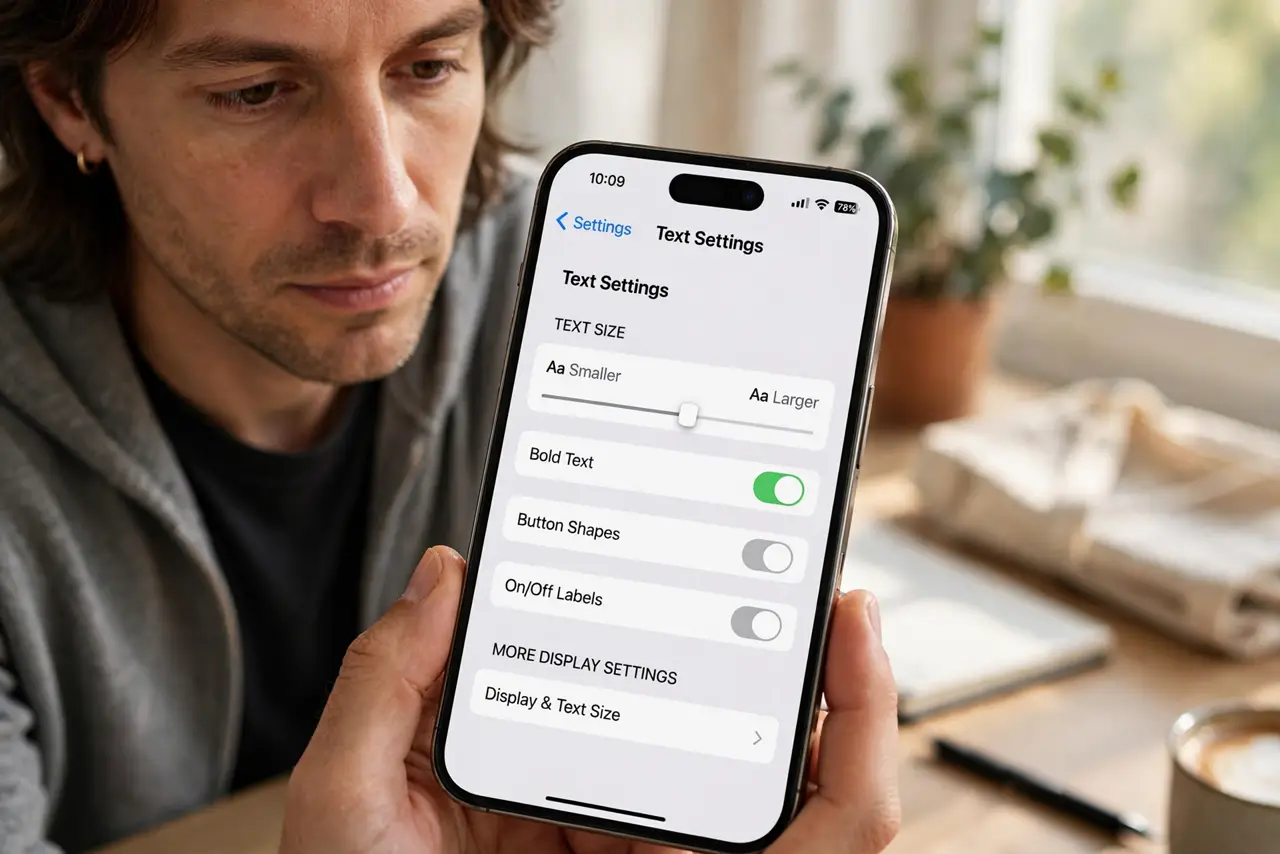
- Check Bold Text and accessibility sizes. Open Settings, then Accessibility, then Display and Text Size, and try Bold Text or Larger Text. Accessibility sizes go beyond the standard slider for apps that support them.
- Restart the app and test. Force-close the app and reopen it after changing sizes. Some apps only apply a new text size on a fresh launch.
What NOT to do
- Do not raise system text size for one small app. Per-app text size fixes the app without making everything else huge.
- Do not assume the app is broken for small text. An app-specific setting or override is far more likely than a bug.
- Do not ignore the app's own settings. System size does not override an app that sets its own font size.
- Do not use Display Zoom as a first fix. Zoom changes the whole display layout, while per-app size targets just the problem app.
Frequently asked questions
Why is text small in only one app?
Because that app has its own size setting, or a per-app text size override shrinks it.
Can I make text bigger in just one app?
Yes. Use the Text Size control in Control Center while inside the app.
Why does system text size not affect this app?
Because the app sets its own font size and ignores the system slider.