Prep iPhone for Trade-In
Trading in your iPhone knocks real money off the new one — unless a forgotten iCloud lock or leftover data tanks the value or, worse, hands your life to a stranger. Proper prep takes twenty minutes: backup, sign-outs, wipe, and a little cleaning. Here is the checklist that protects both your data and your trade value.
TL;DR / Quick Fix
Quick fix: before trading in your iPhone, back it up, sign out of iCloud, turn off Find My, and erase all content and settings. Remove the SIM, clean the phone, and gather the box if you have it. A wiped phone protects your data and fetches the trade value.
Follow these steps
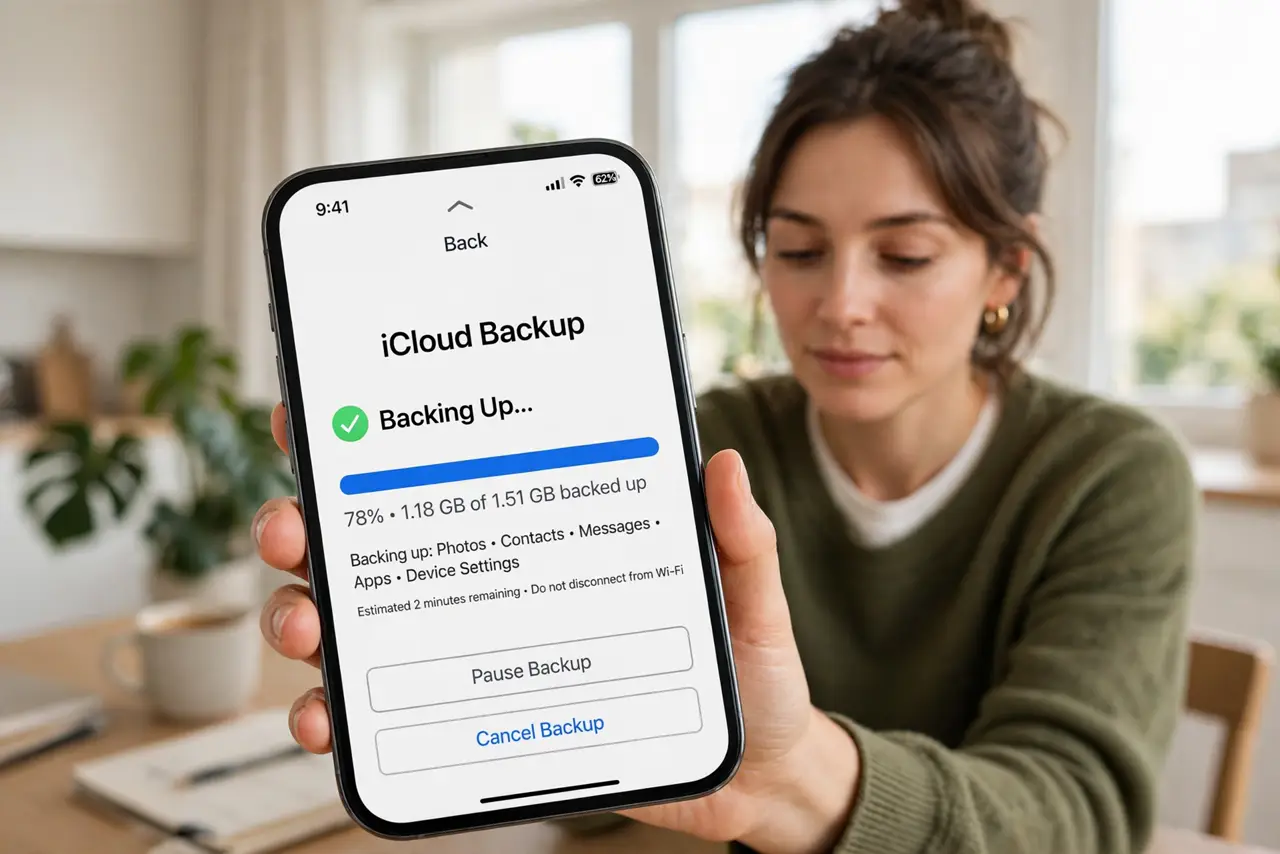
- Back up everything first. Run a full backup — iCloud or computer — and confirm it completed. The trade-in wipes the phone completely; the backup is the only copy of your digital life. See the backup checklist and verify before proceeding.
- Sign out of iCloud. Go to Settings > your name > Sign Out. This disables Activation Lock — a phone still tied to your Apple ID is worthless to the trade-in program and a headache for everyone.
- Turn off Find My iPhone. Settings > your name > Find My > Find My iPhone — off. Some trade programs check this separately from sign-out; a still-active Find My can reject the trade at the counter.
- Unpair Apple Watch and accessories. Unpair your Apple Watch in the Watch app (which also disables its Activation Lock), and remove any paired Bluetooth accessories you are trading with it. Forgotten pairings cause the weirdest trade-in rejections.
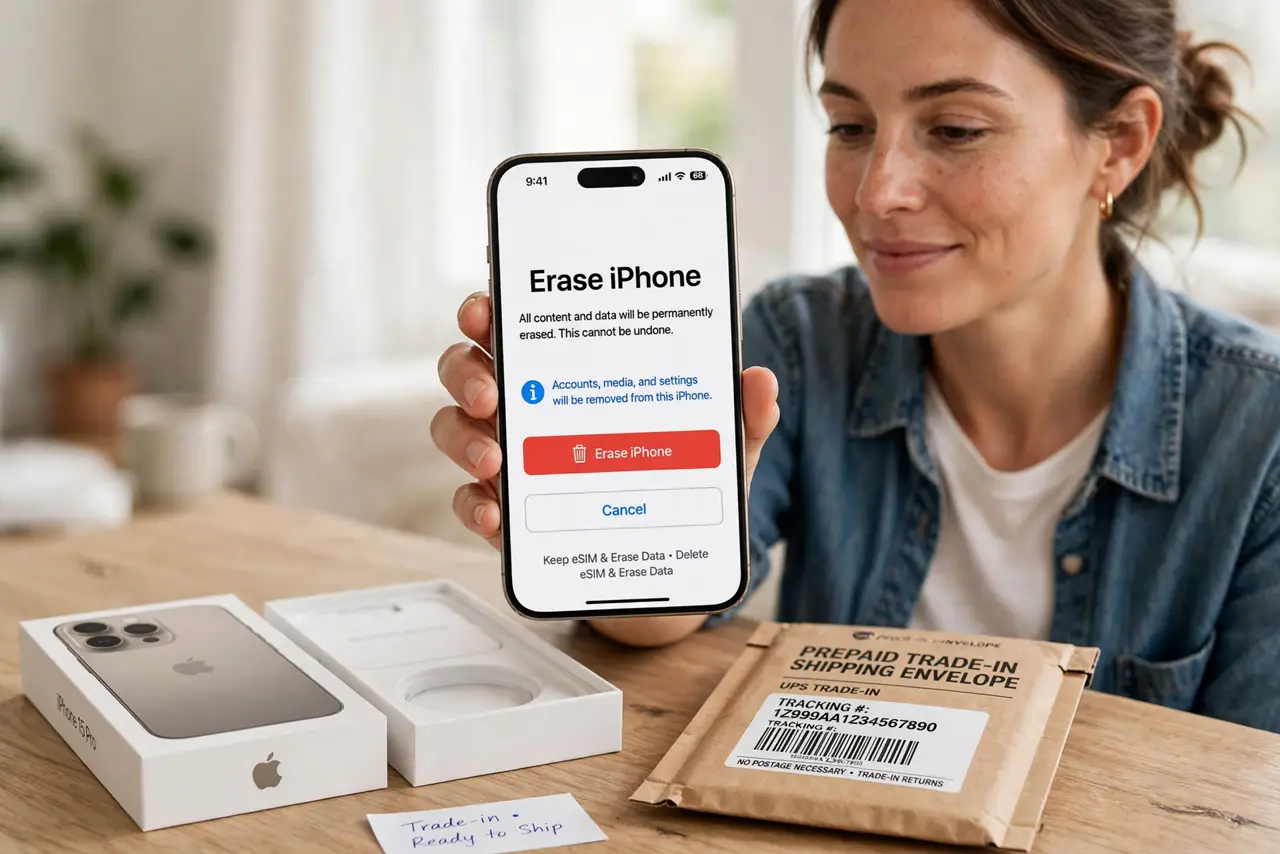
- Erase all content and settings. Settings > General > Transfer or Reset iPhone > Erase All Content and Settings. This is the cryptographic wipe — your data becomes unrecoverable, which is exactly what you want before handing it over.
- Clean it and gather accessories. Wipe the phone down, remove the SIM (or confirm eSIM transfer), and collect the box and cable if you have them. Presentation does not change the data wipe, but complete kits sometimes fetch slightly better offers.
What NOT to do
- Do not erase before the backup is verified. 'Erase then realize the backup failed' is a tragedy with no second act — confirm first.
- Do not forget Activation Lock. An iPhone still locked to your Apple ID cannot be resold or refurbished — the trade value drops to zero.
- Do not leave the SIM in. Your number and carrier identity ride on that tiny card — remove it, or complete the eSIM transfer to the new phone first.
- Do not trade in a phone with Find My still on. Programs and buyers check; an active lock reads as a stolen device and kills the deal.
Frequently asked questions
How much is my iPhone worth?
It depends on model, storage, and condition — check the trade program's estimator with honest condition answers. Inflated condition claims get downgraded at inspection.
Should I repair the damaged screen first?
Usually not — trade programs discount for damage less than a repair costs. Get the quote for the damaged phone before paying for a fix.
Is erasing enough to protect my data?
Yes — Apple's erase is cryptographic; the keys are destroyed, making old data unrecoverable. No forensic recovery survives it.