Converse in Two Languages
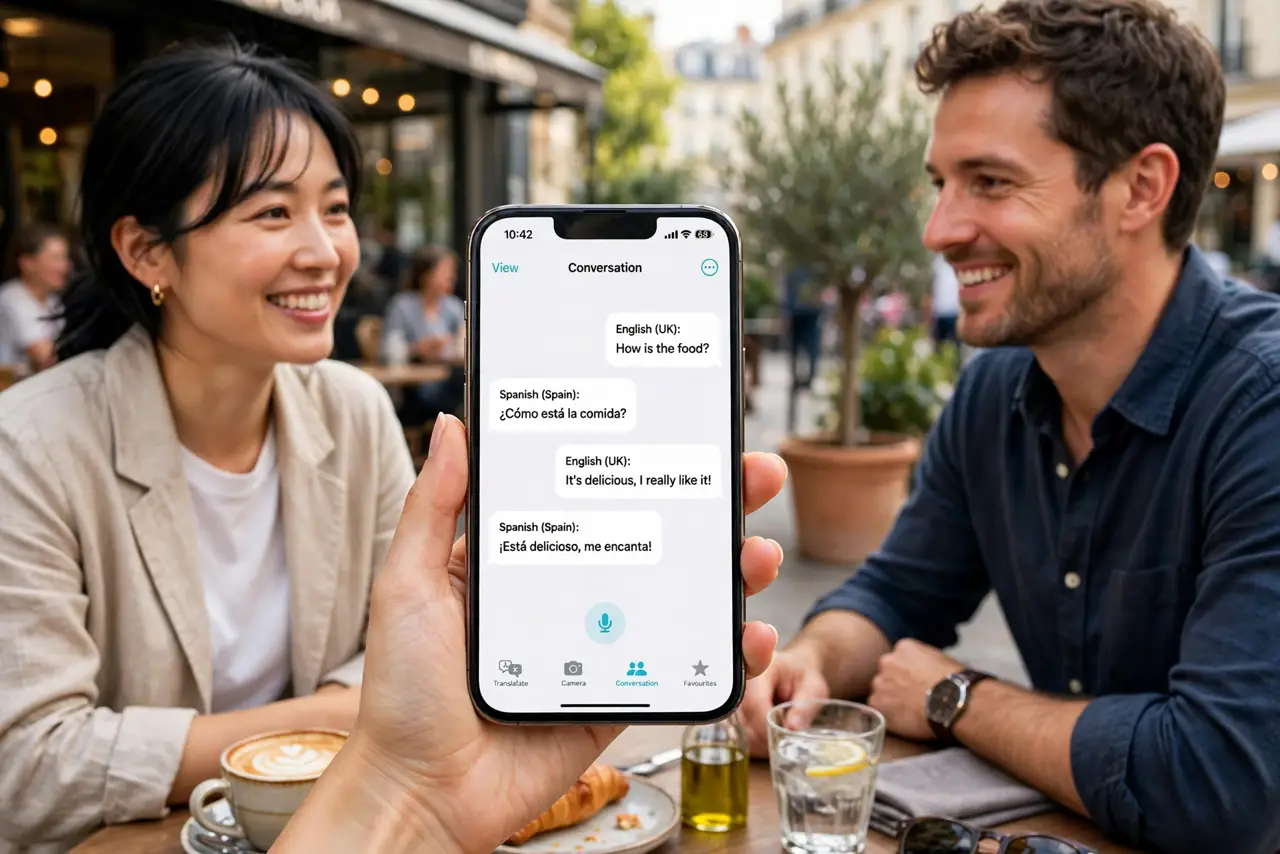
You need to actually talk with someone — not just read a sign, but have a back-and-forth. The Translate app's conversation mode turns the iPhone into an interpreter: each person speaks, the phone translates aloud, and the conversation flows. Here is how to run it smoothly.
TL;DR / Quick Fix
Quick fix: open the Translate app, pick two languages, and tap the conversation mode — each person speaks in turn and the phone translates aloud. Download both languages first for offline use. Speak naturally and pause between turns for the best results.
Follow these steps
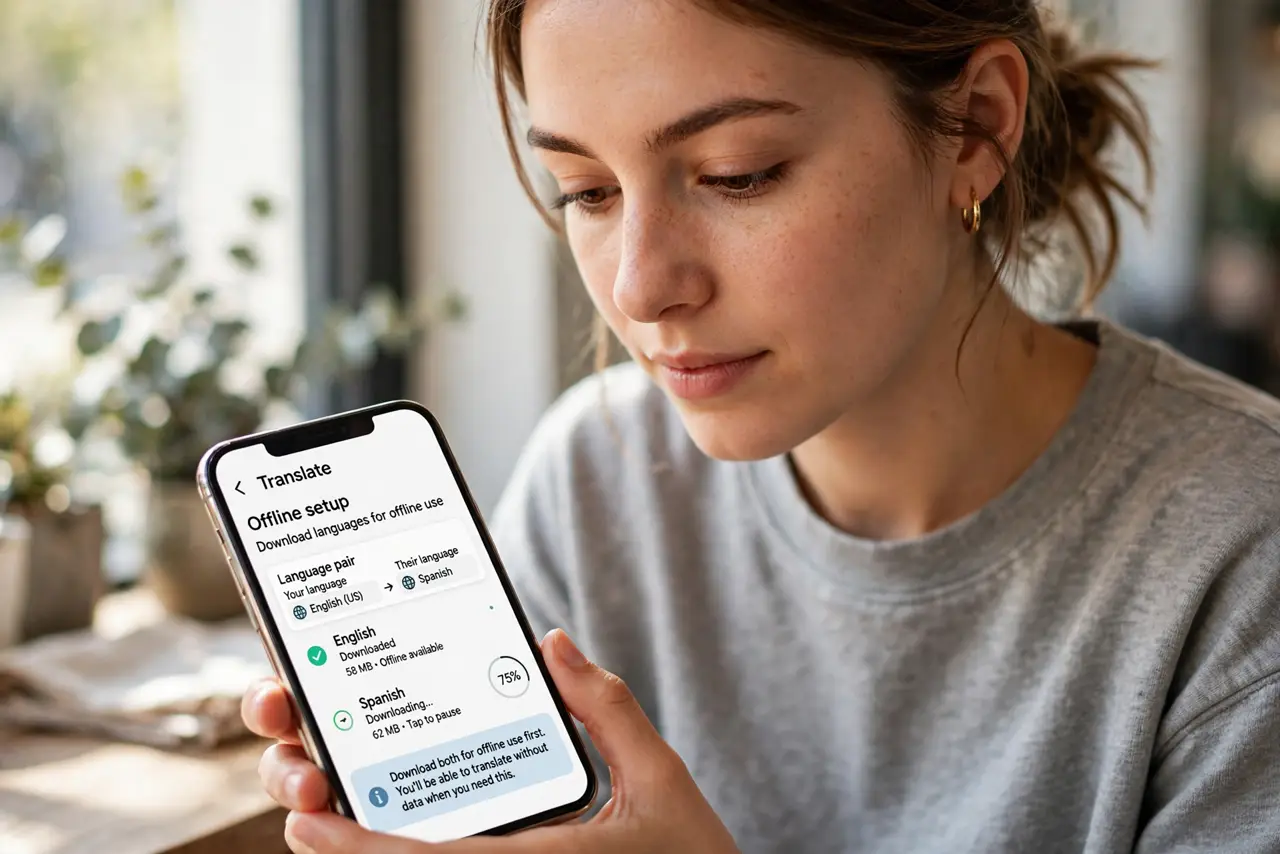
- Pick your two languages. Open Translate, set the language pair — yours and theirs. Download both for offline use first, per the offline setup — you may not have data when you need this.
- Enter conversation mode. Tap the conversation tab. The screen splits — one side per language — so each person can read their own side. The live translate calls cover the phone-call version on Android.
- Take turns speaking. Tap the microphone, speak naturally, pause. The phone translates aloud and shows the text. Short, clear sentences translate best — save the complex clauses for later.
- Hand it back and forth. Let each person hold the phone for their turn, or set it on the table between you. Face-to-face mode keeps eye contact natural.
- Confirm the critical bits. For directions, prices, and times, show the translated text and get a nod. Voice translation is good; a visual confirm is better.
- Stay patient and friendly. The tech is impressive but imperfect — smile through the hiccups. Goodwill translates in every language.
What NOT to do
- Do not shout at the phone. Normal voice, normal pace — shouting distorts the audio and worsens recognition.
- Do not skip the offline download. Conversation mode without data is dead unless the languages are downloaded — prep at the hotel.
- Do not use it for legal or medical precision. Approximate translation is fine for directions; critical matters need a human interpreter.
- Do not monologue. Short turns translate accurately; long speeches garble — pause and let the phone catch up.
Frequently asked questions
How accurate is conversation mode?
Very good for everyday topics in major languages. Idioms, slang, and niche vocabulary are where it stumbles.
Does it work without internet?
Yes, with downloaded languages. Offline conversation mode is one of its best features — prep before you need it.
Can it handle three languages?
One pair at a time. Switch the pair in settings when the conversation changes — it takes seconds.