Translate Calls Live
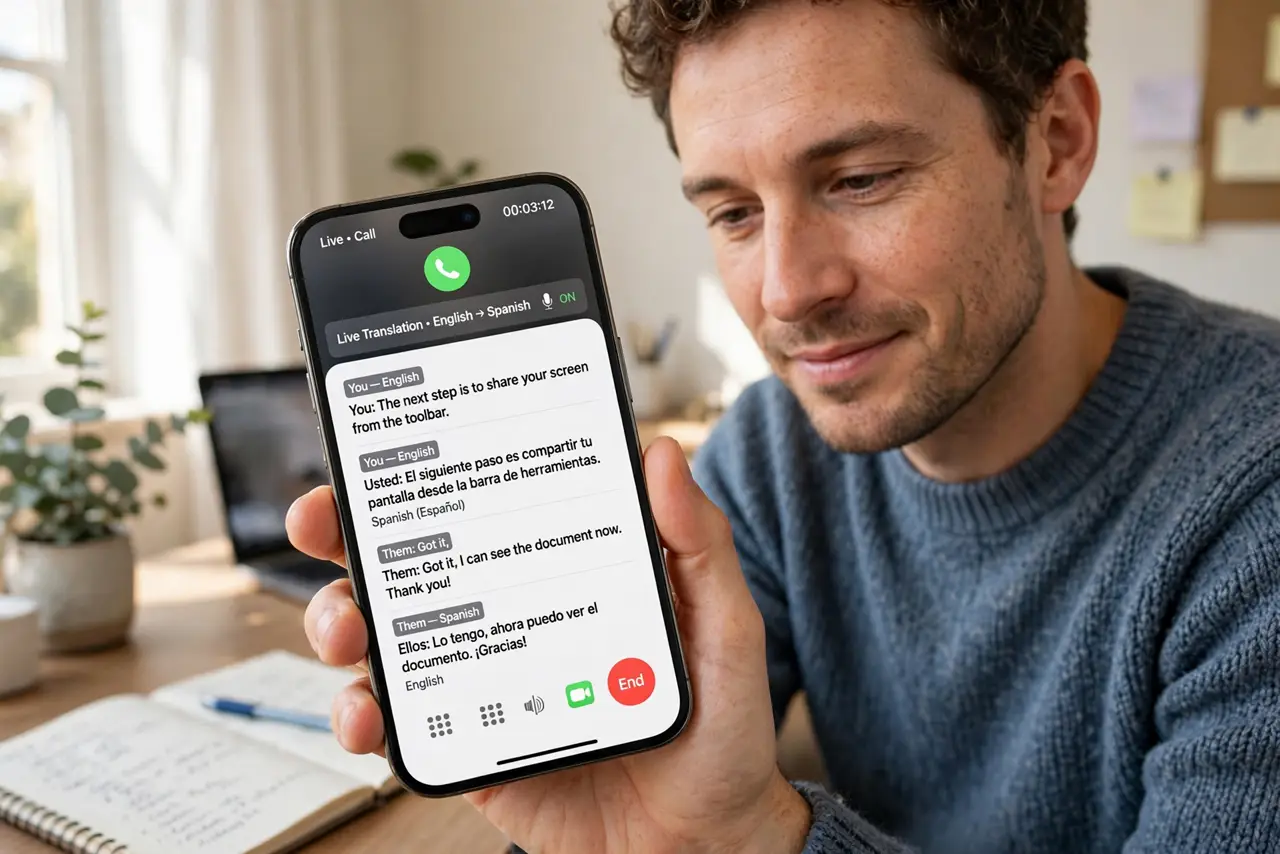
A call comes in a language you do not speak — a relative, a client, a delivery driver — and you are stuck smiling through it. Recent phones can translate phone calls live, showing captions of what the other person says and speaking your reply back in their language. This guide shows how to turn it on and what to expect.
TL;DR / Quick Fix
Quick fix: on a recent iPhone, enable Live Translate in Settings under Apple Intelligence, then start a call — translated captions appear automatically. On recent Android phones, turn on Live Translate in the Phone app settings and choose both languages. Speak normally and read the captions.
Follow these steps
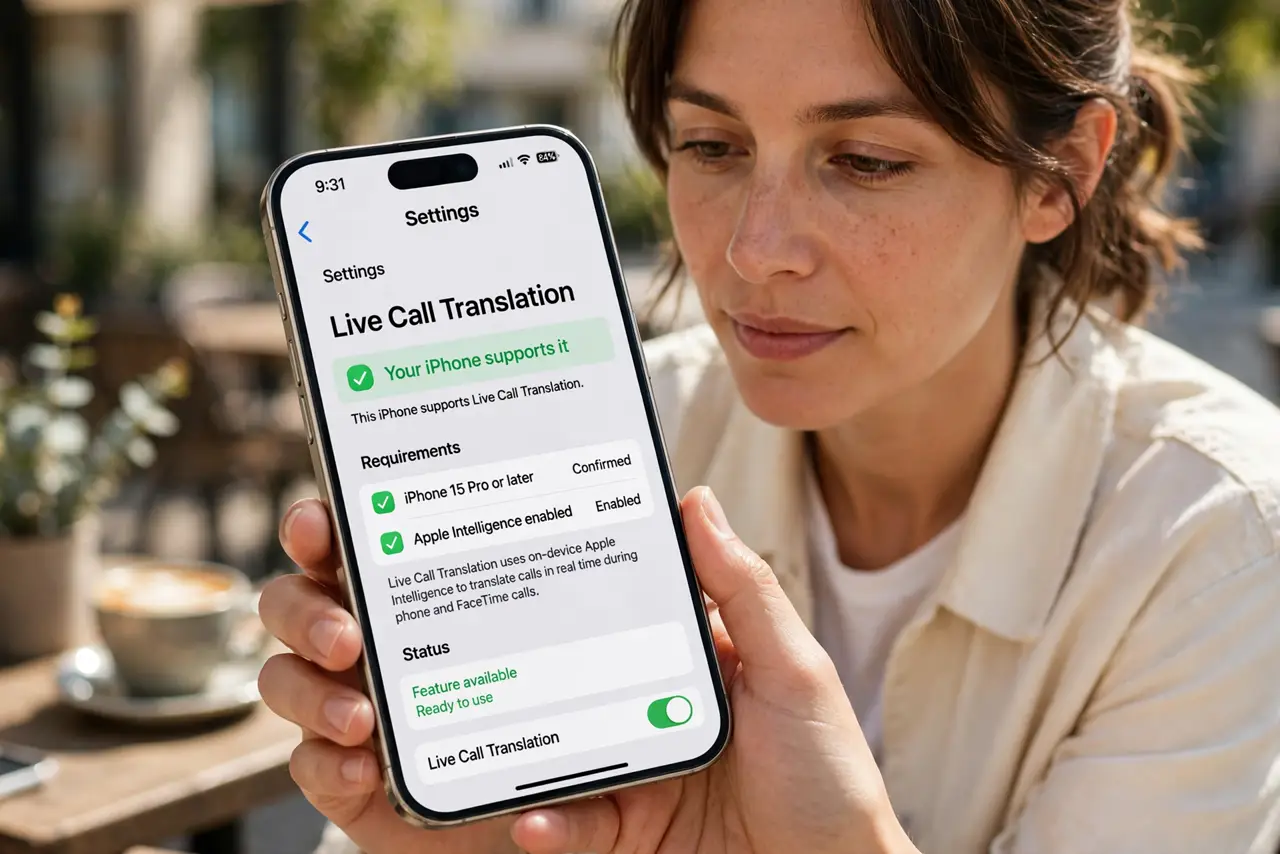
- Check your phone supports it. Live call translation needs a recent phone with the maker's AI features — recent iPhones with Apple Intelligence, or recent Pixel and Samsung phones. Older models do not have it.
- Turn on Live Translate in settings. On iPhone: Settings, then Apple Intelligence, then Live Translate, and enable it for calls. On Android: Phone app settings, then Live Translate, and download both languages.
- Choose the two languages. Set your language and the other person's language before the call. Downloading the language packs lets translation work even with a weak connection.
- Start the call normally. Place or answer the call as usual. The translation captions appear on screen automatically once both sides start talking — there is no special button to press mid-call.
- Speak clearly and pause between thoughts. Short sentences translate far more accurately than long rambles. Pause after each idea so the translation can catch up.
- Know its limits. Live translation handles everyday conversation well but can stumble on slang, names, and accents. For anything legally binding, use a human interpreter.
What NOT to do
- Do not rely on it for medical or legal calls. Machine translation errors in high-stakes conversations can be dangerous — get a human interpreter.
- Do not mumble or talk over the other person. Clear, turn-taking speech is what the translation needs to work.
- Do not assume it works in every language pair. Coverage varies — check your specific languages are supported before counting on it.
- Do not forget it needs the feature enabled first. It will not magically appear mid-call if you never turned it on.
Frequently asked questions
Does the other person know translation is on?
On iPhone, participants hear a brief notice that translation is active. On Android, a similar announcement plays — nobody is translated secretly.
Does it work on regular phone calls or just video?
Both — recent phones translate standard voice calls as well as FaceTime and video calls.
Will it work without internet?
If you downloaded the language packs, basic translation works offline. Without the packs, it needs a connection.