Translate Offline
Landing abroad with no data plan and a menu you cannot read is a rite of passage nobody enjoys. The Translate app works fully offline if you download languages before the trip — camera, conversation, and text, all without a single bar of signal. Here is the two-minute prep.
TL;DR / Quick Fix
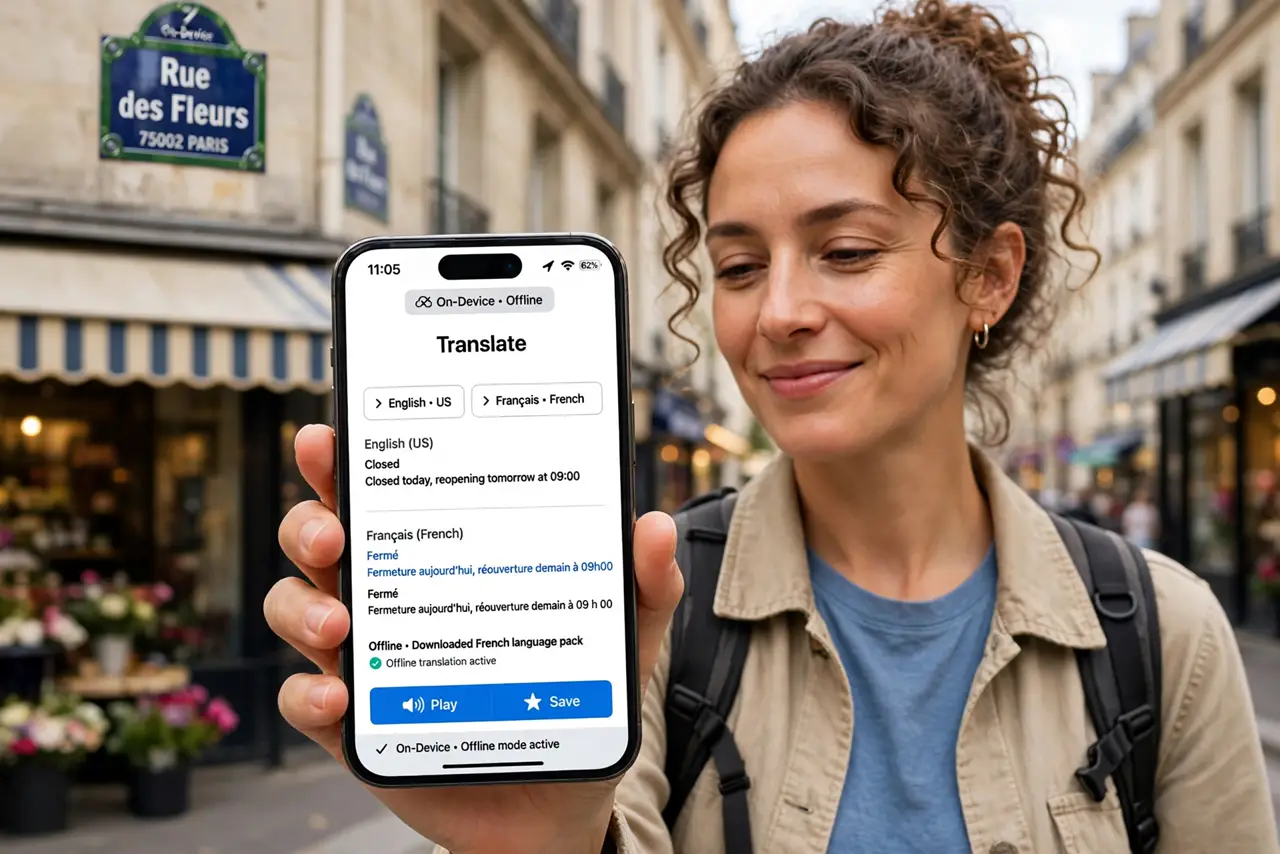
Quick fix: in the Translate app, download the languages you need before the trip — then translation works fully offline with no data. Download over Wi-Fi since packs are large. The camera and conversation modes both work offline once the languages are on the phone.
Follow these steps
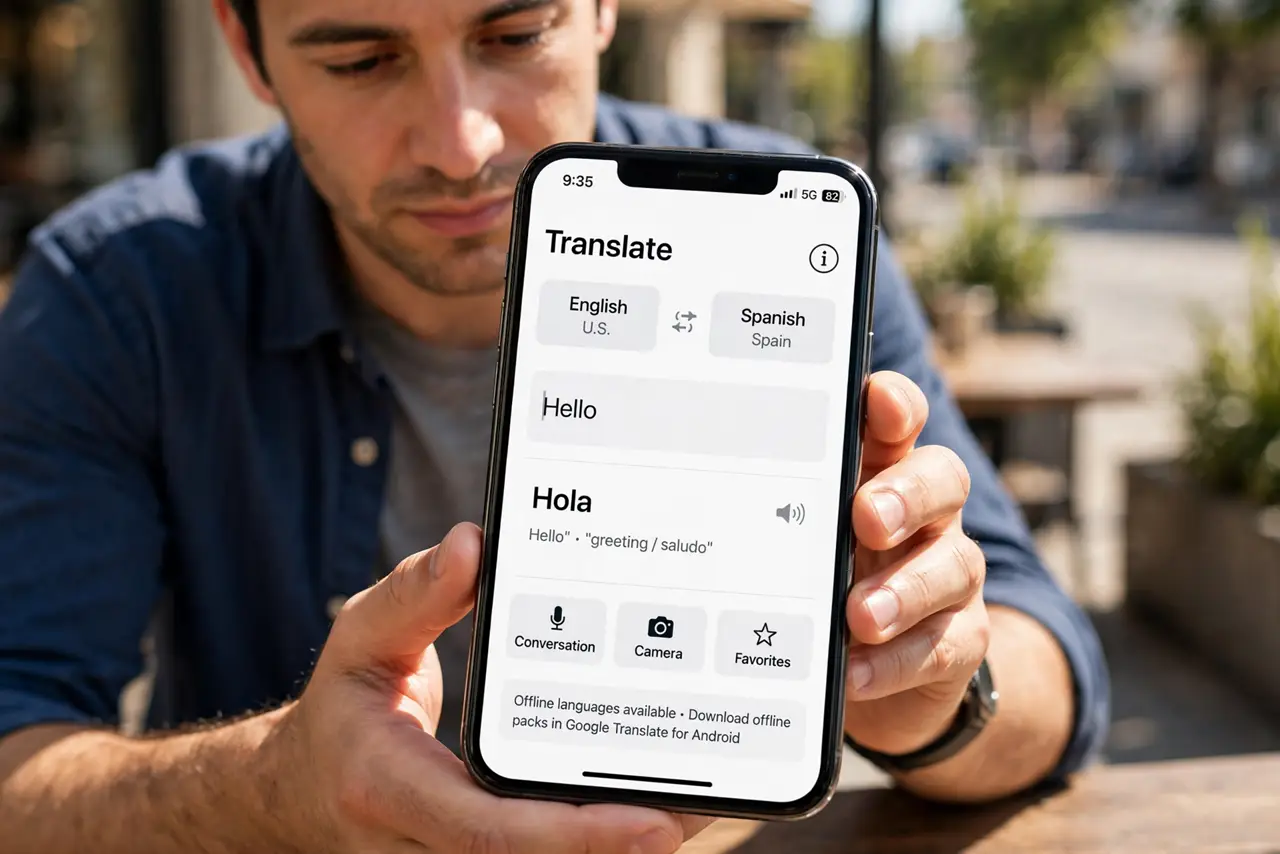
- Open the Translate app. Find Translate on your iPhone — it is built in. Android travelers have their own offline packs in Google Translate; the prep logic is identical.
- Download languages over Wi-Fi. In the app's language settings, download each language you will need. Packs are large — hotel or home Wi-Fi, not airport data.
- Test offline before you go. Turn on airplane mode and translate something. Confirming it works at home beats discovering a missing pack abroad.
- Use the camera mode. Point the camera at signs and menus — offline camera translation handles the visual world. It is the most magical and most useful mode.
- Try conversation mode. For talking with people, conversation mode translates both directions live — see the conversation guide for the two-language flow.
- Manage storage after. Language packs take space. Delete the ones you will not need again — re-downloading later is free.
What NOT to do
- Do not wait until landing to download. Airport Wi-Fi is slow and roaming data is expensive — download at home.
- Do not assume perfect translations. Offline translation is excellent for menus and directions, approximate for nuance — confirm critical things twice.
- Do not delete the packs mid-trip. They are your lifeline — clean up storage after you are home, not during.
- Do not forget the camera permission. Offline camera mode needs camera access granted before you need it — check in settings.
Frequently asked questions
How much space do language packs need?
Hundreds of megabytes each. Two or three languages fit fine on most phones; a dozen needs planning.
Does offline translation need an account?
No — downloaded packs work without signing in or any connection. That is the beauty of it.
Is offline as good as online?
Very close for common languages. Online adds the newest models, but offline handles travel needs well.