Identify Things with Your Camera
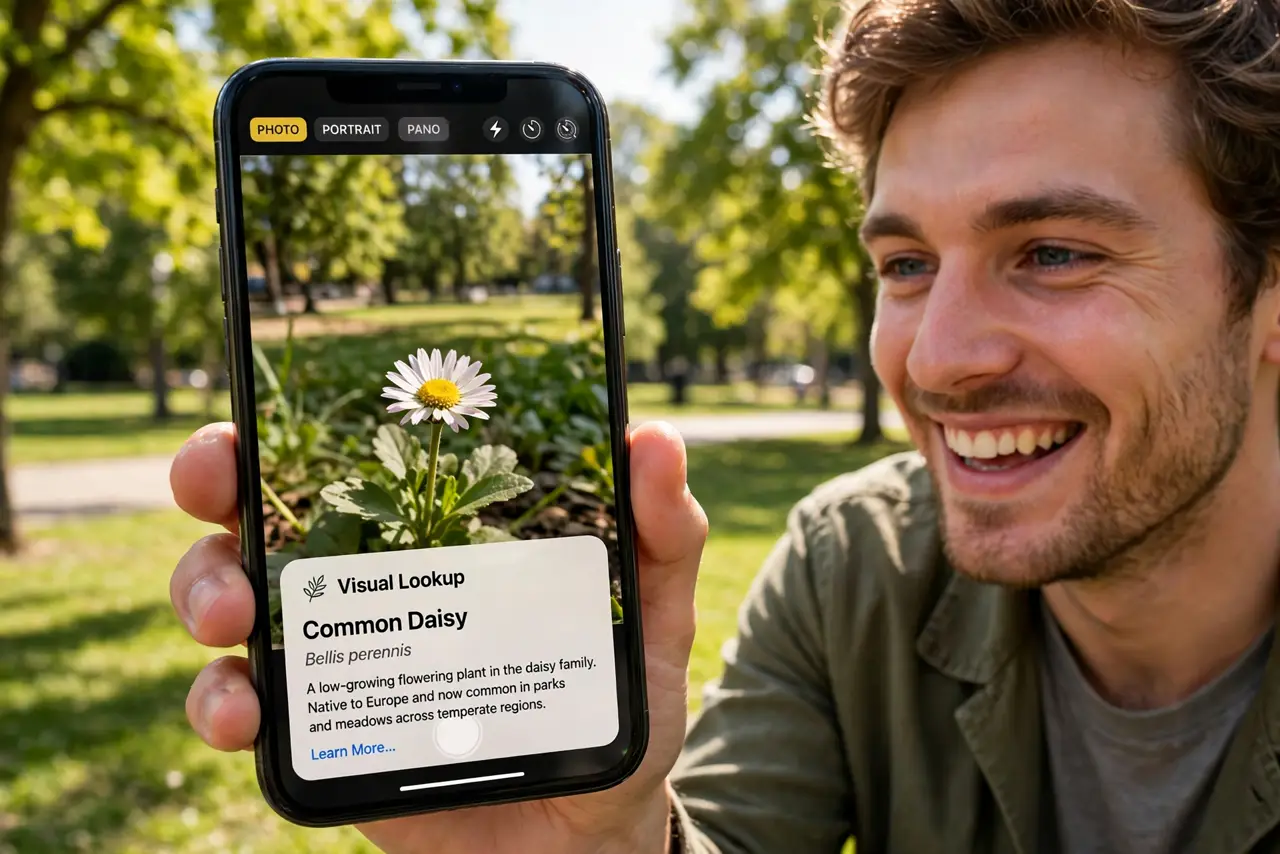
That plant in the park, the dog breed at the cafe, the landmark on the skyline — you want to know what it is, and describing it to a search engine is hopeless. Point your phone's camera at it instead: visual lookup identifies plants, animals, landmarks, and more from a photo, with links to learn more.
TL;DR / Quick Fix
Quick fix: take a photo, open it, and tap the info button — if Visual Lookup recognizes something, the icon shows stars. Tap it for the identification: plant species, dog breed, landmark name. It works on existing photos too, not just new ones.
Follow these steps
- Take a clear photo. Frame the subject well-lit and centered — a flower close-up, the dog's face, the whole landmark. Recognition needs a clean look; blurry distance shots confuse it.
- Open the photo and tap info. In Photos, open the picture and tap the info (i) button. If the system recognizes something, the icon sparkles with stars — that is your cue.
- Read the identification. Tap the sparkling icon to see the match: species, breed, or landmark name with a confidence feel. Tap through for Wikipedia-style details and similar images.
- Try it on old photos. Visual Lookup works on your existing library, not just new shots. That mystery plant from last summer's hike is identifiable right now.
- Use it for more than nature. Landmarks, art, books, and even laundry symbols get recognized. Point it at anything with a 'what is this' feeling — the category list keeps growing.
- Verify important IDs. For plants you might touch or eat, confirm with a second source. Visual Lookup is good; foraging decisions deserve expert confirmation.

What NOT to do
- Do not eat a plant on one app's say-so. Visual Lookup is impressive, not infallible — foraging needs expert identification.
- Do not expect miracles on blurry shots. Recognition runs on visible detail — garbage in, confident-sounding garbage out.
- Do not forget it needs the subject centered. Tiny distant subjects in busy scenes are the hardest case — get closer.
- Do not confuse it with reverse image search. Visual Lookup identifies the subject; it does not find where the photo appears online.
Frequently asked questions
Does it work on Android?
Google Lens does the same job and more — open the photo, tap Lens, and get identifications plus shopping and translation options.
Why no sparkle icon on my photo?
Either nothing recognizable was detected, or the subject is too unclear. Try a closer, better-lit shot.
Does it work offline?
Mostly no — identification needs Apple's servers. The photo works offline; the lookup needs a connection.