Visual Voicemail Empties After a Carrier Switch
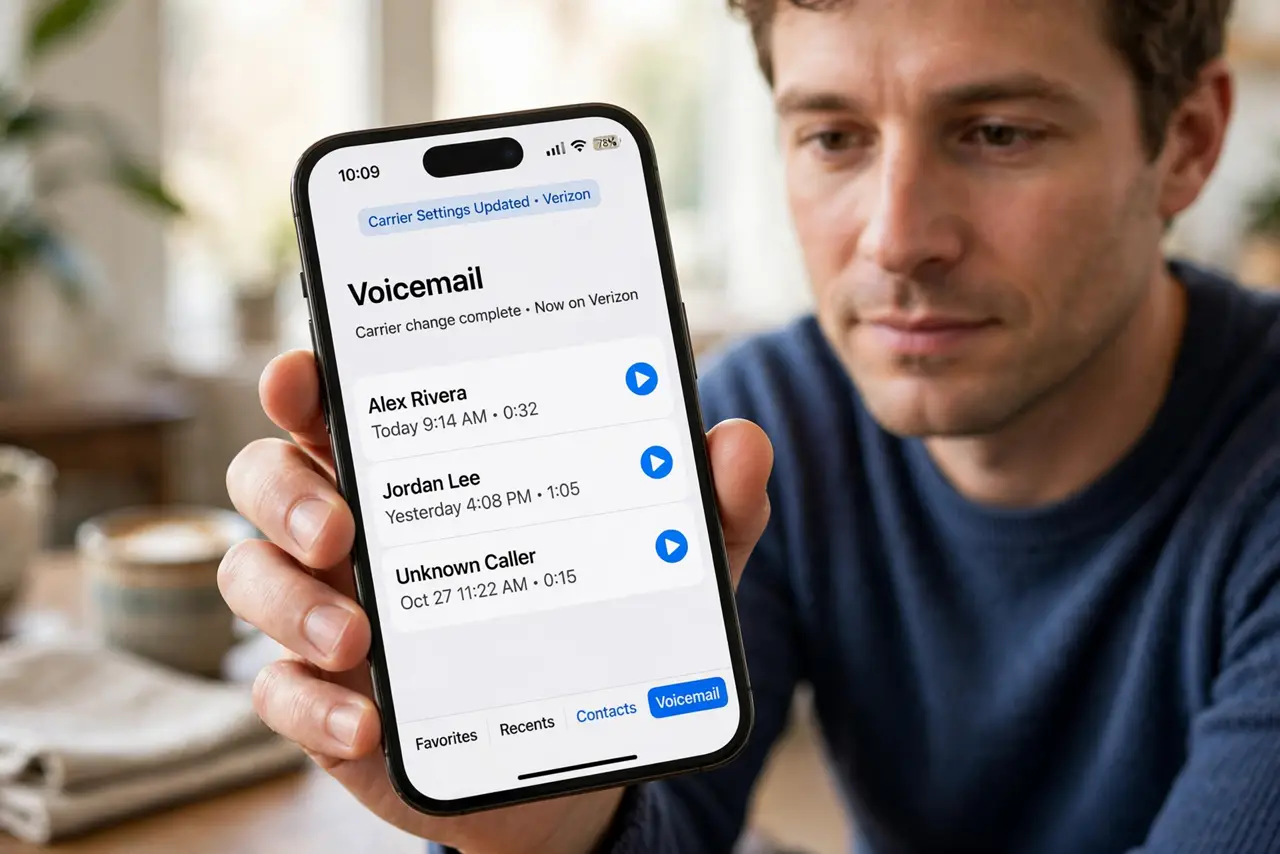
You switch carriers and the visual voicemail list empties. Voicemails live with the old carrier, so a switch can orphan them — and the new carrier's voicemail needs setting up from scratch.
TL;DR / Quick Fix
Quick fix: open Phone, then Voicemail, and confirm the new carrier's visual voicemail is set up. Then call your voicemail from the new line, and ask the old carrier about any messages left behind and ask the old carrier about messages left behind.
Follow these steps
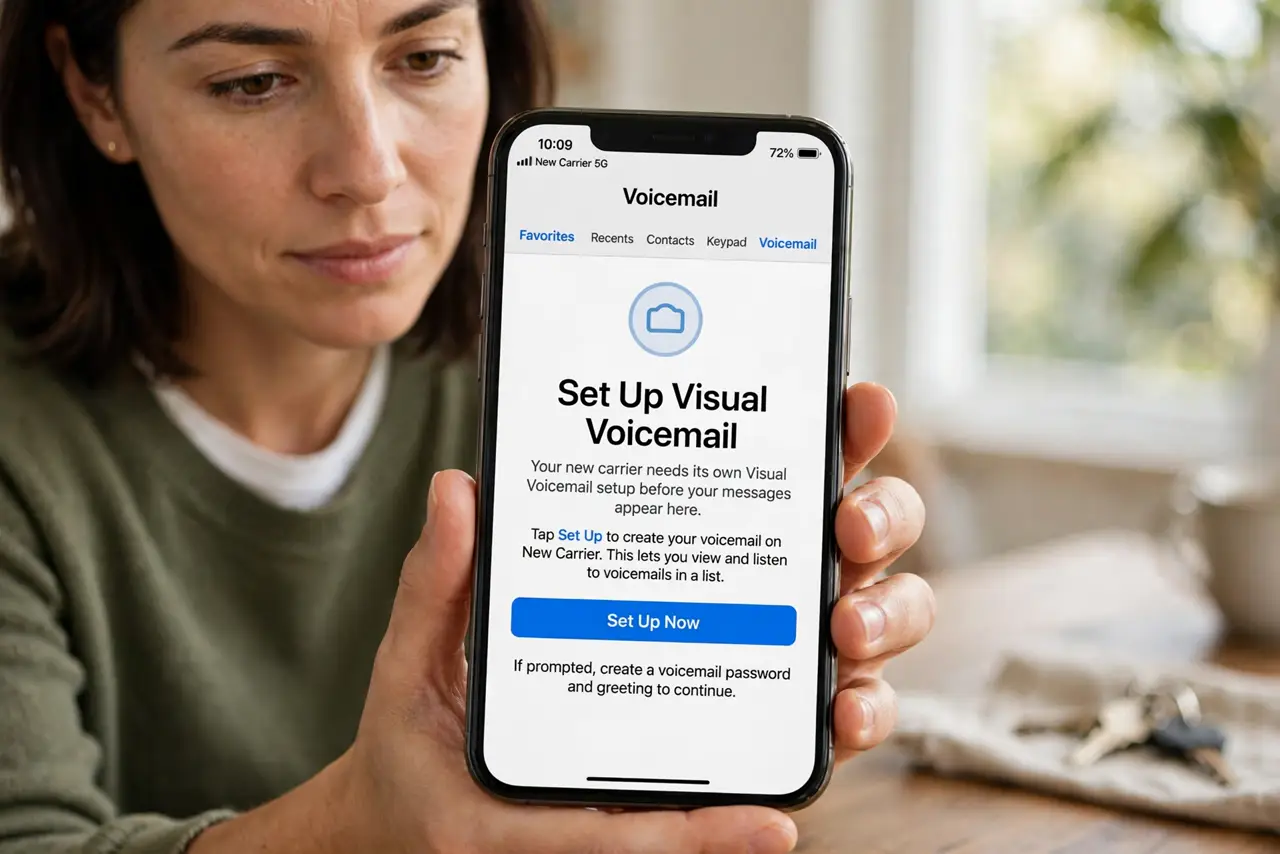
- Confirm visual voicemail on the new carrier. Open Phone, then Voicemail, and see whether the list loads or asks you to set up. A new carrier needs its own visual voicemail setup before the list fills again.
- Set up the new voicemail greeting. Follow the setup prompts to record or confirm a greeting on the new carrier. Setup completes the voicemail activation, and messages only arrive once it is done.
- Call voicemail from the new line. Hold 1 or dial your voicemail number from the new line and listen for messages. The call-in mailbox can hold messages even when the visual list looks empty.
- Ask the old carrier about old messages. Contact the old carrier and ask whether old voicemails are still retrievable. Old messages live on the old carrier's system, and they may vanish when the account closes.
- Update the carrier settings. Open Settings, then General, then About, and accept any carrier settings update offered. An outdated carrier bundle can keep visual voicemail from working on the new network.
- Restart and recheck the voicemail list. Restart the iPhone once, then open Phone and Voicemail again. A restart lets the new carrier's voicemail register fully after setup.
What NOT to do
- Do not assume old voicemails moved with you. Voicemails stay with the carrier that received them, so a switch can leave them behind.
- Do not delete the Phone app data hoping voicemail returns. Visual voicemail is a carrier service, and local deletion cannot restore carrier-held messages.
- Do not wait weeks to ask the old carrier. Old accounts close and their voicemails vanish, so ask about retrieval right after the switch.
- Do not skip the new greeting setup. An unfinished setup can leave new callers unable to leave messages at all.
Frequently asked questions
Why did visual voicemail empty after switching carriers?
Because voicemails live with the carrier that received them, and the new carrier starts with an empty mailbox.
Can I get old voicemails back?
Sometimes, if you ask the old carrier promptly before the old account and its messages close.
Why is the new list still empty after setup?
Setup may be incomplete, carrier settings may be outdated, or no new caller has left a message yet.